تسجيل الدخول مطلوب
سجّل الدخول بحساب iOSGods للمتابعة.
سجّل الدخول بحساب iOSGods للمتابعة.
قم بتنزيل Whisper Castle: Merge & Story iOS Mod IPA من الروابط أعلاه. اضغط على زر التثبيت واتبع التعليمات لتثبيت هذا التعديل لـ iOS على iPhone أو iPad أو Apple Silicon.
هل تحتاج إلى مزيد من المساعدة؟ راجع الأسئلة الشائعة لتطبيق iOSGods للحصول على إجابات مفصلة ونصائح لاستكشاف الأخطاء.
Welcome to the Whisper Castle
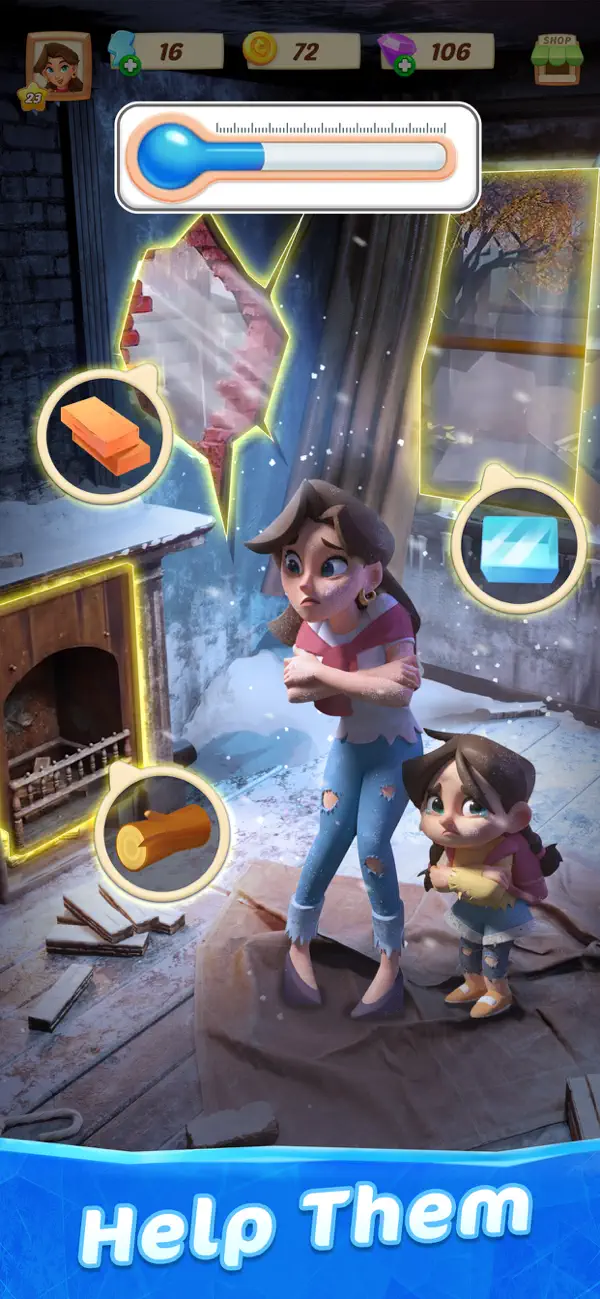
Help Christine and her daughter, Sammy, make a new life for themselves at a once grand castle nestled high in the mountains. Make no mistake – though it may look like a fairy tale, their new beginning is anything but. The castle is in ruins, the neighbors are hiding things, and long-buried secrets whisper through every corridor. Can Christine rebuild their lives and uncover the truth before it’s too late?
Renovate the Castle
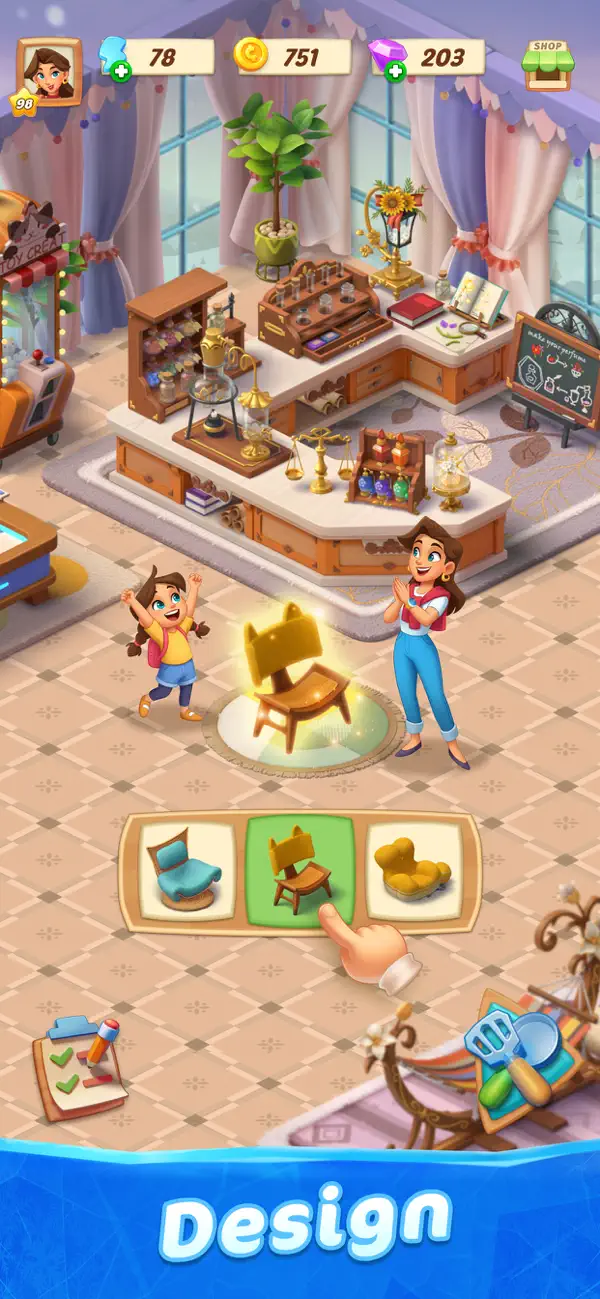
Live out your home renovation fantasies one room at a time! Pick furniture, wallpaper, and other décor to bring each space to life. The more you play, the more styles, stories, and secrets you’ll unlock. (contains loot boxes)
Build Relationships
Meet the cute, quirky, and sometimes conniving residents of the castle’s picturesque mountain town. Help with their projects, uncover their secrets, and maybe even find love – if you can tell who’s being honest.
Find Clues
Use the coins you earn to unlock new areas of the castle. Explore forgotten rooms, hidden passageways, and mysterious heirlooms as you uncover the castle’s tangled history... and Christine’s.
Solve Mysteries
The castle – and the town – are full of long forgotten mysteries that many of the residents think should remain forgotten. As you decorate and explore, you'll uncover old clues and cold trails. Solve the mysteries to help Christine piece together her family’s past and make a better future.
Privacy Policy: https://www.microfun.com/privacy_EN.html
Terms of Service: https://www.microfun.com/userAgreementEN.html
- iPhone أو iPad بجيلبريك أو بدون جيلبريك.
- Sideloadly أو بدائلها.
- كمبيوتر يعمل بنظام Windows/macOS/Linux مع تثبيت iTunes.
الخطوة 1: قم بتنزيل ملف .IPA المعدّل مسبقًا من الرابط أعلاه إلى الكمبيوتر الخاص بك. للتنزيل من تطبيق iOSGods App، اطلع على دليل تنزيل IPA من تطبيق iOSGods App الذي يتضمن مثالًا بالفيديو.
الخطوة 2: قم بتنزيل Sideloadly وتثبيته على جهاز Windows أو Mac.
الخطوة 3: افتح Sideloadly على الكمبيوتر، ووصّل جهاز iOS الخاص بك، وانتظر حتى يظهر اسم جهازك داخل Sideloadly.
الخطوة 4: بمجرد التعرّف على جهاز iDevice الخاص بك، اسحب ملف .IPA المعدّل الذي قمت بتنزيله وأفلِته داخل تطبيق Sideloadly.
الخطوة 5: أدخل البريد الإلكتروني لحساب Apple Account الخاص بك، ثم اضغط على «Start». سيُطلب منك بعد ذلك إدخال كلمة المرور. تابع وأدخل المعلومات المطلوبة.
الخطوة 6: انتظر حتى ينتهي Sideloadly من تحميل/تثبيت ملف IPA المعدّل. في حال واجهت أي مشاكل أثناء التثبيت، يرجى قراءة الملاحظة أدناه.
الخطوة 7: بعد اكتمال التثبيت ورؤية التطبيق على الشاشة الرئيسية، انتقل إلى Settings → General → Profiles / VPN & Device Management. ثم اضغط على البريد الإلكتروني الذي أدخلته في الخطوة 6، ثم اضغط على «الوثوق بـ [email protected]».
الخطوة 8: الآن انتقل إلى الشاشة الرئيسية وافتح التطبيق الذي تم تثبيته للتو وسيعمل كل شيء بشكل صحيح. قد تحتاج إلى اتباع تعليمات إضافية خاصة بكل تطبيق داخل النافذة المنبثقة للتعديل أثناء اللعب.
ملاحظة: بدءًا من iOS/iPadOS 16 وما بعده، يجب تفعيل وضع المطور (Developer Mode). بالنسبة لحسابات Apple Developer المجانية، ستحتاج إلى تكرار هذه العملية كل 7 أيام. إذا كانت لديك أي أسئلة أو مشاكل، يرجى قراءة قسم الأسئلة الشائعة حول Sideloadly في الموضوع.