Login Required
Sign in with your iOSGods account to continue.
Sign in with your iOSGods account to continue.

- Speed 2X Active
- Currency Freeze
- Currency / No Need Buy Anything / Not IAP
This app also comes with iGameGod, giving you access to Auto Touch to automate repetitive tasks, App Speed Manager for adjustable gameplay speed, Memory Engine value editing, and more powerful iOS game tools.
Download Harvest King iOS Mod IPA from the links above. Tap the install button and follow the on-screen instructions to install this iOS app hack on your iPhone, iPad, or Apple Silicon.
Need more help? Check out our iOSGods App Frequently Asked Questions for detailed answers and troubleshooting tips.
The veggie uprising has begun!
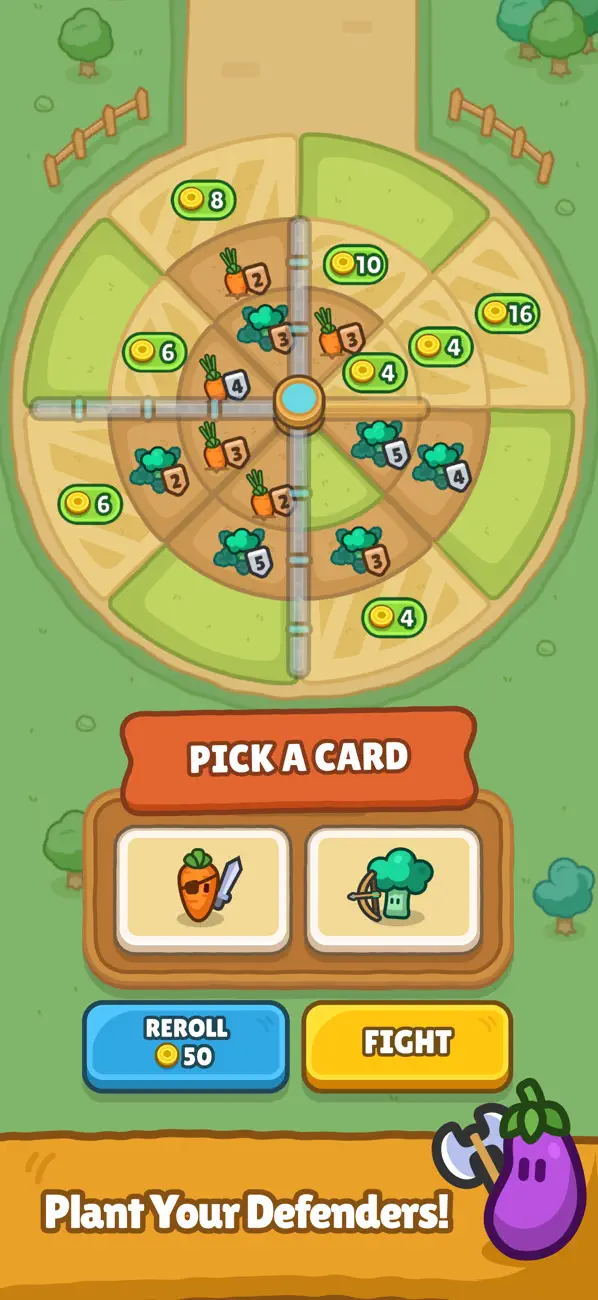
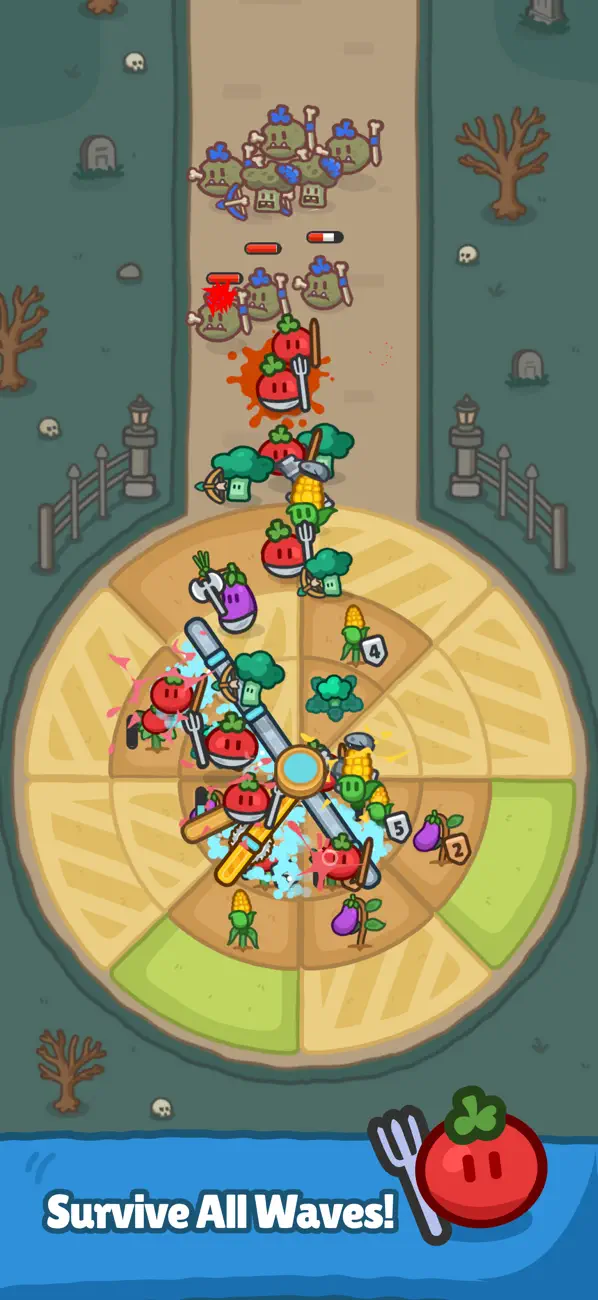
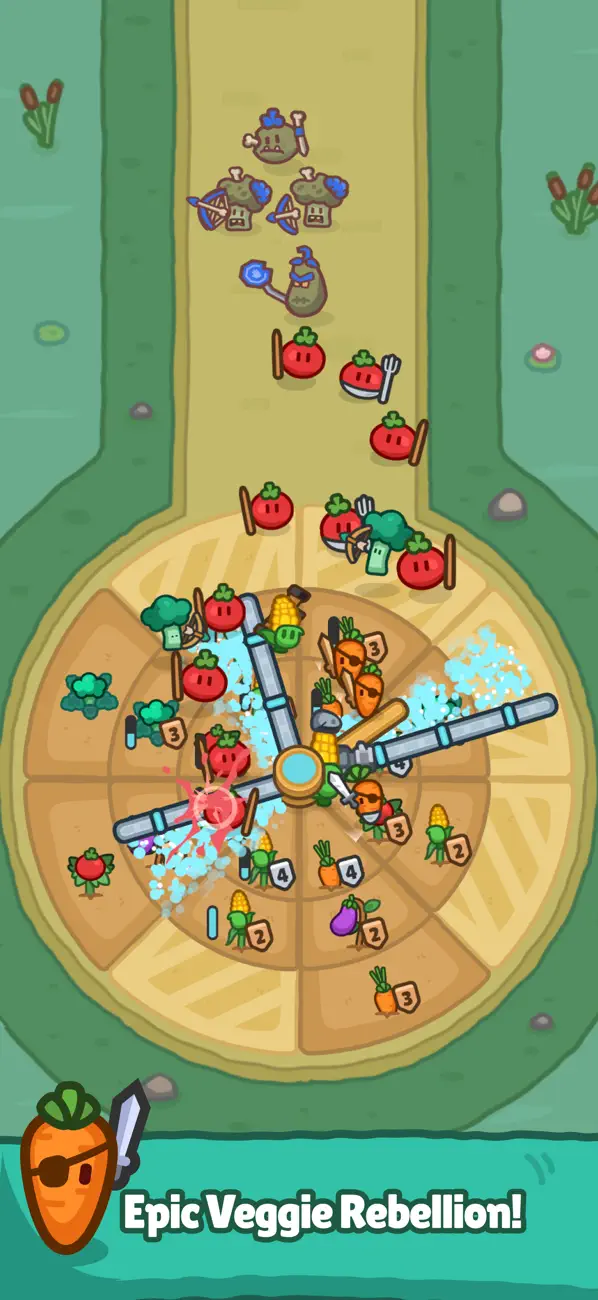
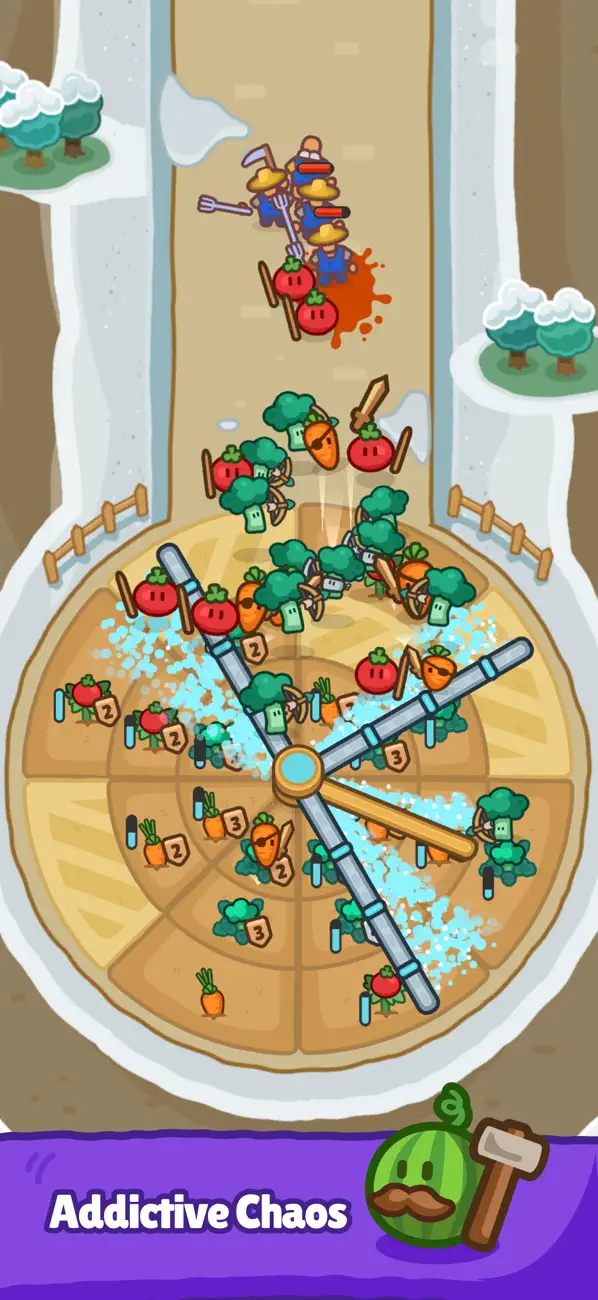
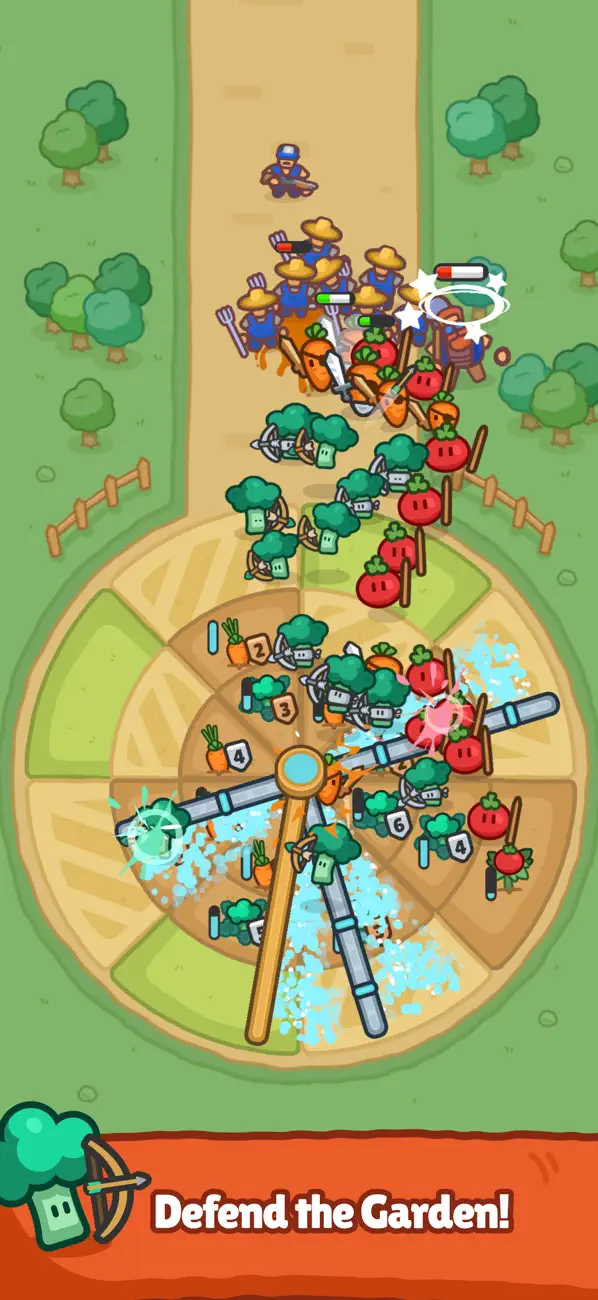
Welcome to Harvest King: Farm Defense TD, the tower defense strategy game where vegetables fight back. Merge your crops into powerful defenders, build your farm defense, and protect your harvest from relentless enemy waves. This idle tower defense game combines merge mechanics with puzzle depth and tactical strategy.
MERGE YOUR WAY TO VICTORY
Combine your vegetable defenders to unlock stronger units and more formidable farm defenses. Each merge decision matters as enemy waves grow tougher. Position defenders across rotating farm slots, plan your tower defense layout, and adapt your strategy to survive every wave.
IDLE FARMING, ACTIVE STRATEGY
Your farm keeps working even when you step away. Harvest King's idle mechanics accumulate resources automatically, so you always return ready for the next battle.
MASTER THE WATER SYSTEM
Control your rotating sprinkler to keep crops healthy and defenders fueled. Strategic water management adds a puzzle layer to your tower defense strategy, helping your veggie army hold the line when the waves keep coming.
SHOP AND REROLL
Between enemy waves, visit the shop to buy tiles, unlock upgrades, and reroll your build. Customize your farm TD layout and discover powerful new synergies as the challenge intensifies.
KEY FEATURES
- Idle tower defense combining farm strategy with merge mechanics
- 10 challenging enemy waves with increasing difficulty
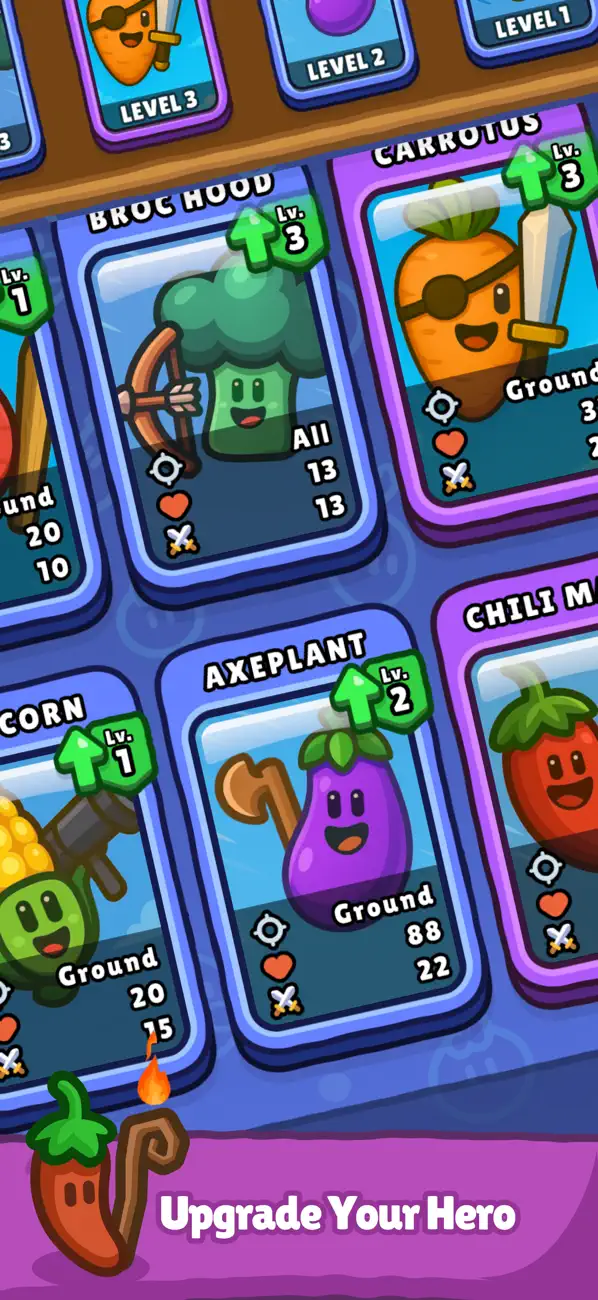
- Vegetable defenders with merge-based upgrade progression
- Rotating sprinkler system with puzzle strategy elements
- Shop and reroll system for full build customization
- Idle auto-harvest for passive resource collection
- Tactical placement across rotating farm zones
- Easy to start, deeply strategic to master
Download Harvest King: Farm Defense TD and defend your harvest today!
Privacy Policy: https://doc-hosting.flycricket.io/harvest-king-privacy-policy/7eb6cdee-b709-4a37-b4d9-77e02b6fc110/privacy
- Non-Jailbroken/Jailed or Jailbroken iPhone or iPad.
- Sideloadly or alternatives.
- Computer running Windows/macOS/Linux with iTunes installed.
STEP 1: Download the pre-hacked .IPA file from the link above to your computer. To download from the iOSGods App, see our iOSGods App IPA Download Tutorial which includes a video example.
STEP 2: Download Sideloadly and install it on your Windows or Mac.
STEP 3: Open Sideloadly on your computer, connect your iOS device, and wait until your device name appears in Sideloadly.
STEP 4: Once your iDevice is recognized, drag the modded .IPA file you downloaded and drop it into the Sideloadly application.
STEP 5: Enter your Apple Account email, then press “Start.” You’ll then be asked to enter your password. Go ahead and provide the required information.
STEP 6: Wait for Sideloadly to finish sideloading/installing the hacked IPA. If there are issues during installation, please read the note below.
STEP 7: Once the installation is complete and you see the app on your Home Screen, you will need to go to Settings → General → Profiles / VPN & Device Management. Once there, tap on the email you entered from step 6, and then tap on “Trust [email protected]”.
STEP 8: Now go to your Home Screen and open the newly installed app and everything should work fine. You may need to follow further per app instructions inside the hack's popup in-game.
NOTE: iOS/iPadOS 16 and later, you must enable Developer Mode. For free Apple Developer accounts, you will need to repeat this process every 7 days. If you have any questions or problems, read our Sideloadly FAQ section of the topic.