需要登入
請使用您的 iOSGods 帳戶登入以繼續。
請使用您的 iOSGods 帳戶登入以繼續。
在 Deep Rock Galactic: Survivor 中使用這個免費 iOS 破解版本來主宰外星蟲群,解鎖強大的作弊功能和高級功能。啟動無敵模式成為無敵戰士,倍增你的攻擊力,削弱敵人,並訪問免費商店立即裝備自己,無需花費真實貨幣。
- 無敵模式 → 成為無敵戰士
- 倍增攻擊 → 提升你的傷害輸出
- 削弱敵人 → 降低敵人難度
- 免費商店 → 無需花費即可解鎖所有物品
- 高級功能 → 訪問高級功能
此應用程式也內建 iGameGod,讓你可以使用 Auto Touch 自動執行重複操作、透過 App Speed Manager 調整遊戲速度、使用 Memory Engine 修改記憶體數值,以及更多強大的 iOS 遊戲工具。
從上方連結下載 Deep Rock Galactic: Survivor iOS Mod IPA。點選安裝按鈕並依照畫面指示在 iPhone、iPad 或 Apple Silicon 上安裝此 iOS 應用程式修改版。
需要更多協助?請查看我們的 iOSGods 應用程式常見問題 以獲得詳細解答與疑難排解。
Welcome, Survivor!
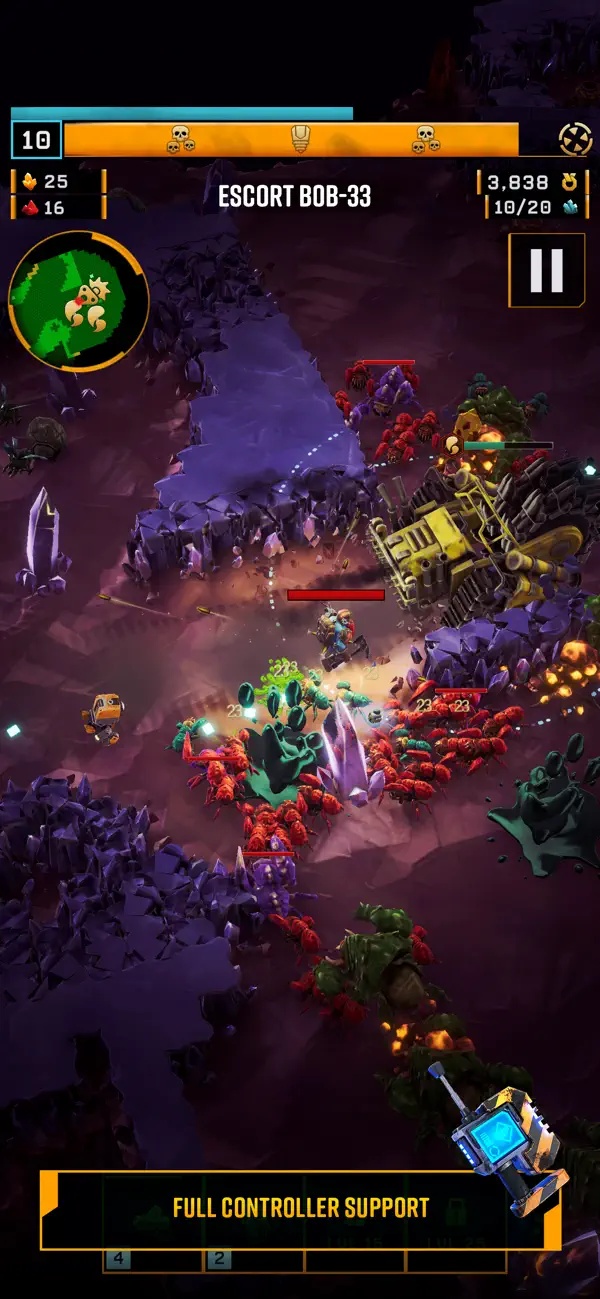
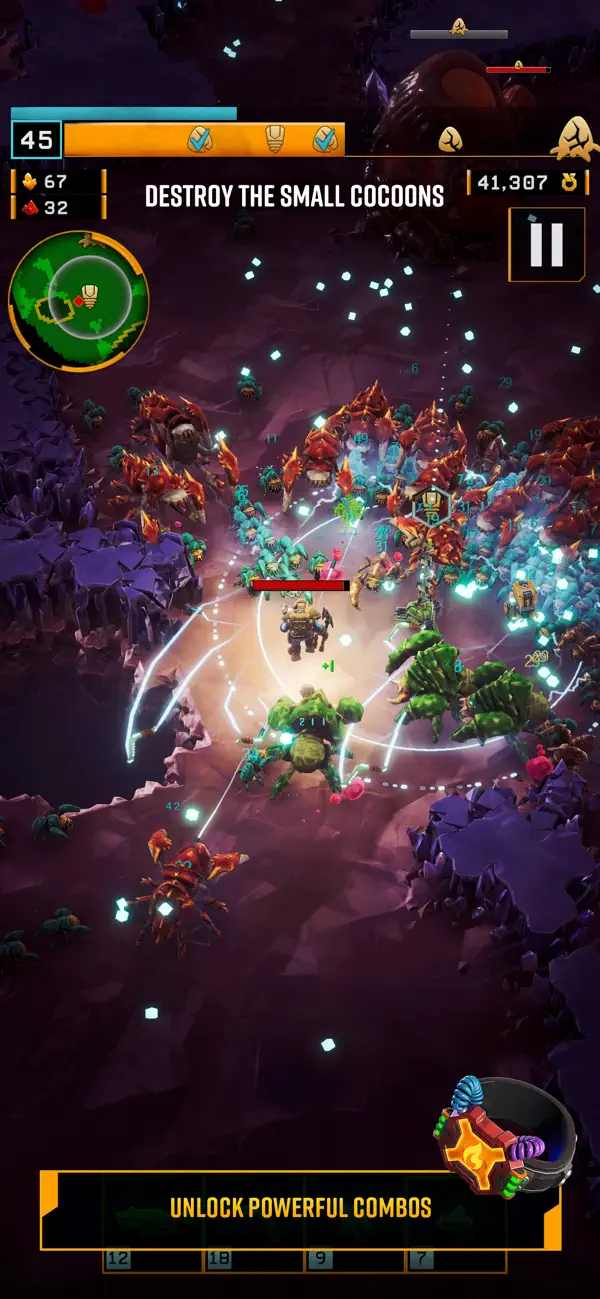
DEEP ROCK GALACTIC: SURVIVOR is a single player survivor-like auto-shooter. Take on hordes of lethal aliens, mine riches, and unlock powerful upgrades to survive, as you wield the full arsenal of Deep Rock Galactic. It's one dwarf against all of Planet Hoxxes!
REVERSE BULLET HELL, WITH MINING
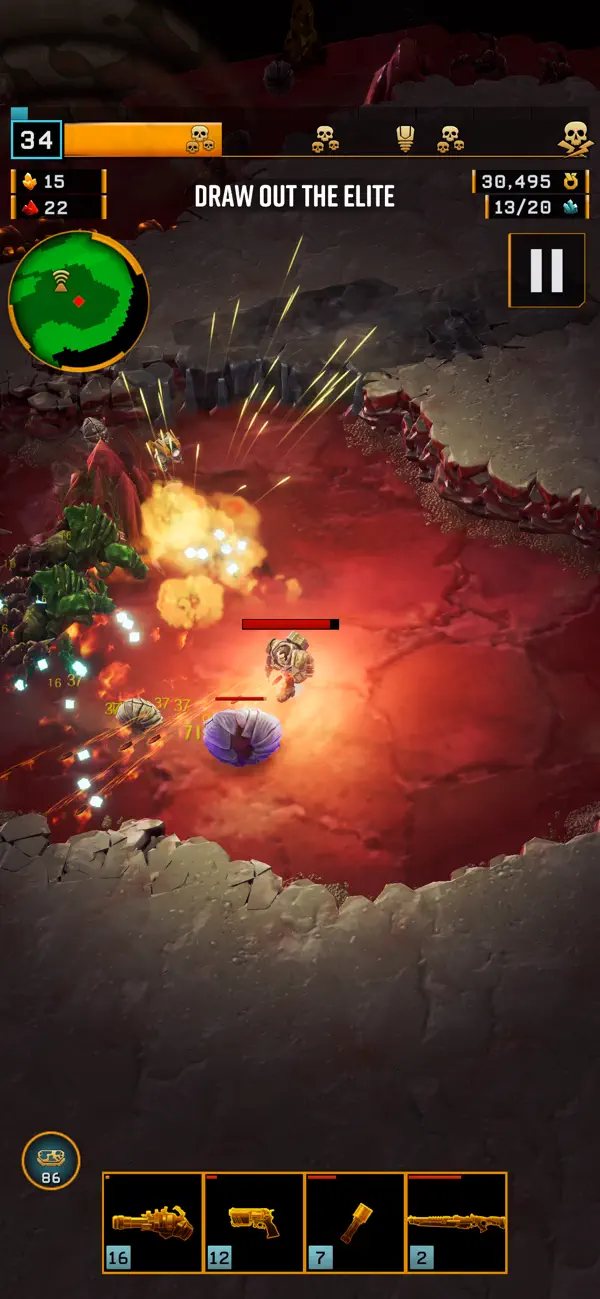
Kill bugs, upgrade your gear, and delve ever deeper into the lethal caves of Hoxxes. Collect and assemble a devastating array of guns, unleash hell upon wave after wave of alien monsters in fast and frenetic combat, and tunnel your way to collect precious riches from deep within the cave walls. With the auto-shooter gameplay, you don’t worry about aiming and firing – just run and mine for your life, as you automatically blast away.
Each mission is entirely unique with its own procedural cave generation and enemy waves, just as you've come to know from Deep Rock Galactic.
COMPLETE MISSION OBJECTIVES TO BECOME STRONGER
Dig deep, Miner! Once the Drop Pod releases you into the oppressive darkness, you’re on your own. Complete the mission objectives set forth by the Company, and make it back to the Drop Pod in time to try your luck at even more deadly and lucrative encounters. Progress deeper and deeper into the planet while you grow ever stronger, survive all the way to the very end of your assignment, and finally get extracted alongside your hefty sack of loot.
DEEP ROCK, FROM A WHOLE NEW PERSPECTIVE
Now you can explore the Deep Rock Galactic universe in a whole new single-player-focused experience! Play each mission from a top-down perspective, navigating the caves of Hoxxes as you've never seen them before, soaking it up through nonstop auto-shooter action. Greybeard Deep Rock veterans will recognize much from Deep Rock Galactic, and if you are a recently joined Greenbeard: Welcome all the same! We are thrilled to have you on board. You will like it here. Management requires it.
ROCK AND STONE!
Discord: https://discord.gg/drgs
Youtube: https://www.youtube.com/@fundaygames
X: https://x.com/FundayGamesdk

- 未越獄/受限或已越獄的 iPhone 或 iPad。
- Sideloadly 或替代方案。
- 執行 Windows/macOS/Linux 且已安裝 iTunes 的電腦。
步驟 1: 透過上方連結將已破解的 .IPA 檔案下載到您的電腦。若要從 iOSGods App 下載,請參閱我們的 iOSGods App IPA 下載教學,其中包含影片範例。
步驟 2: 下載 Sideloadly 並將其安裝在您的 Windows 或 Mac 上。
步驟 3: 在電腦上開啟 Sideloadly,連接您的 iOS 裝置,並等待裝置名稱出現在 Sideloadly 中。
步驟 4: 當 Sideloadly 辨識到您的 iOS 裝置後,將下載好的修改版 .IPA 檔案拖曳並放到 Sideloadly 應用程式中。
步驟 5: 輸入您的 Apple Account 電子郵件,然後按下「Start」。系統會要求您輸入密碼,請依指示提供所需資訊。
步驟 6: 等待 Sideloadly 完成已破解 IPA 的旁載/安裝。如果安裝過程中發生問題,請閱讀下方的注意事項。
步驟 7: 安裝完成並在主畫面上看到該應用程式後,您需要前往 設定 → 一般 → 描述檔 / VPN 與裝置管理。進入後,點選您在步驟 6 中輸入的電子郵件,然後點選「信任 [email protected]」。
步驟 8: 現在回到主畫面並開啟新安裝的應用程式,一切應該都能正常運作。您可能需要依照遊戲內破解彈出視窗中的進一步指示操作。
注意: 在 iOS/iPadOS 16 及更新版本上,您必須 啟用開發者模式。若使用免費的 Apple Developer 帳號,您將需要每 7 天重複此程序。如有任何疑問或問題,請閱讀我們的 主題中的 Sideloadly 常見問題區段。