تسجيل الدخول مطلوب
سجّل الدخول بحساب iOSGods للمتابعة.
سجّل الدخول بحساب iOSGods للمتابعة.
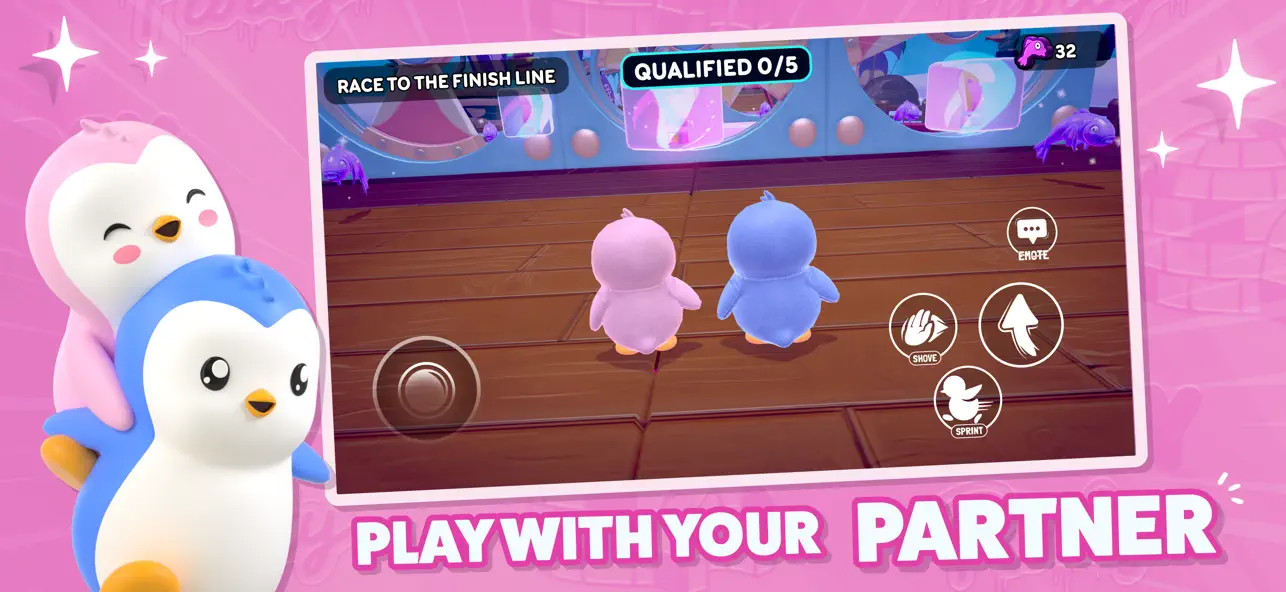
تسابق عبر مسارات عقبات لطيفة وجولات إقصائية في Pudgy Party، لعبة معركة ملكية تعاونية صحية حيث تتعاون مع شريك لتفوق المنافسة، وهذا Mod IPA يمنحك خدع تحني الفيزياء لتهيمن على كل مباراة.
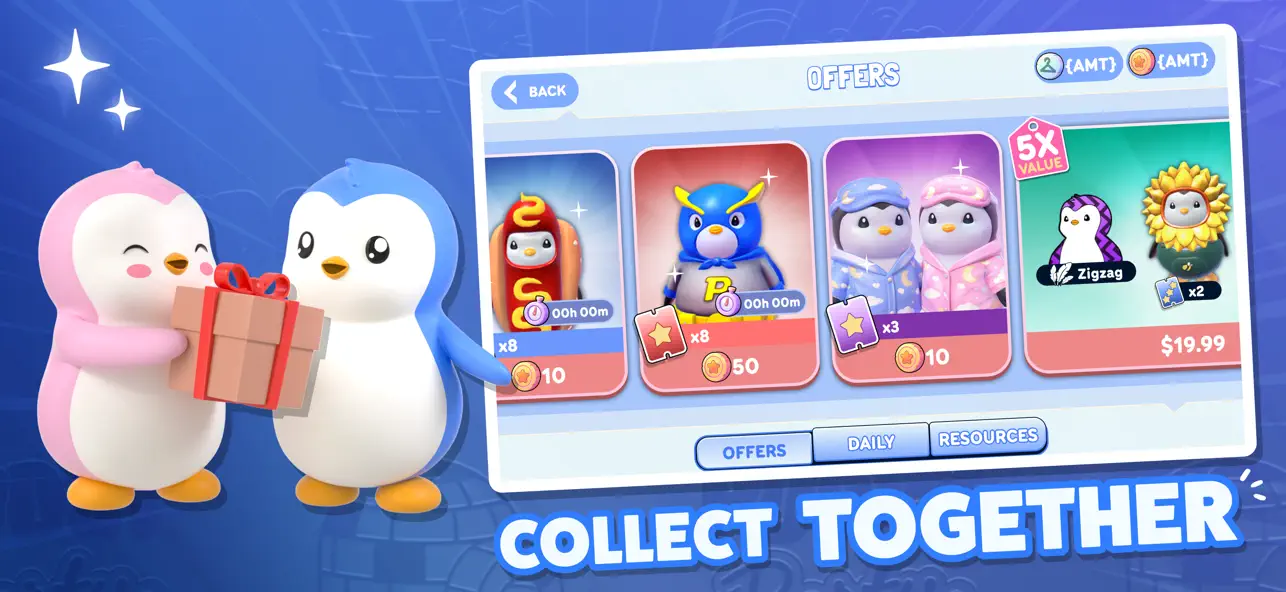
مع مضاعفات قابلة للتعديل لارتفاع القفز والجاذبية والسرعة والاحتكاك، بالإضافة إلى القدرة على تجميد أو تعطيل روبوتات الخصم، تتحكم في ساحة اللعب. افتح الجلود المميزة وحزم الأزواج على الفور مع عمليات الشراء داخل التطبيق المجانية، مما يتيح لك تخصيص إيجلو الخاص بك والتعبير عن أسلوبك دون الحاجة إلى الطحن أو الإنفاق.
- مضاعف ارتفاع القفز → يؤثر على الروبوتات أيضًا؛ استخدم مع تجميد الروبوتات أو تعطيلها
- مضاعف الجاذبية → يؤثر على الروبوتات أيضًا؛ استخدم مع تجميد الروبوتات أو تعطيلها
- مضاعف السرعة → يؤثر على الروبوتات أيضًا؛ استخدم مع تجميد الروبوتات أو تعطيلها
- مضاعف الاحتكاك → يؤثر على الروبوتات أيضًا؛ استخدم مع تجميد الروبوتات أو تعطيلها
- تجميد الروبوتات → شل حركة الخصوم
- تعطيل ذكاء الروبوتات → تقليل ذكاء الخصم
- عمليات شراء داخل التطبيق مجانية → افتح الجلود والهدايا والتخصيص على الفور
يأتي هذا التطبيق أيضًا مع iGameGod، مما يتيح لك الوصول إلى Auto Touch لأتمتة المهام المتكررة، وApp Speed Manager لضبط سرعة اللعب، وتعديل القيم عبر Memory Engine، والمزيد من أدوات ألعاب iOS القوية.
قم بتنزيل Pudgy Party - Battle Royale iOS Mod IPA من الروابط أعلاه. اضغط على زر التثبيت واتبع التعليمات لتثبيت هذا التعديل لـ iOS على iPhone أو iPad أو Apple Silicon.
هل تحتاج إلى مزيد من المساعدة؟ راجع الأسئلة الشائعة لتطبيق iOSGods للحصول على إجابات مفصلة ونصائح لاستكشاف الأخطاء.
The Cutest Mobile Game to Play With Your Partner
Welcome to Pudgy Party — the wholesome chaos where friendship, teamwork, and matching fits lead to victory.
Team up in real-time co-op races, conquer wild obstacle courses, and create unforgettable duo moments.
BUILT FOR DUOS
• Play with your partner, best friend, or favorite person
• Help each other reach the finish line
• Win together in knockout rounds
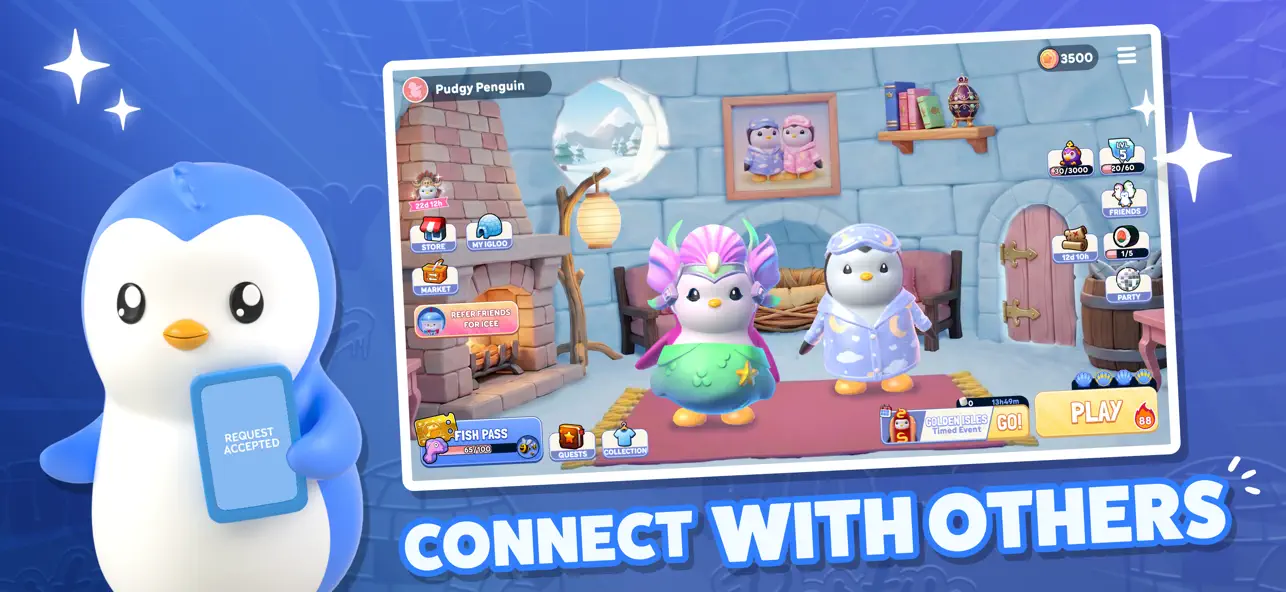
• Customize Your Igloo
MATCH YOUR STYLE
• Unlock adorable matching skins
• Send gifts & couple bundles
• Express yourself with endless customization
COLLECT YOUR FAVORITES
Step into the viral world of Pudgy Penguins
• Play as the characters millions already love
• Build your collection together
PARTY • QUALIFY • WIN
• Climb the leaderboards as a duo
• Earn rewards and unlock cosmetics
• Fast, chaotic, laugh-out-loud races
LIVE EVENTS EVERY WEEK
• New maps & modes
• Limited-time drops
• Seasonal events
From cozy nights to competitive runs —winning hits different when you play together. Download now and join the Pudgy Party.

- iPhone أو iPad بجيلبريك أو بدون جيلبريك.
- Sideloadly أو بدائلها.
- كمبيوتر يعمل بنظام Windows/macOS/Linux مع تثبيت iTunes.
الخطوة 1: قم بتنزيل ملف .IPA المعدّل مسبقًا من الرابط أعلاه إلى الكمبيوتر الخاص بك. للتنزيل من تطبيق iOSGods App، اطلع على دليل تنزيل IPA من تطبيق iOSGods App الذي يتضمن مثالًا بالفيديو.
الخطوة 2: قم بتنزيل Sideloadly وتثبيته على جهاز Windows أو Mac.
الخطوة 3: افتح Sideloadly على الكمبيوتر، ووصّل جهاز iOS الخاص بك، وانتظر حتى يظهر اسم جهازك داخل Sideloadly.
الخطوة 4: بمجرد التعرّف على جهاز iDevice الخاص بك، اسحب ملف .IPA المعدّل الذي قمت بتنزيله وأفلِته داخل تطبيق Sideloadly.
الخطوة 5: أدخل البريد الإلكتروني لحساب Apple Account الخاص بك، ثم اضغط على «Start». سيُطلب منك بعد ذلك إدخال كلمة المرور. تابع وأدخل المعلومات المطلوبة.
الخطوة 6: انتظر حتى ينتهي Sideloadly من تحميل/تثبيت ملف IPA المعدّل. في حال واجهت أي مشاكل أثناء التثبيت، يرجى قراءة الملاحظة أدناه.
الخطوة 7: بعد اكتمال التثبيت ورؤية التطبيق على الشاشة الرئيسية، انتقل إلى Settings → General → Profiles / VPN & Device Management. ثم اضغط على البريد الإلكتروني الذي أدخلته في الخطوة 6، ثم اضغط على «الوثوق بـ [email protected]».
الخطوة 8: الآن انتقل إلى الشاشة الرئيسية وافتح التطبيق الذي تم تثبيته للتو وسيعمل كل شيء بشكل صحيح. قد تحتاج إلى اتباع تعليمات إضافية خاصة بكل تطبيق داخل النافذة المنبثقة للتعديل أثناء اللعب.
ملاحظة: بدءًا من iOS/iPadOS 16 وما بعده، يجب تفعيل وضع المطور (Developer Mode). بالنسبة لحسابات Apple Developer المجانية، ستحتاج إلى تكرار هذه العملية كل 7 أيام. إذا كانت لديك أي أسئلة أو مشاكل، يرجى قراءة قسم الأسئلة الشائعة حول Sideloadly في الموضوع.

![Rapid Reload Hack [ Debug Menu ]](https://is1-ssl.mzstatic.com/image/thumb/Purple221/v4/f4/5c/11/f45c11ef-0768-05ba-6234-25d148c3949e/AppIcon-0-0-1x_U007emarketing-0-8-0-85-220.png/100x100bb.jpg)


![Rodeo Stampede: Sky Zoo Safari Hack [ Debug Menu ]](https://is1-ssl.mzstatic.com/image/thumb/Purple221/v4/32/8a/99/328a99b2-9372-5b9d-f4ca-7deb90c39225/AppIcon-1x_U007emarketing-0-8-0-85-220-0.png/100x100bb.jpg)


![Urban Heat: FPS iOS Mod IPA [ ESP Boxes, Lines ]](https://is1-ssl.mzstatic.com/image/thumb/Purple211/v4/f3/e4/ce/f3e4ce11-df2c-ab33-5b04-58087c134bc7/AppIcon-0-0-1x_U007emarketing-0-8-0-85-220.png/100x100bb.jpg)


