需要登入
請使用您的 iOSGods 帳戶登入以繼續。
請使用您的 iOSGods 帳戶登入以繼續。
敵人無法攻擊 mod IPA 在 Lands of Jail Hack 中禁用所有敵人攻擊,讓你可以在沒有戰鬥壓力的情況下管理你的監獄。在進入關卡前啟用此破解功能,即可完全控制放逐之島,專注於策略。
- 敵人無法攻擊(進入關卡前啟用) → 中和所有敵對遭遇
從上方連結下載 Lands of Jail Hack modded IPA。點選安裝按鈕並依照畫面指示在 iPhone、iPad 或 Apple Silicon 上安裝此 iOS 應用程式修改版。
需要更多協助?請查看我們的 iOSGods 應用程式常見問題 以獲得詳細解答與疑難排解。
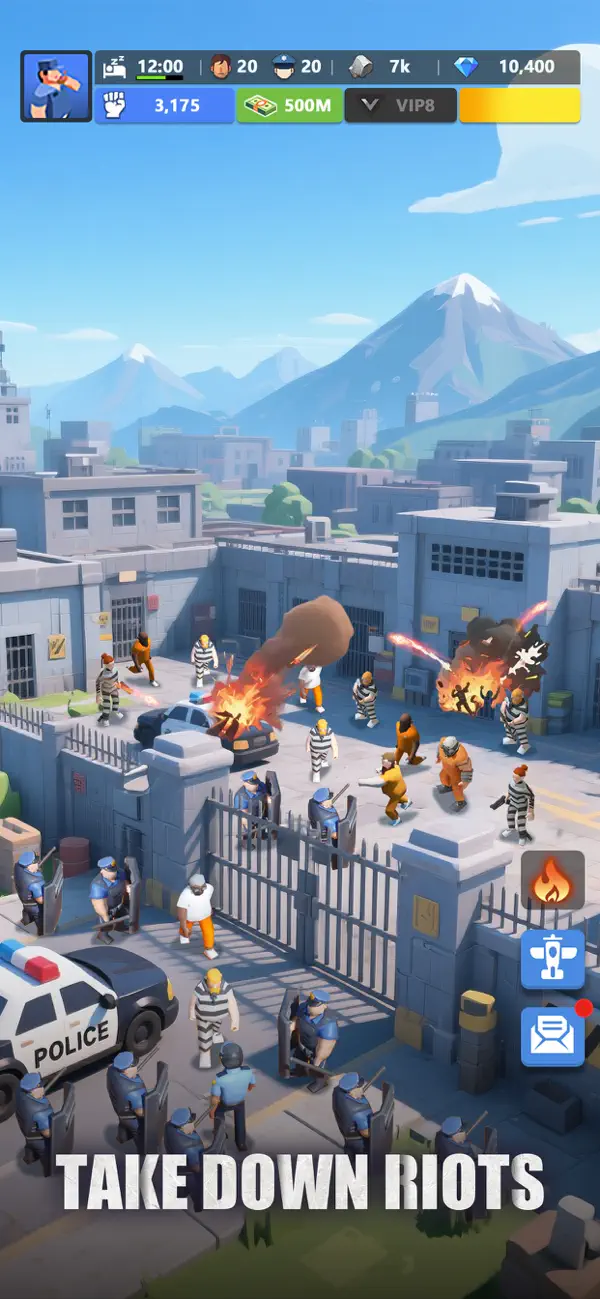
"In a world plagued by rampant crime and deepening social divisions, you're dispatched to the Isle of the Banished—where criminals are banished far from civilization—and face the challenge of turning chaos into order.
Roll up your sleeves—it's time to prove you're the Warden who can take charge!
As a Warden, Your Duties Include:
**Managing Prisoners**
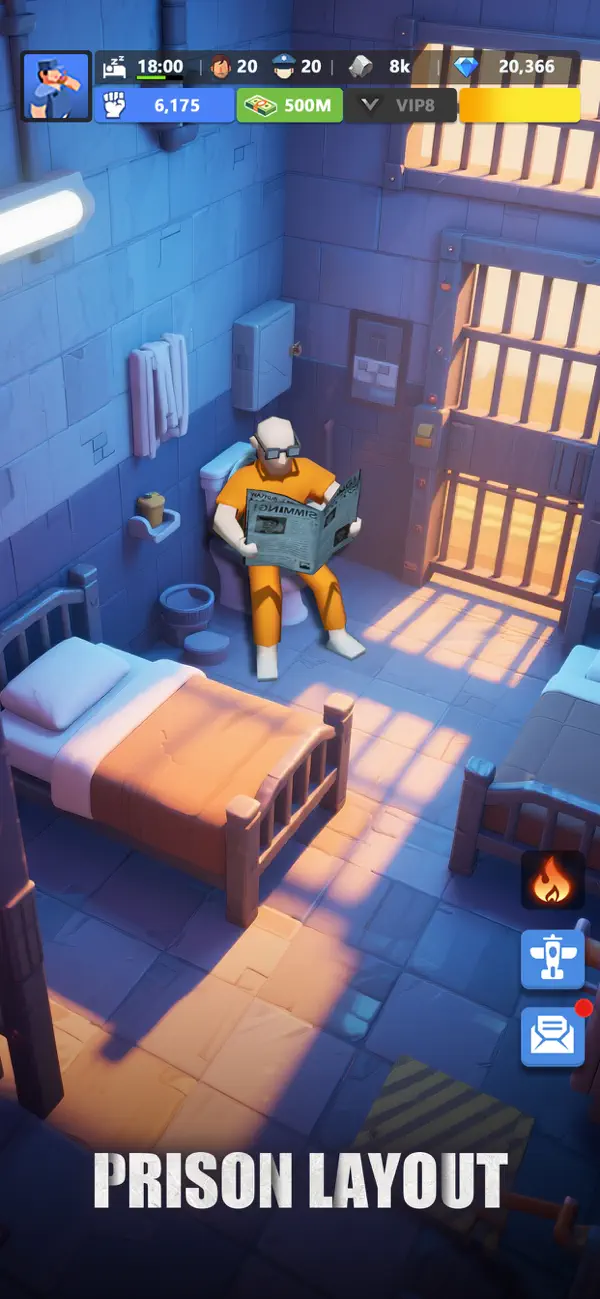
You oversee every aspect of the prisoners' lives, from meal schedules to work assignments. Your strategic decisions are critical, affecting the balance between stability and turmoil.
**Tracking Fugitives**
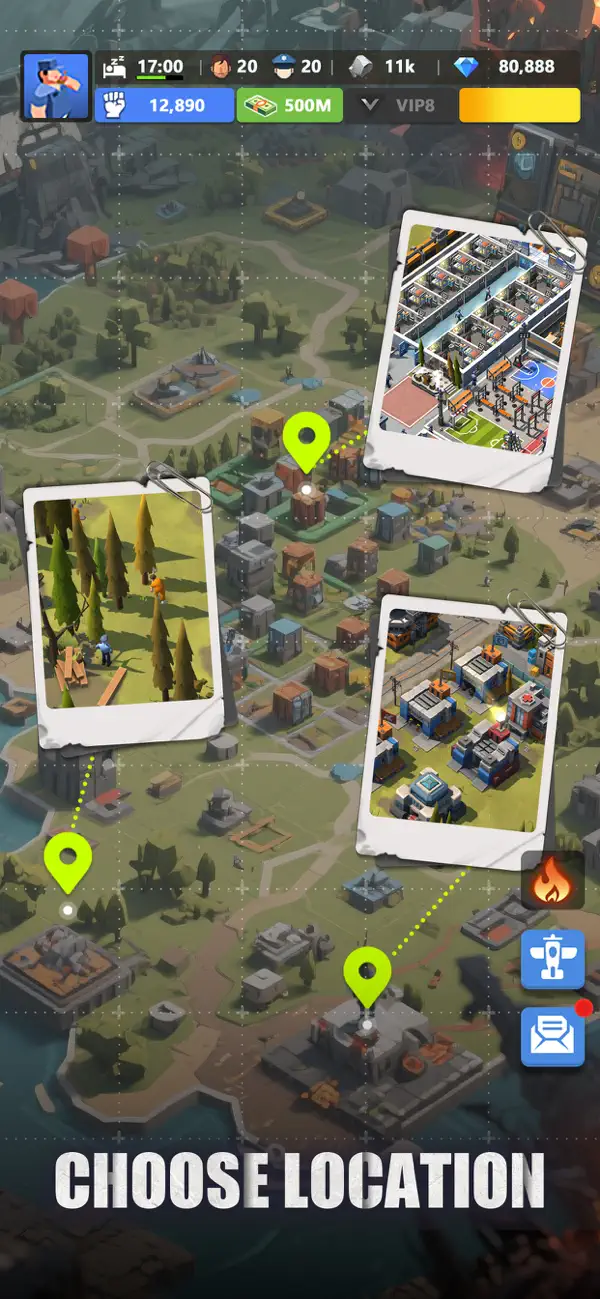
With dangerous fugitives still on the loose, it's up to you to track them down and bring them back. Once arrested, these high-risk criminals can be put to work, helping you maintain order and efficiency within your facility.
**Ensuring Order and Profit**
Running a successful prison takes more than just muscle—it takes a sharp mind too. Manage your budget wisely, upgrade your facilities, and turn a profit, all while keeping the prisoners in line and the operation running smoothly.
Show off your command skills and establish yourself as the ultimate authority—the Warden!"
[Auto-Renewal Subscription Product Explanations]
1. Subscription Service: New Premium Member Monthly Subscription (1 Month)
2. Subscription Price: First purchase $19.99/month, subsequent auto-renewals $19.99/month
3. Auto-Renewal: Accounts that purchase the monthly Premium Member subscription will automatically charge through your apple account 24 hours before expiration each month and extend membership validity by 1 month.
4. Cancel Service: If you need to cancel your subscription, please manually open iOS [Settings] – [Apple ID] – [Subscriptions] – [Active] – [Cancel] 24 hours before the current subscription expires. For more information about canceling subscriptions on iOS devices, please visit the Apple Support page: https://support.apple.com/en-gb/HT202039.
5. Terms of Service: https://sdkinit.rebxgame.com/protocol?language=1&typeFlag=9&appId=10185
6. Privacy Policy: https://sdkinit.rebxgame.com/protocol?language=1&typeFlag=1&appId=10185
- 未越獄/受限或已越獄的 iPhone 或 iPad。
- Sideloadly 或替代方案。
- 執行 Windows/macOS/Linux 且已安裝 iTunes 的電腦。
步驟 1: 透過上方連結將已破解的 .IPA 檔案下載到您的電腦。若要從 iOSGods App 下載,請參閱我們的 iOSGods App IPA 下載教學,其中包含影片範例。
步驟 2: 下載 Sideloadly 並將其安裝在您的 Windows 或 Mac 上。
步驟 3: 在電腦上開啟 Sideloadly,連接您的 iOS 裝置,並等待裝置名稱出現在 Sideloadly 中。
步驟 4: 當 Sideloadly 辨識到您的 iOS 裝置後,將下載好的修改版 .IPA 檔案拖曳並放到 Sideloadly 應用程式中。
步驟 5: 輸入您的 Apple Account 電子郵件,然後按下「Start」。系統會要求您輸入密碼,請依指示提供所需資訊。
步驟 6: 等待 Sideloadly 完成已破解 IPA 的旁載/安裝。如果安裝過程中發生問題,請閱讀下方的注意事項。
步驟 7: 安裝完成並在主畫面上看到該應用程式後,您需要前往 設定 → 一般 → 描述檔 / VPN 與裝置管理。進入後,點選您在步驟 6 中輸入的電子郵件,然後點選「信任 [email protected]」。
步驟 8: 現在回到主畫面並開啟新安裝的應用程式,一切應該都能正常運作。您可能需要依照遊戲內破解彈出視窗中的進一步指示操作。
注意: 在 iOS/iPadOS 16 及更新版本上,您必須 啟用開發者模式。若使用免費的 Apple Developer 帳號,您將需要每 7 天重複此程序。如有任何疑問或問題,請閱讀我們的 主題中的 Sideloadly 常見問題區段。