تسجيل الدخول مطلوب
سجّل الدخول بحساب iOSGods للمتابعة.
سجّل الدخول بحساب iOSGods للمتابعة.
- Auto Dance
- Always S. Perfect
- Never Lose Combo
يأتي هذا التطبيق أيضًا مع iGameGod، مما يتيح لك الوصول إلى Auto Touch لأتمتة المهام المتكررة، وApp Speed Manager لضبط سرعة اللعب، وتعديل القيم عبر Memory Engine، والمزيد من أدوات ألعاب iOS القوية.
قم بتنزيل SUPERSTAR SMTOWN iOS Mod IPA من الروابط أعلاه. اضغط على زر التثبيت واتبع التعليمات لتثبيت هذا التعديل لـ iOS على iPhone أو iPad أو Apple Silicon.
هل تحتاج إلى مزيد من المساعدة؟ راجع الأسئلة الشائعة لتطبيق iOSGods للحصول على إجابات مفصلة ونصائح لاستكشاف الأخطاء.
Global K-POP Rhythm Game The first game of SUPERSTAR Series!
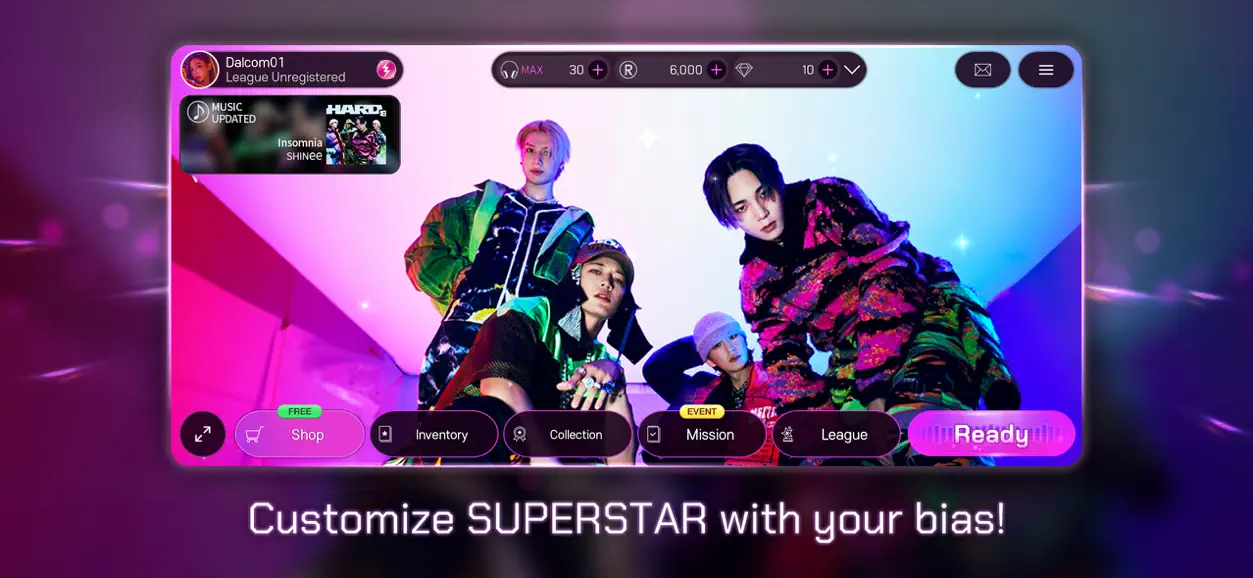
'SUPERSTAR SMTOWN' where you can enjoy the song of SMTOWN artist as a mobile game!
Receive various artists and sound sources
-Please play the song of SMTOWN artists that are updated every week!
My own card deck filled with a favorite theme card
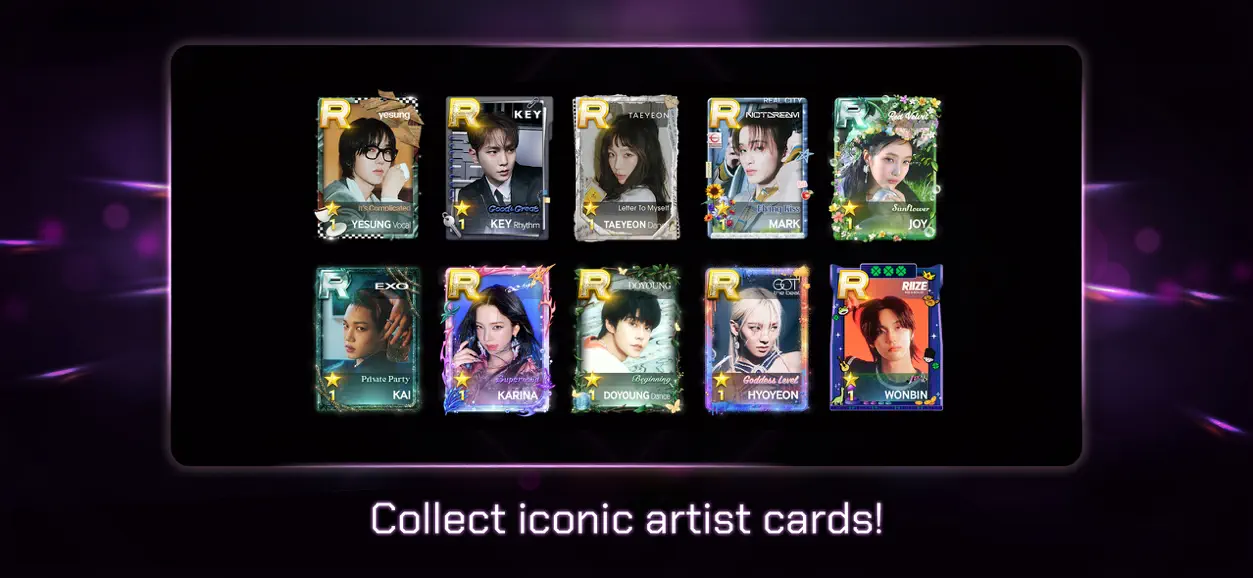
-Collect artist cards of various themes and fill in card decks!
-In up to upgrade the collected cards and make R cards!
Weekly League / SUPERSTAR League every week
-Please participate in the Weekly League / SUPERSTAR League and enjoy ranking competition with global K-POP fan users!
-You can get a higher score by strengthening your card!
Enjoy 100 times 'SUPERSTAR SMTOWN' with missions and events
-Clear a new mission every day and get rewards!
-Meet the comeback of SMTOWN artists and the SUPERSTAR SMTOWN event with concerts!
---------------------
[Guide to access rights to smartphone apps]
When using the app, we are requesting access to the following services.
[Required approach permission]
-Photo/Video/File: To save game data in storage
-Reading external repository, recording: Necessary to store various settings in the game and to store music data cache
-Call: Necessary to analyze advertising tracking and create PUSH reception tokens
-Wi-Fi connection information: When downloading additional data, it is necessary to check the Wi-Fi connection and send a guide message.
-ID: Necessary for 'Creating and Confirmation of User Revision'
[Selection approach permission]
-Note: To receive information notifications and advertising PUSH notifications sent from the game app.
* You can use the app without agreeing with the optional access rights.
* It may be difficult to use some of the functions of the service when the optional approach.
[How to withdraw access to access]
Settings> Select the app and withdraw
※ If the notes do not come down smoothly when playing the game, please check the "Low " in the [Display Settings] option of [Settings]!
※ SUPERSTAR SMTOWN can be enjoyed for free, but the rate is charged when purchasing some paid items.
※ For other inquiries, please send it to [email protected] and we will do our best to consult.
---------------------
Sweet Soft Game Inquiry related to SUPERSTAR SMTOWN
[email protected]
- iPhone أو iPad بجيلبريك أو بدون جيلبريك.
- Sideloadly أو بدائلها.
- كمبيوتر يعمل بنظام Windows/macOS/Linux مع تثبيت iTunes.
الخطوة 1: قم بتنزيل ملف .IPA المعدّل مسبقًا من الرابط أعلاه إلى الكمبيوتر الخاص بك. للتنزيل من تطبيق iOSGods App، اطلع على دليل تنزيل IPA من تطبيق iOSGods App الذي يتضمن مثالًا بالفيديو.
الخطوة 2: قم بتنزيل Sideloadly وتثبيته على جهاز Windows أو Mac.
الخطوة 3: افتح Sideloadly على الكمبيوتر، ووصّل جهاز iOS الخاص بك، وانتظر حتى يظهر اسم جهازك داخل Sideloadly.
الخطوة 4: بمجرد التعرّف على جهاز iDevice الخاص بك، اسحب ملف .IPA المعدّل الذي قمت بتنزيله وأفلِته داخل تطبيق Sideloadly.
الخطوة 5: أدخل البريد الإلكتروني لحساب Apple Account الخاص بك، ثم اضغط على «Start». سيُطلب منك بعد ذلك إدخال كلمة المرور. تابع وأدخل المعلومات المطلوبة.
الخطوة 6: انتظر حتى ينتهي Sideloadly من تحميل/تثبيت ملف IPA المعدّل. في حال واجهت أي مشاكل أثناء التثبيت، يرجى قراءة الملاحظة أدناه.
الخطوة 7: بعد اكتمال التثبيت ورؤية التطبيق على الشاشة الرئيسية، انتقل إلى Settings → General → Profiles / VPN & Device Management. ثم اضغط على البريد الإلكتروني الذي أدخلته في الخطوة 6، ثم اضغط على «الوثوق بـ [email protected]».
الخطوة 8: الآن انتقل إلى الشاشة الرئيسية وافتح التطبيق الذي تم تثبيته للتو وسيعمل كل شيء بشكل صحيح. قد تحتاج إلى اتباع تعليمات إضافية خاصة بكل تطبيق داخل النافذة المنبثقة للتعديل أثناء اللعب.
ملاحظة: بدءًا من iOS/iPadOS 16 وما بعده، يجب تفعيل وضع المطور (Developer Mode). بالنسبة لحسابات Apple Developer المجانية، ستحتاج إلى تكرار هذه العملية كل 7 أيام. إذا كانت لديك أي أسئلة أو مشاكل، يرجى قراءة قسم الأسئلة الشائعة حول Sideloadly في الموضوع.