Inicio de sesión requerido
Inicia sesión con tu cuenta de iOSGods para continuar.
Inicia sesión con tu cuenta de iOSGods para continuar.

Gana moneda ilimitada y observa a tus pasajeros moverse a velocidad de rayo en este hack World Cruise Story Mod IPA. Construye y administra el crucero de lujo definitivo con dinero infinito para equipar cada cubierta, desbloquea instalaciones premium al instante y sube en la escalera de la fama sin necesidad de hacer grinding. Los huéspedes que se mueven rápidamente significan calificaciones de satisfacción más rápidas y un juego más fluido mientras navegas el imperio de cruceros más ambicioso del mundo.
- Dinero Infinito → gasta libremente en mejoras de barcos e instalaciones
- Humanos Ricos → los pasajeros tienen mayor poder adquisitivo
- Velocidad de Movimiento Rápida de Humanos → los huéspedes recorren tu barco a ritmo acelerado
Esta app también incluye iGameGod, que te ofrece acceso a Auto Touch para automatizar tareas repetitivas, App Speed Manager para ajustar la velocidad del juego, edición de valores con Memory Engine y más potentes herramientas para juegos de iOS.
Descarga World Cruise Story Hack modded IPA desde los enlaces de arriba. Toca el botón de instalación y sigue las instrucciones para instalar este hack iOS en tu iPhone, iPad o Mac con Apple Silicon.
¿Necesitas más ayuda? Consulta nuestras Preguntas frecuentes de la app iOSGods para respuestas detalladas y consejos de solución de problemas.
Get ready to take the helm of history's grandest, most over-the-top luxury cruise liner for an unforgettably addictive excursion at sea!
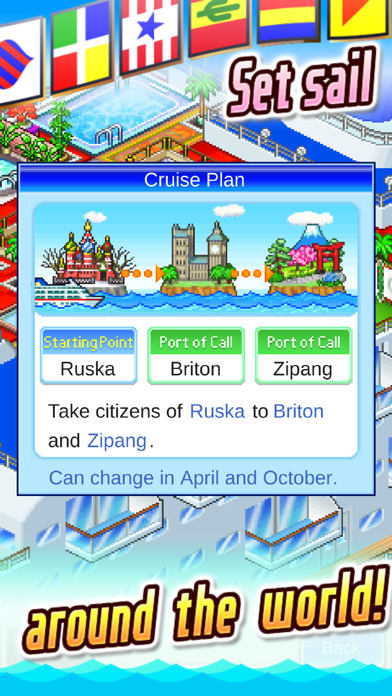
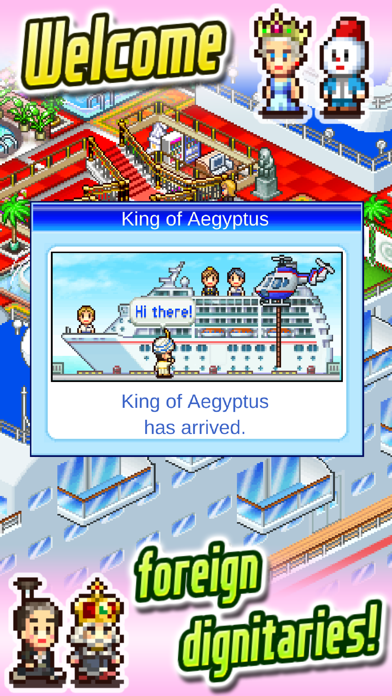
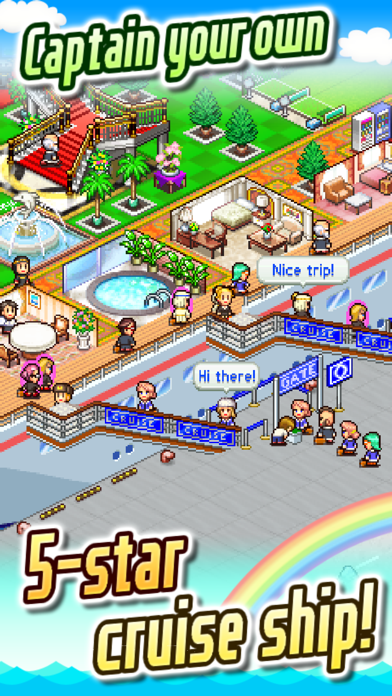
Deck your own ship with everything from lavish suites and first-class restaurants to casinos and hot tubs! You call the shots as you travel the world, visiting every country on the map--even entertaining royalty with tours truly fit for kings!
Put the right facilities next to each other and you'll score big points with passengers and reviewers. Amass enough fame and even celebrities will come flocking when you're in port!
Can you turn your sea buggy into a 5-star floating paradise? Put on your captain's hat and find out in World Cruise Story!
---
Try searching for "Kairosoft" to see all of our games, or visit us at https://kairopark.jp. Be sure to check out both our free-to-play and our paid games!
- iPhone o iPad con o sin Jailbreak.
- Sideloadly u otras alternativas.
- Ordenador con Windows/macOS/Linux e iTunes instalado.
PASO 1: Descargue el archivo .IPA pre-modificado desde el enlace de arriba a su ordenador. Para descargarlo desde la iOSGods App, consulte nuestro Tutorial de descarga del IPA desde la iOSGods App, que incluye un ejemplo en vídeo.
PASO 2: Descargue Sideloadly e instálelo en su Windows o Mac.
PASO 3: Abra Sideloadly en su ordenador, conecte su dispositivo iOS y espere hasta que el nombre del dispositivo aparezca en Sideloadly.
PASO 4: Una vez que su iDevice sea reconocido, arrastre el archivo .IPA modificado que descargó y suéltelo en la aplicación Sideloadly.
PASO 5: Introduzca el correo electrónico de su Apple Account y, a continuación, pulse «Start». Le pedirá que introduzca su contraseña. Proporcione la información solicitada.
PASO 6: Espere a que Sideloadly termine de hacer sideload/instalar el IPA modificado. Si surgen problemas durante la instalación, por favor lea la nota a continuación.
PASO 7: Una vez completada la instalación y al ver la app en la pantalla de inicio, deberá ir a Ajustes → General → Perfiles / VPN y Gestión de Dispositivos. Una vez allí, toque el correo electrónico que introdujo en el paso 6 y, después, toque en «Confiar en [email protected]».
PASO 8: Ahora vaya a la pantalla de inicio y abra la app recién instalada; todo debería funcionar correctamente. Es posible que tenga que seguir instrucciones adicionales específicas de cada app dentro del popup del hack en el juego.
NOTA: En iOS/iPadOS 16 y posteriores, debe activar el Modo Desarrollador. Para cuentas gratuitas de Apple Developer, deberá repetir este proceso cada 7 días. Si tiene alguna pregunta o problema, lea nuestra sección de Preguntas Frecuentes de Sideloadly del tema.