Anmeldung erforderlich
Melden Sie sich mit Ihrem iOSGods-Konto an, um fortzufahren.
Melden Sie sich mit Ihrem iOSGods-Konto an, um fortzufahren.
Hack Features:
- Coins [ Win Match ]
- Potions
- Lives Free
- Booster Max
- ViP Frame Unlock
- Kingdom Pass Free
- District unlock [ One Task Only ]
- Auto Win [ Just One Move ]
- Enemy HP 0
- Colour Spawn [ Blue Green Red Yellow Pink Orange ] Choose One Only
Diese App wird zusätzlich mit iGameGod geliefert und bietet Ihnen Zugriff auf Auto Touch zur Automatisierung sich wiederholender Aufgaben, App Speed Manager für eine anpassbare Spielgeschwindigkeit, Memory Engine zur Wertbearbeitung und weitere leistungsstarke iOS-Spielwerkzeuge.
Laden Sie Royal Kingdom Hack modded IPA über die obigen Links herunter. Tippen Sie auf den Installations-Button und folgen Sie den Anweisungen, um diese iOS-App auf Ihrem iPhone, iPad oder Apple Silicon zu installieren.
Brauchen Sie mehr Hilfe? In unseren iOSGods App häufig gestellten Fragen finden Sie ausführliche Antworten und Tipps zur Fehlerbehebung.
From the creators of Royal Match comes a brand new match 3 puzzle adventure in Royal Kingdom, starring the extended Royal Family!
You’ll meet King Richard, King Robert's younger brother, as well as a charming cast of new characters, including Princess Bella and the Wizard, to embark on a journey to build legendary kingdoms! Solve match 3 puzzles to explore new lands and defeat the Dark King & his army!
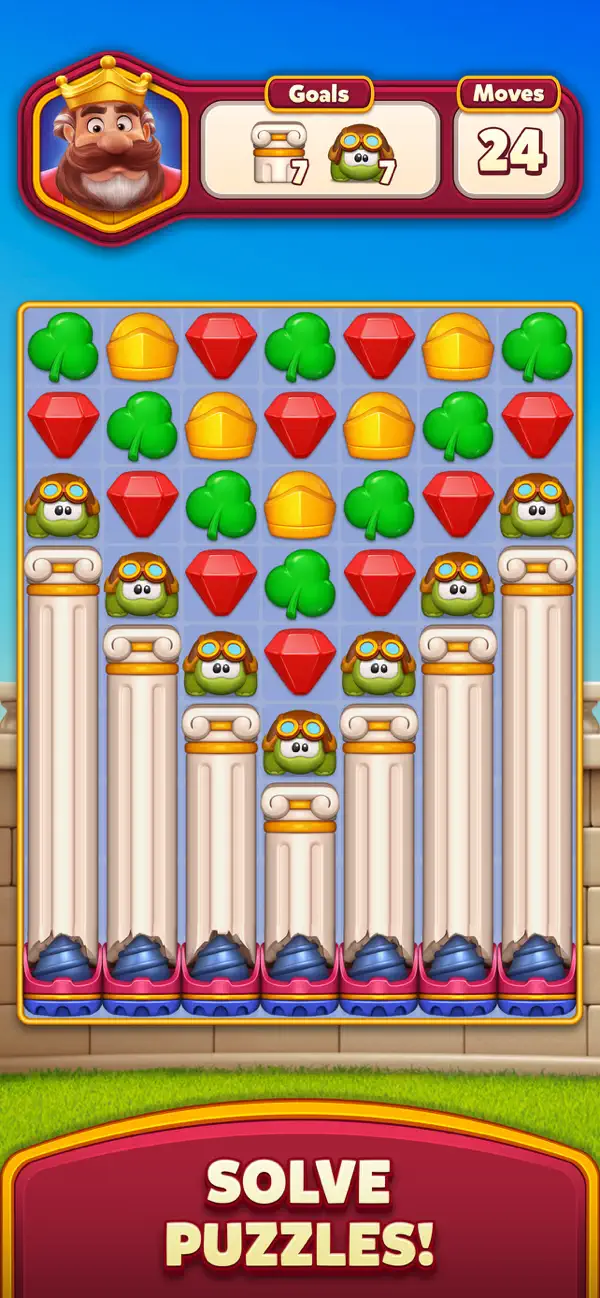
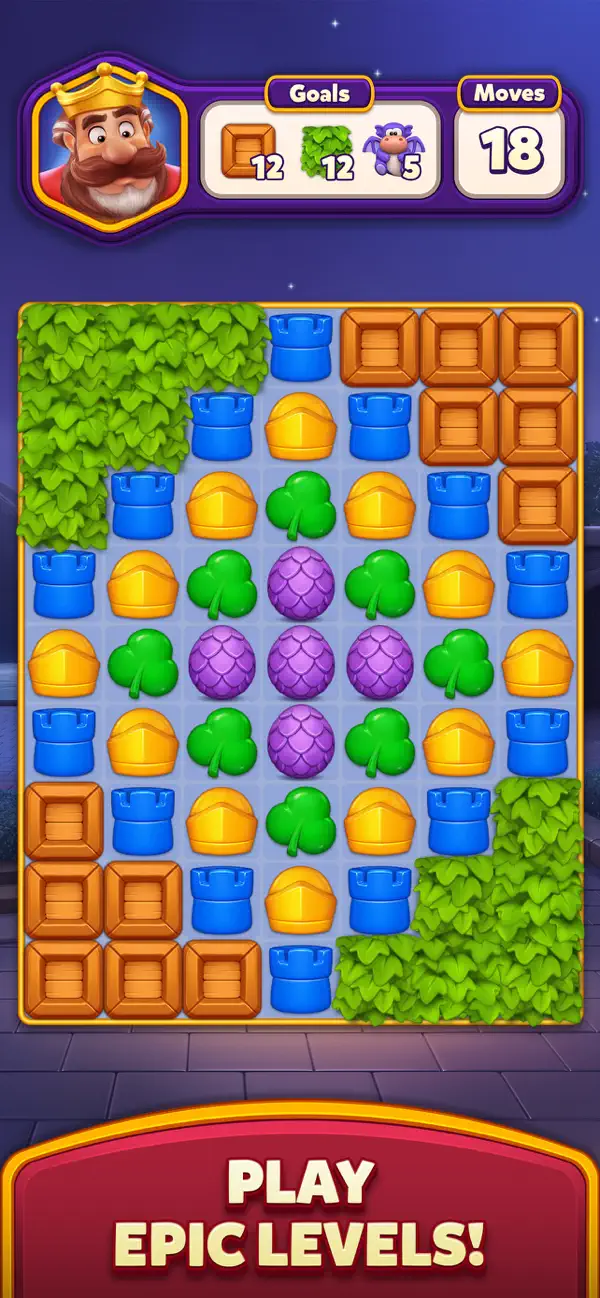
MASTER MATCH 3 PUZZLES
Test your skills and become the ultimate match 3 expert by solving fun yet challenging puzzles! Beat thrilling levels and overcome unique obstacles!
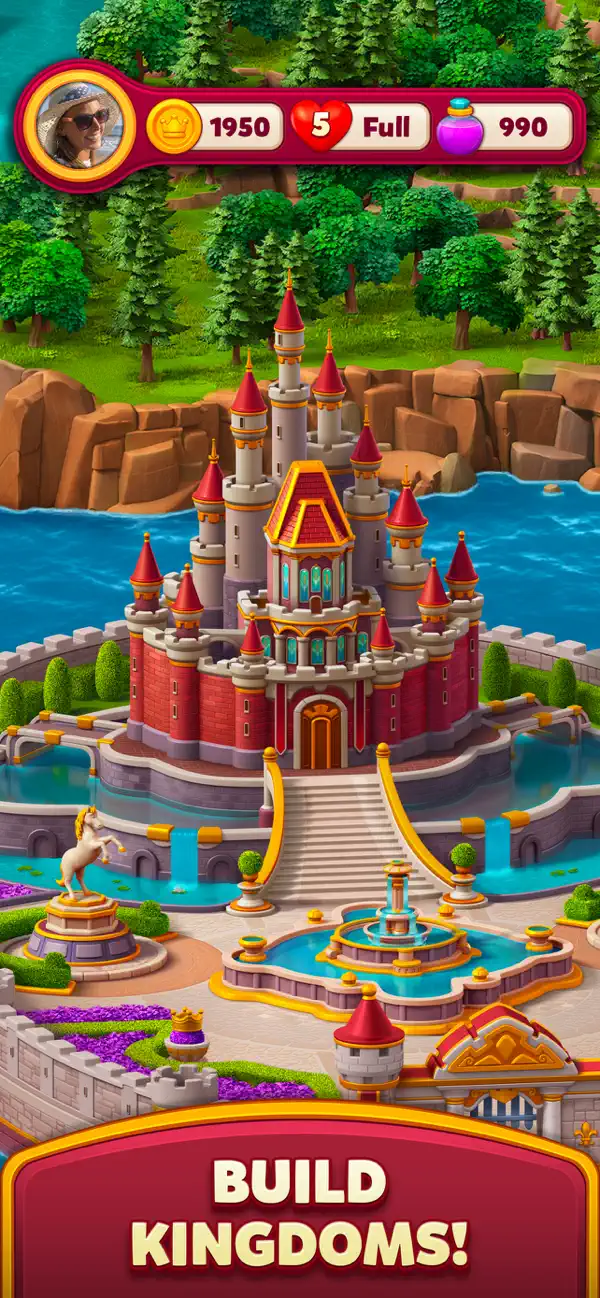
BUILD AND EXPLORE KINGDOMS
With the help of the Builder, craft a kingdom befitting royalty. Solve puzzles, earn coins, and unlock diverse districts - from the Parliament Square to the University and the Princess Tower.
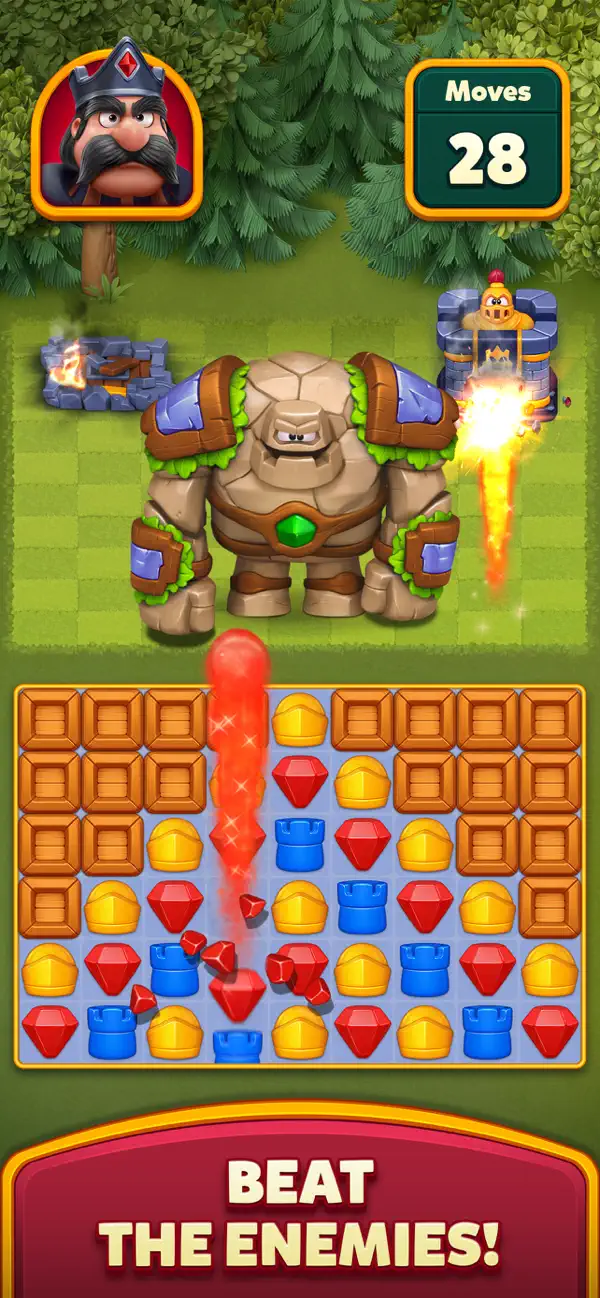
CONQUER THE DARK KING
Defend the kingdom from the Dark King’s attack by solving match 3 puzzles - destroy his castles and evil minions to see him fall. Victory is one match away!
EXPAND YOUR RULING
Rise through the ranks and claim the top spot on the leaderboard, master your puzzle solving skills for generous rewards, and expand your kingdom by uncovering uncharted lands as you play!
ENJOY THE FINEST VISUALS
Immerse yourself in Royal Kingdom's stunning graphics and smooth animations. A puzzle game experience like never before - captivating and seamless.
What are you waiting for? Download Royal Kingdom and join the ranks of the noble adventurers! With hours of fun, challenging gameplay, and a magical world, this puzzle game is fit for royalty!
Need some help? Visit our support page in the Royal Kingdom app or send us a message at [email protected].
- Nicht-Jailbroken/Jailed oder Jailbroken iPhone oder iPad.
- Sideloadly oder Alternativen.
- Computer mit Windows/macOS/Linux und installiertem iTunes.
SCHRITT 1: Laden Sie die vorinstallierte .IPA-Datei über den obigen Link auf Ihren Computer herunter. Zum Herunterladen aus der iOSGods-App siehe unser iOSGods App IPA Download-Tutorial mit Videobeispiel.
SCHRITT 2: Laden Sie Sideloadly herunter und installieren Sie es auf Ihrem Windows oder Mac.
SCHRITT 3: Öffnen Sie Sideloadly auf Ihrem Computer, verbinden Sie Ihr iOS-Gerät und warten Sie, bis Ihr Gerätename in Sideloadly erscheint.
SCHRITT 4: Sobald Ihr iDevice erkannt wird, ziehen Sie die heruntergeladene gemoddete .IPA-Datei in die Sideloadly-Anwendung.
SCHRITT 5: Geben Sie Ihre Apple-Account-E-Mail ein und drücken Sie „Start". Sie werden dann nach Ihrem Passwort gefragt. Geben Sie die erforderlichen Informationen ein.
SCHRITT 6: Warten Sie, bis Sideloadly das Sideloading/Installieren der gehackten IPA abgeschlossen hat. Bei Problemen während der Installation lesen Sie bitte den Hinweis unten.
SCHRITT 7: Sobald die Installation abgeschlossen ist und die App auf Ihrem Home-Bildschirm angezeigt wird, müssen Sie zu Einstellungen → Allgemein → Profile / VPN & Geräteverwaltung gehen. Tippen Sie dort auf die E-Mail, die Sie in Schritt 6 eingegeben haben, und dann auf „Trust [email protected]".
SCHRITT 8: Gehen Sie nun zu Ihrem Home-Bildschirm und öffnen Sie die neu installierte App – alles sollte einwandfrei funktionieren. Möglicherweise müssen Sie weitere App-spezifische Anweisungen im Hack-Popup im Spiel befolgen.
HINWEIS: iOS/iPadOS 16 und höher: Sie müssen den Entwicklermodus aktivieren. Bei kostenlosen Apple Developer-Accounts müssen Sie diesen Vorgang alle 7 Tage wiederholen. Bei Fragen oder Problemen lesen Sie bitte unsere Sideloadly-FAQ-Sektion im Thema.