需要登入
請使用您的 iOSGods 帳戶登入以繼續。
請使用您的 iOSGods 帳戶登入以繼續。
在這款有趣的模擬遊戲中建造和管理你的夢想學校,設計設施、舉辦節慶並提升校園聲譽,現在配備 Mod IPA 破解功能讓你的貨幣源源不絕。Pocket Academy 3 Hack 讓你凍結進度點數並立即完成研究,這樣你就能專注於打造完美的學校環境,無需繁瑣的磨練。現已支援 iOS 18(可搭配 Sideloadly 使用)。
- 貨幣不會減少 → 自由消費無損失
- 凍結文化/科學/文學點數 → 鎖定進度以防止耗盡
- 立即完成研究 → 跳過等待時間並立即解鎖升級
此應用程式也內建 iGameGod,讓你可以使用 Auto Touch 自動執行重複操作、透過 App Speed Manager 調整遊戲速度、使用 Memory Engine 修改記憶體數值,以及更多強大的 iOS 遊戲工具。
從上方連結下載 Pocket Academy 3 Hack modded IPA。點選安裝按鈕並依照畫面指示在 iPhone、iPad 或 Apple Silicon 上安裝此 iOS 應用程式修改版。
需要更多協助?請查看我們的 iOSGods 應用程式常見問題 以獲得詳細解答與疑難排解。
Your favorite dream school simulator is back and better than ever! Introducing: The super fun school festival!
Build facilities and create a great school environment. Set up classrooms, a cafeteria...and a counseling room! (A little nerve-wracking for students to get called in there!)
Place compatible facilities together to create popular spots which will make your school really stand out. As the school's popularity and rep go up, enrollment applications will flood in.
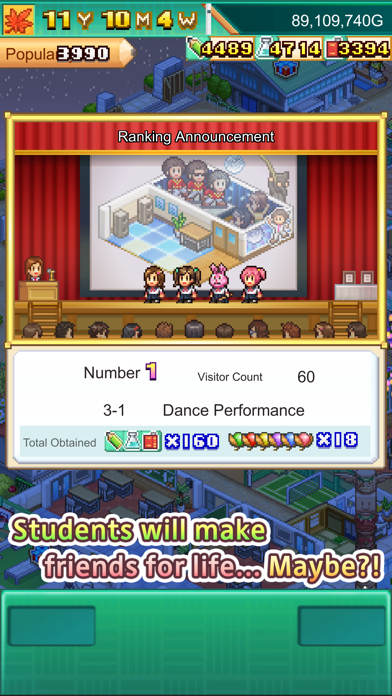
Once you get the hang of things, hold a school festival, complete with fun activities for all!
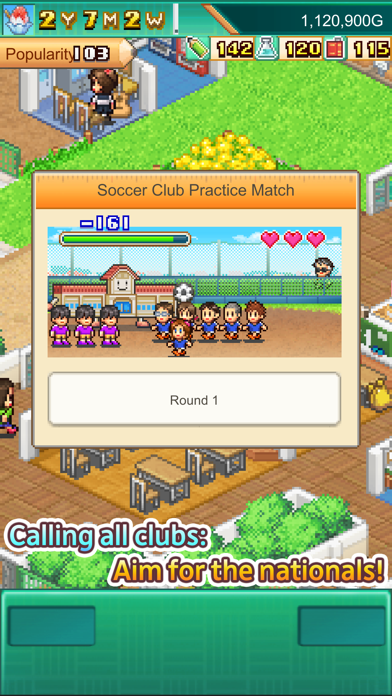
Get serious about school clubs, too! Once your students get good enough to breeze through practice matches, enter them into the nationals and help them reach that sweet victory. They may even get scouted for their talent!
Help your students prepare for placement tests so they can realize their dreams.
Much sweat and many a tear will be shed as you build your ideal school!
12 years since Pocket Academy, we've perfected the recipe for an exciting school management simulator, packing in lots of new features!
--
Supports drag to scroll and pinch to zoom.
Search for "Kairosoft" to see all of our games, or visit us at https://kairopark.jp
Be sure to check out both our free-to-play and our paid games!
Kairosoft's pixel art game series continues!
Follow us on X(Twitter) for the latest Kairosoft news and information.
https://twitter.com/kairokun2010

- 未越獄/受限或已越獄的 iPhone 或 iPad。
- Sideloadly 或替代方案。
- 執行 Windows/macOS/Linux 且已安裝 iTunes 的電腦。
步驟 1: 透過上方連結將已破解的 .IPA 檔案下載到您的電腦。若要從 iOSGods App 下載,請參閱我們的 iOSGods App IPA 下載教學,其中包含影片範例。
步驟 2: 下載 Sideloadly 並將其安裝在您的 Windows 或 Mac 上。
步驟 3: 在電腦上開啟 Sideloadly,連接您的 iOS 裝置,並等待裝置名稱出現在 Sideloadly 中。
步驟 4: 當 Sideloadly 辨識到您的 iOS 裝置後,將下載好的修改版 .IPA 檔案拖曳並放到 Sideloadly 應用程式中。
步驟 5: 輸入您的 Apple Account 電子郵件,然後按下「Start」。系統會要求您輸入密碼,請依指示提供所需資訊。
步驟 6: 等待 Sideloadly 完成已破解 IPA 的旁載/安裝。如果安裝過程中發生問題,請閱讀下方的注意事項。
步驟 7: 安裝完成並在主畫面上看到該應用程式後,您需要前往 設定 → 一般 → 描述檔 / VPN 與裝置管理。進入後,點選您在步驟 6 中輸入的電子郵件,然後點選「信任 [email protected]」。
步驟 8: 現在回到主畫面並開啟新安裝的應用程式,一切應該都能正常運作。您可能需要依照遊戲內破解彈出視窗中的進一步指示操作。
注意: 在 iOS/iPadOS 16 及更新版本上,您必須 啟用開發者模式。若使用免費的 Apple Developer 帳號,您將需要每 7 天重複此程序。如有任何疑問或問題,請閱讀我們的 主題中的 Sideloadly 常見問題區段。