تسجيل الدخول مطلوب
سجّل الدخول بحساب iOSGods للمتابعة.
Hack Features:
- Unlimited Everything -> Earn or spend some.
قم بتنزيل Fashion Nova: Merge & Stylist Hack modded IPA من الروابط أعلاه. اضغط على زر التثبيت واتبع التعليمات لتثبيت هذا التعديل لـ iOS على iPhone أو iPad أو Apple Silicon.
هل تحتاج إلى مزيد من المساعدة؟ راجع الأسئلة الشائعة لتطبيق iOSGods للحصول على إجابات مفصلة ونصائح لاستكشاف الأخطاء.
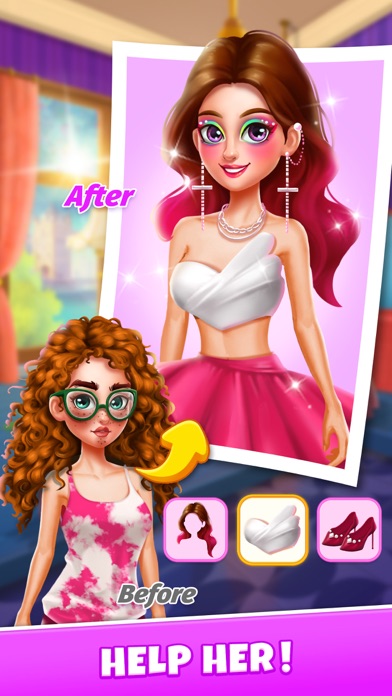
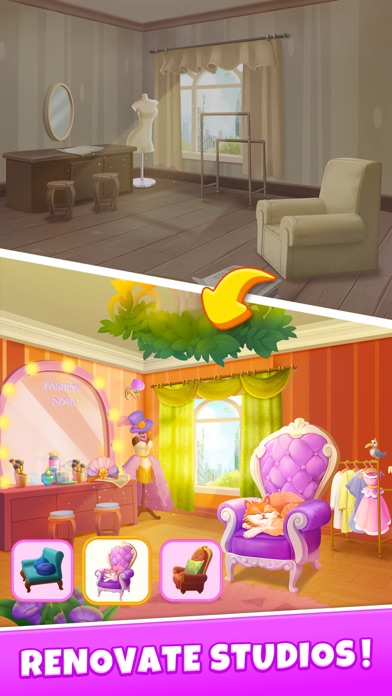
Introducing Fashion Nova, the ultimate merge game that combines the thrill of fashion and dressing up. Join our heroine as she faces a challenging obstacle - a humiliating offer of 1 million dollars from her boyfriend's mother to leave him. But instead of succumbing to defeat, she is inspired to fight back and pursue her dreams of opening a studio.
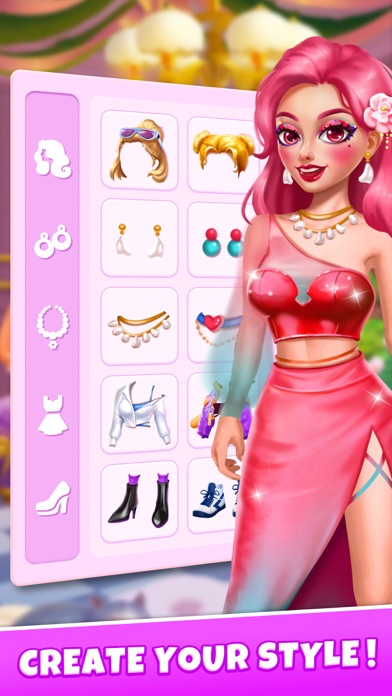
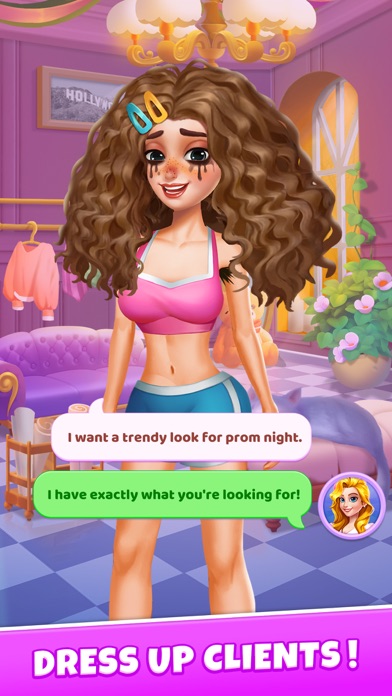
Fashion Nova offers a unique and exciting gameplay experience that includes dressing up, makeovers, and merges, allowing players to create new and exciting looks for our heroine. With stunning graphics and engaging gameplay, Fashion Nova is the perfect game for fashion enthusiasts and gamers alike.
Whether you're looking for a fun and entertaining way to pass the time or you're in the mood for an inspiring story of determination and perseverance, Fashion Nova has everything you need to keep you hooked. So why wait? Download Fashion Nova today from AppleStore and start your fashion adventure now!
—————————————————————————————————————
SUBSCRIBE TO FASHION NOVA - MERGE & STYLIST
Subscribe to Fashion Nova - Merge & Stylist for all of the following benefits:
-Nova Pass VIP membership during the subscription month. Get additional VIP rewards during the subscription month.
SUBSCRIPTIONS INFORMATION:
Fashion Nova - Merge & Stylist Nova Pass VIP membership access offers membership options:
1) A monthly Nova Pass subscription costing $9.99 per month.
This is an auto-renewable subscription. The payment is charged to your account after confirmation. The subscription is renewed unless you unsubscribe 24 hours before the period ends. Your account will also be charged for renewal
End of subscription renewal:
-The payment is charged to your iTunes account after a confirmation of purchase
-The subscription is renewed unless you unsubscribe 24 hours before the end of the current period
-The account will be charged for renewal 24 hours before the end of the current period at the standard cost of the monthly subscription
-The user may manage the subscription and auto-renewal by accessing the user's account settings after purchase in the store
-No cancellation of the current subscription is permitted during the active subscription period
End User License Agreement:
https://www.rosecrab.com/html/fashionnova/End-User-License-Agreement.html
Privacy Policy:
https://www.rosecrab.com/html/fashionnova/Privacy-Policy.html
- iPhone أو iPad بجيلبريك أو بدون جيلبريك.
- Sideloadly أو بدائلها.
- كمبيوتر يعمل بنظام Windows/macOS/Linux مع تثبيت iTunes.
الخطوة 1: قم بتنزيل ملف .IPA المعدّل مسبقًا من الرابط أعلاه إلى الكمبيوتر الخاص بك. للتنزيل من تطبيق iOSGods App، اطلع على دليل تنزيل IPA من تطبيق iOSGods App الذي يتضمن مثالًا بالفيديو.
الخطوة 2: قم بتنزيل Sideloadly وتثبيته على جهاز Windows أو Mac.
الخطوة 3: افتح Sideloadly على الكمبيوتر، ووصّل جهاز iOS الخاص بك، وانتظر حتى يظهر اسم جهازك داخل Sideloadly.
الخطوة 4: بمجرد التعرّف على جهاز iDevice الخاص بك، اسحب ملف .IPA المعدّل الذي قمت بتنزيله وأفلِته داخل تطبيق Sideloadly.
الخطوة 5: أدخل البريد الإلكتروني لحساب Apple Account الخاص بك، ثم اضغط على «Start». سيُطلب منك بعد ذلك إدخال كلمة المرور. تابع وأدخل المعلومات المطلوبة.
الخطوة 6: انتظر حتى ينتهي Sideloadly من تحميل/تثبيت ملف IPA المعدّل. في حال واجهت أي مشاكل أثناء التثبيت، يرجى قراءة الملاحظة أدناه.
الخطوة 7: بعد اكتمال التثبيت ورؤية التطبيق على الشاشة الرئيسية، انتقل إلى Settings → General → Profiles / VPN & Device Management. ثم اضغط على البريد الإلكتروني الذي أدخلته في الخطوة 6، ثم اضغط على «الوثوق بـ [email protected]».
الخطوة 8: الآن انتقل إلى الشاشة الرئيسية وافتح التطبيق الذي تم تثبيته للتو وسيعمل كل شيء بشكل صحيح. قد تحتاج إلى اتباع تعليمات إضافية خاصة بكل تطبيق داخل النافذة المنبثقة للتعديل أثناء اللعب.
ملاحظة: بدءًا من iOS/iPadOS 16 وما بعده، يجب تفعيل وضع المطور (Developer Mode). بالنسبة لحسابات Apple Developer المجانية، ستحتاج إلى تكرار هذه العملية كل 7 أيام. إذا كانت لديك أي أسئلة أو مشاكل، يرجى قراءة قسم الأسئلة الشائعة حول Sideloadly في الموضوع.