Anmeldung erforderlich
Melden Sie sich mit Ihrem iOSGods-Konto an, um fortzufahren.
Melden Sie sich mit Ihrem iOSGods-Konto an, um fortzufahren.

Babilala ist ein grundlegender Englischkurs für junge Lernende im Alter von 3 bis 8 Jahren, der auf dem Cambridge-Lehrplan basiert und den CEFR-Standards entspricht. Diese kostenlose Mod IPA entsperrt den Premium-Zugang und ermöglicht es Kindern, alle 75 Themen und 5.000 interaktive Lektionen ohne Einschränkungen zu erkunden.
- PREMIUM → vollständiger Zugriff auf alle Kurse und Inhalte
Diese App wird zusätzlich mit iGameGod geliefert und bietet Ihnen Zugriff auf Auto Touch zur Automatisierung sich wiederholender Aufgaben, App Speed Manager für eine anpassbare Spielgeschwindigkeit, Memory Engine zur Wertbearbeitung und weitere leistungsstarke iOS-Spielwerkzeuge.
Laden Sie Babilala: Tiếng Anh Online iOS Mod IPA über die obigen Links herunter. Tippen Sie auf den Installations-Button und folgen Sie den Anweisungen, um diese iOS-App auf Ihrem iPhone, iPad oder Apple Silicon zu installieren.
Brauchen Sie mehr Hilfe? In unseren iOSGods App häufig gestellten Fragen finden Sie ausführliche Antworten und Tipps zur Fehlerbehebung.
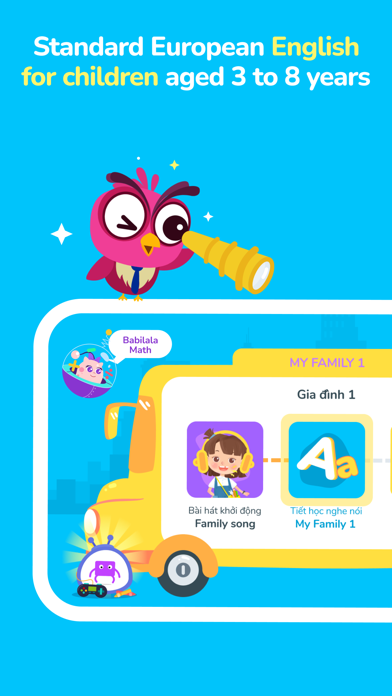
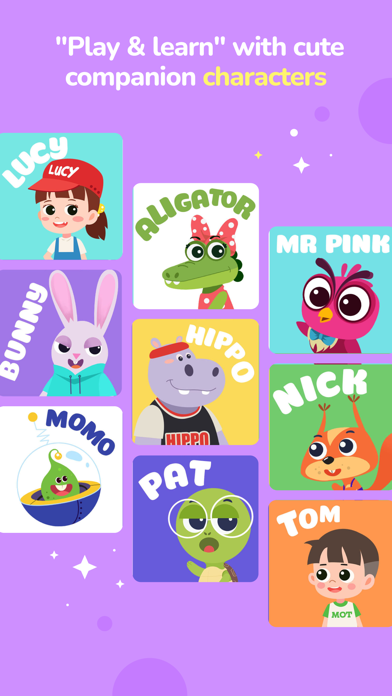
Babilala is a foundation English course for children from 3 to 8 years old. The program is logically designed by Vietnamese and international early education experts, attached to the CEFR common European language standard.
Using the Cambridge curriculum as a core, Babilala helps preschool children learn English in a systematic ways. We believe that Babilala is a perfect start for a future generation keen to get a hatch learning English.
Interesting points of the course:
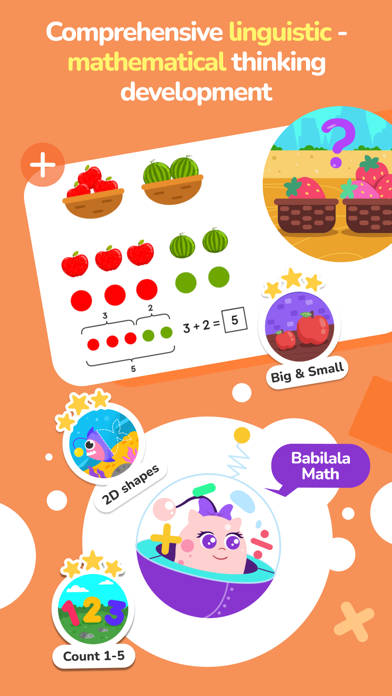
- A comprehensive system of courses equivalent to Cambridge Starter Certificate, including 3 levels, 75 topics, 5000 interactive games.
- Online learning at home on phones, tablets / iPads only 15-20 minutes / day
- Babilala's lessons are built lively and humorous to stimulate your child's interest in learning English.
- Role-playing and interactive learning methods: New words, sentence patterns are introduced naturally in context. Using cartoon and interactive games, which helps children memorize well and longer than other methods.
- Learn English through songs: Children dance to the melodies of 35 English songs Copyright only on Babilala
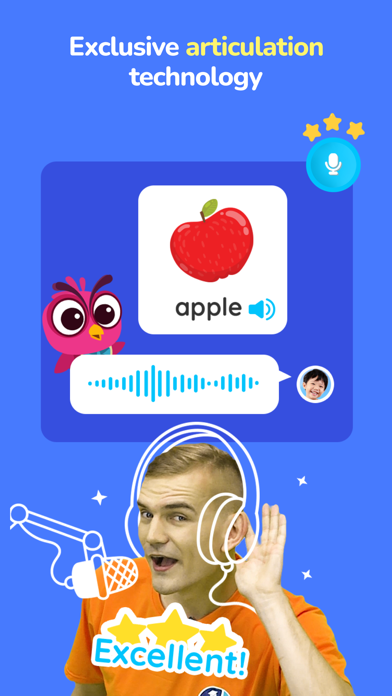
- Children with English pronunciation standard with iSpeak technology: Using Google's voice recognition technology. Grading, fixing errors in time and encouraging children to strongly communicate.
Targets course:
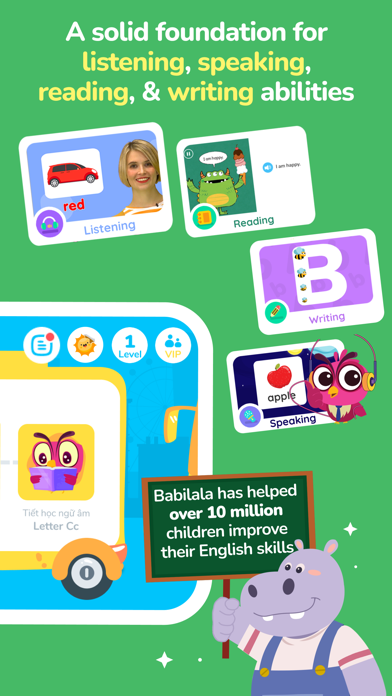
- Improve overall Listening - Speaking - Reading - Writing skills.
-Get acquainted with English, develop interest in learning, build a solid foundation.
- Master 3000 new words with 300 common sentence patterns and using learned knowledge patterns for basic communication.
- Children pronounce accurately thanks to studying with foreign teachers and practicing with the exclusive I-Speak speaking technology.
- Not only helps children improve their vocabulary, Babilala also surpasses textbook knowledge to help them expand their knowledge of life and explore culture.
- Babilala has 75 topics which are all about kids and their life such as family, going to school, animals, colours, and numbers.
Application functions:
- The content is built with 75 familiar topics, 100 songs, 3000 words, 5000 interactive games.
- Easy interactive games. Help children memorize vocabulary naturally.
- iSpeak technology scores and checks pronunciation errors in time
- The collection of eye-catching stickers attracts children to study on Babilala
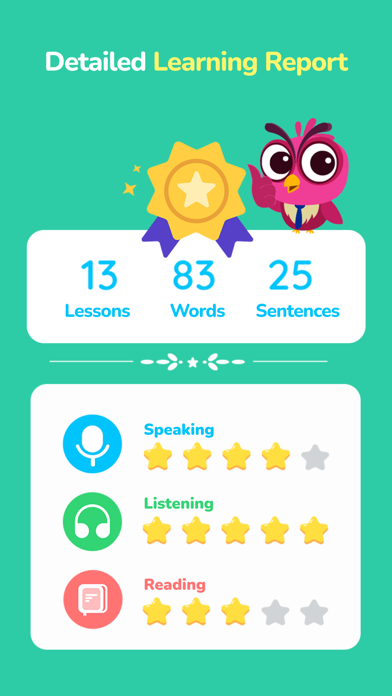
- Detailed tracking of learning results and sharing achievements.
- Allow 1 study account on multiple devices
- Effective support and guidance from teaching staffs with many experiences in English training
- No ads and completely safe for children.
If you have any questions or suggestions, feel free to contact us. We are always ready to support you!
Email: [email protected]
Fanpage : https://www.facebook.com/babilala.vn
Hotline: 093.120.8686
- Nicht-Jailbroken/Jailed oder Jailbroken iPhone oder iPad.
- Sideloadly oder Alternativen.
- Computer mit Windows/macOS/Linux und installiertem iTunes.
SCHRITT 1: Laden Sie die vorinstallierte .IPA-Datei über den obigen Link auf Ihren Computer herunter. Zum Herunterladen aus der iOSGods-App siehe unser iOSGods App IPA Download-Tutorial mit Videobeispiel.
SCHRITT 2: Laden Sie Sideloadly herunter und installieren Sie es auf Ihrem Windows oder Mac.
SCHRITT 3: Öffnen Sie Sideloadly auf Ihrem Computer, verbinden Sie Ihr iOS-Gerät und warten Sie, bis Ihr Gerätename in Sideloadly erscheint.
SCHRITT 4: Sobald Ihr iDevice erkannt wird, ziehen Sie die heruntergeladene gemoddete .IPA-Datei in die Sideloadly-Anwendung.
SCHRITT 5: Geben Sie Ihre Apple-Account-E-Mail ein und drücken Sie „Start". Sie werden dann nach Ihrem Passwort gefragt. Geben Sie die erforderlichen Informationen ein.
SCHRITT 6: Warten Sie, bis Sideloadly das Sideloading/Installieren der gehackten IPA abgeschlossen hat. Bei Problemen während der Installation lesen Sie bitte den Hinweis unten.
SCHRITT 7: Sobald die Installation abgeschlossen ist und die App auf Ihrem Home-Bildschirm angezeigt wird, müssen Sie zu Einstellungen → Allgemein → Profile / VPN & Geräteverwaltung gehen. Tippen Sie dort auf die E-Mail, die Sie in Schritt 6 eingegeben haben, und dann auf „Trust [email protected]".
SCHRITT 8: Gehen Sie nun zu Ihrem Home-Bildschirm und öffnen Sie die neu installierte App – alles sollte einwandfrei funktionieren. Möglicherweise müssen Sie weitere App-spezifische Anweisungen im Hack-Popup im Spiel befolgen.
HINWEIS: iOS/iPadOS 16 und höher: Sie müssen den Entwicklermodus aktivieren. Bei kostenlosen Apple Developer-Accounts müssen Sie diesen Vorgang alle 7 Tage wiederholen. Bei Fragen oder Problemen lesen Sie bitte unsere Sideloadly-FAQ-Sektion im Thema.