تسجيل الدخول مطلوب
سجّل الدخول بحساب iOSGods للمتابعة.
قم بتنزيل Idle Diner: Restaurant game Hack modded IPA من الروابط أعلاه. اضغط على زر التثبيت واتبع التعليمات لتثبيت هذا التعديل لـ iOS على iPhone أو iPad أو Apple Silicon.
هل تحتاج إلى مزيد من المساعدة؟ راجع الأسئلة الشائعة لتطبيق iOSGods للحصول على إجابات مفصلة ونصائح لاستكشاف الأخطاء.

Ready to run your own coffee shop empire and become a diner tycoon? If you're a fan of idle games (and restaurant games), this one is for you!
Turn your diner around from humble beginnings to global coffee franchise! Add more tables, hire better staff and buy extra facilities as you see your profits multiply!
• Customize your diner:
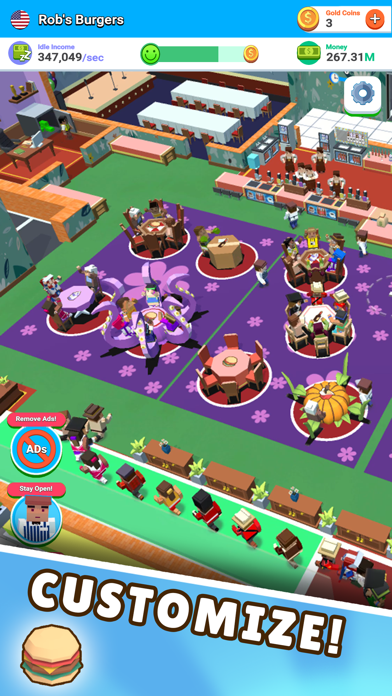
Become an interior designer and change the appearance of your diner walls, floor and tables which unlock as the game progresses. Name your diner! The possibilities are endless so release your creativity and make sure those ""too cool for school"" influencers want to be seen in YOUR diner!
• Become a five star business:
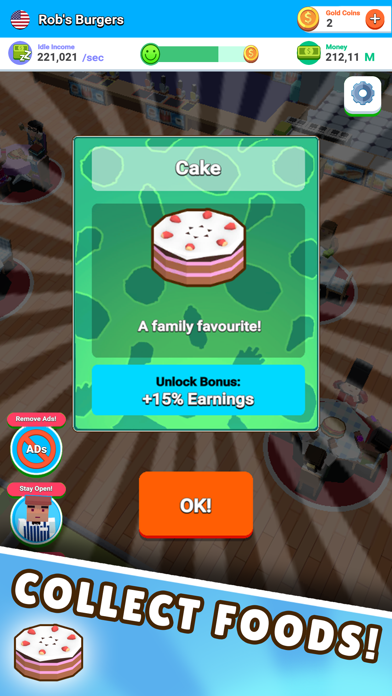
How do I improve my diner? Get in the lab to research tasty new food and drinks! Start off with basic cheese burgers and over time upgrade to serve delicious foods from around the world! That's not all! Every new item on the menu increases your diner rating which unlocks special perks such as earnings or cooking speed boosts! Can you collect a five star menu?
• Upgrade staff:
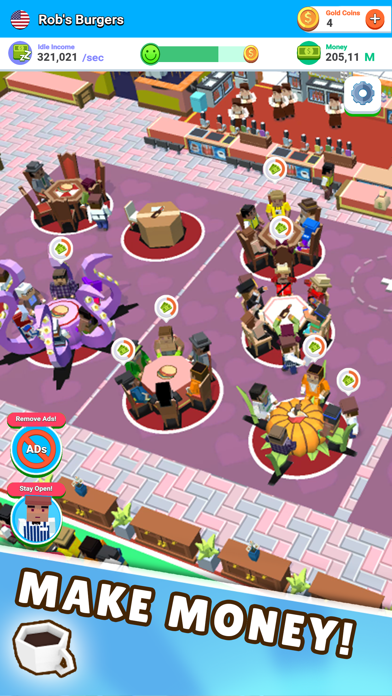
Any business tycoon knows that more customers means more work! Do you have enough waiters or do you have staff standing idle? Are your chefs skilled enough? Can the manager count the money fast enough? Make sure you employ the right staff to keep your diner running efficiently and keep the tips coming in!
• Keep customers happy:
Have you ever seen an angry customer? If you have then you must know it is best to keep them happy! Make sure you meet their requests to obtain awesome rewards!
Remember: happy customers = good restaurant reviews!
• Daily prizes:
Who doesn't like a reward? We certainly do! You can also get yours by achieving certain milestones: cooking certain number of dishes, having a number of customers in your diner or performing certain upgrades. Some of these goals refresh daily. Come back often to check your progress!
• Exciting expansions!
It won't be long until you need to expand your diner to make room for more customers! It's a land grab! Make it rain!
• Expand your diner empire around the world:
Are you ready to take your diner franchise to the next level and become a successful tycoon? Why stick to a single country when you can go global? Open diners in other countries and see your empire (and your cash flow) grow!
Follow our game on Social Media for the latest updates!
Facebook: http://facebook.com/IdleCafeGame/
Twitter: https://twitter.com/IdleCafeGame
- iPhone أو iPad بجيلبريك أو بدون جيلبريك.
- Sideloadly أو بدائلها.
- كمبيوتر يعمل بنظام Windows/macOS/Linux مع تثبيت iTunes.
الخطوة 1: قم بتنزيل ملف .IPA المعدّل مسبقًا من الرابط أعلاه إلى الكمبيوتر الخاص بك. للتنزيل من تطبيق iOSGods App، اطلع على دليل تنزيل IPA من تطبيق iOSGods App الذي يتضمن مثالًا بالفيديو.
الخطوة 2: قم بتنزيل Sideloadly وتثبيته على جهاز Windows أو Mac.
الخطوة 3: افتح Sideloadly على الكمبيوتر، ووصّل جهاز iOS الخاص بك، وانتظر حتى يظهر اسم جهازك داخل Sideloadly.
الخطوة 4: بمجرد التعرّف على جهاز iDevice الخاص بك، اسحب ملف .IPA المعدّل الذي قمت بتنزيله وأفلِته داخل تطبيق Sideloadly.
الخطوة 5: أدخل البريد الإلكتروني لحساب Apple Account الخاص بك، ثم اضغط على «Start». سيُطلب منك بعد ذلك إدخال كلمة المرور. تابع وأدخل المعلومات المطلوبة.
الخطوة 6: انتظر حتى ينتهي Sideloadly من تحميل/تثبيت ملف IPA المعدّل. في حال واجهت أي مشاكل أثناء التثبيت، يرجى قراءة الملاحظة أدناه.
الخطوة 7: بعد اكتمال التثبيت ورؤية التطبيق على الشاشة الرئيسية، انتقل إلى Settings → General → Profiles / VPN & Device Management. ثم اضغط على البريد الإلكتروني الذي أدخلته في الخطوة 6، ثم اضغط على «الوثوق بـ [email protected]».
الخطوة 8: الآن انتقل إلى الشاشة الرئيسية وافتح التطبيق الذي تم تثبيته للتو وسيعمل كل شيء بشكل صحيح. قد تحتاج إلى اتباع تعليمات إضافية خاصة بكل تطبيق داخل النافذة المنبثقة للتعديل أثناء اللعب.
ملاحظة: بدءًا من iOS/iPadOS 16 وما بعده، يجب تفعيل وضع المطور (Developer Mode). بالنسبة لحسابات Apple Developer المجانية، ستحتاج إلى تكرار هذه العملية كل 7 أيام. إذا كانت لديك أي أسئلة أو مشاكل، يرجى قراءة قسم الأسئلة الشائعة حول Sideloadly في الموضوع.