ログインが必要
iOSGodsアカウントでサインインして続けてください。
iOSGodsアカウントでサインインして続けてください。

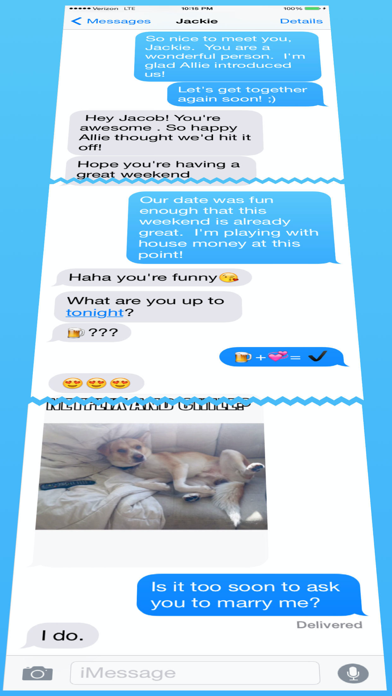
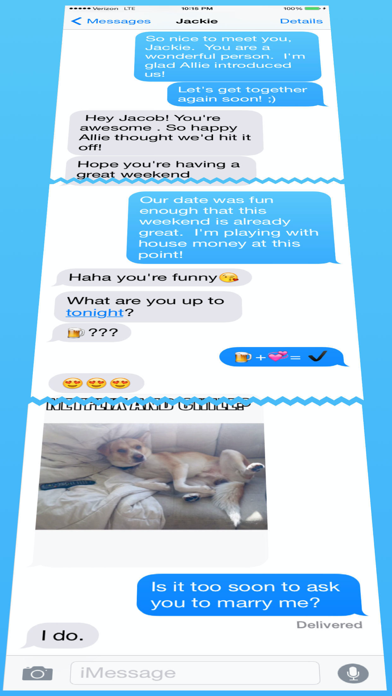
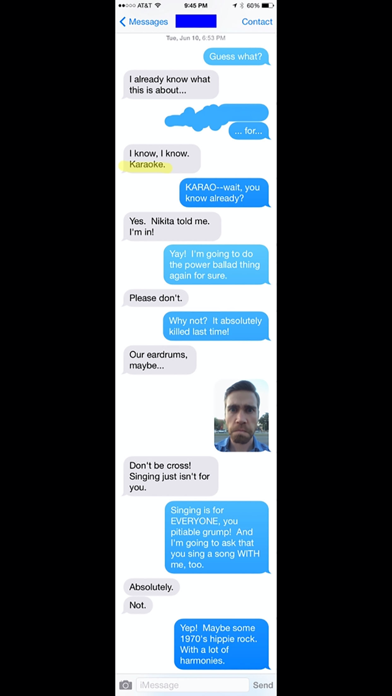
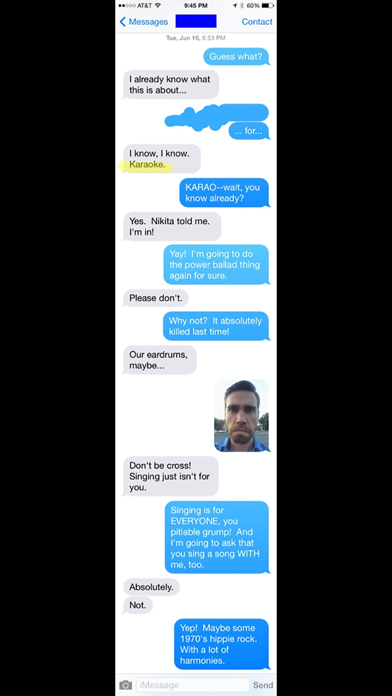
Stitch It Hackで全てのPRO機能をアンロックして、制限なくシームレスなテキストメッセージ会話画像を作成できます。このModded iOSアプリを使えば、スクリーンショットを繋ぎ合わせ、プライベート情報をマスクして、WhatsApp、メール、Facebook、Twitter、Reddit、Tumblrなど様々なプラットフォームで会話を共有できます。
- PRO → 全てのプレミアム機能がアンロック
このアプリにはiGameGodも搭載されており、繰り返し作業を自動化するAuto Touch、ゲーム速度を調整できるApp Speed Manager、Memory Engineによる値の編集など、強力なiOSゲーム用ツールをご利用いただけます。
Stitch It Hack modded IPAを上のリンクからダウンロードします。インストールボタンをタップし、画面の指示に従ってiPhone、iPad、Apple SiliconにこのiOSアプリハックをインストールします。
さらにヘルプが必要ですか? 詳しい回答とトラブルシューティングはiOSGodsアプリ よくある質問をご覧ください。
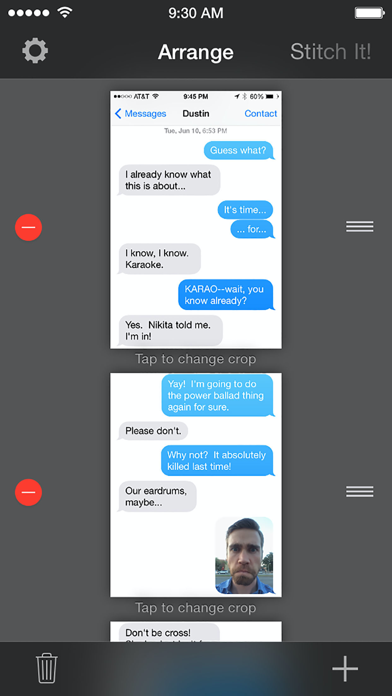
Stitch It is the fastest way to combine multiple screenshots into one long image. Stitch vertically for chat threads and scrolling pages, or horizontally for side-by-side comparisons.
Trusted since 2012 with 6,470+ ratings.
KEY FEATURES
- Vertical & Horizontal Stitching — Most apps only do vertical. Stitch It does both.
- Batch Import — Load dozens of screenshots at once for lightning-fast workflows
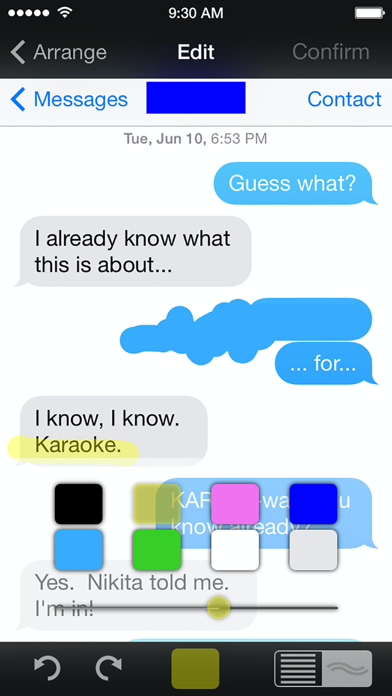
- Redaction Tools — Hide sensitive info with blur, pixelate, or solid color overlays
- Cropping — Trim the top and bottom of your stitched image for a clean result
- Multiple Export Formats — Save as PNG, JPG, or PDF
- Siri Shortcuts — Automate your stitching workflow with custom shortcuts
- 17 Languages — Localized interface for global users
PERFECT FOR
- Long iMessage or WhatsApp conversations — Preserve entire chat threads
- Online receipts & confirmations — Keep full records in one image
- Social media posts — Capture full Twitter/X threads, Instagram stories, TikTok comments
- Web articles — Save entire scrolling pages as single images
- Tutorial screenshots — Create step-by-step guides with multiple screens
- Side-by-side comparisons — Stitch horizontally to compare designs, prices, or options
PRIVACY FIRST
Unlike other screenshot tools, Stitch It includes built-in redaction:
- Blur names, addresses, phone numbers, and account details
- Pixelate sensitive areas for extra privacy
- Solid color overlays for complete coverage
- Perfect for sharing receipts or messages without exposing personal info
- All processing happens on your device — your photos never leave your phone
HOW IT WORKS
1. Import multiple screenshots from your Photo Library
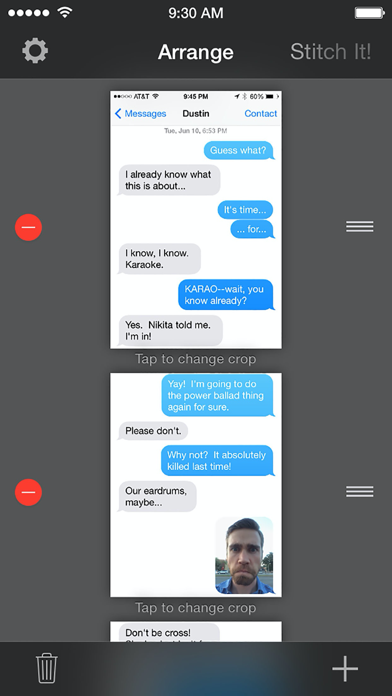
2. Arrange in any order with drag-and-drop
3. Crop the top and bottom to keep only what you need
4. Redact private info if needed
5. Export and share instantly
FREE VS PRO
Stitch It is free to use with a small watermark.
Upgrade to Pro for:
- Unlimited images per stitch
- No watermark on final images
- Ad-free experience
- Support indie development
INTEGRATIONS
- Works with any app: iMessage, WhatsApp, Telegram, Signal, Safari, Chrome, Twitter/X, Instagram, TikTok, Reddit
- Siri Shortcuts support for automation
- Share extension for quick access from Photos
- Export to Files, Messages, Mail, or any share-enabled app
Whether you're archiving important conversations, creating tutorials, or sharing long-form content, Stitch It makes it effortless.
Download Stitch It today and turn scattered screenshots into seamless stories.
Privacy Policy: https://stitchitapp.com/privacy
Support: [email protected]
- 脱獄/Jailed済みまたは脱獄済みのiPhoneまたはiPad。
- Sideloadlyまたは代替手段。
- iTunesがインストールされているWindows/macOS/Linuxを実行しているコンピュータ。
ステップ1: 上のリンクから事前にハックされた.IPAファイルをコンピュータにダウンロードします。iOSGodsアプリからダウンロードする方法は、ビデオ例付きのiOSGodsアプリIPAダウンロードチュートリアルをご覧ください。
ステップ2: SideloadlyをダウンロードしてWindowsまたはMacにインストールします。
ステップ3: コンピュータでSideloadlyを開き、iOSデバイスを接続して、デバイス名がSideloadlyに表示されるまで待ちます。
ステップ4: iDeviceが認識されたら、ダウンロードしたModされた.IPAファイルをSideloadlyアプリにドラッグ&ドロップします。
ステップ5: Apple Accountのメールアドレスを入力し、「Start」を押します。次にパスワードの入力を求められます。必要な情報を入力してください。
ステップ6: Sideloadlyがハックされたipaのサイドロード/インストールを完了するのを待ちます。インストール中に問題が発生した場合は、以下の注意事項をお読みください。
ステップ7: インストールが完了し、ホーム画面にアプリが表示されたら、設定 → 一般 → プロファイル / VPNとデバイス管理に移動する必要があります。そこで、ステップ6で入力したメールをタップし、「Trust [email protected]」をタップします。
ステップ8: ホーム画面に戻り、新しくインストールされたアプリを開けば、すべて正常に動作するはずです。ゲーム内のハックのポップアップで、アプリごとの追加指示に従う必要がある場合があります。
注意: iOS/iPadOS 16以降では、デベロッパモードを有効にするが必要です。無料のApple Developerアカウントの場合、このプロセスを7日ごとに繰り返す必要があります。質問や問題がある場合は、トピックのSideloadly FAQセクションをお読みください。