Login necessário
Entre com sua conta iOSGods para continuar.
Entre com sua conta iOSGods para continuar.

Corra por templos antigos e selvas perigosas como Lara Croft neste hack Mod IPA repleto de ação, onde parkour, veículos e relíquias se chocam em um emocionante corredor infinito que exige habilidade e estratégia.
Com esta versão modificada, você eliminará a repetição, sem mais assistir a anúncios ou racionar recursos, para que possa se concentrar puramente em dominar os movimentos de risco de Lara, enfrentar chefes e descobrir segredos em locais exóticos sem o atrito usual dos jogos gratuitos.
- Moedas ilimitadas → Obtenha e gaste livremente
- Gemas ilimitadas → Obtenha e gaste livremente
- Impulsionadores ilimitados → Gaste sem limites
- Sem anúncios → Gameplay ininterrupto
Este app também vem com iGameGod, oferecendo acesso ao Auto Touch para automatizar tarefas repetitivas, App Speed Manager para ajustar a velocidade do jogo, edição de valores com Memory Engine e outras ferramentas avançadas para jogos iOS.
Baixe Lara Croft: Relic Run Hack modded IPA dos links acima. Toque no botão de instalação e siga as instruções para instalar este hack iOS no seu iPhone, iPad ou Apple Silicon.
Precisa de mais ajuda? Confira nossas Perguntas frequentes sobre o app iOSGods para respostas detalhadas e dicas de solução de problemas.
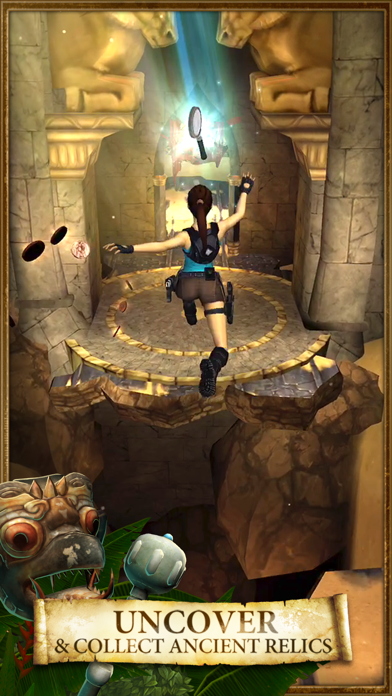
Run, swing, drive, and swan dive your way as Lara Croft through mesmerizing yet hazardous environments, uncovering ancient relics to unearth the truth and solve the mystery behind a shadowy conspiracy that threatens the world!
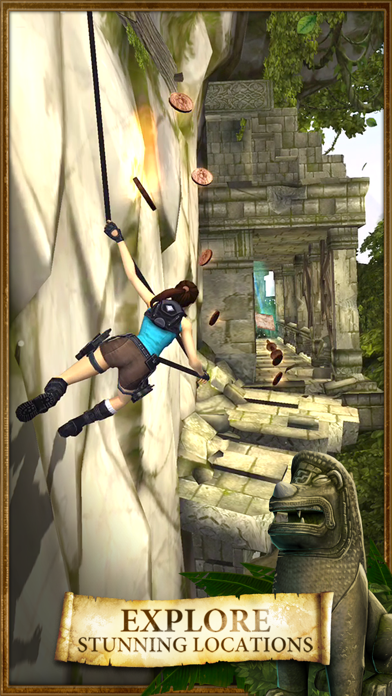
- Discover incredible locations as you make your way through the jungle, the desert or the mountains, each filled with secrets and danger.
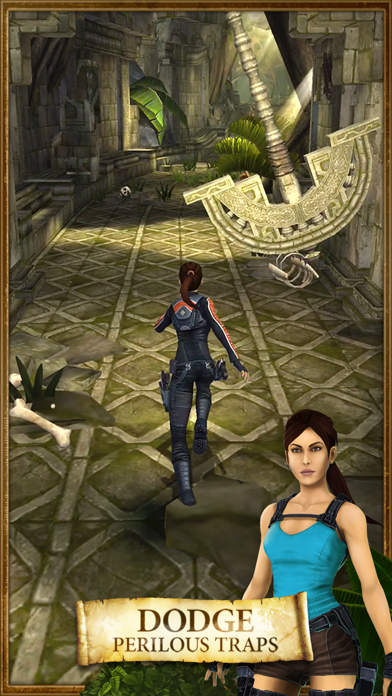
- Use Lara’s signature parkour moves to create death-defying last minute escapes.
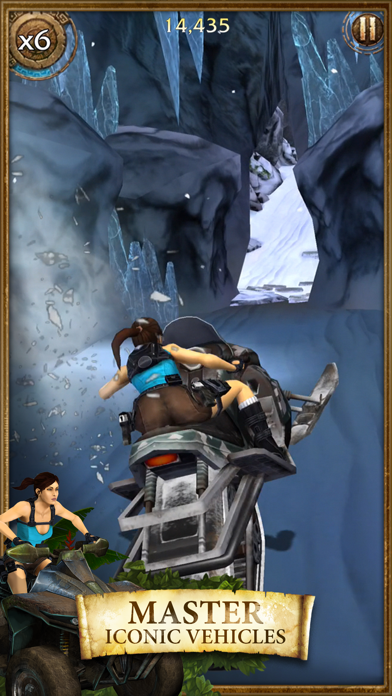
- Master fast-paced vehicles like ATVs and motorcycles to give Lara more ways to conquer the terrain.
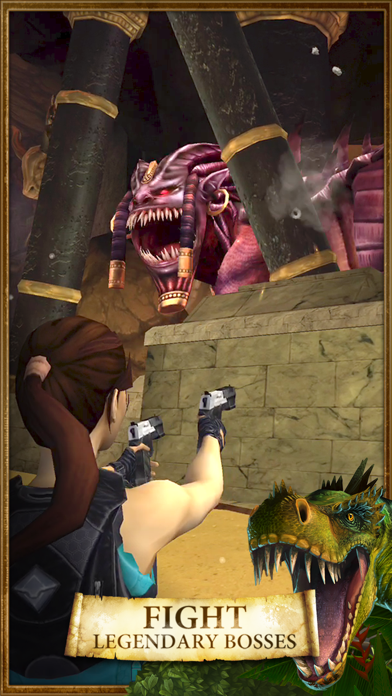
- Engage in epic Boss Fights and defeat iconic enemies including the return of the infamous T-Rex!
- Progress through the campaign map to collect relics and uncover the Relic Run mystery.
- Power up Lara’s arsenal of weapons and engage in frantic combat.
- Choose from a wardrobe of classic Lara outfits, each with its own gameplay perks.
- Swap and upgrade equipment to give Lara the edge.
- Get the chance to rack up big rewards in endless mode with non-stop action
- Earn bragging rights on the leader boards.
Download for free today!
The speed of gameplay and graphics offered in this game, requires minimum iPhone 5c, iPad Mini 2 or iPad 3
- iPhone ou iPad sem jailbreak/jailed ou com jailbreak.
- Sideloadly ou alternativas.
- Computador com Windows/macOS/Linux e iTunes instalado.
PASSO 1: Baixe o arquivo .IPA pré-hackeado do link acima para o seu computador. Para baixar pelo iOSGods App, veja nosso Tutorial de download de IPA do iOSGods App, que inclui um exemplo em vídeo.
PASSO 2: Baixe o Sideloadly e instale-o no seu Windows ou Mac.
PASSO 3: Abra o Sideloadly no seu computador, conecte seu dispositivo iOS e aguarde até que o nome do dispositivo apareça no Sideloadly.
PASSO 4: Assim que seu iDevice for reconhecido, arraste o arquivo .IPA modificado que você baixou e solte-o no aplicativo Sideloadly.
PASSO 5: Digite o e-mail da sua Apple Account e pressione “Start”. Em seguida, será solicitada a sua senha. Prossiga e forneça as informações solicitadas.
PASSO 6: Aguarde o Sideloadly finalizar o sideload/instalação do IPA hackeado. Se houver problemas durante a instalação, leia a observação abaixo.
PASSO 7: Quando a instalação estiver concluída e você vir o app na Tela de Início, será necessário acessar Ajustes → Geral → Perfis / Gerenciamento de VPN e Dispositivo. Lá, toque no e-mail que você inseriu no passo 6 e, em seguida, toque em “Confiar em [email protected]”.
PASSO 8: Agora vá para a Tela de Início e abra o app recém-instalado; tudo deve funcionar normalmente. Você pode precisar seguir instruções adicionais específicas no popup do hack dentro do jogo.
OBSERVAÇÃO: No iOS/iPadOS 16 e versões posteriores, você deve ativar o Modo de Desenvolvedor. Para contas Apple Developer gratuitas, será necessário repetir este processo a cada 7 dias. Se tiver dúvidas ou problemas, leia nossa seção de FAQ do Sideloadly no tópico.