Login Required
Sign in with your iOSGods account to continue.
Sign in with your iOSGods account to continue.
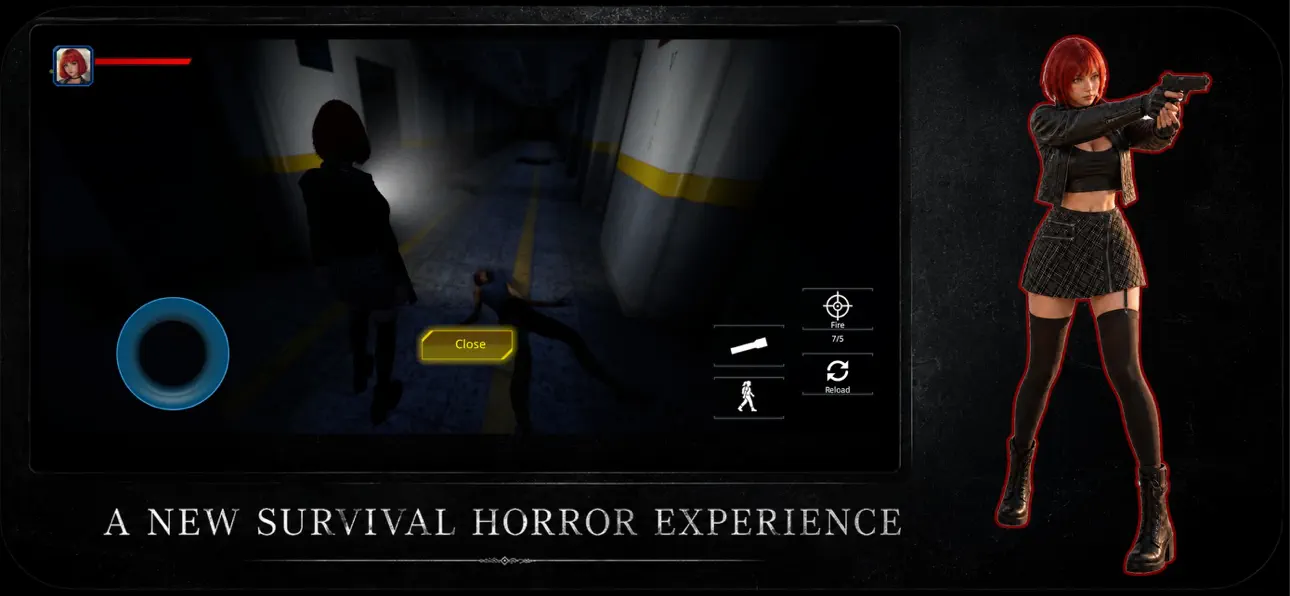
Survive the nightmare in this free Mod IPA of Project Requiem, a modern survival horror game that captures the dread of 90s classics with stunning graphics and mobile-optimized controls. You're trapped in a forgotten corridor with limited resources, and every shadow hides danger, manage your ammo and wits to escape. This hack gives you the edge to face the terror ahead.
- Damage Multiplier → increase your weapon output
- Defence Multiplier → reduce incoming damage
- God Mode → become invulnerable
This app also comes with iGameGod, giving you access to Auto Touch to automate repetitive tasks, App Speed Manager for adjustable gameplay speed, Memory Engine value editing, and more powerful iOS game tools.
Download Project Requiem iOS Mod IPA from the links above. Tap the install button and follow the on-screen instructions to install this iOS app hack on your iPhone, iPad, or Apple Silicon.
Need more help? Check out our iOSGods App Frequently Asked Questions for detailed answers and troubleshooting tips.
THE NIGHTMARE REBORN
Step into the darkness and experience the ultimate tribute to the golden era of 90s survival horror. Inspired by the legendary classics that defined the genre, this game brings back the nostalgic dread of survival horror, completely reimagined with stunning modern graphics and seamless, intuitive mobile controls.
Every shadow tells a story... of death. You are trapped in a forgotten corridor, and your resources are running out. This isn't just about shooting—it's about surviving. Manage your limited ammo, ter and navigate terrifying environments where danger lurks around every corner.
Can you face the nostalgic evil and escape the nightmare?
GAME FEATURES:
Classic Survival Horror Gameplay: Nostalgic inventory management, tense resource scarcity, and classic exploration vibes.
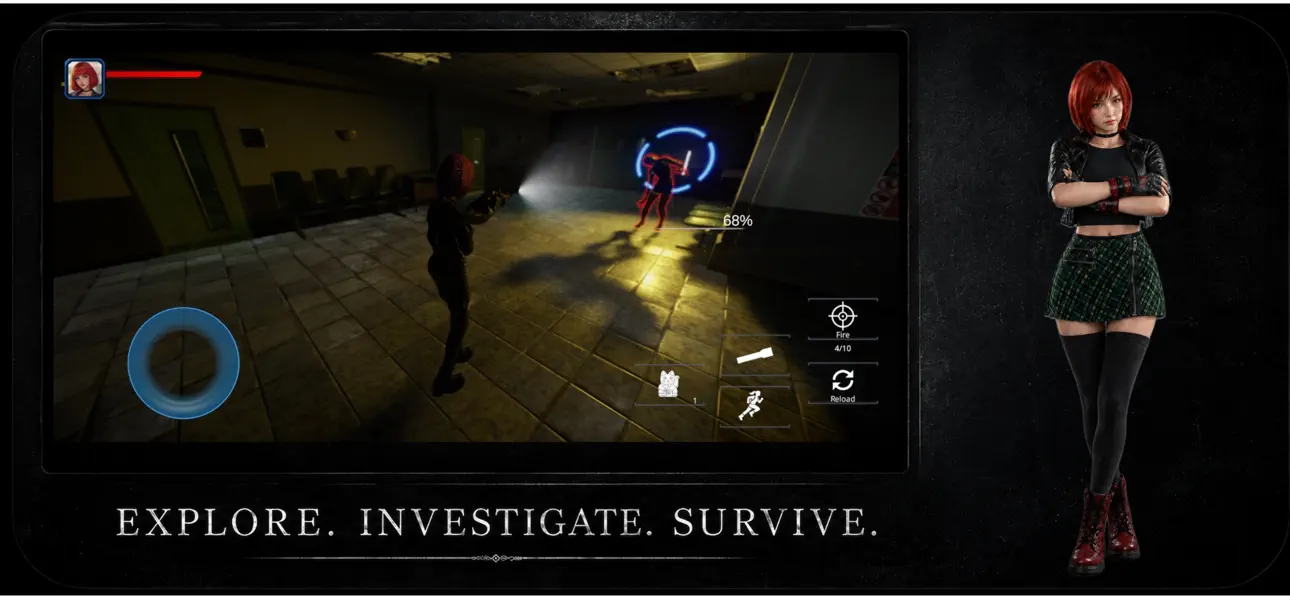
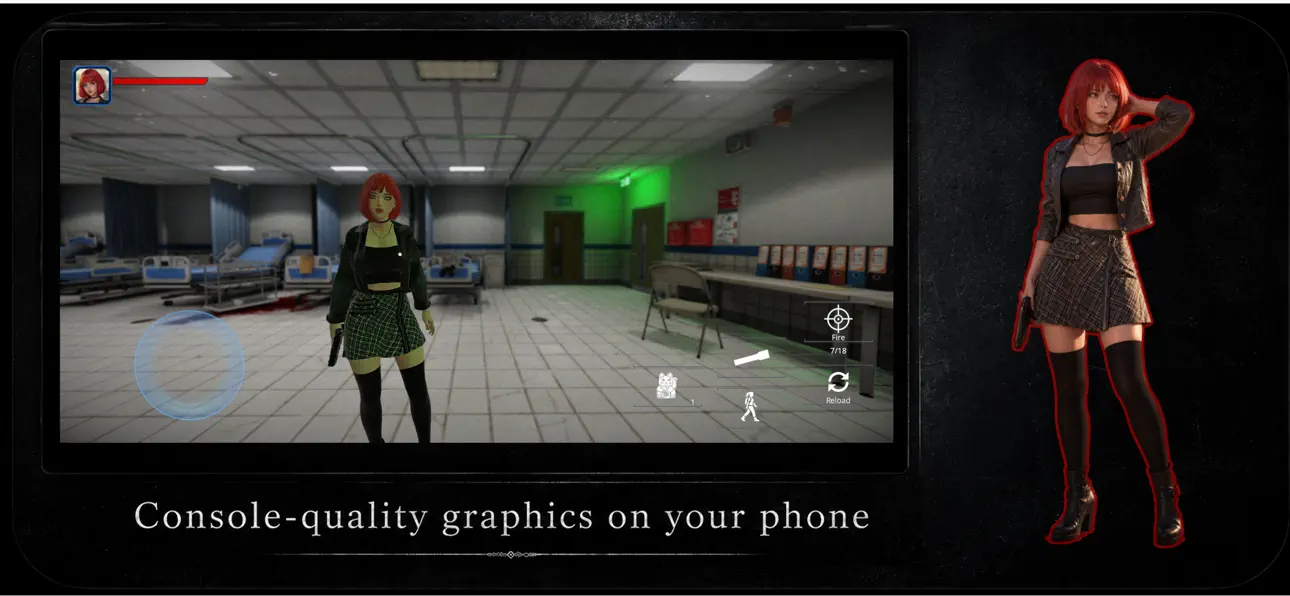
Next-Gen Mobile Visuals: Real-time lighting, high-quality character models, and a terrifyingly realistic atmosphere powered by modern graphics technology.
Built for Mobile: No clunky setups. Experience ultra-smooth, responsive, and intuitive touch controls designed specifically for iOS.
Intense Atmosphere & Combat: Stave off your fear as you investigate the dark. Choose your fights wisely—every bullet counts.
Immersive Audio Experience: Play with headphones to experience the chilling sound design that will keep you on the edge of your seat.
Screenshots © their respective owners · App Store

![Rapid Reload iOS Mod IPA [ Debug Menu ]](https://is1-ssl.mzstatic.com/image/thumb/Purple221/v4/10/5a/d7/105ad73b-5797-6e1b-6050-32cb39839597/AppIcon-0-0-1x_U007emarketing-0-8-0-85-220.png/100x100bb.jpg)

iOSGods is not affiliated with, endorsed by, or sponsored by Apple Inc., Google LLC, or the developers of the apps listed here. Apple, iOS and App Store are trademarks of Apple Inc. Android and Google Play are trademarks of Google LLC. All other app names, icons, artwork and trademarks belong to their respective owners.

- Non-Jailbroken/Jailed or Jailbroken iPhone or iPad.
- Sideloadly or alternatives.
- Computer running Windows/macOS/Linux with iTunes installed.
STEP 1: Download the pre-hacked .IPA file from the link above to your computer. To download from the iOSGods App, see our iOSGods App IPA Download Tutorial which includes a video example.
STEP 2: Download Sideloadly and install it on your Windows or Mac.
STEP 3: Open Sideloadly on your computer, connect your iOS device, and wait until your device name appears in Sideloadly.
STEP 4: Once your iDevice is recognized, drag the modded .IPA file you downloaded and drop it into the Sideloadly application.
STEP 5: Enter your Apple Account email, then press “Start.” You’ll then be asked to enter your password. Go ahead and provide the required information.
STEP 6: Wait for Sideloadly to finish sideloading/installing the hacked IPA. If there are issues during installation, please read the note below.
STEP 7: Once the installation is complete and you see the app on your Home Screen, you will need to go to Settings → General → Profiles / VPN & Device Management. Once there, tap on the email you entered from step 6, and then tap on “Trust [email protected]”.
STEP 8: Now go to your Home Screen and open the newly installed app and everything should work fine. You may need to follow further per app instructions inside the hack's popup in-game.
NOTE: iOS/iPadOS 16 and later, you must enable Developer Mode. For free Apple Developer accounts, you will need to repeat this process every 7 days. If you have any questions or problems, read our Sideloadly FAQ section of the topic.
Game Name iOS Mod IPA is an action adventure game enhanced with powerful gameplay boosts and quality-of-life improvements. Win battles faster, earn rewards quicker, and enjoy uninterrupted play without ads.
- Unlimited Gold - spend freely to unlock premium content
- Damage Multiplier - deal significantly more damage in combat
- Defense Multiplier - take less damage and survive longer
- Reward Multiplier - earn more loot from every battle
- Max Level - instantly reach the highest player rank
- No Ads - play without interruptions or advertisements
This app also comes with iGameGod, giving you access to Auto Touch to automate repetitive tasks, App Speed Manager for adjustable gameplay speed, Memory Engine value editing, and more powerful iOS game tools.
Download Game Name Mod IPA from the links above. Tap the install button and follow the on-screen instructions to install this iOS app hack on your iPhone, iPad, or Apple Silicon.
Need more help Check out our iOSGods App Frequently Asked Questions for detailed answers and troubleshooting tips.
----------------------------------------------------------
--------------------------------------------------


![Tacticool: 5v5 Tactical Shooter iOS Mod IPA [ Aimbot, ESP Boxes, Lines ]](https://is1-ssl.mzstatic.com/image/thumb/Purple221/v4/18/d1/87/18d18778-8136-c0fc-e39e-91b794e650c3/AppIcon-0-0-1x_U007emarketing-0-8-0-85-220.png/100x100bb.jpg)


