Inloggning krävs
Logga in med ditt iOSGods-konto för att fortsätta.
Logga in med ditt iOSGods-konto för att fortsätta.

Driva ditt eget handelskort-imperium i CCG Trading Card Park, en affärssimulering där du hanterar lager, sätter priser och jagar sällsynta kort, nu med denna kostnadsfria Mod IPA hack. Obegränsade pengar och mynt låter dig expandera din samling och lager utan slitandet, medan annonsfri spelning håller dig fokuserad på att bygga ditt kortimperium.
- Obegränsade pengar → kommer att öka istället för att minska
- Obegränsade mynt → kommer att öka istället för att minska
- Ingen annonser → oavbruten spelning
Den här appen levereras även med iGameGod, vilket ger dig tillgång till Auto Touch för att automatisera repetitiva uppgifter, App Speed Manager för justerbar spelhastighet, värdesredigering med Memory Engine och fler kraftfulla verktyg för iOS-spel.
Ladda ner CCG Trading Card Park iOS Mod IPA från länkarna ovan. Tryck på installationsknappen och följ instruktionerna för att installera denna iOS-apphack på iPhone, iPad eller Apple Silicon.
Behöver du mer hjälp? Se våra iOSGods-appens vanliga frågor för detaljerade svar och felsökningstips.
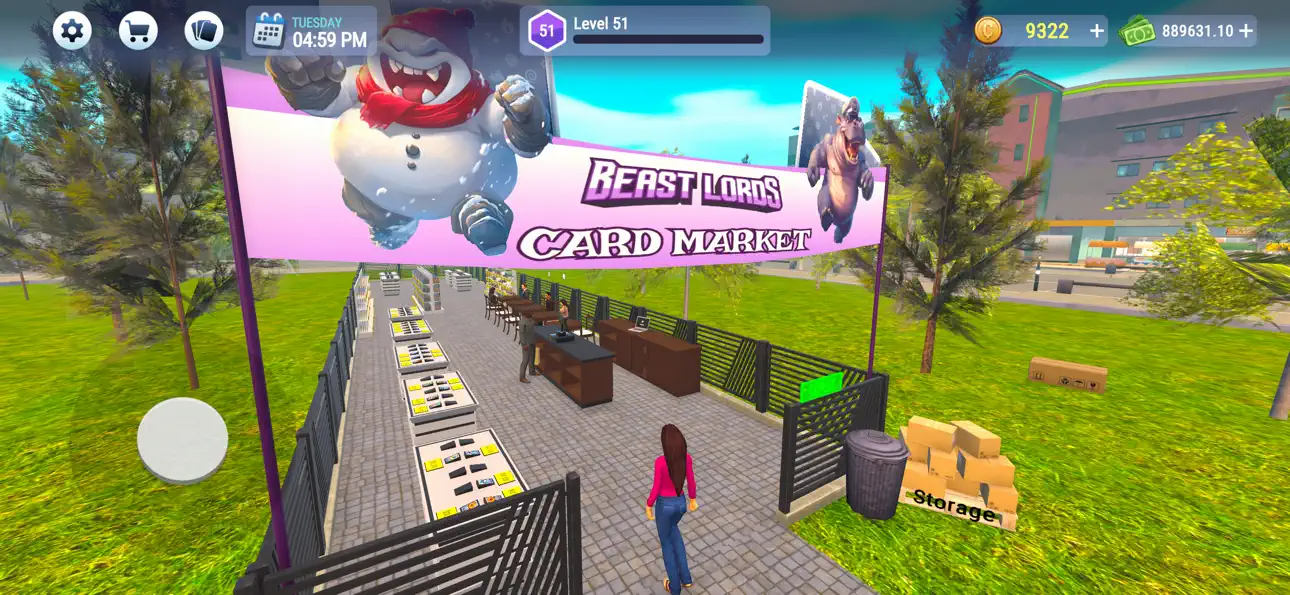
Become the owner of your own trading card business and build your empire in CCG Trading Card Park! Manage your business, trade rare cards, and create an impressive collection of powerful creatures from the Beast Lords series.
Run Your Card Shop:
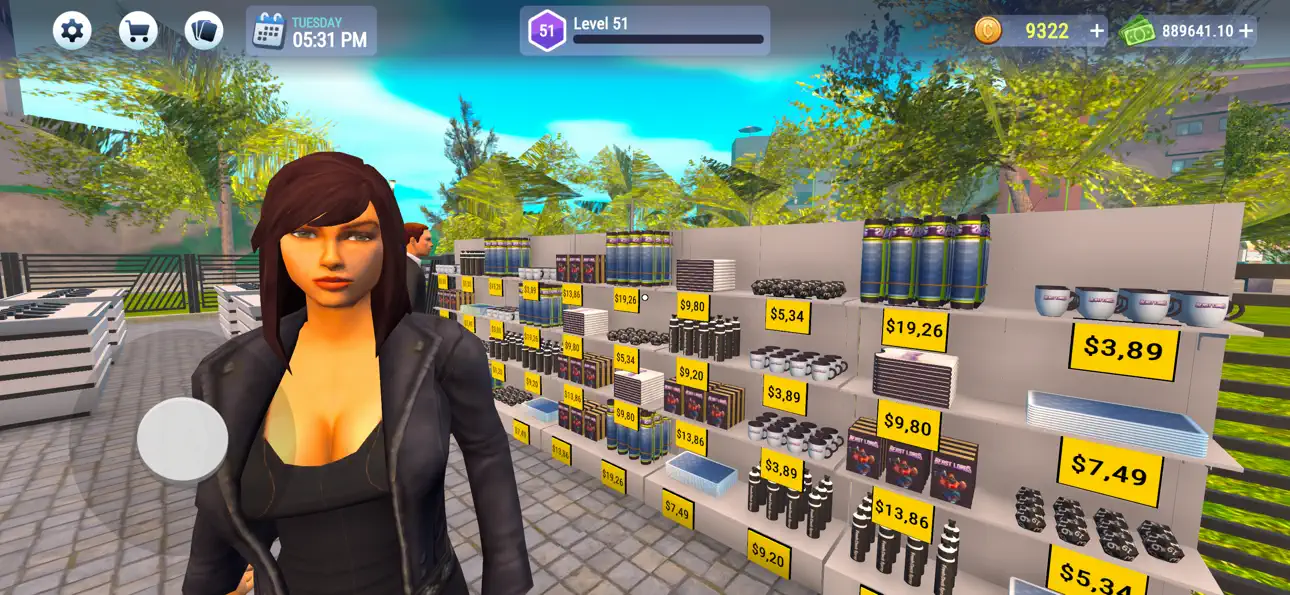
Fill your store with booster packs and individual cards, carefully organizing them and setting competitive prices to attract customers. Your goal isn’t just to sell cards but to grow your personal collection, balancing your time between customer service and hunting for rare finds.
Collect and Compete:
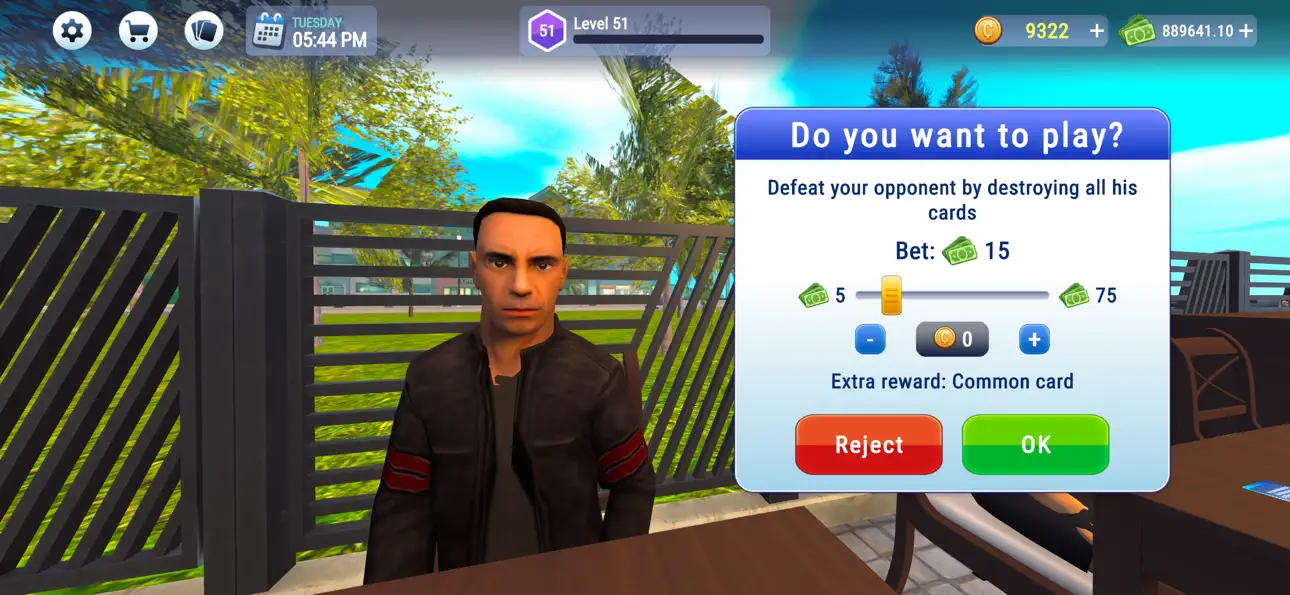
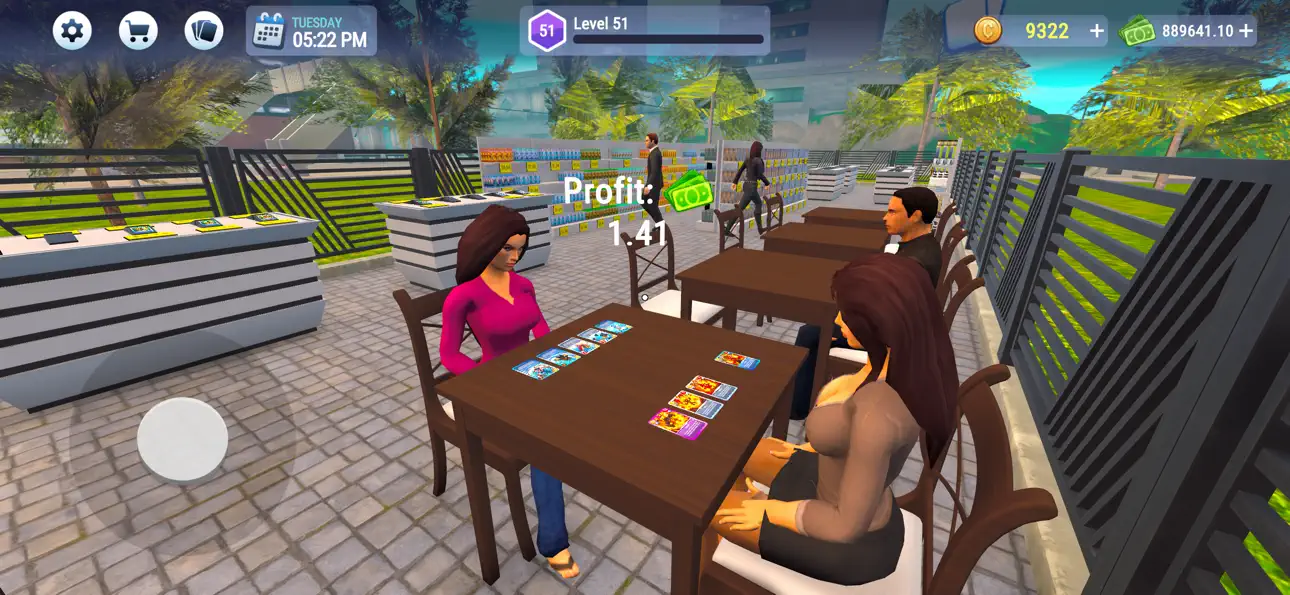
In addition to trading, you can also build your personal collection. Track down the rarest cards and assemble powerful decks to face off against challengers. Whether you’re opening packs to uncover hidden gems or battling opponents, the excitement never ends.
Design and Expand:
Create the perfect store environment by upgrading and decorating your space. Draw in more customers with attractive displays and keep them returning with a well-stocked inventory of Beast Lords cards. Will you focus on sales, or will you chase the rarest cards for your own collection?
Features:
- Stock your shop with collectible trading cards.
- Buy, sell, and trade Beast Lords cards.
- Customize and expand your store as your business grows.
- Engage in exciting card battles to prove your skill.
Ready to build the ultimate trading card empire?
Skärmbilder © respektive ägare · App Store


iOSGods är inte anslutet till, godkänt av eller sponsrat av Apple Inc., Google LLC eller utvecklarna av apparna som listas här. Apple, iOS och App Store är varumärken som tillhör Apple Inc. Android och Google Play är varumärken som tillhör Google LLC. Alla övriga appnamn, ikoner, bilder och varumärken tillhör sina respektive ägare.
- iPhone eller iPad utan jailbreak/jailad eller med jailbreak.
- Sideloadly eller alternativ.
- Dator med Windows/macOS/Linux och iTunes installerat.
STEG 1: Ladda ner den förhackade .IPA-filen från länken ovan till din dator. För att ladda ner från iOSGods App, se vår Guide för att ladda ner IPA i iOSGods App som även innehåller ett videoexempel.
STEG 2: Ladda ner Sideloadly och installera det på din Windows eller Mac.
STEG 3: Öppna Sideloadly på din dator, anslut din iOS-enhet och vänta tills enhetens namn visas i Sideloadly.
STEG 4: När din iEnhet känns igen drar du den moddade .IPA-filen du laddat ner och släpper den i Sideloadly-programmet.
STEG 5: Ange e-postadressen till ditt Apple Account och tryck sedan på ”Start”. Du ombeds sedan ange ditt lösenord. Fyll i de uppgifter som krävs.
STEG 6: Vänta tills Sideloadly är klar med att sideloada/installera den hackade IPA-filen. Om problem uppstår under installationen, läs noten nedan.
STEG 7: När installationen är klar och du ser appen på din hemskärm behöver du gå till Inställningar → Allmänt → Profiler / VPN & enhetshantering. Tryck där på e-postadressen du angav i steg 6 och tryck sedan på ”Lita på [email protected]”.
STEG 8: Gå nu till din hemskärm och öppna den nyligen installerade appen — allt ska fungera som det ska. Du kan behöva följa ytterligare app-specifika instruktioner i hackets popup inne i spelet.
OBS: På iOS/iPadOS 16 och senare måste du aktivera Utvecklarläge. För gratis Apple Developer-konton behöver du upprepa processen var sjunde dag. Om du har frågor eller problem, läs vår Sideloadly FAQ-avsnitt i tråden.
Game Name iOS Mod IPA is an action adventure game enhanced with powerful gameplay boosts and quality-of-life improvements. Win battles faster, earn rewards quicker, and enjoy uninterrupted play without ads.
- Unlimited Gold - spend freely to unlock premium content
- Damage Multiplier - deal significantly more damage in combat
- Defense Multiplier - take less damage and survive longer
- Reward Multiplier - earn more loot from every battle
- Max Level - instantly reach the highest player rank
- No Ads - play without interruptions or advertisements
This app also comes with iGameGod, giving you access to Auto Touch to automate repetitive tasks, App Speed Manager for adjustable gameplay speed, Memory Engine value editing, and more powerful iOS game tools.
Ladda ner Game Name Mod IPA från länkarna ovan. Tryck på installationsknappen och följ instruktionerna för att installera denna iOS-apphack på iPhone, iPad eller Apple Silicon.
Behöver du mer hjälp Se våra iOSGods-appens vanliga frågor för detaljerade svar och felsökningstips.
----------------------------------------------------------
--------------------------------------------------


![Fish Tycoon 3 Virtual Aquarium iOS Mod IPA [ Cheats Menu ]](https://is1-ssl.mzstatic.com/image/thumb/Purple211/v4/66/4a/8b/664a8bef-374b-c165-852c-df6525f5091d/AppIcon-0-0-1x_U007emarketing-0-8-0-85-220.png/100x100bb.jpg)


