



















Tweaked Apps & Games.
Now on iOS & Android.
Install straight from your browser on iPhone, iPad, and Android. No jailbreak or root required.
Inside the iOSGods App
More than an app store: tweaked apps and hacked games, on-device installs, custom IPA signing for iOS and modded APK installs for Android. No jailbreak or root required.
6,000+ Apps & Games
Modded games and tweaked apps for iOS and Android in one catalog, updated daily.
Quick Updates
New tweaked apps and game mods added daily. Updates pushed to both platforms as soon as they drop.
On-Device Installations
Install over the air your way: enterprise certificate installs, premium iOSGods App+ signing, Sideloadly, or your own Apple Developer certificate.
Cross-Platform
Runs on iPhone, iPad, and Android: install IPAs on iOS and APKs on Android from one app. Our iOS apps also run on Apple Silicon Macs.
Sign & Customize Your Own Apps
Upload your own IPAs, inject tweaks like iGameGod, swap icons and names, and run duplicate apps or multiple copies of the same app side by side.
Native Look and Feel
Looks and feels like a native app on iOS and Android, and opens from your home screen like any other app.
Easy Install
Add to your home screen from any browser. No computer, no jailbreak, no root required.
Speaks Your Language
Fully localized in 19 languages, with app pages tailored to your region’s App Store.
Community Support
Get help, read guides, and request apps in the iOSGods community.
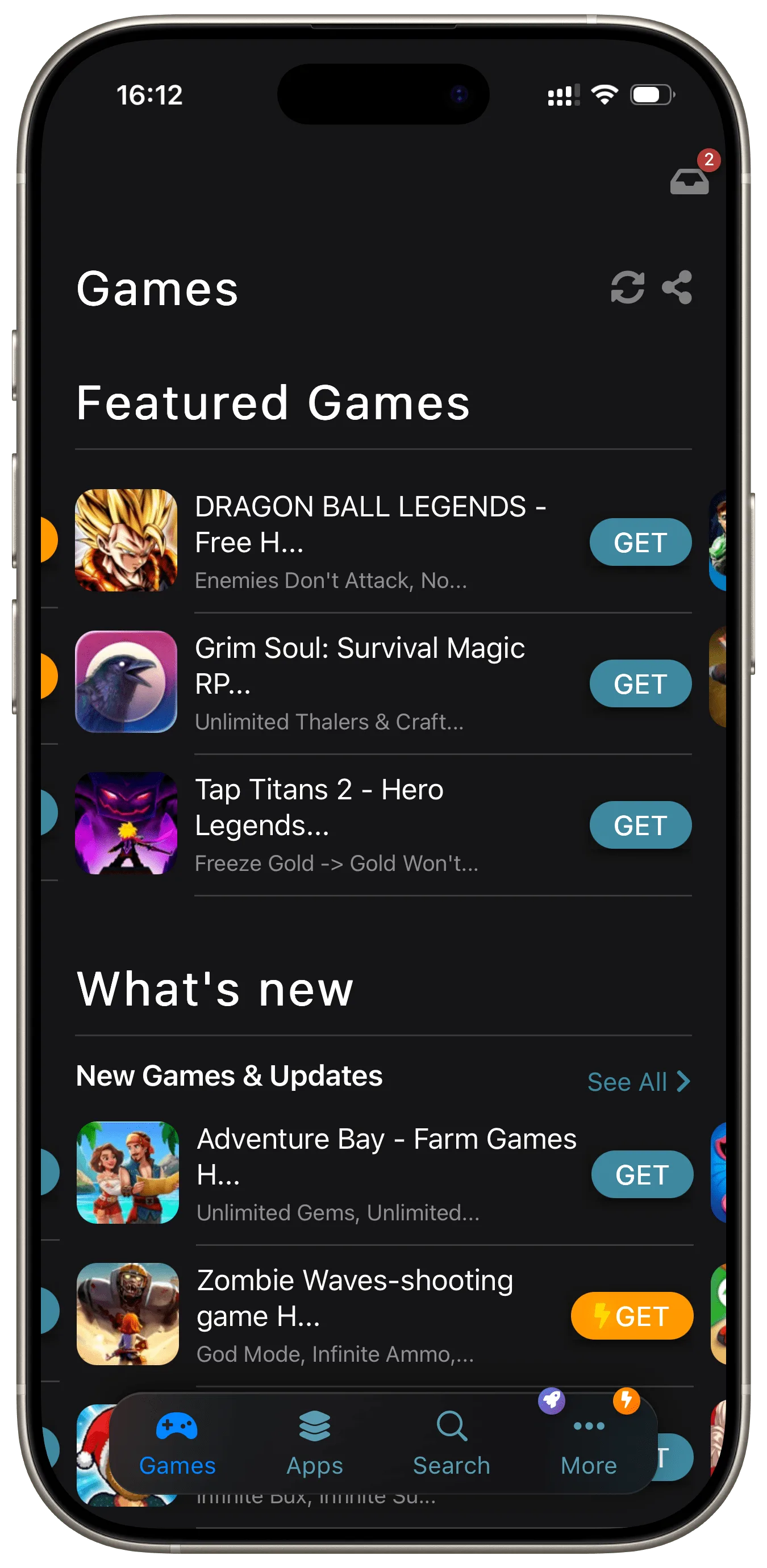
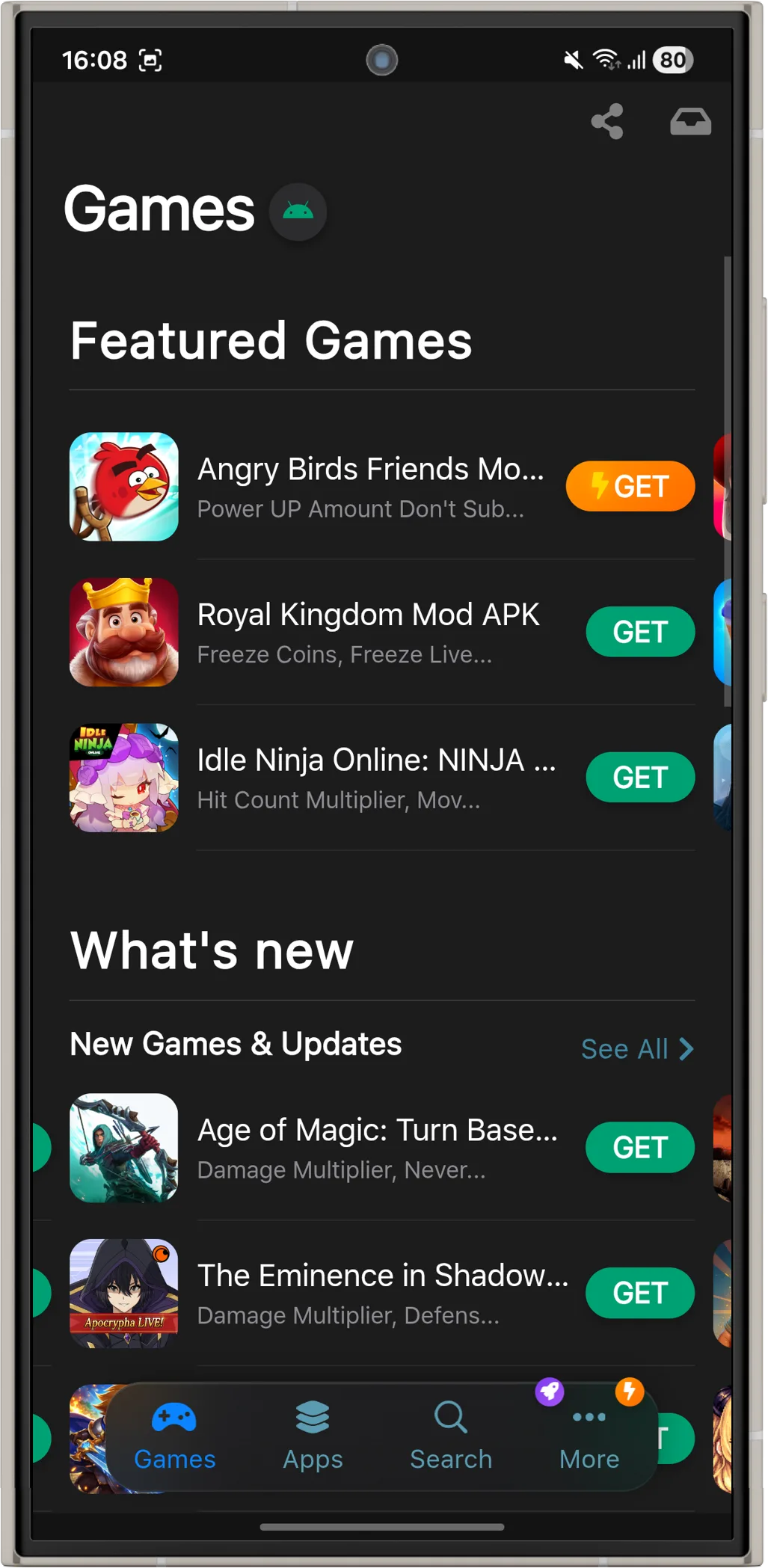
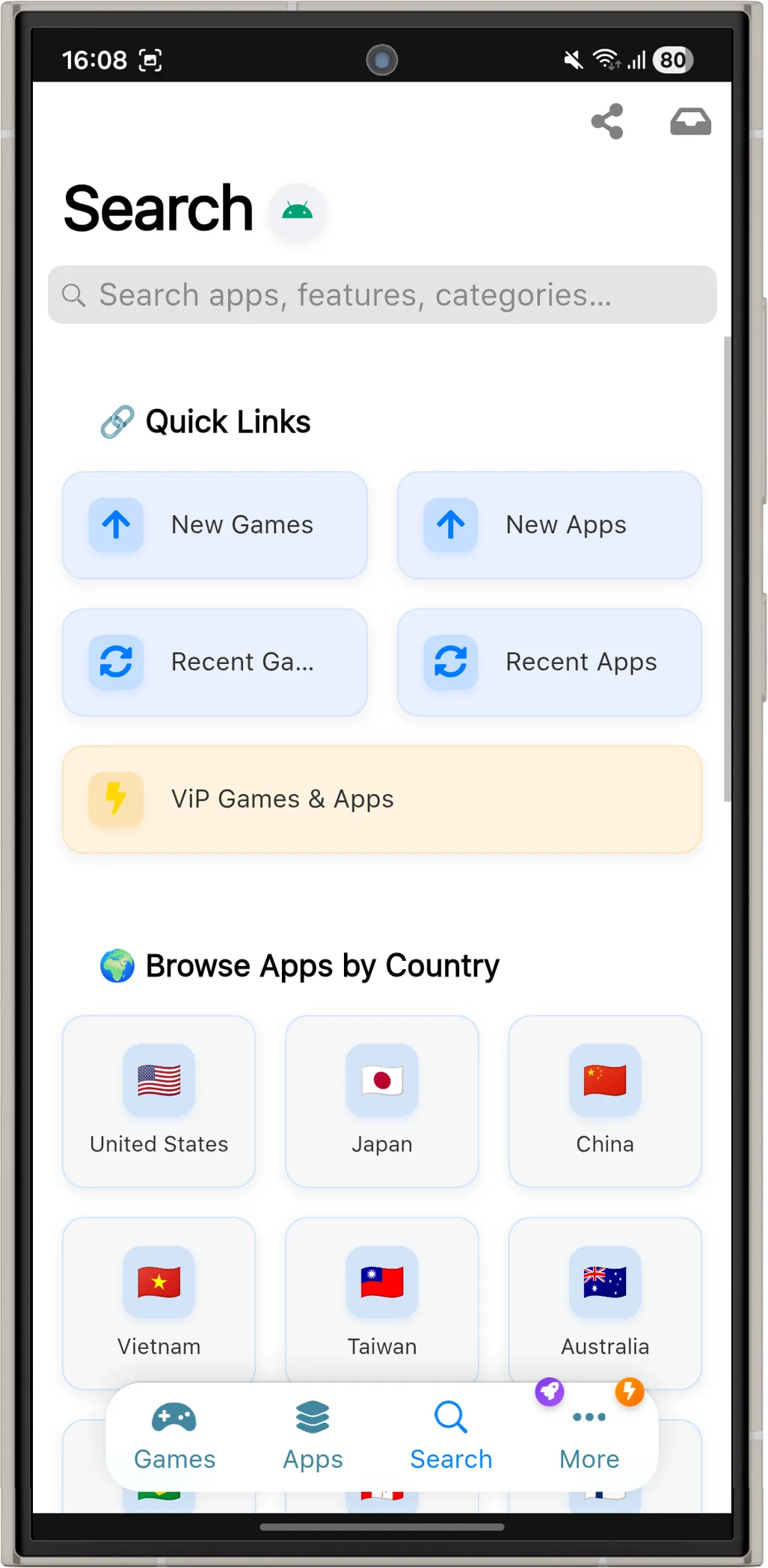
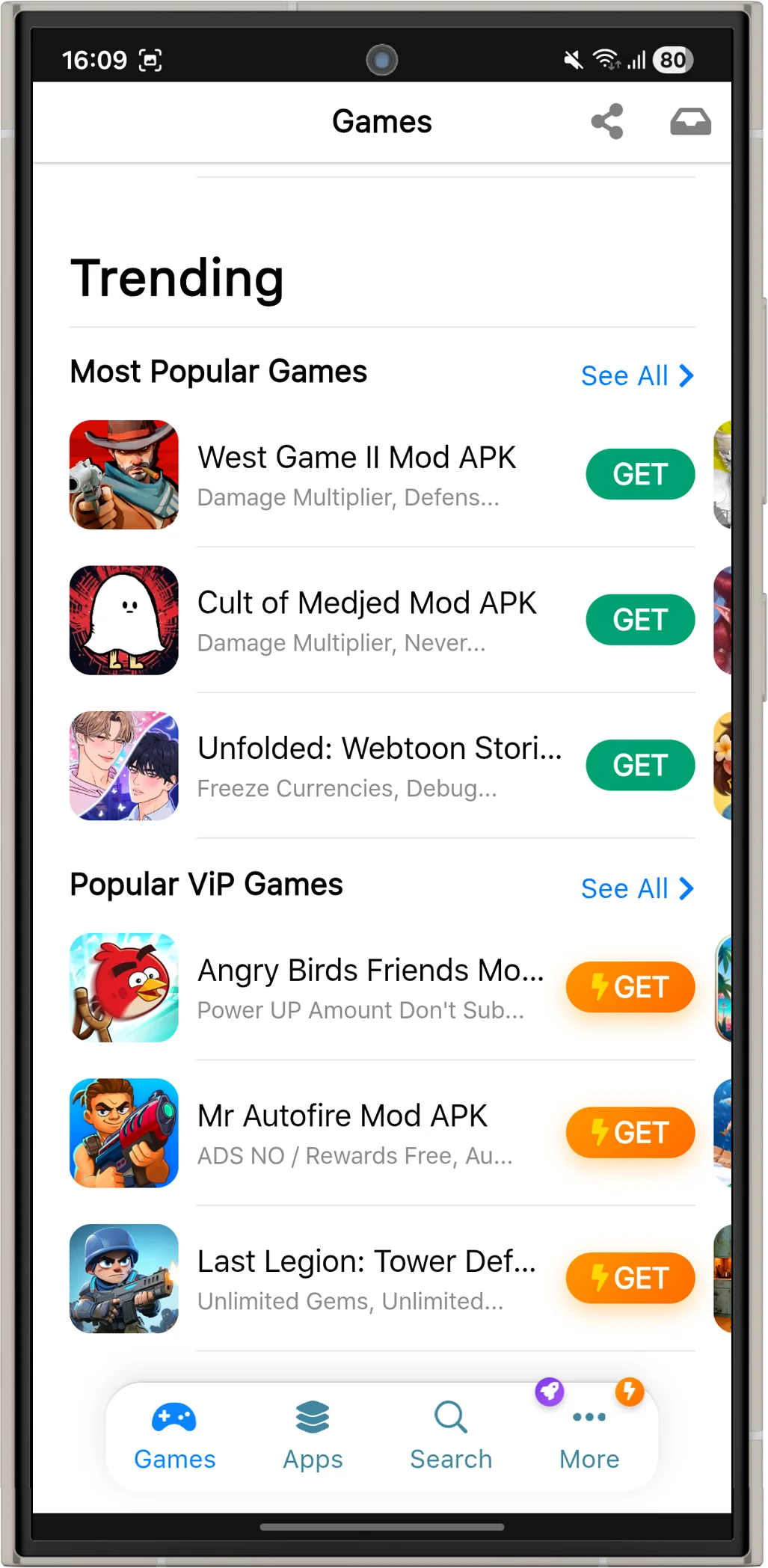
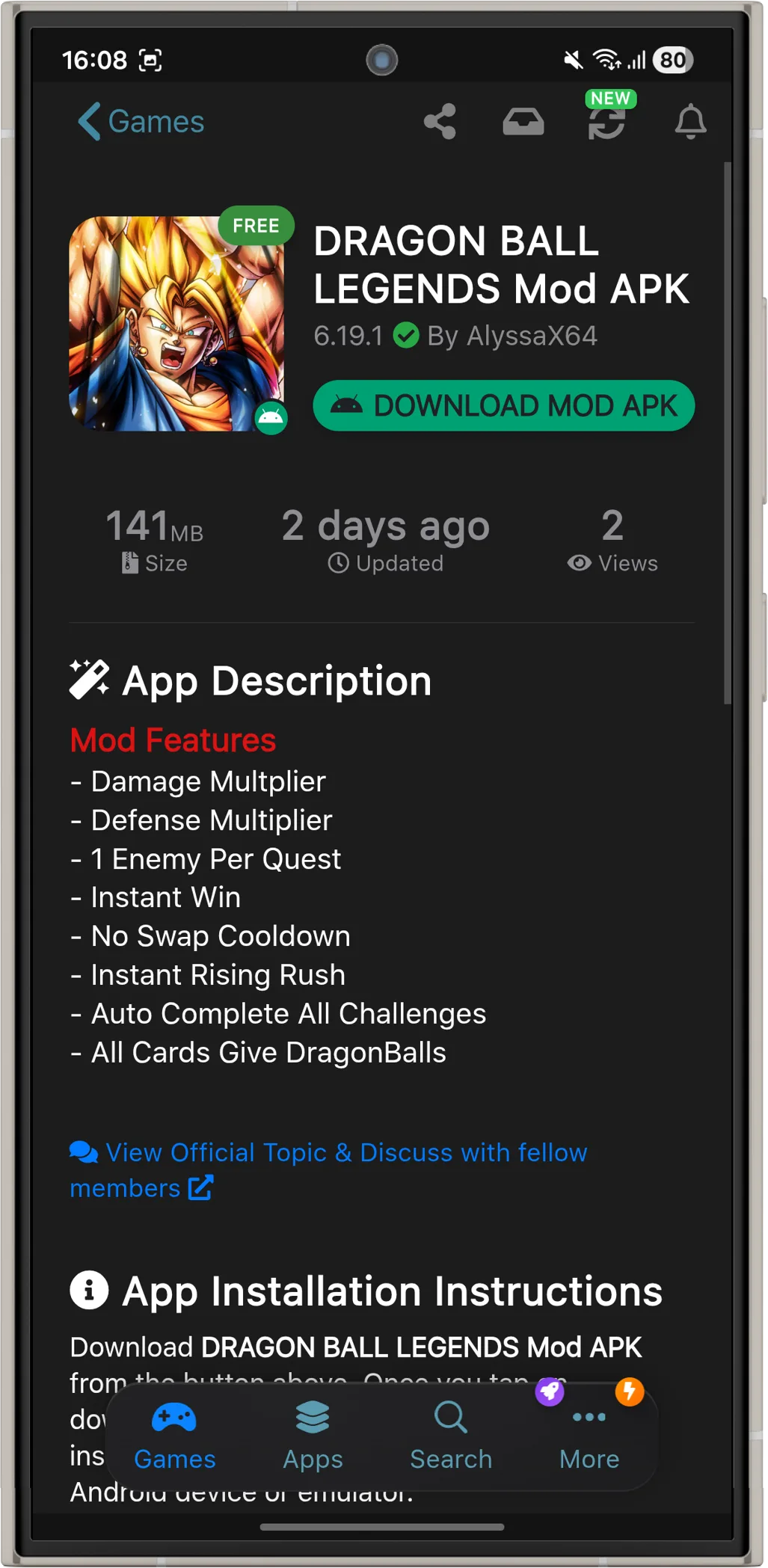
App Screenshots
See the iOSGods App in action on iOS and Android.
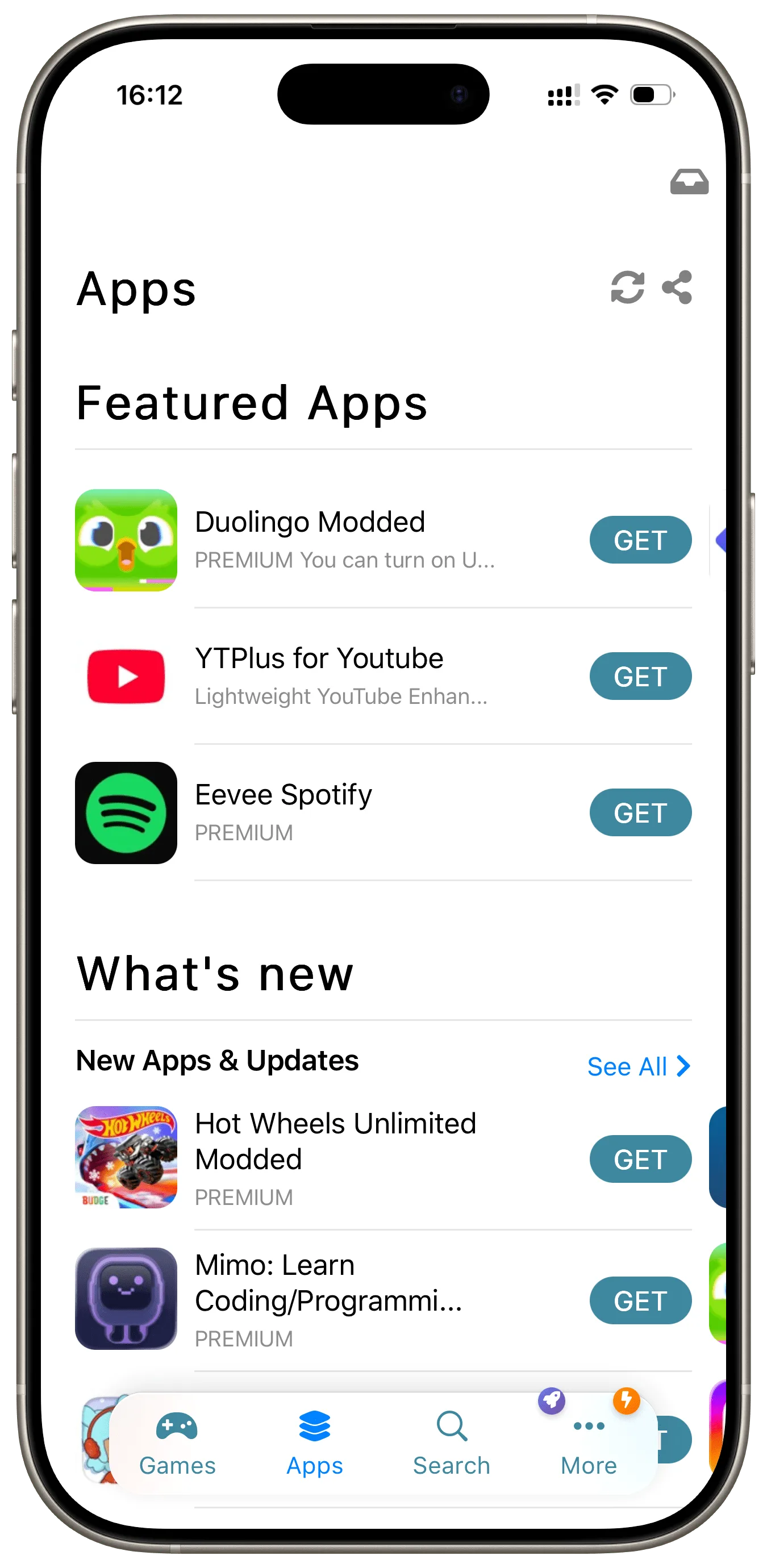
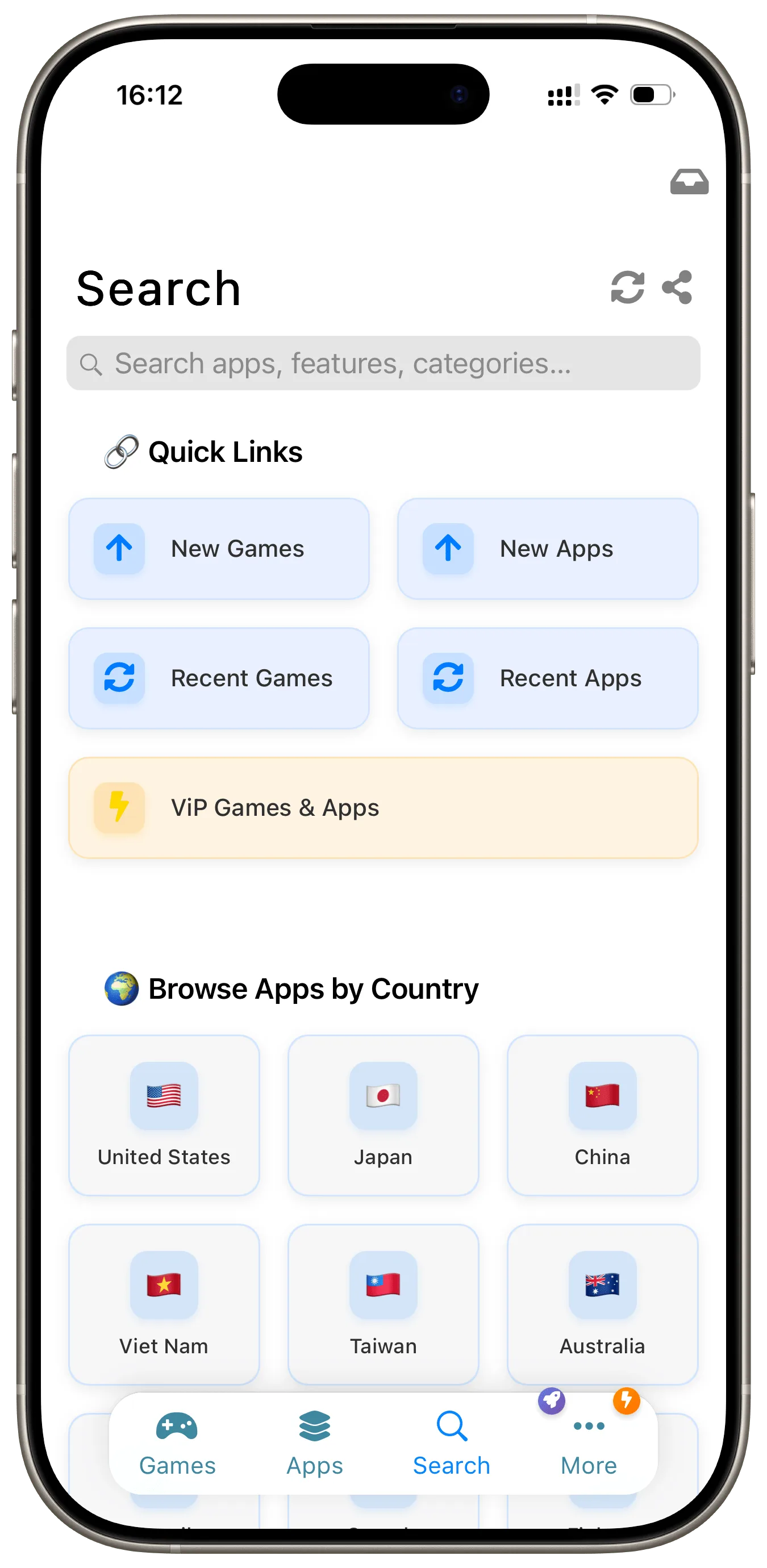
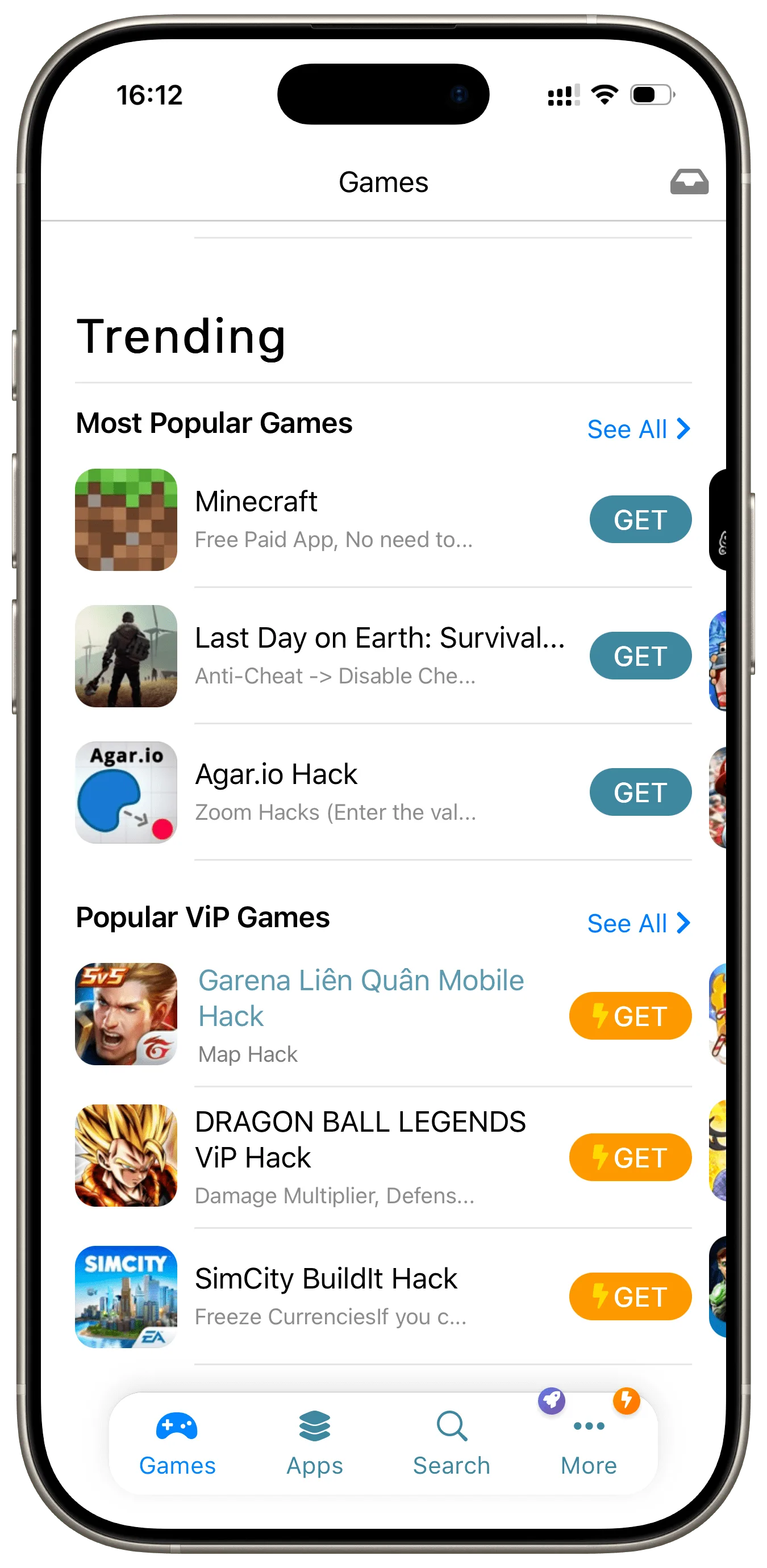
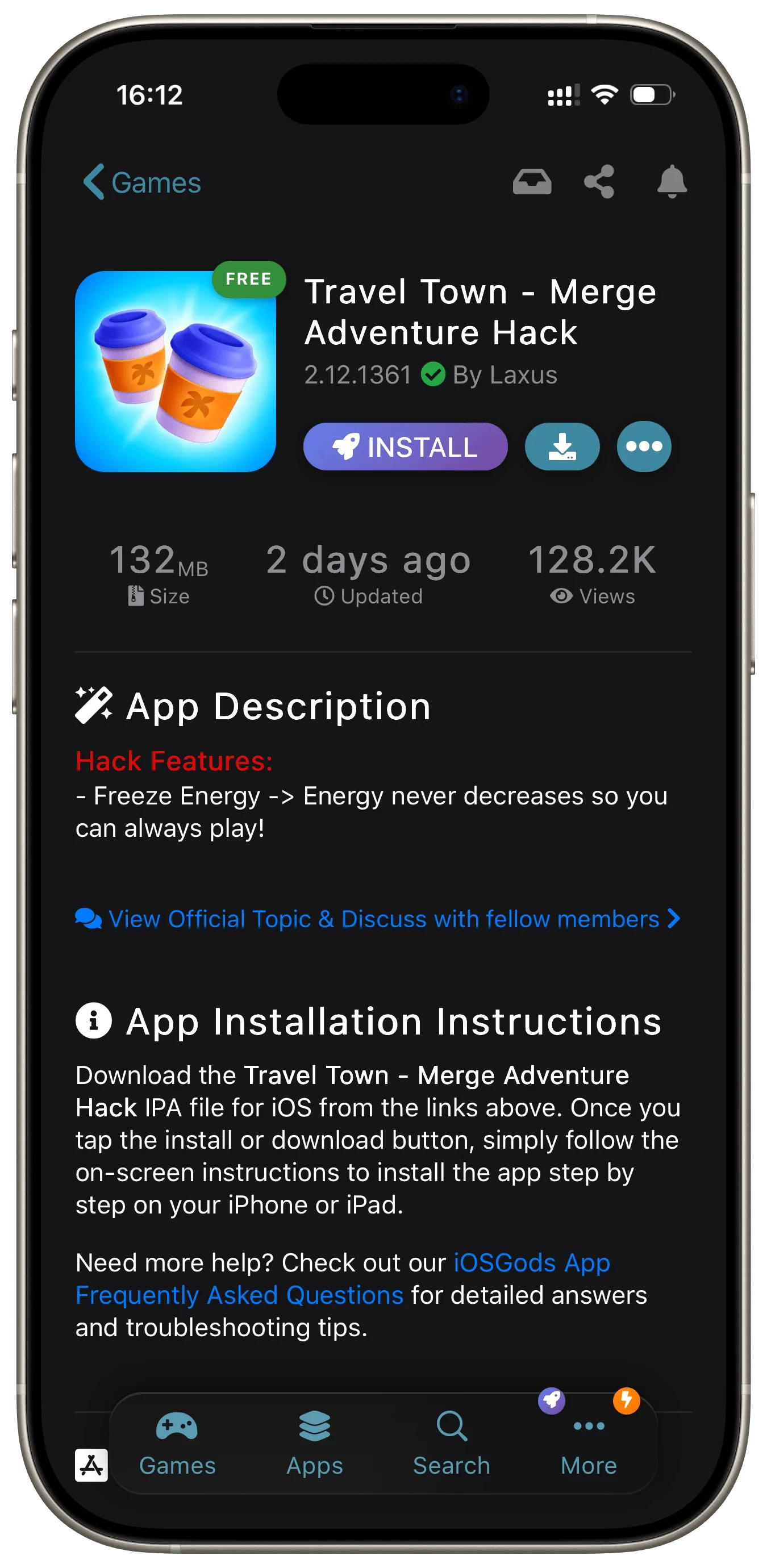
How to Install
Get set up in three simple steps, no jailbreak, no root, no computer needed.
On a computer? Scan with your phone
Point your phone’s camera at the code to open app.iosgods.com, then follow the steps below.
- 1
Open Safari
Navigate to app.iosgods.com in Safari on your iPhone or iPad.
- 2
Add to Home Screen
Tap the Share button, then select "Add to Home Screen" to install.
- 3
Browse & Install
Launch the app from your home screen and start downloading tweaked apps and games.
- 1
Open Chrome
Navigate to app.iosgods.com in Chrome or your preferred browser on Android.
- 2
Add to Home Screen
Tap the browser menu, then select "Add to Home Screen" to install.
- 3
Browse & Install
Launch the app from your home screen and start downloading tweaked apps and games.
Frequently Asked Questions
Everything you need to know before installing.
What is the iOSGods App?
The iOSGods App is a free web app that gives you on-device access to 6,000+ tweaked apps and modded games for iPhone, iPad, and Android. No jailbreak or root required.
Do I need to jailbreak my iPhone to use it?
No. The iOSGods App installs apps straight from Safari using enterprise certificates, iOSGods App+ signing, or your own Apple Developer certificate, so your device stays unjailbroken.
Does it work on Android?
Yes. Add the iOSGods App to your home screen from Chrome the same way you would on iOS, then install modded APKs directly. No root required.
Is the iOSGods App free?
Yes, browsing and installing from the 6,000+ app and game catalog is free. iOSGods App+ is an optional paid tier for faster, more reliable signing and extra installation features.
Can I install duplicate copies of the same app?
Yes. The Sign & Customize tools let you upload your own IPA, swap the icon and name, and run duplicate apps or multiple copies of the same app side by side.


Install the iOSGods App
Add it to your home screen on iPhone, iPad, or Android and start installing tweaked apps and games.