Потрібен вхід
Увійдіть у свій обліковий запис iOSGods, щоб продовжити.
Увійдіть у свій обліковий запис iOSGods, щоб продовжити.

Необмежене золото дозволяє вам витрачати вільно та миттєво поповнювати ресурси в цьому Hexonia Mod IPA, щоб ви могли зосередитися на стратегії та завоюванні без гринду валюти. Будуйте своє царство, досліджуйте технології та командуйте своєю армією на процедурно генерованому світі з 12+ типами юнітів та чотирма рівнями складності.
- Необмежене золото (витрачайте, щоб отримати необмежену кількість) → миттєво поповнюється під час витрат
Цей застосунок також постачається з iGameGod, який надає доступ до Auto Touch для автоматизації повторюваних дій, App Speed Manager для регулювання швидкості гри, редагування значень за допомогою Memory Engine та інших потужних інструментів для iOS-ігор.
Завантажте Hexonia - Free Hack modded IPA за посиланнями вище. Натисніть кнопку встановлення та дотримуйтесь інструкцій, щоб встановити цей хак iOS на iPhone, iPad або Apple Silicon.
Потрібна додаткова допомога? Перегляньте наш Поширені запитання про застосунок iOSGods для детальних відповідей та порад з усунення несправностей.
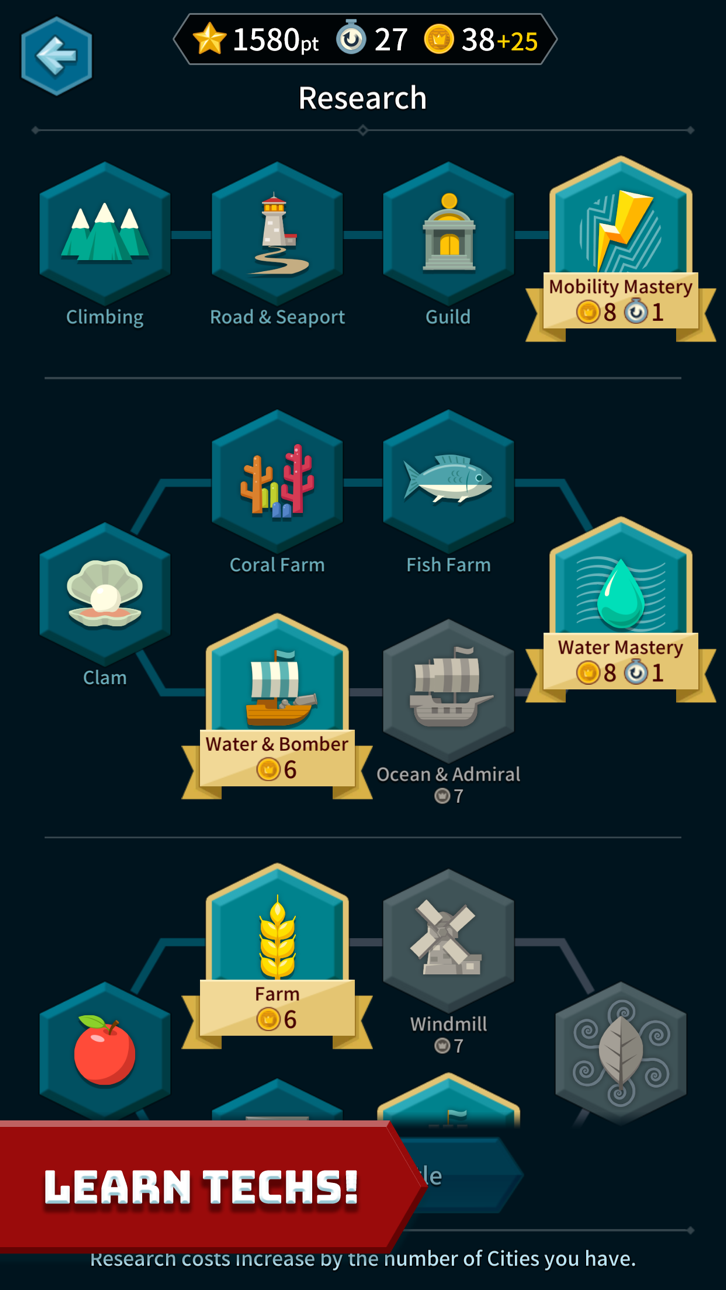
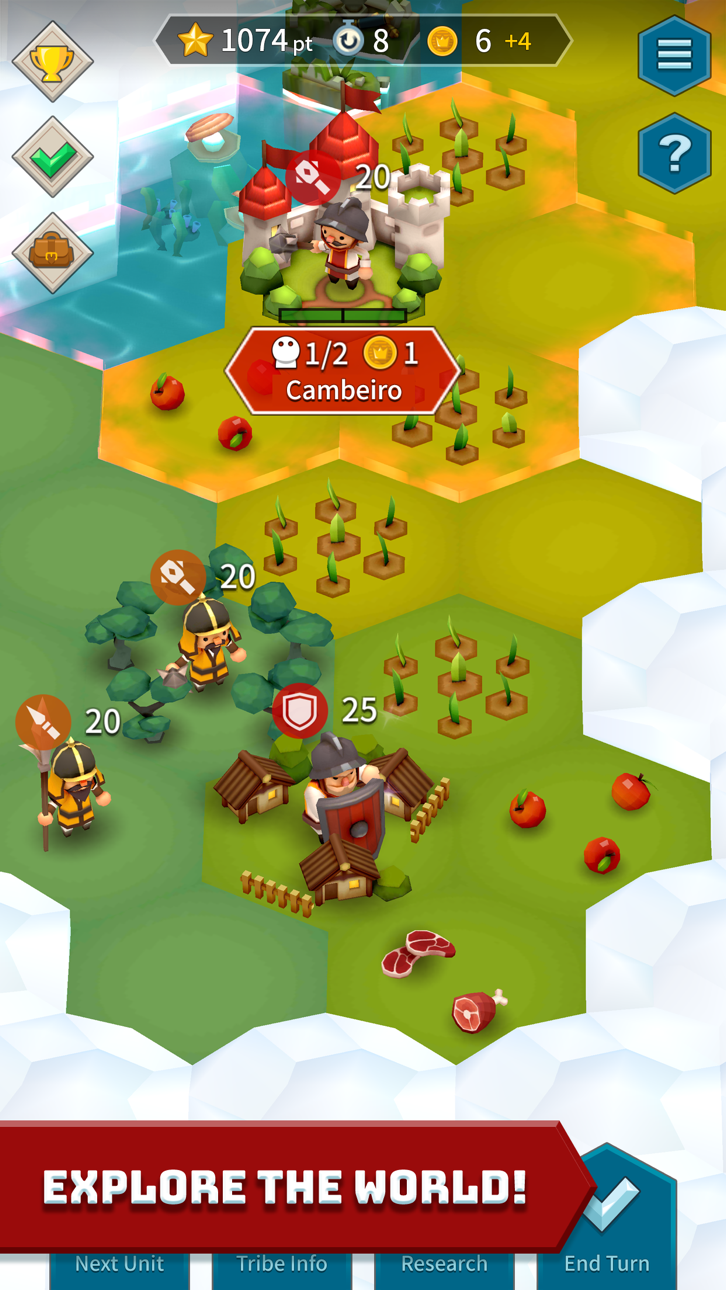
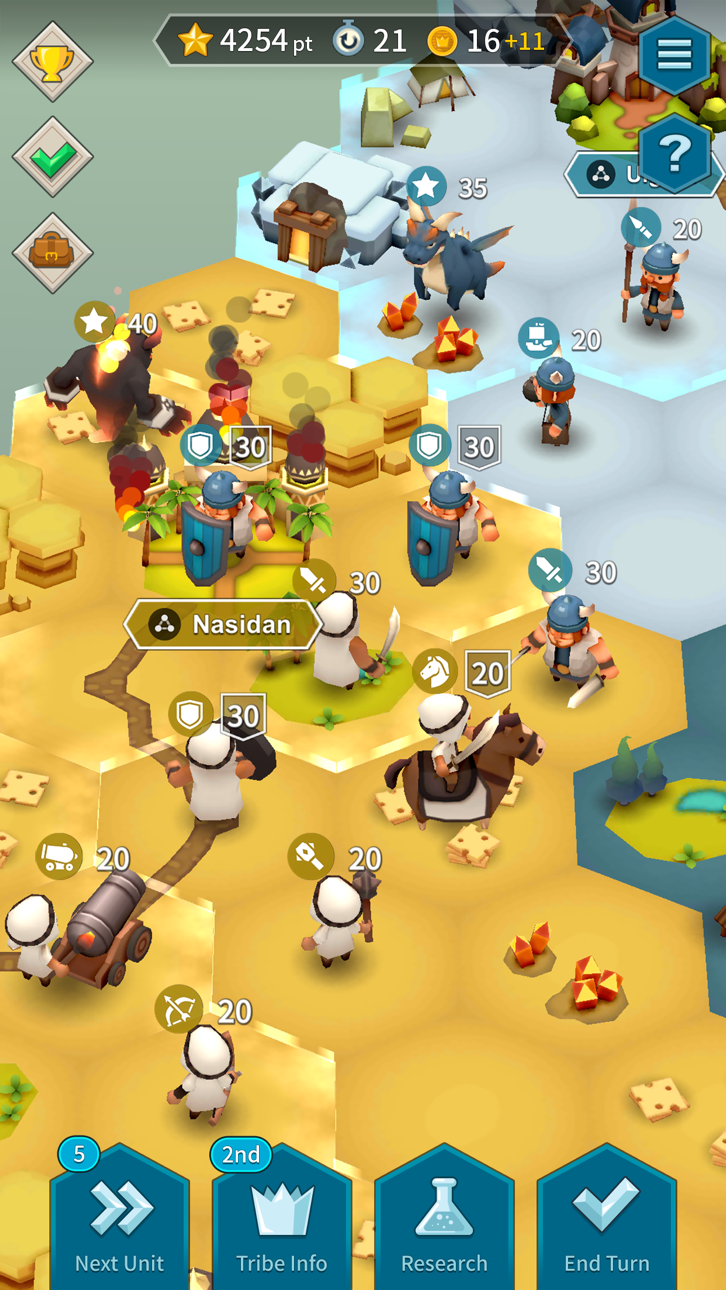
Choose a Tribe and build your kingdom. Conquer villages and cities to expand your land. Learn new Tech to increase Gold income and prepare your army. Warriors, knights, cannons, battleships and many more Units to choose from!
Come up with new strategies to defeat your opponents, and claim glorious victory!
Features
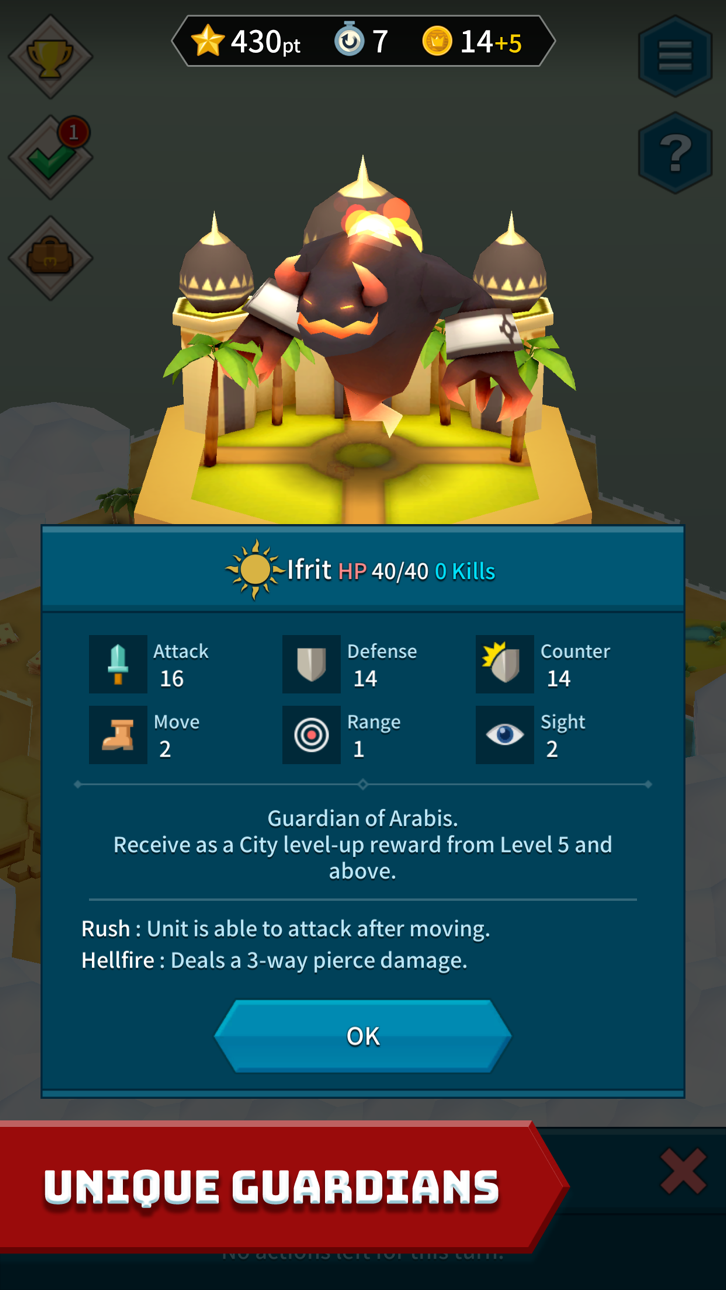
- Tribes each have Guardians with their own special abilities.
- Over 12 units to choose from, for exciting land and naval battles.
- The terrain generator guarantees a unique world in every game.
- What resources to collect and what tech to research is up to you.
- 4 difficulty levels awaits for your challenge!
- Supports English, Spanish, French, Japanese, Korean, German, Chinese.
You can also reach us by Email.
[email protected]
For news and updates, visit the links below.
Homepage
https://www.togglegear.com
Facebook page
https://www.facebook.com/TogglegearGames
Conditions and terms of use
https://www.togglegear.com/terms-of-service
Знімки екрана © їхніх власників · App Store



iOSGods не пов’язана з Apple Inc., Google LLC або розробниками перелічених тут застосунків, не схвалена та не спонсорується ними. Apple, iOS і App Store — торгові марки Apple Inc. Android і Google Play — торгові марки Google LLC. Усі інші назви застосунків, іконки, зображення й торгові марки належать їхнім власникам.
- iPhone або iPad без джейлбрейку/у заводському стані або з джейлбрейком.
- Sideloadly або альтернативи.
- Комп'ютер під керуванням Windows/macOS/Linux із встановленим iTunes.
КРОК 1: Завантажте попередньо зламаний .IPA-файл за посиланням вище на свій комп'ютер. Щоб завантажити з iOSGods App, перегляньте наш Посібник із завантаження IPA в iOSGods App, який містить відеоприклад.
КРОК 2: Завантажте Sideloadly і встановіть його на своєму Windows або Mac.
КРОК 3: Відкрийте Sideloadly на комп'ютері, підключіть свій iOS-пристрій і зачекайте, поки назва пристрою з'явиться у Sideloadly.
КРОК 4: Коли ваш iDevice буде розпізнано, перетягніть завантажений модифікований .IPA-файл і відпустіть його в застосунок Sideloadly.
КРОК 5: Введіть електронну пошту вашого Apple Account, потім натисніть «Start». Після цього вас попросять ввести пароль. Введіть необхідні дані.
КРОК 6: Зачекайте, доки Sideloadly завершить sideload/встановлення зламаного IPA. Якщо під час встановлення виникнуть проблеми, прочитайте примітку нижче.
КРОК 7: Коли встановлення завершено й ви побачите застосунок на головному екрані, перейдіть до Налаштування → Загальні → Профілі / VPN і керування пристроєм. Там натисніть на електронну пошту, яку ви ввели на кроці 6, а потім натисніть «Довіряти [email protected]».
КРОК 8: Тепер перейдіть на головний екран і відкрийте щойно встановлений застосунок — усе має працювати належним чином. Можливо, доведеться виконати додаткові інструкції для конкретного застосунку в спливаючому вікні хака в грі.
ПРИМІТКА: У iOS/iPadOS 16 і пізніших версіях потрібно увімкнути режим розробника. Для безкоштовних облікових записів Apple Developer цей процес доведеться повторювати кожні 7 днів. Якщо у вас є запитання або проблеми, прочитайте наш розділ FAQ зі Sideloadly у темі.
Game Name iOS Mod IPA is an action adventure game enhanced with powerful gameplay boosts and quality-of-life improvements. Win battles faster, earn rewards quicker, and enjoy uninterrupted play without ads.
- Unlimited Gold - spend freely to unlock premium content
- Damage Multiplier - deal significantly more damage in combat
- Defense Multiplier - take less damage and survive longer
- Reward Multiplier - earn more loot from every battle
- Max Level - instantly reach the highest player rank
- No Ads - play without interruptions or advertisements
This app also comes with iGameGod, giving you access to Auto Touch to automate repetitive tasks, App Speed Manager for adjustable gameplay speed, Memory Engine value editing, and more powerful iOS game tools.
Завантажте Game Name Mod IPA за посиланнями вище. Натисніть кнопку встановлення та дотримуйтесь інструкцій, щоб встановити цей хак iOS на iPhone, iPad або Apple Silicon.
Потрібна додаткова допомога Перегляньте наш Поширені запитання про застосунок iOSGods для детальних відповідей та порад з усунення несправностей.
----------------------------------------------------------
--------------------------------------------------