Cần đăng nhập
Đăng nhập bằng tài khoản iOSGods để tiếp tục.
Đăng nhập bằng tài khoản iOSGods để tiếp tục.
Mở khóa số lần sống lại không giới hạn và bộ nhân điểm trong Block Blast! iOS Mod IPA miễn phí này, được thiết kế để biến đổi trò chơi xếp hình của bạn với các tính năng cao cấp và sức mạnh tự động thắng.
- Sống Lại Vô Hạn → không bao giờ hết lần thử
- Bộ Nhân Điểm → tăng cường điểm bạn kiếm được
- Tự Động Thắng → hoàn thành các cấp độ ngay lập tức
- CAO CẤP → truy cập tất cả nội dung cao cấp
Tải Block Blast! iOS Mod IPA từ các liên kết ở trên. Nhấn nút cài đặt và làm theo hướng dẫn để cài bản hack iOS lên iPhone, iPad hoặc Apple Silicon.
Cần thêm trợ giúp? Hãy xem Câu hỏi thường gặp ứng dụng iOSGods để có câu trả lời chi tiết và mẹo khắc phục sự cố.
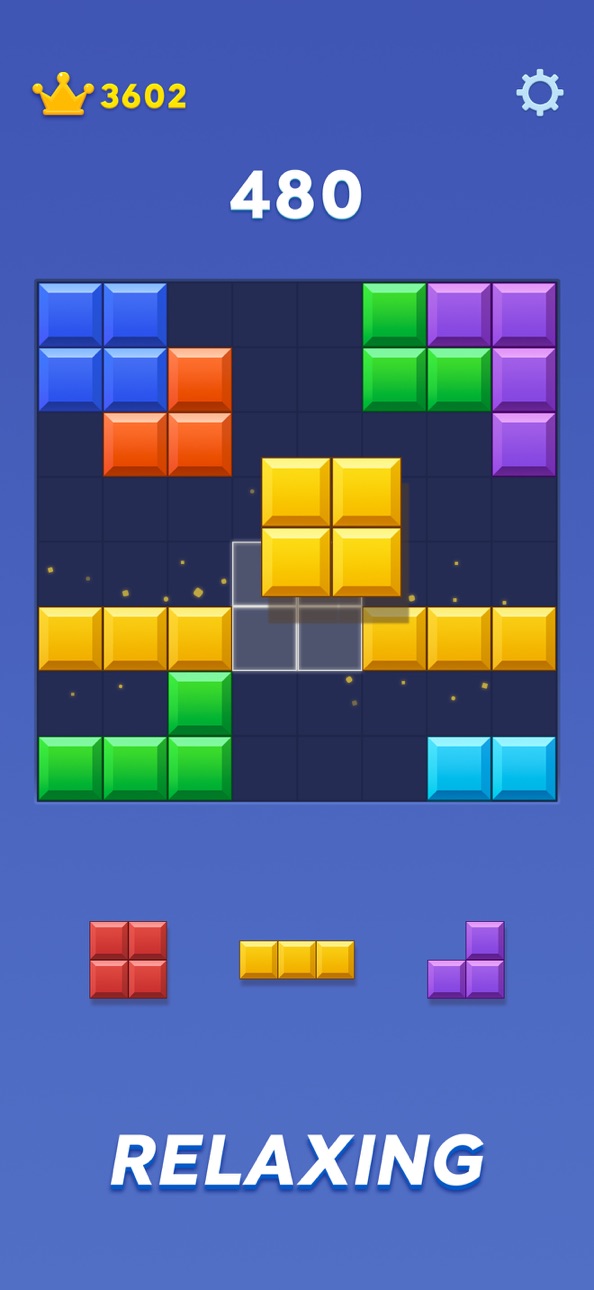
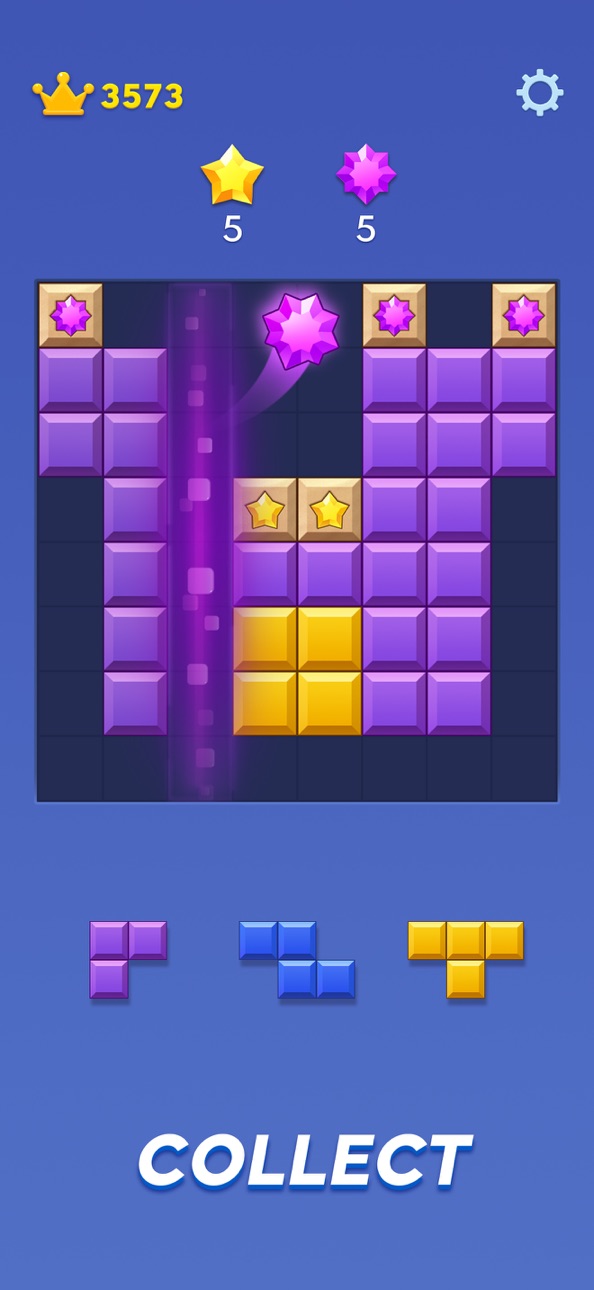
Enter the world of Block Blast, where every move is a test of your brain and strategy. Dive into the thrill of block crush gameplay—watch vibrant cubes explode in color as you solve each puzzle. With fresh daily puzzle challenges that keep your mind engaged and an endless high score system that rewards your best strategies, Block Blast delivers nonstop excitement for casual players and puzzle masters alike.
Why You'll Love Block Blast
• Daily Puzzle Variety: Every day brings a new puzzle twist, ensuring there’s always something fresh to solve and new rewards to earn.
• Block Puzzle Saga: Match colorful blocks on an 8x8 board and enjoy the satisfying cascade of each block crush.
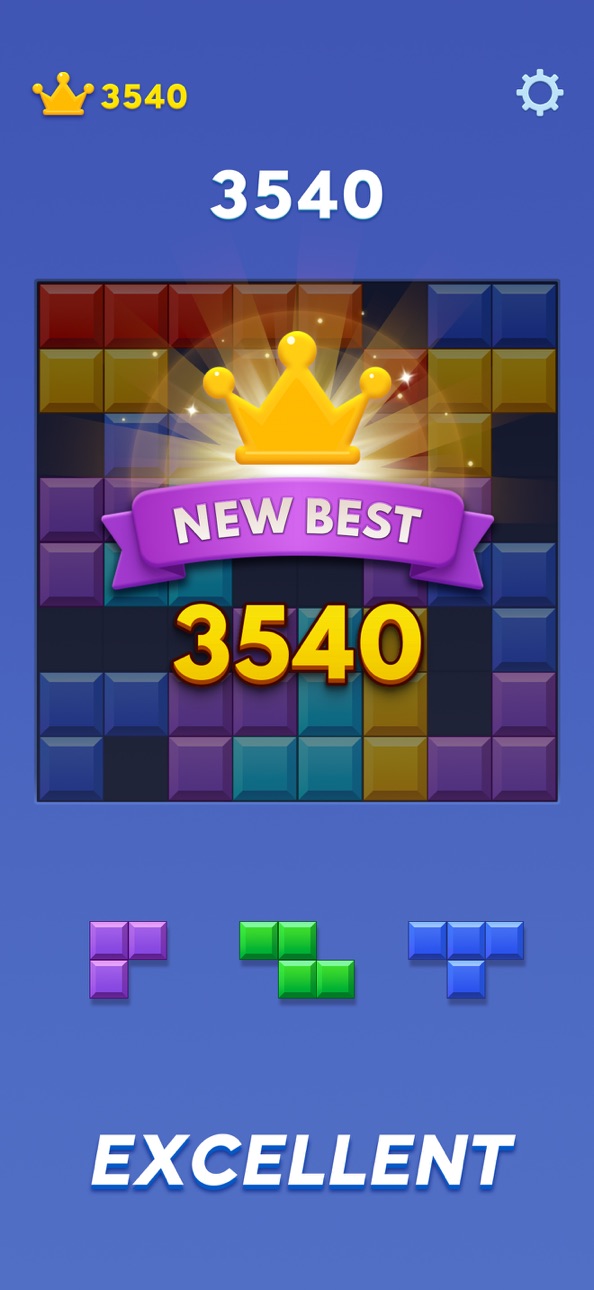
• Endless High Score Hunt: Push yourself further with each game—break your own records, and climb higher every time you play.
• Casual Yet Challenging: Easy to pick up, but packed with logic-based challenges that sharpen your mind.
Features of Block Blast
• Strategic Puzzle Gameplay: Drag, place, and match cube blocks on the board to trigger chain reactions.
• Adventure Mode: Experience progressive levels with unique jigsaw designs and colorful themes.
• Daily Puzzle Rewards: Stay motivated with special challenges that refresh your brain every day.
• Score Mastery: Compete against friends, share your results, and prove who dominates the endless high score.
• Stunning Block Effects: Feel the rush of every block crush with dynamic visuals and relaxing music effects.
How to Play
• Drag & Match: Place cube blocks on the 8x8 board with precision.
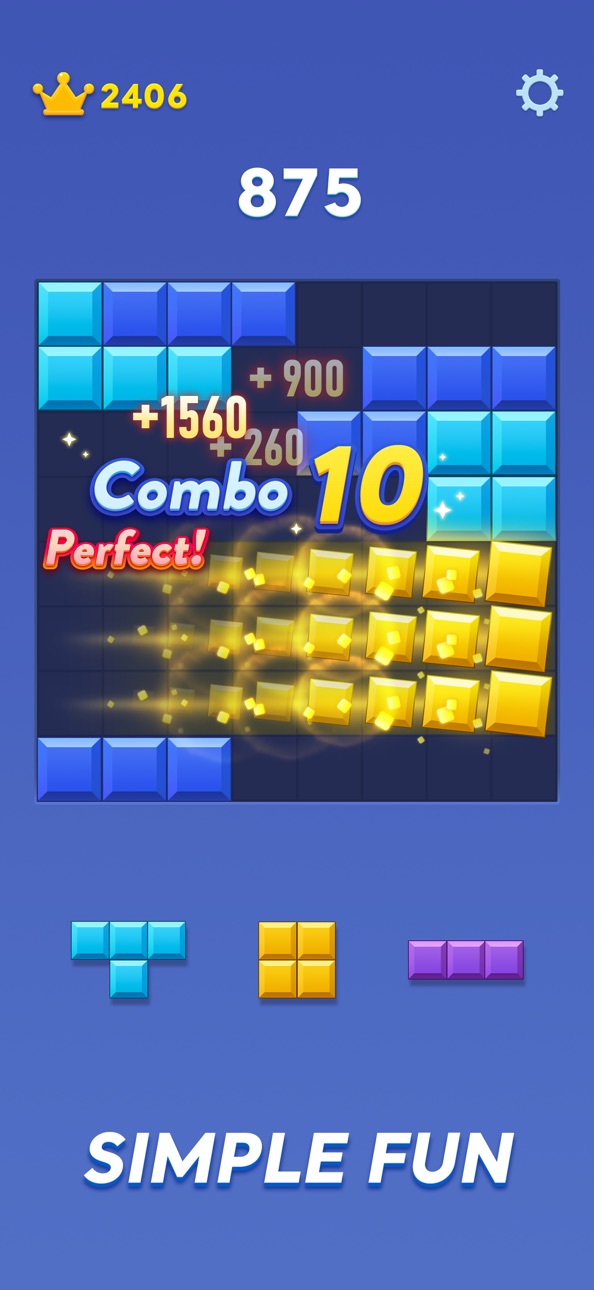
• Crush & Score: Complete rows or columns of tiles and watch the block crush effects cascade.
• Chase Combos: Plan your moves to unlock massive points and extend your endless high score run.
• Stay Strategic: Keep your board clear to make room for bigger plays.
Jump into the Ultimate Block Puzzle Saga!
Ready for mind-sharpening fun? Take on fresh daily puzzles, master the art of the block crush, and see how far you can push your endless high score. Download Block Blast today and start your adventure!
Catch us at Facebook: Block Blast
Suggestions or Comments? Give us a shout at [email protected]. We are committed to providing you with the best block puzzle game, combined with an unparalleled gaming experience.
Ảnh chụp © chủ sở hữu tương ứng · App Store


iOSGods không liên kết, không được chứng thực hay tài trợ bởi Apple Inc., Google LLC hoặc các nhà phát triển của những ứng dụng được liệt kê ở đây. Apple, iOS và App Store là thương hiệu của Apple Inc. Android và Google Play là thương hiệu của Google LLC. Mọi tên ứng dụng, biểu tượng, hình ảnh và thương hiệu khác đều thuộc về chủ sở hữu tương ứng.

- iPhone hoặc iPad chưa jailbreak/đã đóng hoặc đã jailbreak.
- Sideloadly hoặc các lựa chọn thay thế.
- Máy tính chạy Windows/macOS/Linux đã cài iTunes.
BƯỚC 1: Tải tệp .IPA đã được hack sẵn từ liên kết phía trên về máy tính của bạn. Để tải từ iOSGods App, hãy xem Hướng dẫn tải IPA bằng iOSGods App của chúng tôi, có kèm ví dụ bằng video.
BƯỚC 2: Tải Sideloadly và cài đặt trên Windows hoặc Mac của bạn.
BƯỚC 3: Mở Sideloadly trên máy tính, kết nối thiết bị iOS của bạn và chờ cho đến khi tên thiết bị hiển thị trong Sideloadly.
BƯỚC 4: Khi thiết bị iOS của bạn đã được nhận diện, hãy kéo tệp .IPA đã chỉnh sửa mà bạn tải về và thả vào ứng dụng Sideloadly.
BƯỚC 5: Nhập email Apple Account của bạn, sau đó nhấn "Start." Bạn sẽ được yêu cầu nhập mật khẩu. Hãy cung cấp các thông tin cần thiết.
BƯỚC 6: Chờ Sideloadly hoàn tất quá trình sideload/cài đặt tệp IPA đã hack. Nếu gặp sự cố trong quá trình cài đặt, vui lòng đọc lưu ý bên dưới.
BƯỚC 7: Khi cài đặt hoàn tất và bạn thấy ứng dụng trên Màn hình chính, bạn cần truy cập Cài đặt → Cài đặt chung → Hồ sơ / VPN & Quản lý thiết bị. Tại đó, nhấn vào email bạn đã nhập ở bước 6, rồi nhấn "Tin cậy [email protected]".
BƯỚC 8: Bây giờ hãy về Màn hình chính và mở ứng dụng vừa cài đặt, mọi thứ sẽ hoạt động bình thường. Bạn có thể cần làm theo hướng dẫn riêng của từng ứng dụng trong cửa sổ popup của bản hack trong game.
LƯU Ý: Trên iOS/iPadOS 16 trở lên, bạn phải bật Chế độ nhà phát triển. Với tài khoản Apple Developer miễn phí, bạn sẽ cần lặp lại quy trình này mỗi 7 ngày. Nếu bạn có thắc mắc hoặc gặp sự cố, hãy đọc mục FAQ về Sideloadly trong chủ đề của chúng tôi.
Game Name iOS Mod IPA is an action adventure game enhanced with powerful gameplay boosts and quality-of-life improvements. Win battles faster, earn rewards quicker, and enjoy uninterrupted play without ads.
- Unlimited Gold - spend freely to unlock premium content
- Damage Multiplier - deal significantly more damage in combat
- Defense Multiplier - take less damage and survive longer
- Reward Multiplier - earn more loot from every battle
- Max Level - instantly reach the highest player rank
- No Ads - play without interruptions or advertisements
This app also comes with iGameGod, giving you access to Auto Touch to automate repetitive tasks, App Speed Manager for adjustable gameplay speed, Memory Engine value editing, and more powerful iOS game tools.
Tải Game Name Mod IPA từ các liên kết ở trên. Nhấn nút cài đặt và làm theo hướng dẫn để cài bản hack iOS lên iPhone, iPad hoặc Apple Silicon.
Cần thêm trợ giúp Hãy xem Câu hỏi thường gặp ứng dụng iOSGods để có câu trả lời chi tiết và mẹo khắc phục sự cố.
----------------------------------------------------------
--------------------------------------------------