Потрібен вхід
Увійдіть у свій обліковий запис iOSGods, щоб продовжити.
Hack Features
- PREMIUM
Завантажте Bebi: Baby Games for Preschool iOS Mod IPA за посиланнями вище. Натисніть кнопку встановлення та дотримуйтесь інструкцій, щоб встановити цей хак iOS на iPhone, iPad або Apple Silicon.
Потрібна додаткова допомога? Перегляньте наш Поширені запитання про застосунок iOSGods для детальних відповідей та порад з усунення несправностей.
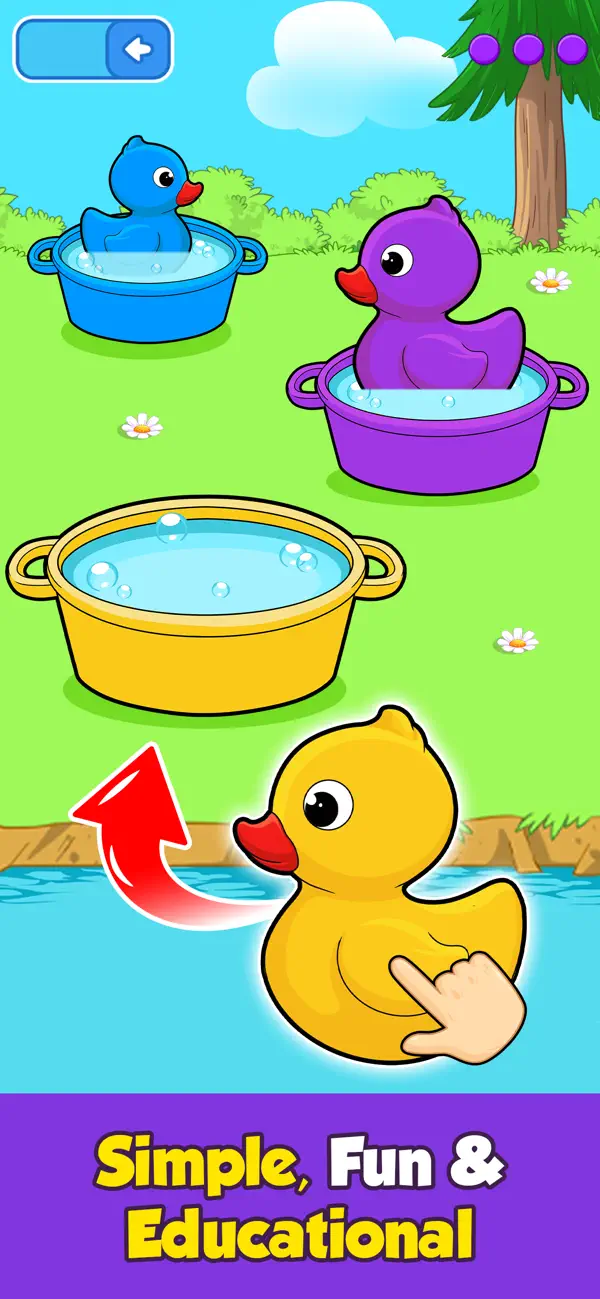
Empower your preschool toddler to learn and have fun playing 500+ educational games, from drawing, coloring and phonics to math, shapes and music. With Baby Games for Preschool by Bebi, you can support and encourage your toddler to learn unsupervised while having a fun in a 100% ad free, safe environment.
Baby Games for Preschool keeps your toddler occupied and away from video streaming apps by offering 500+ different educational activities, puzzles and games. It’s free to install, so why not download today and start enriching your toddler’s education?
What can 2,3,4 or even 5 year olds learn?
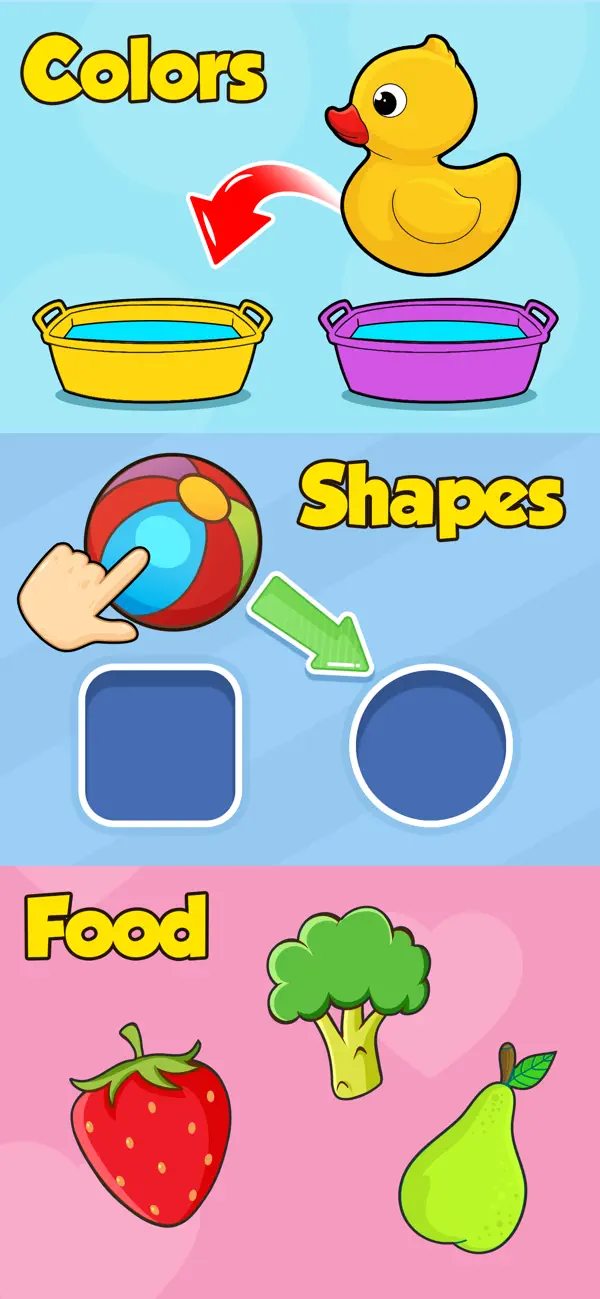
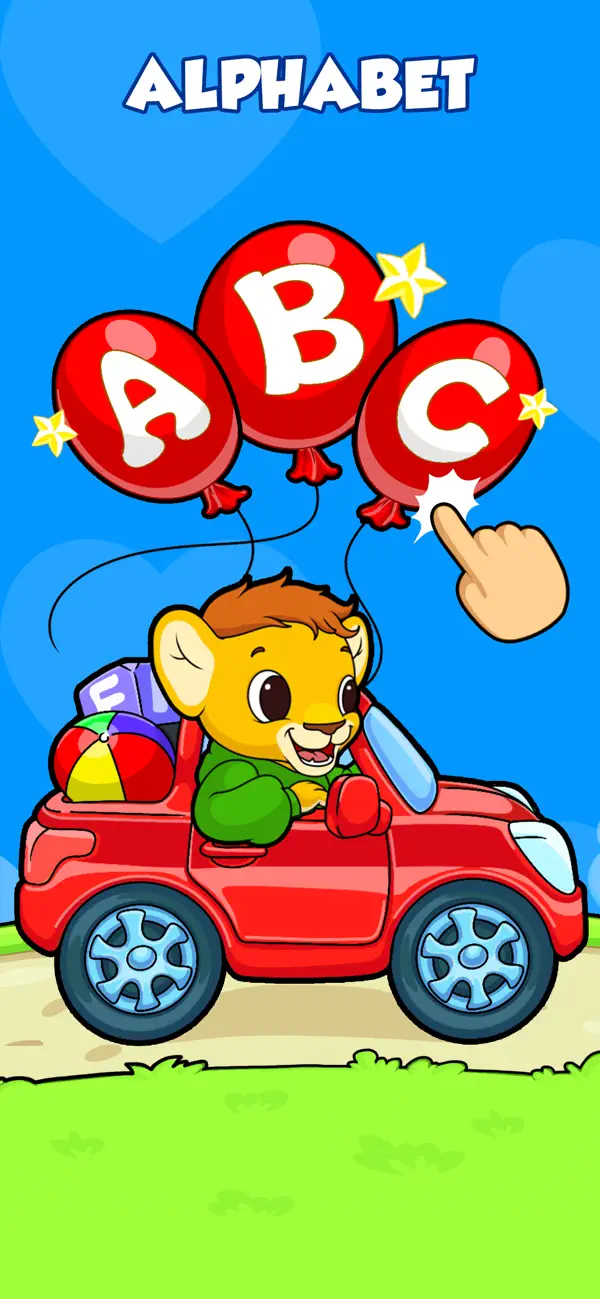
►The alphabet, phonics, numbers, words, tracing, shapes, patterns and colors
► Basic math and science through games and activities
► How to recognise and look after animals
► All about food and healthy eating
► Music, instruments and singing
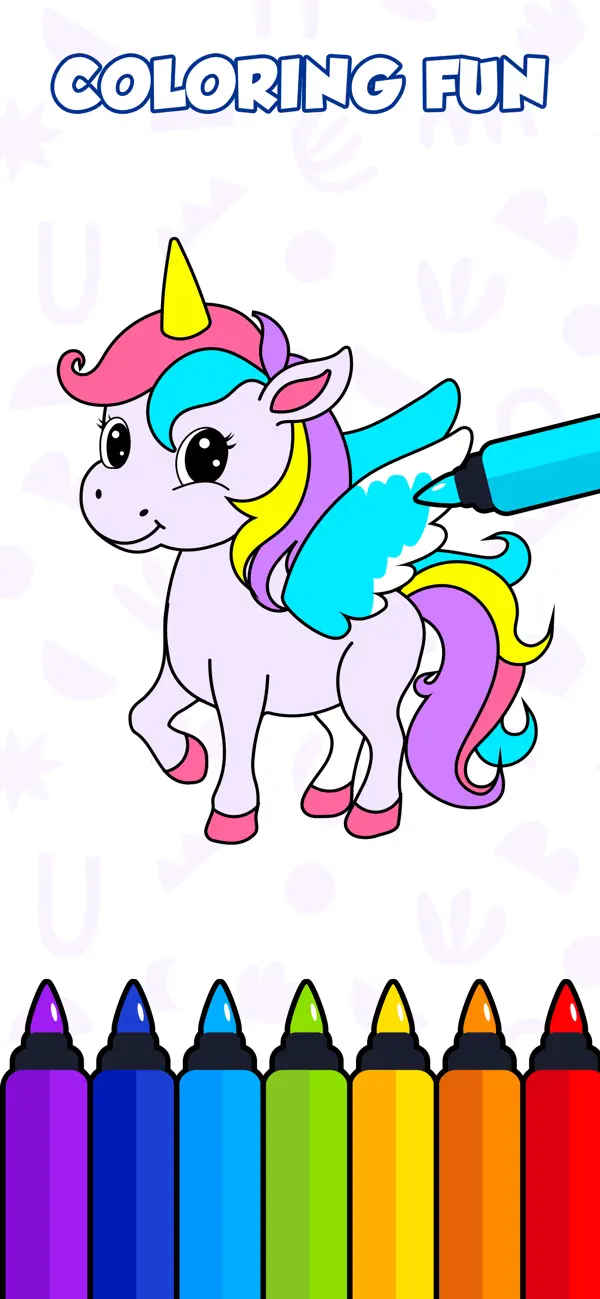
► Art skills through coloring, drawing and doodling
► Problem solving, dexterity and much, much more…
For kindergarten kids, play is an integral part of their development. Toddlers enjoy playing casual games, but Baby Games for Preschool encourages them to learn and absorb valuable information through interactivity and fun. Similarly, learning from books and papers is not easy at a kindergarten or preschool age.
Let your toddler relax with fun and educational games: their absorbent brain will soak up all the new knowledge on its own, allowing you as a parent to relax safe in the knowledge that their screen time is positive and rewarding. Once you notice that your toddler is engaged playing our educational games, you will see that the learning process has begun.
Whether its popping balloons, discovering science, developing the inner artist or simply learning songs through music, you might even find yourself enjoying a few of the app’s games and activities.
Why Baby Games for Preschool?
► Our 500+ learning games provide a safe and useful device experience for your 2-4 year old toddler
► Developed and tested by child development experts
► Designed for safety and convenience with no supervision needed
► Parental Gate - code protected sections so that your child doesn’t accidentally change settings or make unwanted purchases
► All settings and outbound links are protected and only accessible for adults
► Available offline and playable without an internet connection
► Timely hints so your child doesn't feel frustrated or lost in the app
► 100 % Ad free with no annoying interruptions
Who says learning can't be fun?
Please support us by writing reviews if you like the app and let us know about any issue or suggestions too.
This toddler games app has dozens of free games without ads
- iPhone або iPad без джейлбрейку/у заводському стані або з джейлбрейком.
- Sideloadly або альтернативи.
- Комп'ютер під керуванням Windows/macOS/Linux із встановленим iTunes.
КРОК 1: Завантажте попередньо зламаний .IPA-файл за посиланням вище на свій комп'ютер. Щоб завантажити з iOSGods App, перегляньте наш Посібник із завантаження IPA в iOSGods App, який містить відеоприклад.
КРОК 2: Завантажте Sideloadly і встановіть його на своєму Windows або Mac.
КРОК 3: Відкрийте Sideloadly на комп'ютері, підключіть свій iOS-пристрій і зачекайте, поки назва пристрою з'явиться у Sideloadly.
КРОК 4: Коли ваш iDevice буде розпізнано, перетягніть завантажений модифікований .IPA-файл і відпустіть його в застосунок Sideloadly.
КРОК 5: Введіть електронну пошту вашого Apple Account, потім натисніть «Start». Після цього вас попросять ввести пароль. Введіть необхідні дані.
КРОК 6: Зачекайте, доки Sideloadly завершить sideload/встановлення зламаного IPA. Якщо під час встановлення виникнуть проблеми, прочитайте примітку нижче.
КРОК 7: Коли встановлення завершено й ви побачите застосунок на головному екрані, перейдіть до Налаштування → Загальні → Профілі / VPN і керування пристроєм. Там натисніть на електронну пошту, яку ви ввели на кроці 6, а потім натисніть «Довіряти [email protected]».
КРОК 8: Тепер перейдіть на головний екран і відкрийте щойно встановлений застосунок — усе має працювати належним чином. Можливо, доведеться виконати додаткові інструкції для конкретного застосунку в спливаючому вікні хака в грі.
ПРИМІТКА: У iOS/iPadOS 16 і пізніших версіях потрібно увімкнути режим розробника. Для безкоштовних облікових записів Apple Developer цей процес доведеться повторювати кожні 7 днів. Якщо у вас є запитання або проблеми, прочитайте наш розділ FAQ зі Sideloadly у темі.