Login Required
Sign in with your iOSGods account to continue.
Sign in with your iOSGods account to continue.

Mod Features
- Unlimited Diamond
Download Witcher's Defense Mod APK from the button above. Once you tap on download, simply follow the on-screen instructions to install the modded APK on your Android device or emulator.
Need help? Check out our Android Frequently Asked Questions for detailed answers and troubleshooting tips.
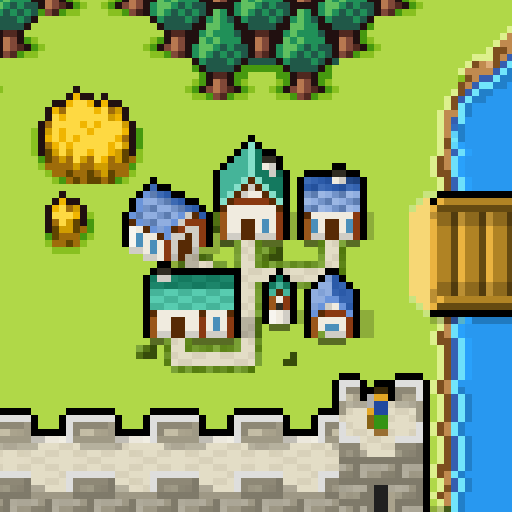
通过各具特色的防御塔、技能与英雄,挑战精彩章节与多样玩法!每一次关键选择,都将打造出坚不可摧的防线,击退一波又一波的敌人与强大Boss!
塔防 × Roguelike
· 肉鸽&策略! 施展你的防御策略,挑选防御塔与英雄,组建专属卡组!但运气也是实力的一环——你在战斗中会抽到什么卡牌呢?
· 升级&进化! 击败敌人,从三张随机卡牌中选择一张,强化你的防御塔!战场不断升温,每一次决策都极其重要,在瞬息万变的战局中,决定不同防御塔的进化方向吧!
铺设道路,左右战局!
· 多种形状的道路让你自由掌控敌人的进攻路线!延伸道路,在敌人逼近前将其歼灭!灵活调整策略,一边升级防御塔、一边规划最佳作战路线!
· 根据各塔的能力、属性与攻击范围合理布局。谨慎布阵才能确保胜利!成千上万种策略组合任你搭配,每一次战斗都将带来全新的挑战!
立即下载《Witcher's Defense》,体验这场哥特风塔防盛宴吧!"
- Non-Jailbroken/Jailed or Jailbroken iPhone or iPad.
- Sideloadly or alternatives.
- Computer running Windows/macOS/Linux with iTunes installed.
STEP 1: Download the pre-hacked .IPA file from the link above to your computer. To download from the iOSGods App, see our iOSGods App IPA Download Tutorial which includes a video example.
STEP 2: Download Sideloadly and install it on your Windows or Mac.
STEP 3: Open Sideloadly on your computer, connect your iOS device, and wait until your device name appears in Sideloadly.
STEP 4: Once your iDevice is recognized, drag the modded .IPA file you downloaded and drop it into the Sideloadly application.
STEP 5: Enter your Apple Account email, then press “Start.” You’ll then be asked to enter your password. Go ahead and provide the required information.
STEP 6: Wait for Sideloadly to finish sideloading/installing the hacked IPA. If there are issues during installation, please read the note below.
STEP 7: Once the installation is complete and you see the app on your Home Screen, you will need to go to Settings → General → Profiles / VPN & Device Management. Once there, tap on the email you entered from step 6, and then tap on “Trust [email protected]”.
STEP 8: Now go to your Home Screen and open the newly installed app and everything should work fine. You may need to follow further per app instructions inside the hack's popup in-game.
NOTE: iOS/iPadOS 16 and later, you must enable Developer Mode. For free Apple Developer accounts, you will need to repeat this process every 7 days. If you have any questions or problems, read our Sideloadly FAQ section of the topic.