Login Required
Sign in with your iOSGods account to continue.
Sign in with your iOSGods account to continue.
Mod Features
- PREMIUM
Download Papumba: Games for Kids 2-7 Mod APK from the button above. Once you tap on download, simply follow the on-screen instructions to install the modded APK on your Android device or emulator.
Need help? Check out our Android Frequently Asked Questions for detailed answers and troubleshooting tips.
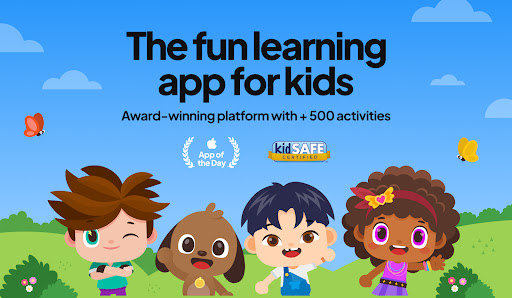
THE #1 APP FOR EARLY CHILDHOOD EDUCATION IN 2023*
Do you struggle with managing your kid’s screen time and wish they could engage with more educational and interactive content?
Say goodbye to screen time worries and hello to a brighter, smarter future for your child with Papumba.
🏆 *2023 EdTech Award Winner: “Best Mobile App” for early childhood education!
Trusted by parents of 2- to 7-year-olds around the world, Papumba is the top app for parents looking for an educational app for their kids.
500+ EDUCATIONAL GAMES, VIDEOS, BOOKS, AUDIO STORIES AND MUCH MORE!
LEARNING THROUGH PLAY
NO ADS, NO IN-APP PURCHASES
Papumba fits into your family's daily life: from independent playtime while you're making breakfast or working on tasks, to shared bonding moments like storytime before bed or fun family road trips.
Put simply, it’s just Good Screen Time! TRY 7 DAYS for FREE!
===============
kidSAFE® certified
Awarded the "Gold Seal of Approval” by Mom’s Choice
Associated with the Power of 0’s No-Bully program
Download our app and start the FREE 7-day trial:
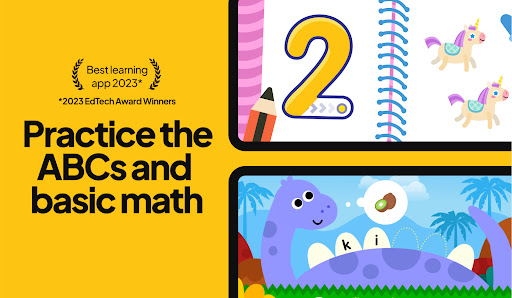
→ Play 500+ educational games to learn the ABCs, 123s, and much more!
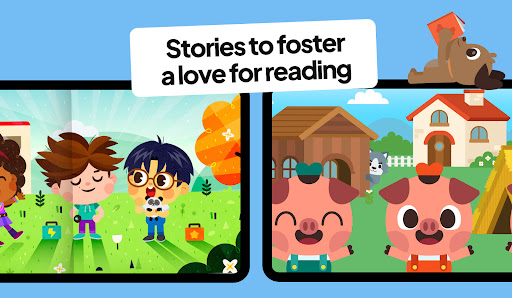
→ Read and listen to books and bedtime stories in English, Portuguese and Spanish
→ Learn first words in English, Portuguese and Spanish for toddlers and preschoolers
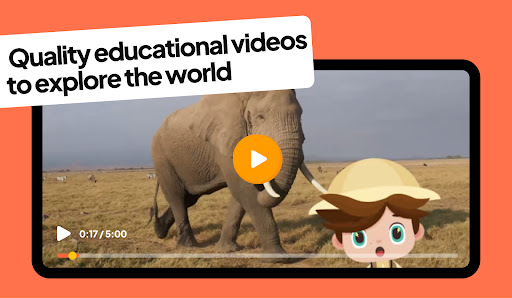
→ Watch videos in English, Portuguese and Spanish to explore the world
→ Enjoy a safe and 100% ad-free environment!
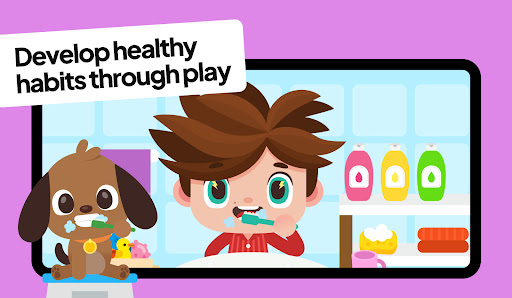
→ Dive into activities that foster social emotional learning, healthy habits and good social skills
→ Relax with interactive yoga videos in English, Portuguese and Spanish
Papumba is the go-to app for parents seeking engaging and educational playtime in English, Portuguese and Spanish for their toddlers and preschoolers.
Join the community that makes learning an exciting part of their kid’s daily life! 🧡
===============
THE SMALL PRINT, SUMMED UP IN SIMPLE TERMS
Papumba is a subscription-based app that you can try and enjoy for free for 7 days!
After 7 days, you will become a subscriber. The fee for your chosen plan, monthly or annual, will be charged through your Google Play account. Keep in mind that this transaction will renew automatically.
But fear not: you're always in control.
You can cancel your subscription at least 24 hours before the current renewal date. You can also manage and cancel it at any time, or turn off auto-renewal by signing into your Google Play account.
===============
Contact us and be part of the Papumba world! 🚀
✉️ Feel free to write to us at [email protected]
- Instagram: https://www.instagram.com/papumba
- YouTube: https://www.youtube.com/@Papumba
- Spotify: https://open.spotify.com/show/Papumba
- Facebook: https://www.facebook.com/papumbagames/
- Website: https://www.papumba.com/en/contact
- Privacy Policy: https://www.papumba.com/en/privacy/en
- Terms of Service: https://www.papumba.com/en/terms/
- Non-Jailbroken/Jailed or Jailbroken iPhone or iPad.
- Sideloadly or alternatives.
- Computer running Windows/macOS/Linux with iTunes installed.
STEP 1: Download the pre-hacked .IPA file from the link above to your computer. To download from the iOSGods App, see our iOSGods App IPA Download Tutorial which includes a video example.
STEP 2: Download Sideloadly and install it on your Windows or Mac.
STEP 3: Open Sideloadly on your computer, connect your iOS device, and wait until your device name appears in Sideloadly.
STEP 4: Once your iDevice is recognized, drag the modded .IPA file you downloaded and drop it into the Sideloadly application.
STEP 5: Enter your Apple Account email, then press “Start.” You’ll then be asked to enter your password. Go ahead and provide the required information.
STEP 6: Wait for Sideloadly to finish sideloading/installing the hacked IPA. If there are issues during installation, please read the note below.
STEP 7: Once the installation is complete and you see the app on your Home Screen, you will need to go to Settings → General → Profiles / VPN & Device Management. Once there, tap on the email you entered from step 6, and then tap on “Trust [email protected]”.
STEP 8: Now go to your Home Screen and open the newly installed app and everything should work fine. You may need to follow further per app instructions inside the hack's popup in-game.
NOTE: iOS/iPadOS 16 and later, you must enable Developer Mode. For free Apple Developer accounts, you will need to repeat this process every 7 days. If you have any questions or problems, read our Sideloadly FAQ section of the topic.