需要登入
請使用您的 iOSGods 帳戶登入以繼續。
請使用您的 iOSGods 帳戶登入以繼續。
無限寶石和金幣可在 Merge Clash: Tower Defense TD Mod APK 中解鎖即時塔樓升級,讓你跳過磨練,直接進入 Android 上的高級策略戰鬥。
傷害倍數、延伸攻擊範圍和致命一擊加成同時啟動,你將比以往更快地擊敗敵人波浪。這個破解將塔樓建築體驗從緩慢進度遊戲轉變為動作冒險幻想,你的 5 座塔樓組合從第一波開始就變得極其有效。
- 寶石最大化 → 無限高級貨幣用於即時購買
- 金幣最大化 → 無限遊戲內貨幣用於塔樓升級
- 傷害倍數 → 每次塔樓攻擊的傷害輸出倍增
- 攻擊範圍倍數 → 所有塔樓的攻擊範圍延伸
- 致命一擊倍數 → 增加致命一擊機率和傷害
- 攻擊塔樓冷卻 → 減少塔樓攻擊之間的冷卻時間
注意:傷害已連結
從上方按鈕下載 Merge Clash: Tower Defense TD Mod APK。點選下載後,只需依照畫面指示將修改版 APK 安裝到您的 Android 裝置或模擬器上。
需要協助?請查看我們的 Android 常見問題 以獲得詳細解答與疑難排解。
The Most Epic Tower Defense game, feel the rush of adrenaline as you build and upgrade towers to defend your base against an endless rush of challenging enemies!
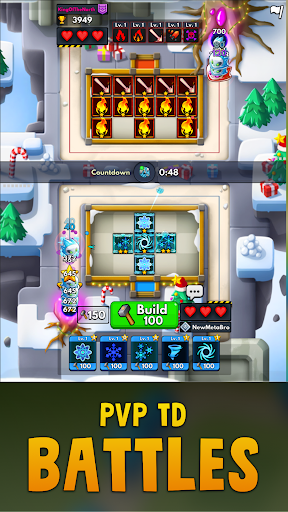
Feel the rush of TD battles as you defend your royale kingdom against waves of enemies in strategic and action packed tower defense games!
Plan your Defense
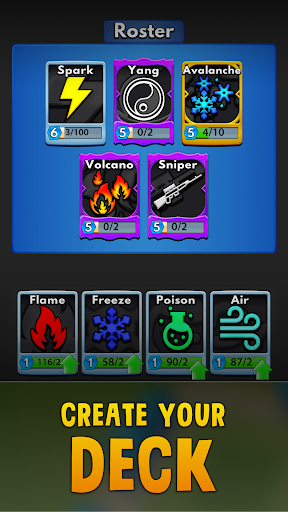
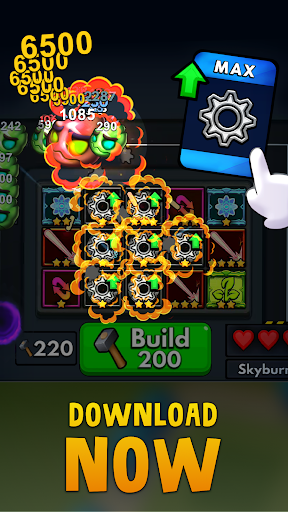
Defened your base by strategically making use of each tower's unique abilities - craft a deck of 5 towers to defend your base. With 50+ addicting and random towers to collect and upgrade there's countless ways to win the war!
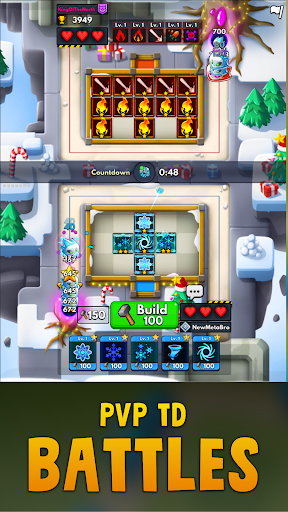
Competitive Tower Defense Battles
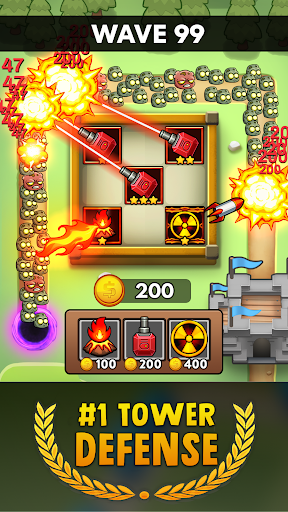
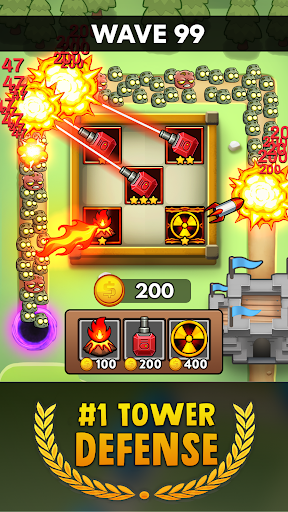
Fight off balloons and zombies using towers, build and upgrade your tower defense. Destroying rush of enemies rewards more resources so the more you kill the stronger you become!
Random Tower Defense Games
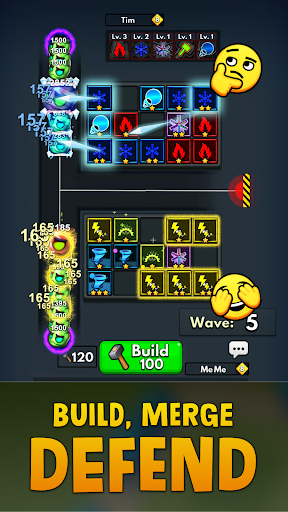
Merge matching towers to level them up and deal extra damage BUT be careful - merging is random and may change your tower type!! (not always for the better). Idle while you collect resources, use tactics to defeat a royale of opponents.
Defeat Challenging Bosses
Each Boss has their own special ability that may catch you off guard if you’re not careful. Adjust your defense strategy accordingly or you’ll lose the defense game!
Friend Up - Play Together
Team up with friends online to defend the kingdom in Coop Tower Defense or prove yourself in PvP TD games. Join the Draft to try new towers and face strangers in challenging TD Battles 2!
What are you waiting for? Let's play Merge Clash! ✨🔨