Giriş Gerekli
Devam etmek için iOSGods hesabınızla giriş yapın.
Devam etmek için iOSGods hesabınızla giriş yapın.

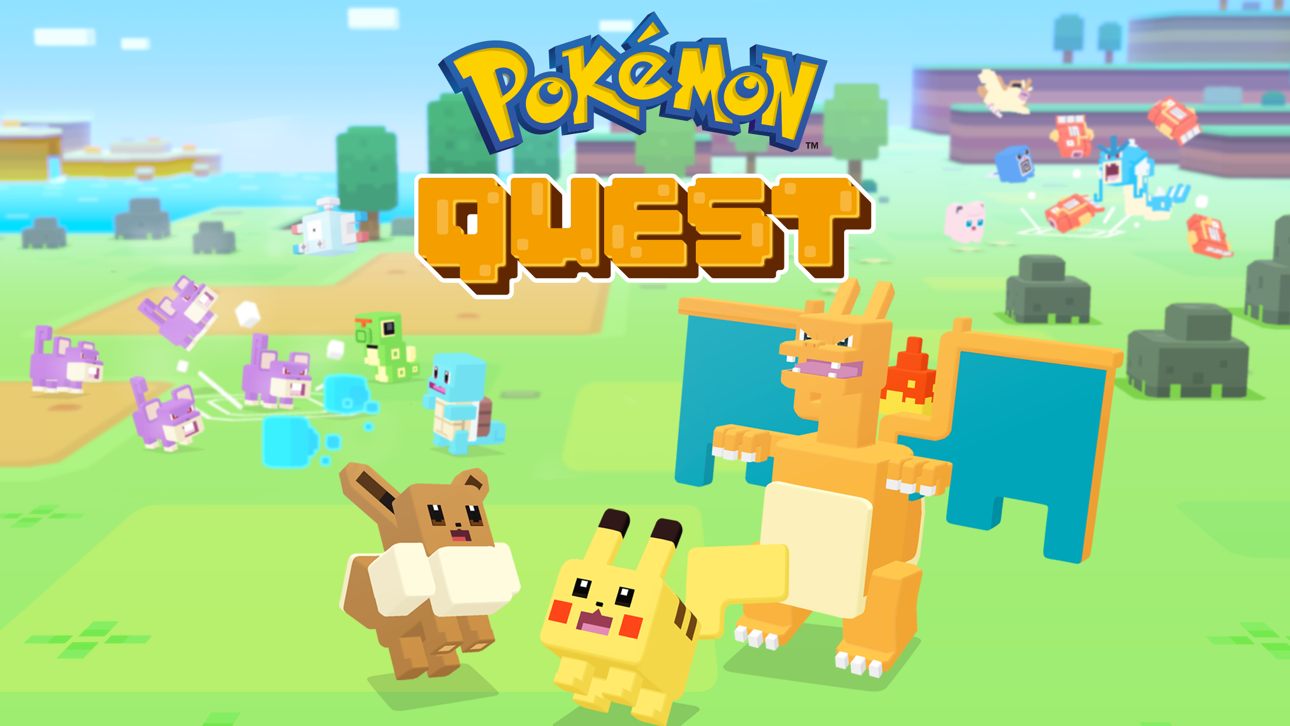
Pokémon Quest'te bu ücretsiz Mod IPA hile ile hakim ol, karşılaştığın her düşmanı zayıflatarak. iOS için Pokémon Quest Hack modu, düşman HP'sini, savunmasını ve saldırı gücünü drastik şekilde azaltarak savaşları zahmetsiz hale getirir ve en zor karşılaşmalardan bile kolayca geçmenizi sağlar.
- Zayıf Düşmanlar → Düşmanların düşük HP, DEF ve ATK'sı vardır
Bu hack en son x64 veya ARM64 iDevices'lerde çalışır: iPhone 5s, 6, 6 Plus, 6s, 6s Plus, 7, 7 Plus, 8, 8 Plus, X, Xr, Xs, Xs Max, SE, iPod Touch 6G, iPad Air, Air 2, Pro ve iPad Mini 2, 3, 4 ve sonrası.
Bu uygulama ayrıca, tekrar eden görevleri otomatikleştirmek için Auto Touch, ayarlanabilir oyun hızı için App Speed Manager, Memory Engine ile değer düzenleme ve daha pek çok güçlü iOS oyun aracına erişim sağlayan iGameGod ile birlikte gelir.
Yukarıdaki bağlantılardan Pokémon Quest Hack modded IPA indirin. Yükle düğmesine dokunup ekrandaki yönergeleri izleyerek bu iOS uygulama hack'ini iPhone, iPad veya Apple Silicon'a yükleyin.
Daha fazla yardıma mı ihtiyacınız var? Ayrıntılı yanıtlar ve sorun giderme ipuçları için iOSGods Uygulaması Sık Sorulan Sorular sayfamıza bakın.
Pokémon Quest: un RPG d'exploration trépidant mettant en scène des Pokémon cubiques !
• Les Pokémon que vous connaissez se sont changés... en cubes ?! Partez à la recherche de trésors avec votre équipe de Pokémon cubiques sur l'Île Trois-Dés, un lieu où tout est à angle droit ! Votre objectif est de trouver les objets incroyables que l'on dit cachés dans l'île ! Vous pourrez aussi retrouver vos Pokémon préférés de Pokémon Rouge et Pokémon Bleu !
• De l'action au bout des doigts !
Prenez part à des combats frénétiques grâce aux commandes tactiles intuitives ! Le danger guette sur l'île, et vous aurez besoin d'alliés Pokémon pour mener à bien vos quêtes... Lorsque des Pokémon sauvages apparaîtront, votre équipe se battra sans relâche jusqu'à les mettre tous K.O. !
• Accueillez des Pokémon pour les enrôler dans votre équipe !
Utilisez les objets trouvés à la fin de chaque quête pour attirer davantage de Pokémon ou renforcer ceux qui sont déjà avec vous ! Accueillez-en un maximum pour former une équipe unique et accomplir encore plus de quêtes !
• Embellissez votre base avec des décorations !
La base vous sert de point de départ pour vos aventures, et vous pouvez la décorer comme vous le souhaitez avec divers articles ! Ils peuvent aussi vous aider dans votre progression !
■ Notes
・ Conditions d'utilisation
Veuillez lire les conditions d'utilisation avant d'utiliser ce logiciel.
・ Données de sauvegarde
Les données de ce jeu sont uniquement sauvegardées sur votre appareil. Vous devez utiliser la fonction de transfert de données dans l'application pour envoyer une copie de sauvegarde vers le serveur. Nous recommandons aux joueurs d’utiliser cette fonction régulièrement.
・ Systèmes d'exploitation compatibles
iOS : iOS 9 ou plus récent
Note : Cette application risque de ne pas fonctionner correctement sur iPhone 5 et autres appareils non compatibles avec l'iOS 11.
Note : Cette application est susceptible de ne pas fonctionner correctement sur certains appareils à cause des paramètres personnels du système d'exploitation de votre appareil ou de la façon dont il est utilisé.
・ Paramètres de connexion
Si votre connexion Internet est mauvaise lorsque vous communiquez avec le serveur depuis l'application, par exemple lorsque vous achetez des objets dans la boutique, vous risquez de corrompre vos données, ou de les perdre. Assurez-vous donc de jouer à ce jeu dans un endroit doté d'une bonne réception.
Si la connexion est momentanément interrompue, vous pourrez dans certains cas reprendre votre partie en touchant RÉESSAYER.
Veuillez noter que nous ne pourrons pas vous aider si vous rencontrez un problème lié à une erreur de connexion.
・ Avant de procéder à un achat
Assurez-vous que vous pouvez utiliser sans problème les fonctionnalités sans frais de cette application avant de procéder à un achat. Certains appareils ou certaines configurations peuvent empêcher cette application de fonctionner.
・ En cas de problème
Veuillez vous rendre sur le site support-fr.pokemon.com pour tout problème rencontré sur Pokémon Quest.
Ekran görüntüleri © ilgili sahipleri · App Store


iOSGods; Apple Inc., Google LLC veya burada listelenen uygulamaların geliştiricileriyle bağlantılı değildir, onlar tarafından onaylanmamış ve desteklenmemiştir. Apple, iOS ve App Store, Apple Inc. şirketinin ticari markalarıdır. Android ve Google Play, Google LLC şirketinin ticari markalarıdır. Diğer tüm uygulama adları, simgeler, görseller ve ticari markalar ilgili sahiplerine aittir.
- Jailbreak'siz/normal ya da jailbreak'li iPhone veya iPad.
- Sideloadly veya alternatifleri.
- iTunes yüklü Windows/macOS/Linux çalıştıran bir bilgisayar.
ADIM 1: Yukarıdaki bağlantıdan önceden hacklenmiş .IPA dosyasını bilgisayarınıza indirin. iOSGods App üzerinden indirmek için video örneği de içeren iOSGods App IPA İndirme Kılavuzu bölümümüze göz atın.
ADIM 2: Sideloadly indirin ve Windows veya Mac'inize kurun.
ADIM 3: Bilgisayarınızda Sideloadly'yi açın, iOS cihazınızı bağlayın ve cihaz adınız Sideloadly'de görünene kadar bekleyin.
ADIM 4: iCihazınız tanındıktan sonra, indirdiğiniz modlu .IPA dosyasını sürükleyip Sideloadly uygulamasına bırakın.
ADIM 5: Apple Account e-posta adresinizi girin ve ardından "Start" düğmesine basın. Sonrasında sizden şifreniz istenecektir. Gerekli bilgileri girin.
ADIM 6: Sideloadly'nin hacklenmiş IPA'yı sideload edip yüklemesini bekleyin. Yükleme sırasında bir sorun olursa lütfen aşağıdaki notu okuyun.
ADIM 7: Yükleme tamamlandıktan ve uygulamayı Ana Ekranınızda gördükten sonra Ayarlar → Genel → Profiller / VPN ve Cihaz Yönetimi bölümüne gitmelisiniz. Burada 6. adımda girdiğiniz e-postaya dokunun ve ardından "[email protected]'a Güven" seçeneğine dokunun.
ADIM 8: Şimdi Ana Ekranınıza gidin ve yeni yüklediğiniz uygulamayı açın; her şey sorunsuz çalışmalıdır. Oyun içindeki hack açılır penceresinde uygulamaya özel ek talimatları takip etmeniz gerekebilir.
NOT: iOS/iPadOS 16 ve sonrasında Geliştirici Modu'nu etkinleştirmeniz gerekir. Ücretsiz Apple Developer hesapları için bu işlemi her 7 günde bir tekrarlamanız gerekir. Sorularınız veya sorunlarınız varsa konunun Sideloadly SSS bölümünü okuyun.
Game Name iOS Mod IPA is an action adventure game enhanced with powerful gameplay boosts and quality-of-life improvements. Win battles faster, earn rewards quicker, and enjoy uninterrupted play without ads.
- Unlimited Gold - spend freely to unlock premium content
- Damage Multiplier - deal significantly more damage in combat
- Defense Multiplier - take less damage and survive longer
- Reward Multiplier - earn more loot from every battle
- Max Level - instantly reach the highest player rank
- No Ads - play without interruptions or advertisements
This app also comes with iGameGod, giving you access to Auto Touch to automate repetitive tasks, App Speed Manager for adjustable gameplay speed, Memory Engine value editing, and more powerful iOS game tools.
Yukarıdaki bağlantılardan Game Name Mod IPA indirin. Yükle düğmesine dokunup ekrandaki yönergeleri izleyerek bu iOS uygulama hack'ini iPhone, iPad veya Apple Silicon'a yükleyin.
Daha fazla yardıma mı ihtiyacınız var Ayrıntılı yanıtlar ve sorun giderme ipuçları için iOSGods Uygulaması Sık Sorulan Sorular sayfamıza bakın.
----------------------------------------------------------
--------------------------------------------------







![Battle of Titans [B.o.T] ESP WallHack](https://is3-ssl.mzstatic.com/image/thumb/Purple125/v4/df/dc/11/dfdc11c1-d2c8-3849-05c6-da931e1f5631/source/100x100bb.jpg)