로그인 필요
계속하려면 iOSGods 계정으로 로그인하세요.
계속하려면 iOSGods 계정으로 로그인하세요.
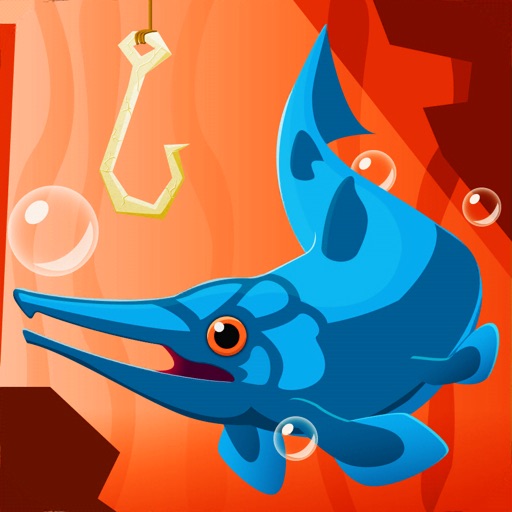
이 Go Fish: Jurassic Pond Mod IPA 해킹으로 무한한 코인을 사용하여 선사시대 물고기를 끝없이 잡고, ViP 멤버십을 잠금 해제하여 그라인딩 없이 장비를 업그레이드하고 더 깊이 다이빙할 수 있습니다. 낚싯줄을 던지고, 깊이를 도달하며, 메갈로돈과 원시인의 시대로 재구성된 이 중독성 있는 탭 어드벤처에서 희귀 종을 수집하세요.
- 무한 코인 → 업그레이드에 자유롭게 사용
- ViP 멤버십 → 프리미엄 혜택 및 특전 잠금 해제
이 앱에는 iGameGod도 포함되어 있어 반복 작업을 자동화하는 Auto Touch, 게임 속도를 조절할 수 있는 App Speed Manager, Memory Engine 값 편집 등 강력한 iOS 게임 도구를 사용할 수 있습니다.
위의 링크에서 Go Fish: Jurassic Pond Hack modded IPA을 다운로드합니다. 설치 버튼을 누르고 화면 안내에 따라 iPhone, iPad 또는 Apple Silicon에 이 iOS 앱 해킹을 설치합니다.
더 많은 도움이 필요하신가요? 자세한 답변과 문제 해결 팁은 iOSGods 앱 자주 묻는 질문을 확인하세요.
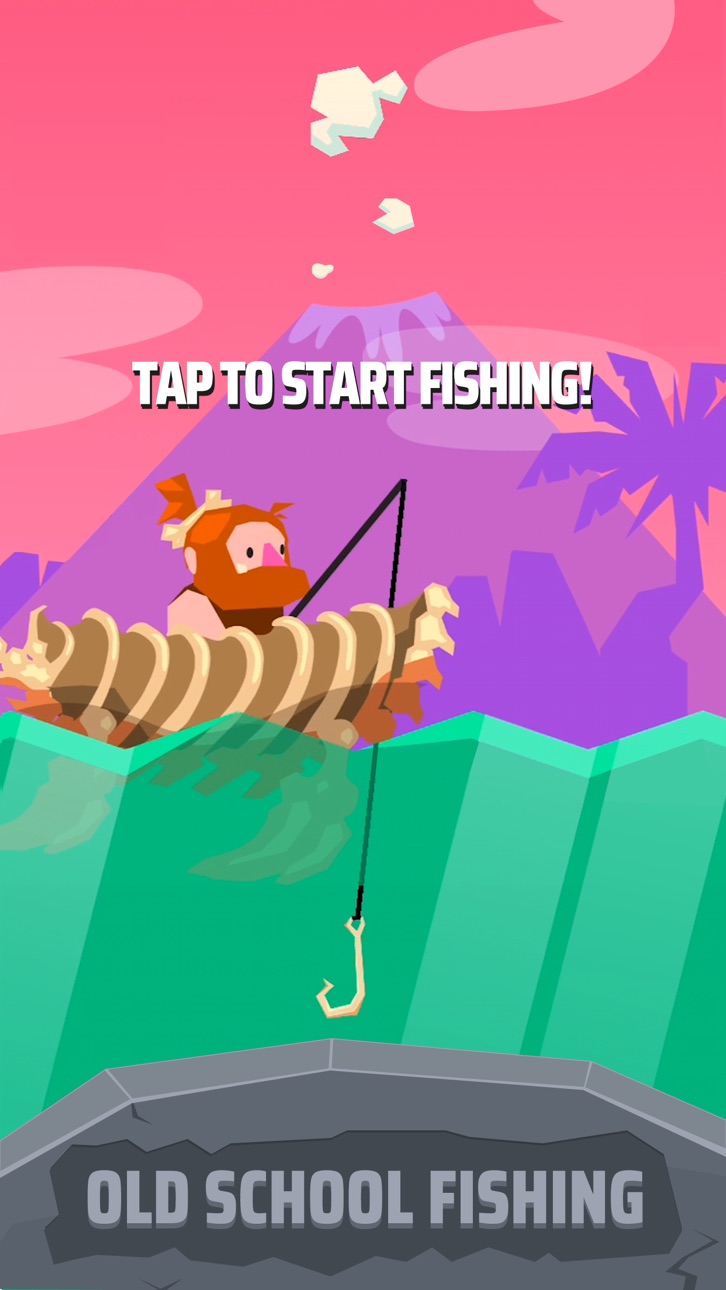
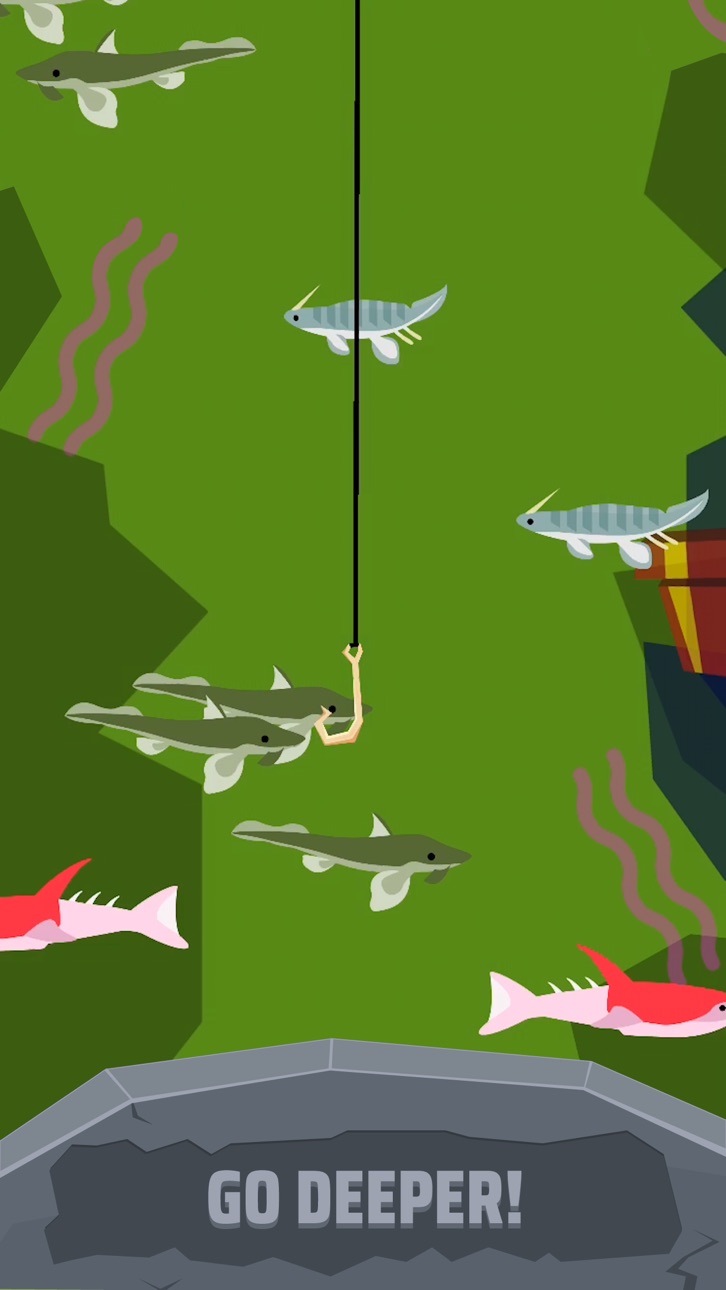
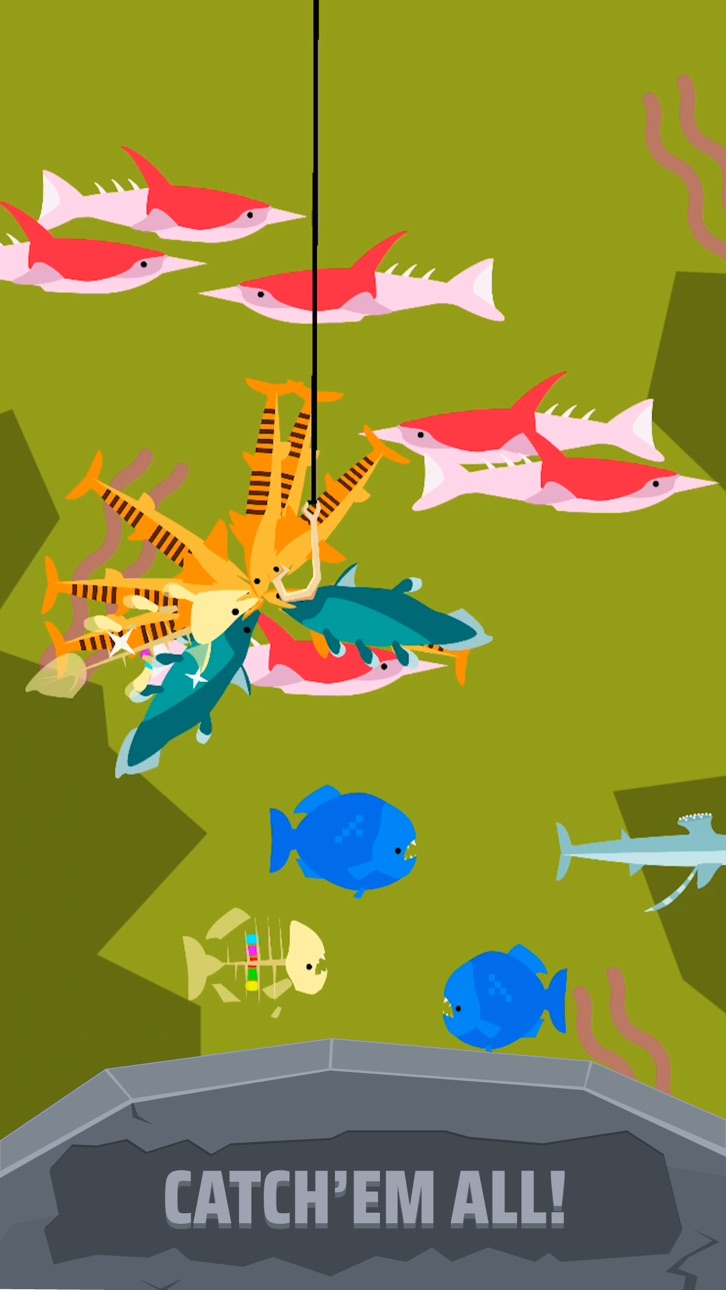
Cast your line, reach the depths and catch as many pre-historic fish as you can on your way up!
Upgrade your hook, net and big Mammoth-hunting muscles to go deeper, make rare finds and catch all new species!
It's Go Fish, re-imagined in the age of megaladons, meteoric collisions and poor personal hygiene.
Perfect for new players and Go Fish experts alike!
Go Fish: Jurassic Pond features:
- Simple and addictive gameplay: Tap, cast down and catch as many fish as you can!
- Your competent caveman/woman will continue to earn money for you when you’re away!
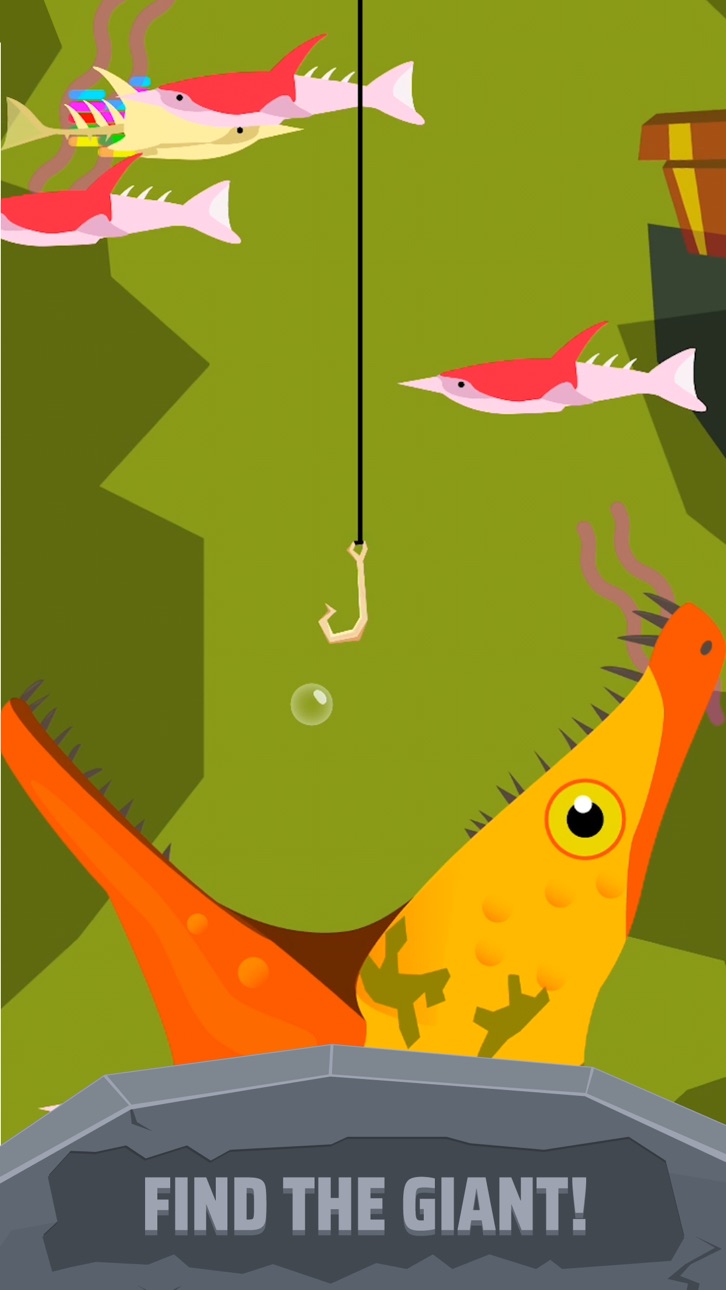
- A whole new trove of pre-historic critters to catch and collect!
- Bongo drums
Can you discover the mysteries that exist in the ocean before time? Go Fish!
Subscription Terms:
Go Fish! Jurassic Pond VIP Membership access offers a weekly subscription, you have a 3 day FREE trial period, after which you will be charged $6.49 weekly. After buying this subscription, you will unlock an exclusive dinosaur skin for your fisherman, the revenue doubling Golden Hook and remove non-optional ads. This is an auto-renewable subscription. The payment is charged to your account after confirmation. The subscription is renewed unless you unsubscribe 24 hours before the period ends. Your account will also be charged for renewal.
The prices notes are for United States customers. Pricing in other countries may change and actual charges may be converted to local currency.
End of trial and subscription renewal:
- The payment is charged to your iTunes account after a confirmation of purchase
- The subscription is renewed unless you unsubscribe 24 hours before the end of the current period
- The account will be charged for renewal 24 hours before the end of the current period at the standard cost of the weekly subscription
- The user may manage the subscription and auto-renewal by accessing the user's account settings after purchase in the store
- No cancellation of the current subscription is permitted during the active subscription period
- Any unused portion of the free trial period will be forfeited when the subscription is purchased
Cancelling a trial or subscription:
- In order to cancel a subscription during the free trial period you need to cancel it through your account in the Store. This must be done at least 24 hours before the end of the free trial period to avoid being charged.
For more info, visit: https://support.apple.com/en-gb/HT207865
스크린샷 © 각 소유자 · App Store


iOSGods는 Apple Inc., Google LLC 및 여기에 등록된 앱의 개발사와 제휴 관계가 없으며, 승인이나 후원을 받지 않았습니다. Apple, iOS, App Store는 Apple Inc.의 상표입니다. Android와 Google Play는 Google LLC의 상표입니다. 그 외 모든 앱 이름, 아이콘, 이미지 및 상표는 각 소유자의 재산입니다.
- 탈옥/제일 또는 탈옥된 iPhone 또는 iPad가 필요합니다.
- Sideloadly 또는 대체 도구가 필요합니다.
- iTunes가 설치된 Windows/macOS/Linux 컴퓨터가 필요합니다.
1단계: 위 링크에서 미리 해킹된 .IPA 파일을 컴퓨터에 다운로드합니다. iOSGods App에서 다운로드하려면 동영상 예시가 포함된 iOSGods App IPA 다운로드 튜토리얼를 참고하십시오.
2단계: Sideloadly를 다운로드하여 Windows 또는 Mac에 설치합니다.
3단계: 컴퓨터에서 Sideloadly를 실행하고 iOS 기기를 연결한 후, Sideloadly에 기기 이름이 표시될 때까지 기다립니다.
4단계: iDevice가 인식되면, 다운로드한 모드된 .IPA 파일을 Sideloadly 애플리케이션에 끌어다 놓습니다.
5단계: Apple Account 이메일을 입력한 후 “Start”를 누릅니다. 그러면 비밀번호를 입력하라는 메시지가 표시됩니다. 요청된 정보를 제공해 주십시오.
6단계: Sideloadly가 해킹된 IPA의 사이드로드/설치를 완료할 때까지 기다리십시오. 설치 중 문제가 발생하면 아래 참고 사항을 읽어 주십시오.
7단계: 설치가 완료되어 홈 화면에서 앱이 보이면 설정 → 일반 → 프로파일 / VPN 및 기기 관리 경로로 이동해야 합니다. 그곳에서 6단계에서 입력한 이메일을 탭한 다음 “[email protected] 신뢰”를 탭하십시오.
8단계: 이제 홈 화면으로 돌아가 새로 설치된 앱을 열면 모든 것이 정상적으로 작동할 것입니다. 게임 내 해킹 팝업에서 앱별 추가 안내를 따라야 할 수도 있습니다.
참고: iOS/iPadOS 16 이상에서는 개발자 모드를 활성화해야 합니다. 무료 Apple Developer 계정의 경우 이 과정을 7일마다 반복해야 합니다. 질문이나 문제가 있는 경우 해당 토픽의 Sideloadly FAQ 섹션를 읽어보십시오.
Game Name iOS Mod IPA is an action adventure game enhanced with powerful gameplay boosts and quality-of-life improvements. Win battles faster, earn rewards quicker, and enjoy uninterrupted play without ads.
- Unlimited Gold - spend freely to unlock premium content
- Damage Multiplier - deal significantly more damage in combat
- Defense Multiplier - take less damage and survive longer
- Reward Multiplier - earn more loot from every battle
- Max Level - instantly reach the highest player rank
- No Ads - play without interruptions or advertisements
This app also comes with iGameGod, giving you access to Auto Touch to automate repetitive tasks, App Speed Manager for adjustable gameplay speed, Memory Engine value editing, and more powerful iOS game tools.
위의 링크에서 Game Name Mod IPA을 다운로드합니다. 설치 버튼을 누르고 화면 안내에 따라 iPhone, iPad 또는 Apple Silicon에 이 iOS 앱 해킹을 설치합니다.
더 많은 도움이 필요하신가요 자세한 답변과 문제 해결 팁은 iOSGods 앱 자주 묻는 질문을 확인하세요.
----------------------------------------------------------
--------------------------------------------------