Login Required
Sign in with your iOSGods account to continue.
Hack Features
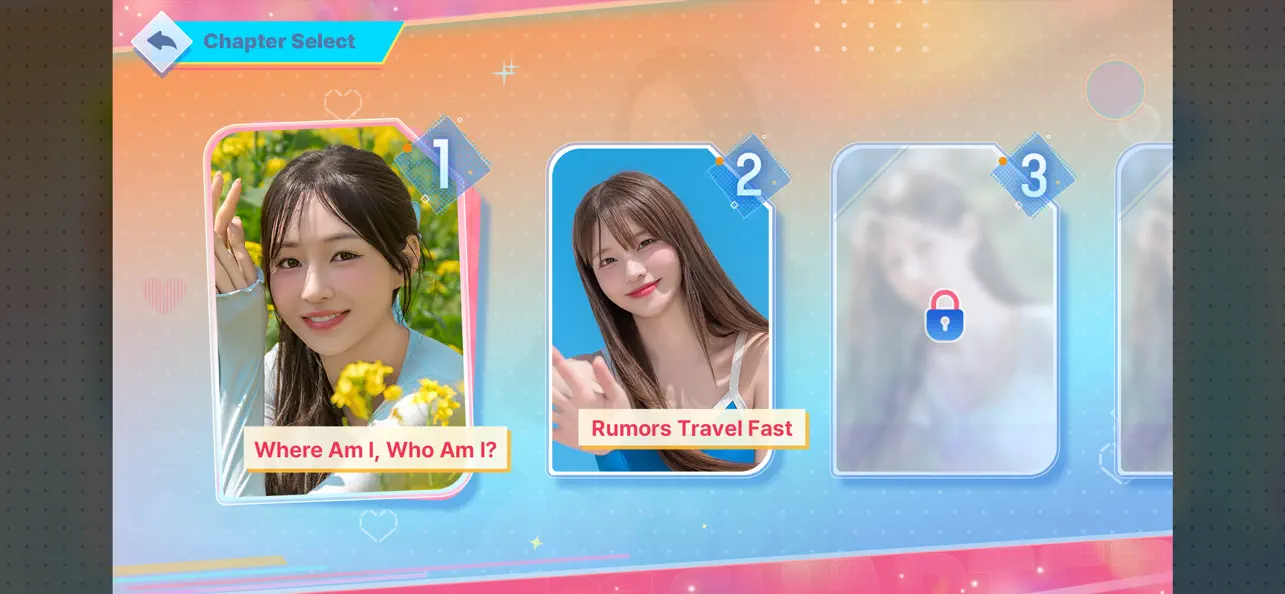
- All Chapters Unlocked
- Freeze Love Letters
- Ranking Unlocked
Download Five Hearts Under One Roof 2 iOS Mod IPA from the links above. Tap the install button and follow the on-screen instructions to install this iOS app hack on your iPhone, iPad, or Apple Silicon.
Need more help? Check out our iOSGods App Frequently Asked Questions for detailed answers and troubleshooting tips.
“Looking for someone to run the boarding house once again!”
The FMV interactive story game [Five Hearts Under One Roof] returns with Season 2.
Step into the role of Yuman and manage a lively boarding house alongside six distinct heroines, each with their own story, secrets, and choices.
Season 2 brings back familiar faces—Mal-sook, Gran, and Min-jung—
along with three new tenants who introduce new dynamics and storylines.
Experience branching narratives, evolving relationships, and unexpected developments as your decisions shape the outcome.
In the end… who will remain by your side?
Character Introduction
Mal-sook Go / First Tenant / Childhood Friend of 20 Years
"From today on, he’s under my control!"
Now, Mal-sook has a secret she can’t bring herself to tell Yuman.
Gran Dong / Second Tenant / Workplace Supervisor
"When we’re not at work, don’t call me 'Manager.' Use my name."
Yu-na Jeong / Third Tenant / Wealthy Heiress
"I came to take responsibility for you, Yuman. I always keep my word."
Min-jung Park / Fourth Tenant / First Love
"I had nowhere else to go but here."
Yoo-jung Yang / Last Tenant / Quiet Wallflower
"You're the first person who’s ever really seen me."
Gyu-ri Bang / Soon-to-Be Tenant (?) / Sweet Nurse
"Yuman, you’re a patient right now. A patient!"
Key Features
Richer Storylines with Lower Barriers :
Season 2 expands on the narrative structure with more branching paths, alternative outcomes, and hidden scenes.
Your decisions directly influence relationships, events, and endings.
Cinematic FMV Experience :
Created by the original video production team, the game delivers a cinematic experience with enhanced performances and improved visual direction.
Expanded Systems :
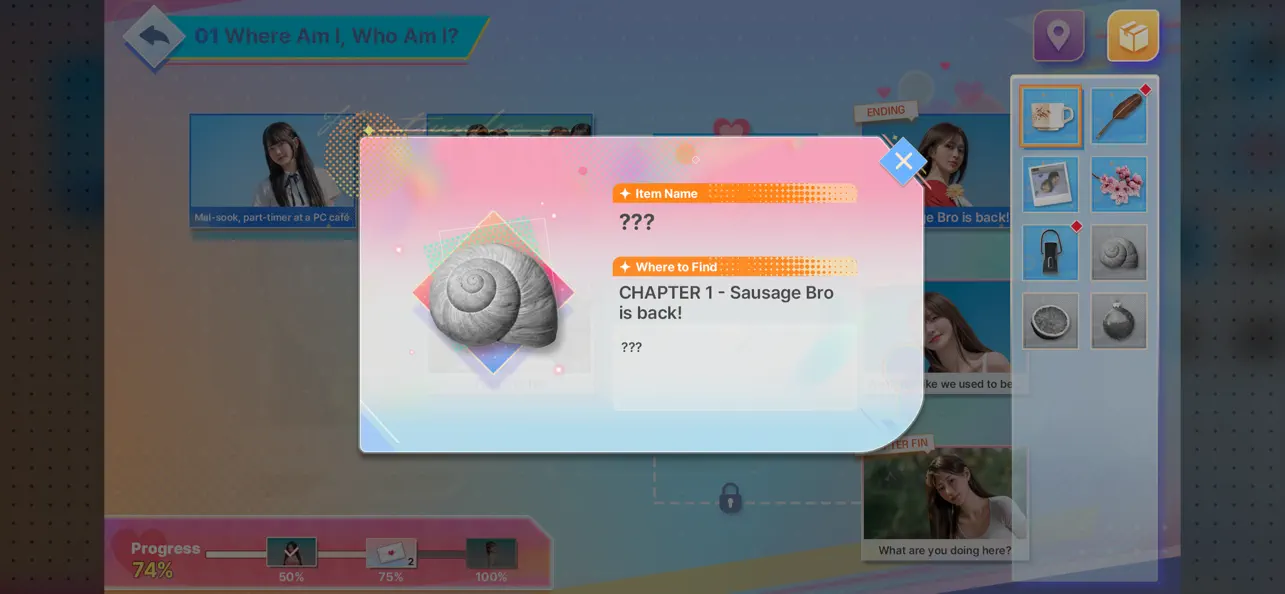
A newly introduced item system adds another layer of interaction, allowing players to influence key moments and uncover additional story content.
Diverse Character Dynamics :
Each character brings a different perspective, background, and emotional arc.
Explore how their stories intersect—and how your choices affect them.
Perfect For Players Who
- Enjoy story-driven, choice-based games
- Like interactive FMV or visual novel experiences
- Prefer branching narratives with multiple outcomes
- Are interested in character-focused storytelling
- Want a cinematic, decision-driven gameplay experience
About Us
Hello!
We’re Storytaco, an interactive game developer.
In collaboration with 3Y Corporation’s Milk Film, we are excited to present Season 2 of [Five Hearts Under One Roof].
This installment reflects valuable feedback from Season 1 and focuses on delivering a more refined and immersive experience.
We appreciate your continued support and look forward to sharing more stories with you.
Thank you!
- Non-Jailbroken/Jailed or Jailbroken iPhone or iPad.
- Sideloadly or alternatives.
- Computer running Windows/macOS/Linux with iTunes installed.
STEP 1: Download the pre-hacked .IPA file from the link above to your computer. To download from the iOSGods App, see our iOSGods App IPA Download Tutorial which includes a video example.
STEP 2: Download Sideloadly and install it on your Windows or Mac.
STEP 3: Open Sideloadly on your computer, connect your iOS device, and wait until your device name appears in Sideloadly.
STEP 4: Once your iDevice is recognized, drag the modded .IPA file you downloaded and drop it into the Sideloadly application.
STEP 5: Enter your Apple Account email, then press “Start.” You’ll then be asked to enter your password. Go ahead and provide the required information.
STEP 6: Wait for Sideloadly to finish sideloading/installing the hacked IPA. If there are issues during installation, please read the note below.
STEP 7: Once the installation is complete and you see the app on your Home Screen, you will need to go to Settings -> General -> Profiles / VPN & Device Management. Once there, tap on the email you entered from step 6, and then tap on 'Trust [email protected]'.
STEP 8: Now go to your Home Screen and open the newly installed app and everything should work fine. You may need to follow further per app instructions inside the hack's popup in-game.
NOTE: iOS/iPadOS 16 and later, you must enable Developer Mode . For free Apple Developer accounts, you will need to repeat this process every 7 days. If you have any questions or problems, read our Sideloadly FAQ section of the topic.