Connexion requise
Connectez-vous avec votre compte iOSGods pour continuer.
Connectez-vous avec votre compte iOSGods pour continuer.
Activez le Mode Divin et multipliez votre attaque dans ce Mod IPA pour dominer les donjons de Greedy Cave: Rebirth sans crainte. Cette version modifiée déverrouille des triche puissantes qui vous permettent de traverser le labyrinthe d'Iblis avec l'invincibilité et une puissance de dégâts dévastatrice, transformant le jeu de donjon classique en une aventure irrésistible.
- Mode Divin → devenir invincible
- Multiplicateur d'Attaque → infliger des dégâts massifs
Remarque :
Si vous recevez un bannissement instantané après l'enregistrement, utilisez LCSign (https://www.sign.lc) pour installer l'IPA (testé), les autres signataires ne fonctionneront pas je ne sais pas pourquoi. Vous avez besoin de votre propre certificat
N'achetez pas ViP uniquement pour cela
Téléchargez Greedy Cave: Rebirth iOS Mod IPA depuis les liens ci-dessus. Appuyez sur le bouton d'installation et suivez les instructions pour installer ce hack iOS sur votre iPhone, iPad ou Apple Silicon.
Besoin de plus d'aide ? Consultez notre FAQ de l'app iOSGods pour des réponses détaillées et des conseils de dépannage.
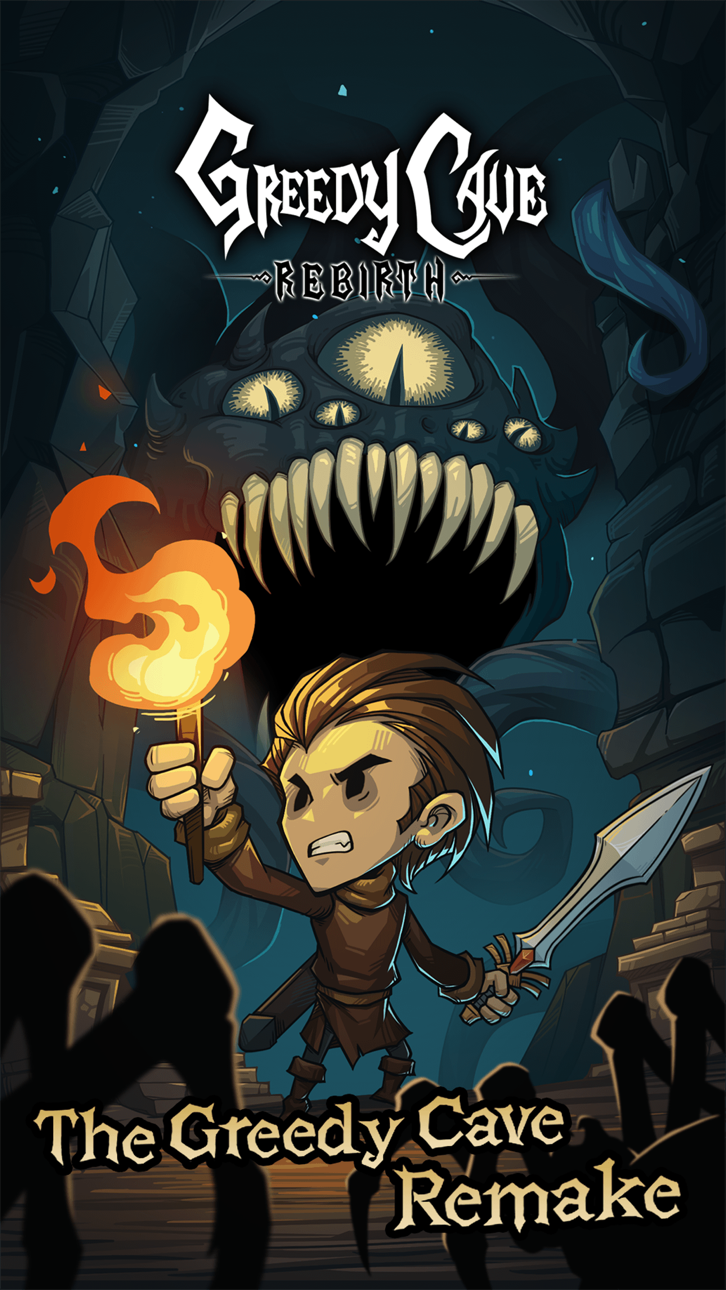
Deep beneath the northern kingdom of Iblis, a plot of madness and mystery awaits the arrival of adventurers. Greedy Cave: Rebirth—a complete remake and evolution of the classic The Greedy Cave—issues a challenge to all warriors who thirst for the forbidden and the unknown. Embark on this ultimate trial of wit and courage!
【Game Features】:
• Remastered Classic: Building upon the core gameplay of The Greedy Cave, massive overhauls have been made to gear, talents, arcane arts, items, and numerous other gameplay systems.
• Random Maps: Every adventure is a plunge into the unknown—navigating labyrinthine terrains, deciphering hidden runes, and confronting lurking horrors.
• Talent System: Six weapon types and an ocean of talents guide your character toward corruption or salvation. In the face of endless dread, your choices matter.
• Strategy & Survival: Outsmart twisted monstrosities by perfectly synergizing your environment, talents, and gear to carve out a sliver of hope in the dark.
• Rare Treasures: Delve deep into the cave to unearth forgotten ancient artifacts and forbidden scrolls, granting you the power to defy the abyss.
• Free Auction: Wealth flows even in the abyss. Freely bid and trade rare loot with other players—one lucky run could make you rich overnight.
• Shadow Duels: Clash against the phantoms of mighty players in the dim arena. Fight for survival, dominate the competition, and claim ultimate glory.
• Familiar Contracts: Tame exotic beasts lurking in the dark. Nurture them and freely build your companion roster, turning loyal pets into the very blades that tear through despair.
With a completely unknown new look, Greedy Cave: Rebirth carries our homage to the classic and a fresh challenge for players, inviting you to a dual test of mind and nerve. Join us now and begin this journey of rebirth!
If you have any questions or feedback, please contact us:
Discord: https://discord.com/invite/kAng4kZWEW
Facebook: https://www.facebook.com/groups/greedycaverebirth/
X/Twitter: https://x.com/GreedyCave_RB
Official Site: https://cave1plus.avalongames.com/
Captures © leurs propriétaires respectifs · App Store


iOSGods n'est ni affilié à Apple Inc., Google LLC ou aux développeurs des applications listées ici, ni approuvé ou sponsorisé par eux. Apple, iOS et App Store sont des marques d'Apple Inc. Android et Google Play sont des marques de Google LLC. Tous les autres noms d'applications, icônes, visuels et marques appartiennent à leurs propriétaires respectifs.
- iPhone ou iPad avec ou sans Jailbreak.
- Sideloadly ou alternatives.
- Ordinateur sous Windows/macOS/Linux avec iTunes installé.
ÉTAPE 1: Téléchargez le fichier .IPA pré-modifié depuis le lien ci-dessus sur votre ordinateur. Pour le télécharger depuis l'iOSGods App, consultez notre Tutoriel de téléchargement de l'IPA depuis l'iOSGods App qui comprend un exemple en vidéo.
ÉTAPE 2: Téléchargez Sideloadly et installez-le sur votre Windows ou Mac.
ÉTAPE 3: Ouvrez Sideloadly sur votre ordinateur, connectez votre appareil iOS et attendez que le nom de votre appareil apparaisse dans Sideloadly.
ÉTAPE 4: Une fois votre iDevice reconnu, glissez le fichier .IPA modifié que vous avez téléchargé et déposez-le dans l'application Sideloadly.
ÉTAPE 5: Saisissez l'adresse e-mail de votre Apple Account, puis appuyez sur « Start ». Il vous sera ensuite demandé d'entrer votre mot de passe. Fournissez les informations requises.
ÉTAPE 6: Attendez que Sideloadly termine le sideloading/l'installation de l'IPA modifié. En cas de problème durant l'installation, veuillez lire la remarque ci-dessous.
ÉTAPE 7: Une fois l'installation terminée et l'app visible sur votre écran d'accueil, vous devez aller dans Réglages → Général → Profils / VPN et gestion de l'appareil. Là, appuyez sur l'adresse e-mail saisie à l'étape 6, puis appuyez sur « Faire confiance à [email protected] ».
ÉTAPE 8: Allez maintenant sur votre écran d'accueil et ouvrez l'app nouvellement installée ; tout devrait fonctionner correctement. Vous devrez peut-être suivre des instructions supplémentaires propres à chaque app, dans la fenêtre du hack en jeu.
REMARQUE : À partir d'iOS/iPadOS 16, vous devez activer le mode Développeur. Pour les comptes Apple Developer gratuits, vous devrez répéter ce processus tous les 7 jours. Pour toute question ou problème, lisez notre section FAQ Sideloadly du sujet.
Game Name iOS Mod IPA is an action adventure game enhanced with powerful gameplay boosts and quality-of-life improvements. Win battles faster, earn rewards quicker, and enjoy uninterrupted play without ads.
- Unlimited Gold - spend freely to unlock premium content
- Damage Multiplier - deal significantly more damage in combat
- Defense Multiplier - take less damage and survive longer
- Reward Multiplier - earn more loot from every battle
- Max Level - instantly reach the highest player rank
- No Ads - play without interruptions or advertisements
This app also comes with iGameGod, giving you access to Auto Touch to automate repetitive tasks, App Speed Manager for adjustable gameplay speed, Memory Engine value editing, and more powerful iOS game tools.
Téléchargez Game Name Mod IPA depuis les liens ci-dessus. Appuyez sur le bouton d'installation et suivez les instructions pour installer ce hack iOS sur votre iPhone, iPad ou Apple Silicon.
Besoin de plus d'aide Consultez notre FAQ de l'app iOSGods pour des réponses détaillées et des conseils de dépannage.
----------------------------------------------------------
--------------------------------------------------