Login Required
Sign in with your iOSGods account to continue.
Sign in with your iOSGods account to continue.
This dark fantasy action RPG hack for Avalar: Raid of Shadow amplifies your combat power with damage and defense multipliers, plus god mode protection. Summon mighty heroes, wield elemental abilities, and reclaim Avalar from shadow corruption with this modded iOS experience that turns the tide of battle in your favor.
- Damage Multiplier → boost your attack output
- Defence Multiplier → increase your defensive resilience
- God Mode → become invulnerable in combat
This app also comes with iGameGod, giving you access to Auto Touch to automate repetitive tasks, App Speed Manager for adjustable gameplay speed, Memory Engine value editing, and more powerful iOS game tools.
Download Avalar: Raid of Shadow iOS Mod IPA from the links above. Tap the install button and follow the on-screen instructions to install this iOS app hack on your iPhone, iPad, or Apple Silicon.
Need more help? Check out our iOSGods App Frequently Asked Questions for detailed answers and troubleshooting tips.
Avalar: Raid of Shadow
A Dark Fantasy Role-Playing Adventure Where Shadows Reign and Legends Rise
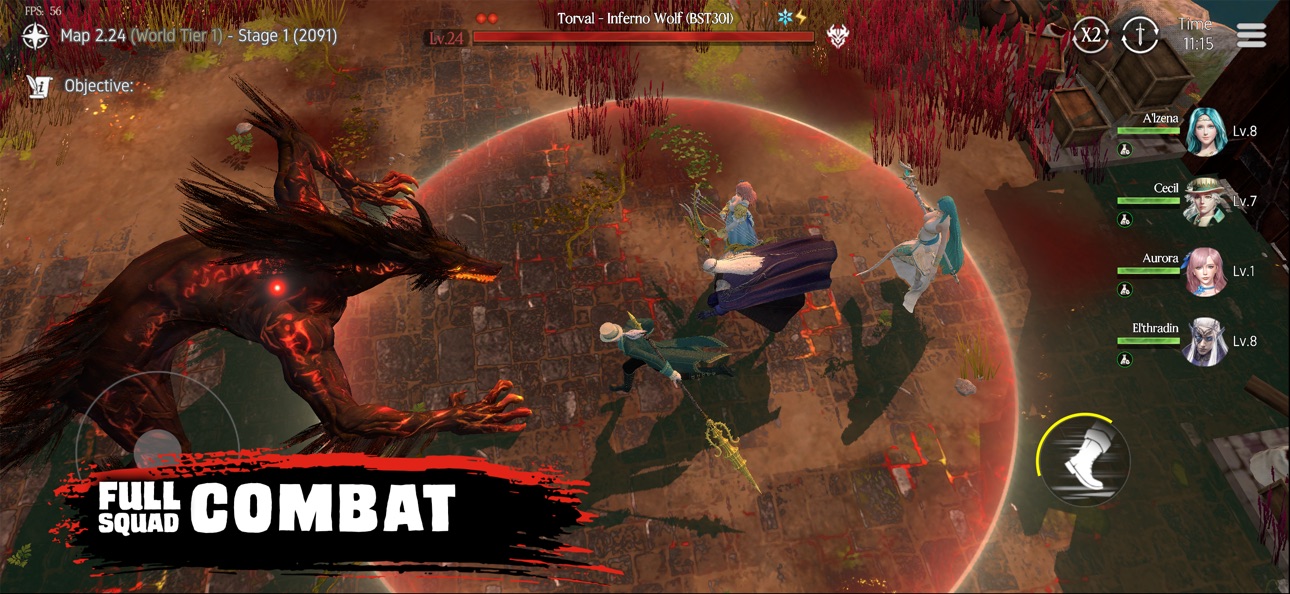
Step into Avalar: Raid of Shadow, one of the best action RPG games on mobile. This dark fantasy game blends thrilling combat, immersive storytelling, and community-driven adventures. Wield elemental power, assemble your ultimate squad, and fight to reclaim Avalar from the creeping corruption of shadows.
MASTER THE ELEMENTS, UNLOCK THE LEGENDS
Summon mighty heroes from sly rogue assassins to blazing fire warriors and unlock their true potential. Each Avalar character carries unique roles, elements, and stories, ready to clash in tactical, real-time combat worthy of the finest action RPG games.
RAID THE KINGDOM, FIGHT THE SHADOW
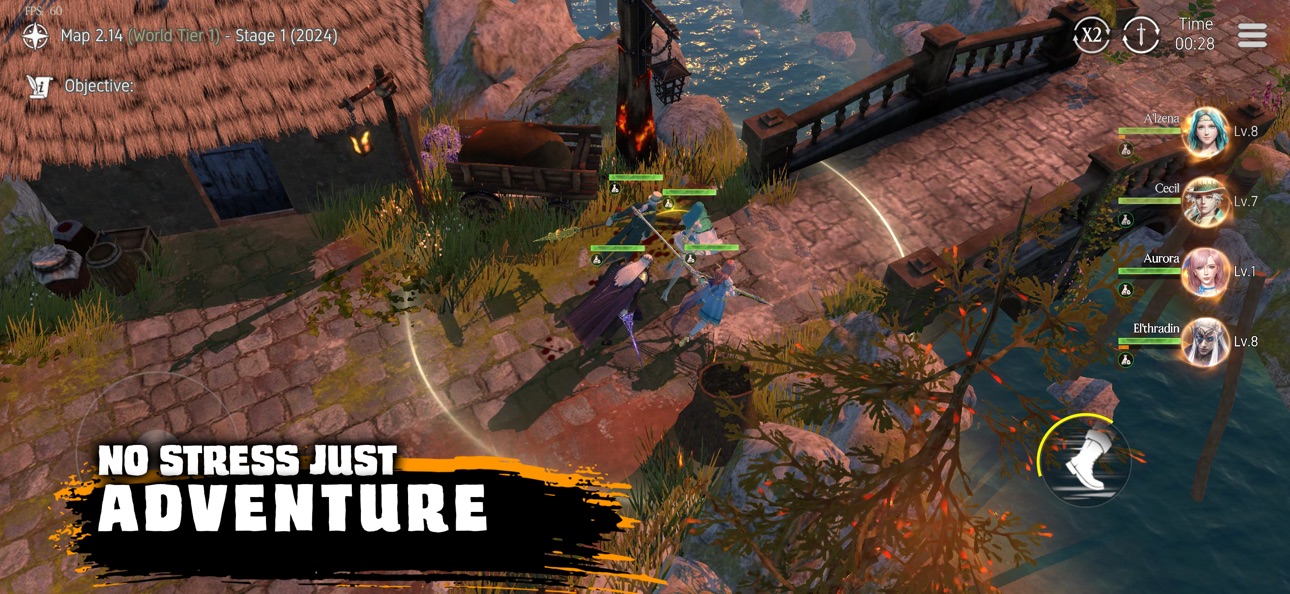
Enter cursed lands, forgotten ruins, and nightbound arenas in this dark fantasy idle RPG. Every raid reveals secrets behind Avalar’s fall as you battle colossal PvE bosses, rival champions in PvP arenas, and wage war against creeping shadows in epic shadow fights and shadow wars.
BUILD YOUR FIGHT SQUAD
From shadow demon slayers to armored titans, form your dream roster through fate-bound summons. With tactical depth rivalling the best ARPG games, every hero you summon strengthens your role-playing journey and prepares you for endless raids of shadow.
FANTASY. STRATEGY. SHOWCASE YOUR POWER.
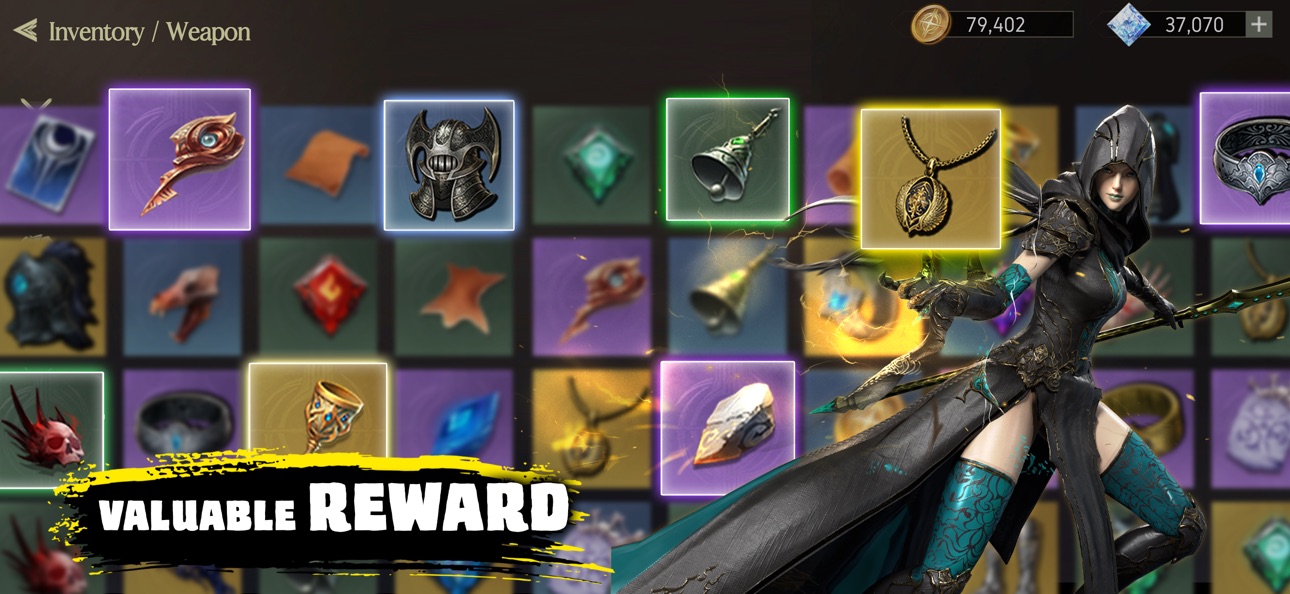
Rise through evolving RPG systems, guild-based warzones, and dramatic showcase events. Join the Avalar community, claim exclusive rewards through Avalar giftcodes, and unlock Avalar premium benefits to power up faster than ever.
JOIN THE AVALAR COMMUNITY
Heroes don’t fight alone—connect with thousands of players on Discord and Facebook! Share strategies, form alliances, and climb the ranks as you compete in global events to prove who rules Avalar.
YOUR SWORD. YOUR STORY. YOUR LEGENDS.
In Avalar, nothing is random. Every battle is earned, every choice shapes your fate. Conquer darkness, rise as a legend, and leave your mark in the world of shadows.
The shadow rises.
Will you?
Screenshots © their respective owners · App Store


![Rapid Reload iOS Mod IPA [ Debug Menu ]](https://is1-ssl.mzstatic.com/image/thumb/Purple221/v4/ed/73/59/ed7359b2-dc65-aff0-bf66-84d3d955ff6f/AppIcon-0-0-1x_U007emarketing-0-8-0-85-220.png/100x100bb.jpg)
iOSGods is not affiliated with, endorsed by, or sponsored by Apple Inc., Google LLC, or the developers of the apps listed here. Apple, iOS and App Store are trademarks of Apple Inc. Android and Google Play are trademarks of Google LLC. All other app names, icons, artwork and trademarks belong to their respective owners.

- Non-Jailbroken/Jailed or Jailbroken iPhone or iPad.
- Sideloadly or alternatives.
- Computer running Windows/macOS/Linux with iTunes installed.
STEP 1: Download the pre-hacked .IPA file from the link above to your computer. To download from the iOSGods App, see our iOSGods App IPA Download Tutorial which includes a video example.
STEP 2: Download Sideloadly and install it on your Windows or Mac.
STEP 3: Open Sideloadly on your computer, connect your iOS device, and wait until your device name appears in Sideloadly.
STEP 4: Once your iDevice is recognized, drag the modded .IPA file you downloaded and drop it into the Sideloadly application.
STEP 5: Enter your Apple Account email, then press “Start.” You’ll then be asked to enter your password. Go ahead and provide the required information.
STEP 6: Wait for Sideloadly to finish sideloading/installing the hacked IPA. If there are issues during installation, please read the note below.
STEP 7: Once the installation is complete and you see the app on your Home Screen, you will need to go to Settings → General → Profiles / VPN & Device Management. Once there, tap on the email you entered from step 6, and then tap on “Trust [email protected]”.
STEP 8: Now go to your Home Screen and open the newly installed app and everything should work fine. You may need to follow further per app instructions inside the hack's popup in-game.
NOTE: iOS/iPadOS 16 and later, you must enable Developer Mode. For free Apple Developer accounts, you will need to repeat this process every 7 days. If you have any questions or problems, read our Sideloadly FAQ section of the topic.
Hack Features:
- Inf Coins (Spend)
App Installation Instructions:
---------------------------------------------------------
----------------------------------------------------------
If you require more information or help, please read our Frequently Asked Questions topic on iOSGods.com.
----------------------------------------------------------
--------------------------------------------------




![Tacticool: 5v5 Tactical Shooter iOS Mod IPA [ Aimbot, ESP Boxes, Lines ]](https://is1-ssl.mzstatic.com/image/thumb/Purple211/v4/25/b5/77/25b5775f-ba94-3f6b-d6c1-217f4afd8ac7/AppIcon-0-0-1x_U007emarketing-0-8-0-85-220.png/100x100bb.jpg)


![Rodeo Stampede: Sky Zoo Safari iOS Mod IPA [ Debug Menu ]](https://is1-ssl.mzstatic.com/image/thumb/Purple211/v4/d4/fd/25/d4fd251d-3fea-9daa-3f6c-f41cf9f7c9ab/AppIcon-0-0-1x_U007emarketing-0-8-0-85-220.png/100x100bb.jpg)

