Login Required
Sign in with your iOSGods account to continue.
Sign in with your iOSGods account to continue.
Hack Features:
- Infinite Toxin
- Infinite Cash
UPDATED 6 August 2021 Fixed 404 Page Not Found
This app also comes with iGameGod, giving you access to Auto Touch to automate repetitive tasks, App Speed Manager for adjustable gameplay speed, Memory Engine value editing, and more powerful iOS game tools.
Download Zombie Café Hack modded IPA from the links above. Tap the install button and follow the on-screen instructions to install this iOS app hack on your iPhone, iPad, or Apple Silicon.
Need more help? Check out our iOSGods App Frequently Asked Questions for detailed answers and troubleshooting tips.
PLEASE NOTE: Zombie Cafe is free to play, but charges real money for additional in-app content. You may lock out the ability to purchase in-app content by adjusting your device’s settings.
------------------------
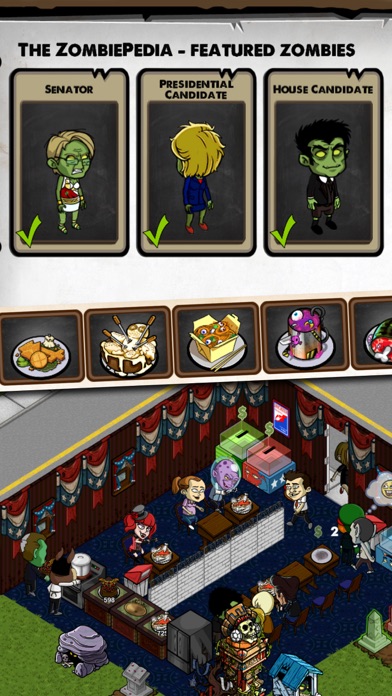
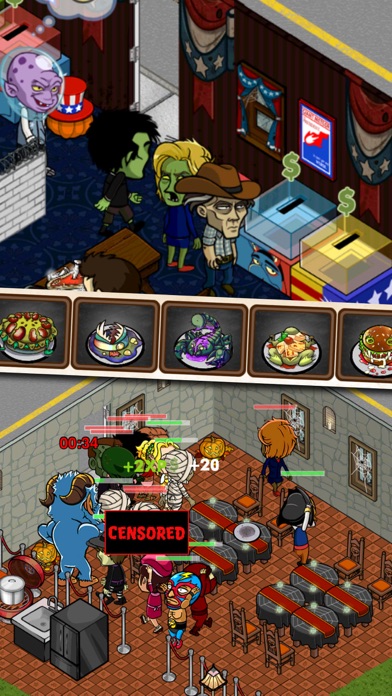
It’s hard to find good help, which is why you’ve partnered with an evil corporation to use zombies as free labor to build your café empire. Prepare food, direct your zombies and manage supplies. If the competition gets too fierce you can always direct your zombie workers to attack a neighboring café and steal their secret recipes.
------------------------
Features:
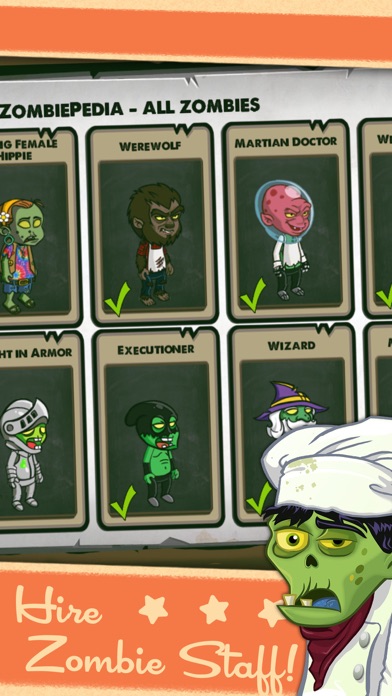
• Transform customers into zombie waiters using toxin and have them do your bidding... but be careful! If you work a zombie too hard they’ll get tired and will try and eat customers
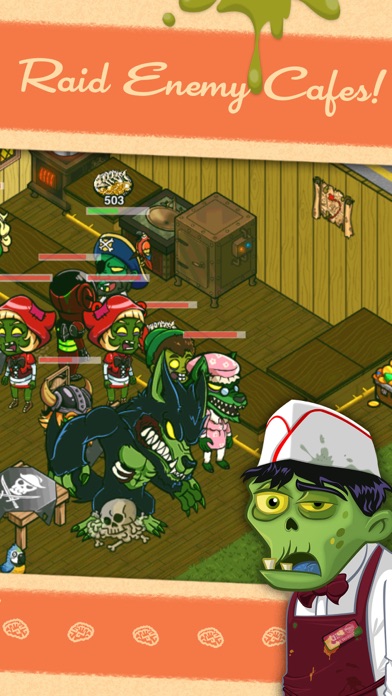
• Raid neighboring cafes to steal recipes and toxin
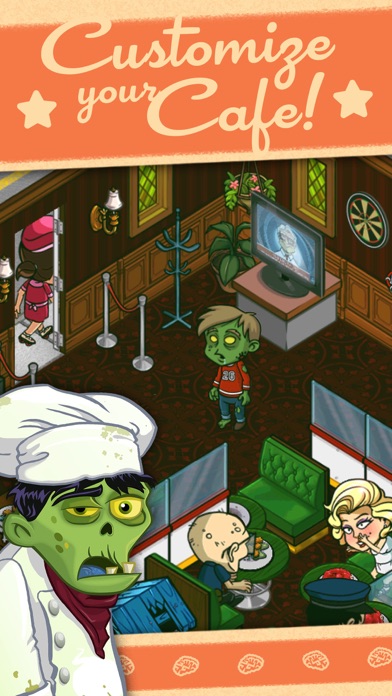
• Decorate your cafe with more than 100 items from the store
• Collect and prepare disgusting zombie-inspired recipes
• Connect with your Facebook friends to form a franchise: order food, collect fees, and share recipes
• Keep playing even when you don't have an network signal, or cook while you're online every day to earn special "Frequent Fryer" bonuses
• Retina display graphics
------------------------
ADDITIONAL NOTES:
iOS will keep you logged on for 15 minutes after an initial in-app purchase. Additional purchases won’t require a re-entry of the password during this 15 minute interval. This is a function of the iOS software and not within our control.
Players having trouble getting into their game after an update should reset their device. Hold the power button and follow the instructions on screen. If you have any further trouble, contact Beeline support.
------------------------
Follow us on Twitter: www.twitter.com/BeelineGames
Follow us on Facebook: www.facebook.com/BeelineGames
Follow us on Youtube: www.youtube.com/BeelineGames
- Non-Jailbroken/Jailed or Jailbroken iPhone or iPad.
- Sideloadly or alternatives.
- Computer running Windows/macOS/Linux with iTunes installed.
STEP 1: Download the pre-hacked .IPA file from the link above to your computer. To download from the iOSGods App, see our iOSGods App IPA Download Tutorial which includes a video example.
STEP 2: Download Sideloadly and install it on your Windows or Mac.
STEP 3: Open Sideloadly on your computer, connect your iOS device, and wait until your device name appears in Sideloadly.
STEP 4: Once your iDevice is recognized, drag the modded .IPA file you downloaded and drop it into the Sideloadly application.
STEP 5: Enter your Apple Account email, then press “Start.” You’ll then be asked to enter your password. Go ahead and provide the required information.
STEP 6: Wait for Sideloadly to finish sideloading/installing the hacked IPA. If there are issues during installation, please read the note below.
STEP 7: Once the installation is complete and you see the app on your Home Screen, you will need to go to Settings → General → Profiles / VPN & Device Management. Once there, tap on the email you entered from step 6, and then tap on “Trust [email protected]”.
STEP 8: Now go to your Home Screen and open the newly installed app and everything should work fine. You may need to follow further per app instructions inside the hack's popup in-game.
NOTE: iOS/iPadOS 16 and later, you must enable Developer Mode. For free Apple Developer accounts, you will need to repeat this process every 7 days. If you have any questions or problems, read our Sideloadly FAQ section of the topic.


![[ GrandChase TW ] 永恆冒險 iOS Mod IPA](https://is1-ssl.mzstatic.com/image/thumb/Purple211/v4/d0/cb/f0/d0cbf0aa-53a2-1d75-e966-ce51e553251a/AppIcon-1x_U007emarketing-0-8-0-85-220-0.png/100x100bb.jpg)