Login Required
Sign in with your iOSGods account to continue.
Sign in with your iOSGods account to continue.
Eliminate skill cooldowns in Power Rangers: All Stars Mod IPA to unleash your Rangers' abilities without waiting. This hack removes the CD restrictions that normally limit how often you can deploy powerful attacks, letting you chain skills continuously in battle and dominate encounters faster. Compatible with x64 and ARM64 iDevices including iPhone 5s and later, iPad Air, iPad Pro, and iPad Mini 2 and newer.
- No Skill CD → use abilities without cooldown delays
This hack only works on x64 or ARM64 iDevices: iPhone 5s, 6, 6 Plus, 6s, 6s Plus, 7, 7 Plus, 8, 8 Plus, X, SE, iPod Touch 6G, iPad Air, Air 2, Pro & iPad Mini 2, 3, 4 and later.
This app also comes with iGameGod, giving you access to Auto Touch to automate repetitive tasks, App Speed Manager for adjustable gameplay speed, Memory Engine value editing, and more powerful iOS game tools.
Download Power Rangers: All Stars Hack modded IPA from the links above. Tap the install button and follow the on-screen instructions to install this iOS app hack on your iPhone, iPad, or Apple Silicon.
Need more help? Check out our iOSGods App Frequently Asked Questions for detailed answers and troubleshooting tips.
Join your favorite Rangers in battle!
It's your time, Rangers!
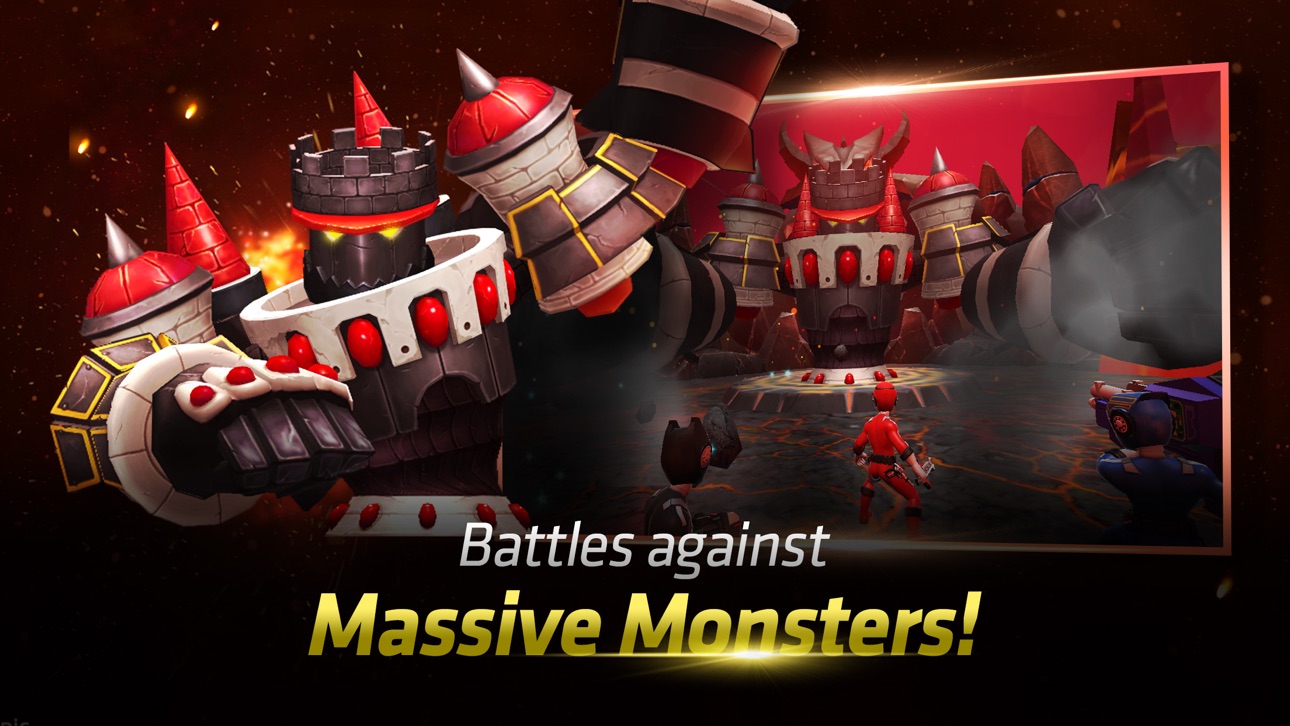
Ranger Operators Red, Yellow, and Blue (from Power Rangers RPM) are sent to Corinth, the last inhabited city on Earth, to investigate Venjix activity inside Professor Q's research laboratory. There, they find that Professor Q has opened a dimensional portal in hopes of helping the people of Corinth escape from the incoming Venjix threat. When Doctor K investigates the lab, she finds that the "quantum anchored" portal there leads to parallel dimensions full of monsters!
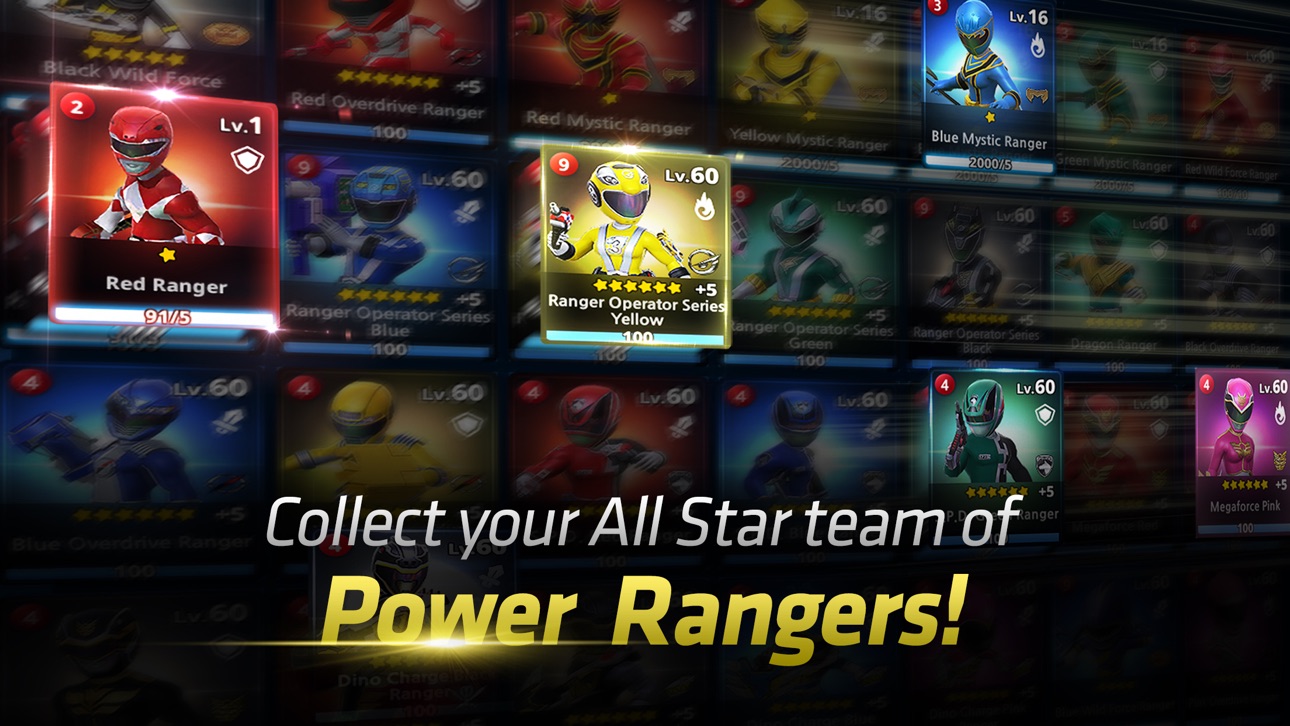
Ally with Power Rangers from throughout history, create the ultimate Ranger team, and thwart the monsters and their evil machinations!
▶ Features
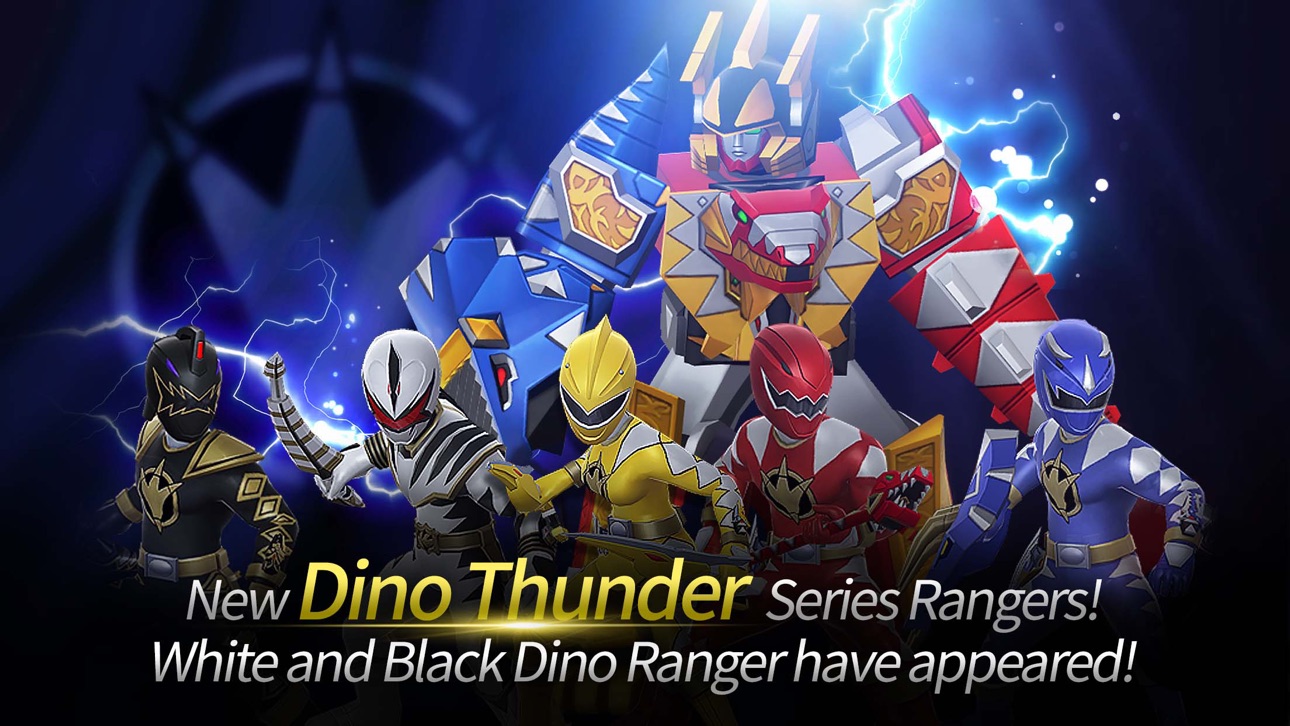
- From MMPR to Samurai, join over 50 Rangers in your quest to vanquish evil!
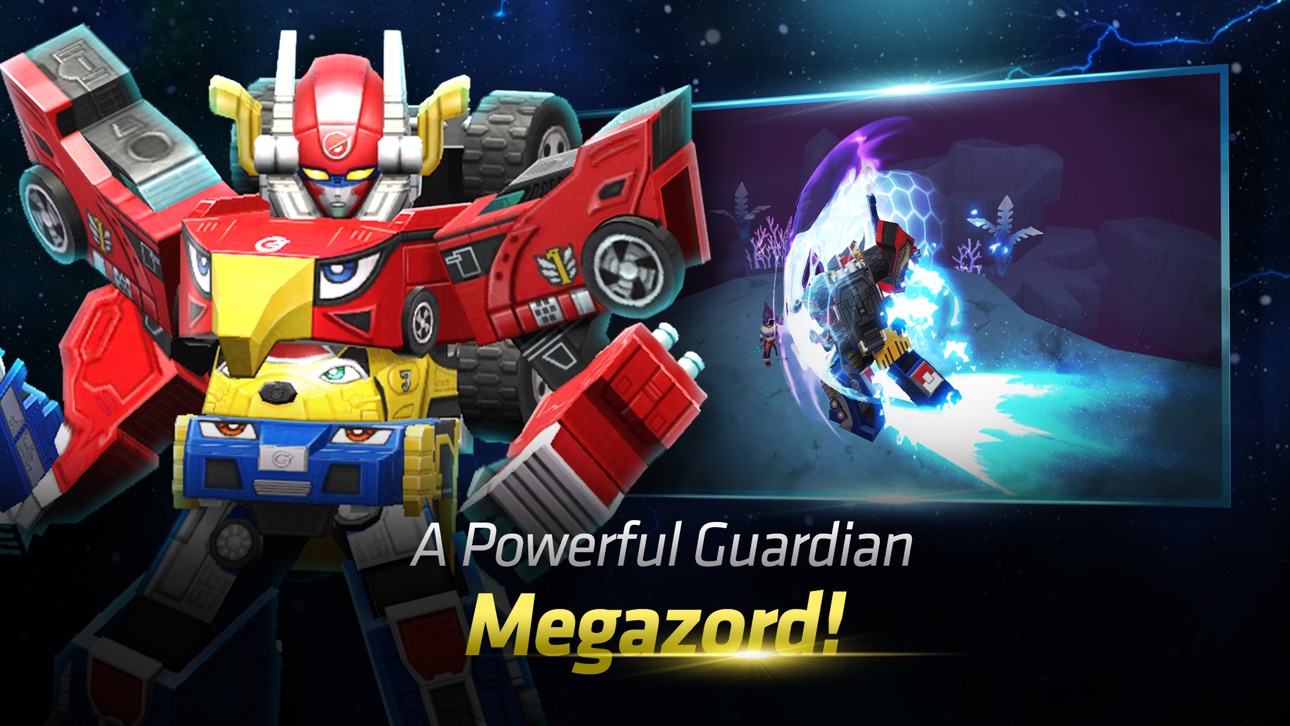
- Pilot mighty Megazords to defeat your foes!
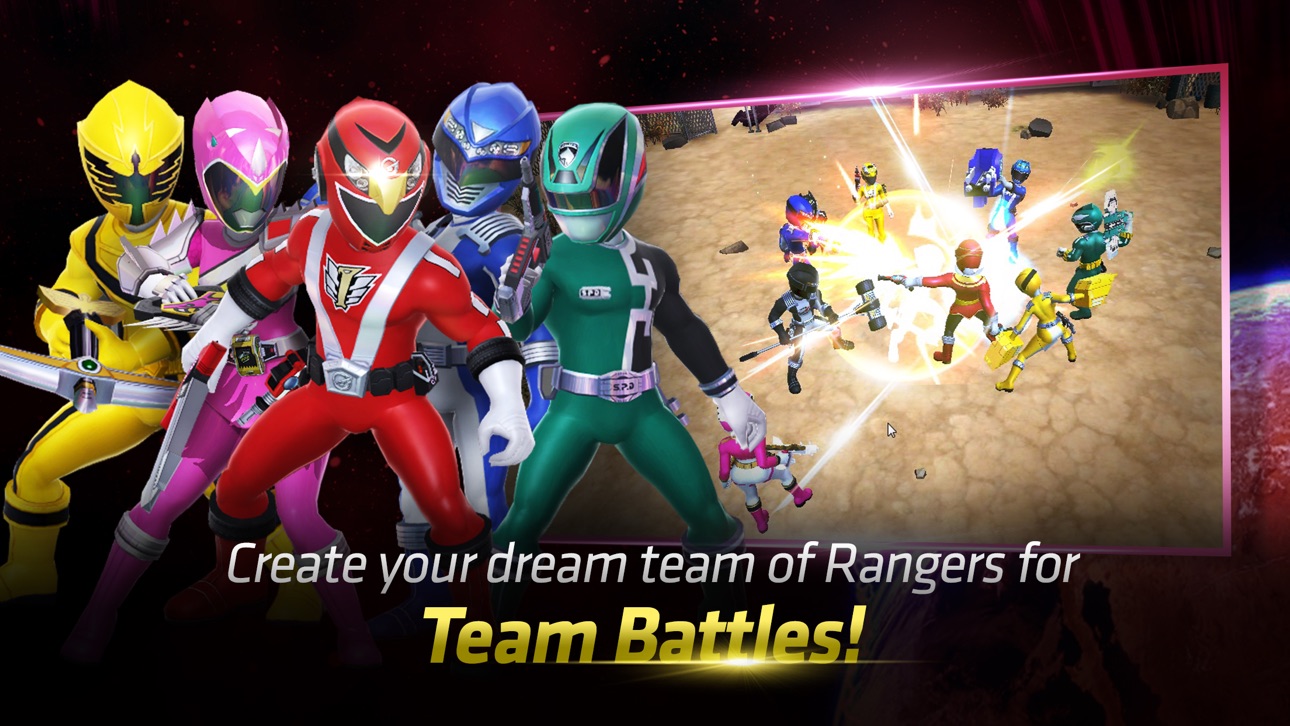
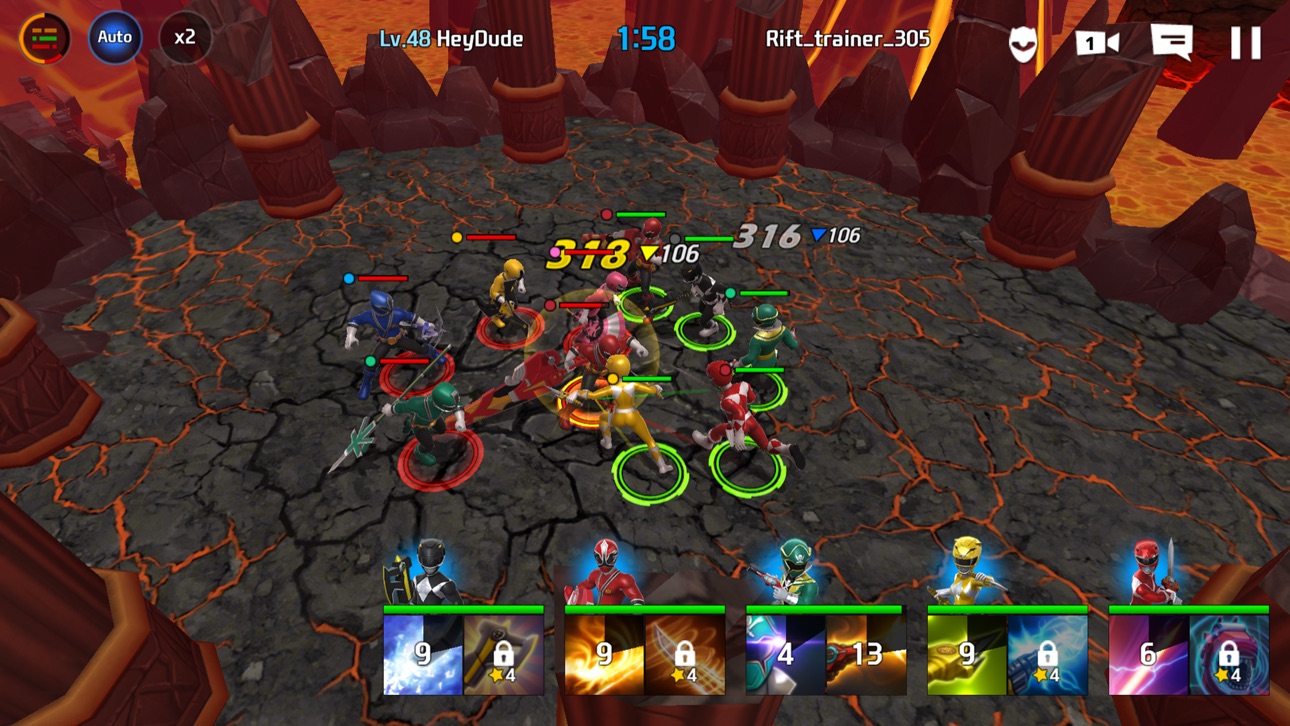
- Create tactical Ranger teams for Dimensional Rift and Dimensional Exploration!
- Engage in 5-vs-5 PvP battles in the Dimensional Arena!
- Form Alliances and conquer dramatic, large-scale Raids!
▶ Community
- Official Facebook: https://www.facebook.com/powerrangersrpg/
[Support]
Experiencing issues? Contact our in-game 1:1 Support or send an inquiry via this like - http://bitly.kr/ZDl2
[Recommended Specifications]
Power Ranger: All Stars performs optimally on iPhone 5s (iOS 7.0) or newer devices. Network connection required. Wi-Fi or cellular connection required.
[App Permissions Information]
Power Rangers: All Stars requires the following permissions:
[Mandatory Access Rights]
Saving media to devices, including game data, save files, and screenshot attachments for customer service.
[Permission Management]
Settings > Privacy > Select App > Permissions
※ This app offers in-app purchases. You can disable this feature by adjusting your device's settings.
Screenshots © their respective owners · App Store


iOSGods is not affiliated with, endorsed by, or sponsored by Apple Inc., Google LLC, or the developers of the apps listed here. Apple, iOS and App Store are trademarks of Apple Inc. Android and Google Play are trademarks of Google LLC. All other app names, icons, artwork and trademarks belong to their respective owners.
- Non-Jailbroken/Jailed or Jailbroken iPhone or iPad.
- Sideloadly or alternatives.
- Computer running Windows/macOS/Linux with iTunes installed.
STEP 1: Download the pre-hacked .IPA file from the link above to your computer. To download from the iOSGods App, see our iOSGods App IPA Download Tutorial which includes a video example.
STEP 2: Download Sideloadly and install it on your Windows or Mac.
STEP 3: Open Sideloadly on your computer, connect your iOS device, and wait until your device name appears in Sideloadly.
STEP 4: Once your iDevice is recognized, drag the modded .IPA file you downloaded and drop it into the Sideloadly application.
STEP 5: Enter your Apple Account email, then press “Start.” You’ll then be asked to enter your password. Go ahead and provide the required information.
STEP 6: Wait for Sideloadly to finish sideloading/installing the hacked IPA. If there are issues during installation, please read the note below.
STEP 7: Once the installation is complete and you see the app on your Home Screen, you will need to go to Settings → General → Profiles / VPN & Device Management. Once there, tap on the email you entered from step 6, and then tap on “Trust [email protected]”.
STEP 8: Now go to your Home Screen and open the newly installed app and everything should work fine. You may need to follow further per app instructions inside the hack's popup in-game.
NOTE: iOS/iPadOS 16 and later, you must enable Developer Mode. For free Apple Developer accounts, you will need to repeat this process every 7 days. If you have any questions or problems, read our Sideloadly FAQ section of the topic.
Hack Features:
- Inf Coins (Spend)
App Installation Instructions:
---------------------------------------------------------
----------------------------------------------------------
If you require more information or help, please read our Frequently Asked Questions topic on iOSGods.com.
----------------------------------------------------------
--------------------------------------------------