로그인 필요
계속하려면 iOSGods 계정으로 로그인하세요.
계속하려면 iOSGods 계정으로 로그인하세요.
이 The Last Camp Mod IPA 무료 해킹으로 프리미엄 보상과 무한 자원을 잠금 해제하세요. 생존이 똑똑한 자원 관리에 달려 있는 액션 어드벤처 게임입니다. 무료 상자에 즉시 접근하고, 지루한 잠금 해제 타이머를 건너뛰며, 무제한 재료로 캠프를 더 빠르게 건설하세요.
- 무료 상자 → 통화를 사용하지 않고 보상 획득
- 무료 상자 잠금 해제 스킵 → 기다리지 않고 상자를 즉시 열기
- 무제한 재료 (사용하면서 증가) → 사용할 때마다 자원을 무한정 수집
이 앱에는 iGameGod도 포함되어 있어 반복 작업을 자동화하는 Auto Touch, 게임 속도를 조절할 수 있는 App Speed Manager, Memory Engine 값 편집 등 강력한 iOS 게임 도구를 사용할 수 있습니다.
위의 링크에서 The Last Camp Hack modded IPA을 다운로드합니다. 설치 버튼을 누르고 화면 안내에 따라 iPhone, iPad 또는 Apple Silicon에 이 iOS 앱 해킹을 설치합니다.
더 많은 도움이 필요하신가요? 자세한 답변과 문제 해결 팁은 iOSGods 앱 자주 묻는 질문을 확인하세요.
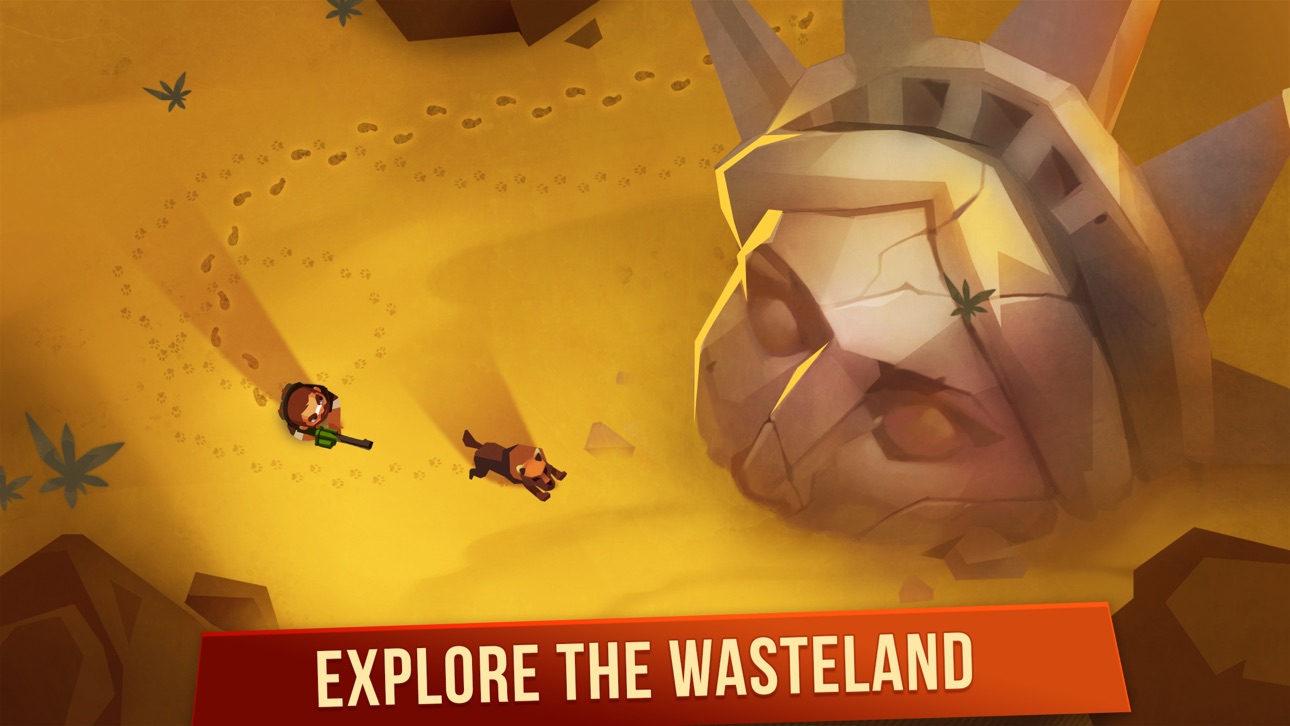
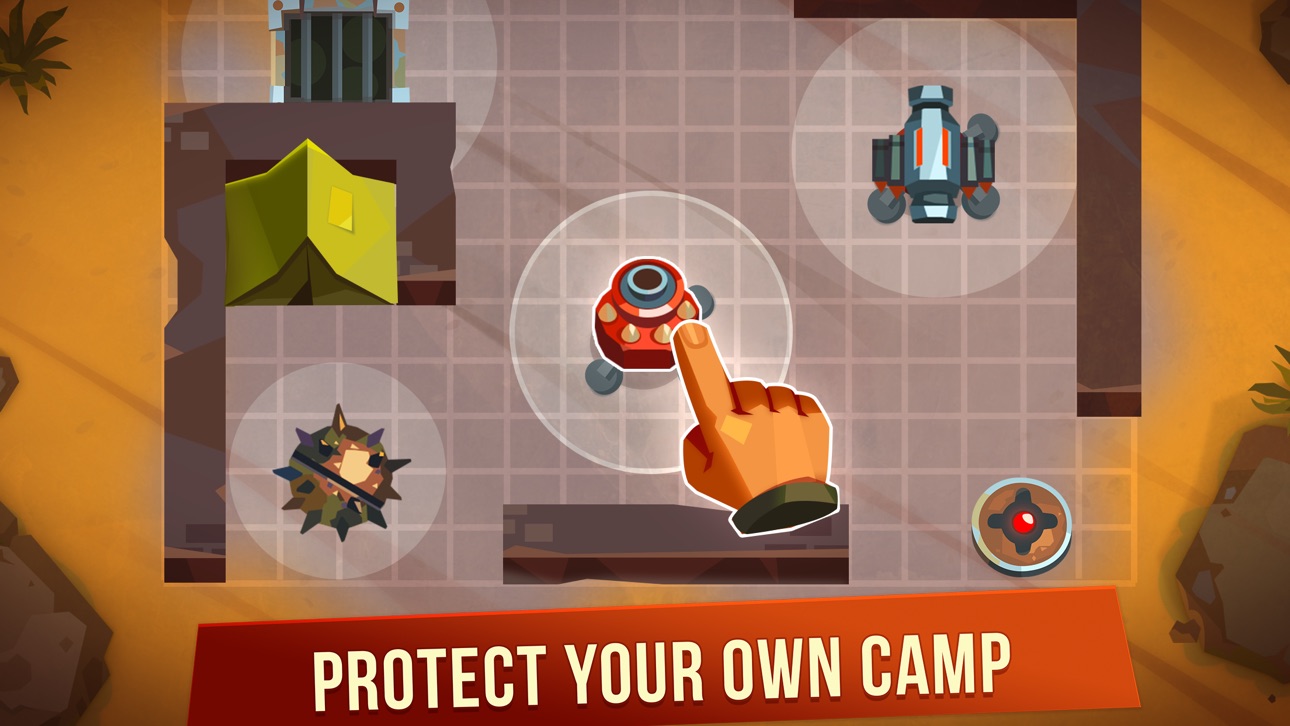
Survive in an open world full of other players and zombies. Encounter other players' camps and raid them to steal their crafting materials. Craft weapons and defenses to protect your own camp from attacks! Discover what's left of ruined civilization and what caused the cataclysm many years ago.
Features:
- Action packed top down shooting gameplay with simple controls.
- PvP multiplayer against other players who explore the wasteland at the same time.
- Encounter other players' camps in a wasteland and attack them to steal their crafting materials.
- Craft weapons and defenses to protect your own camp.
- Uncover the mystery behind what caused the cataclysm many years ago.
The Last Camp is completely free to play, however, it has some optional in-app purchases. You can turn off the payment feature by disabling in-app purchases on your device.

- 탈옥/제일 또는 탈옥된 iPhone 또는 iPad가 필요합니다.
- Sideloadly 또는 대체 도구가 필요합니다.
- iTunes가 설치된 Windows/macOS/Linux 컴퓨터가 필요합니다.
1단계: 위 링크에서 미리 해킹된 .IPA 파일을 컴퓨터에 다운로드합니다. iOSGods App에서 다운로드하려면 동영상 예시가 포함된 iOSGods App IPA 다운로드 튜토리얼를 참고하십시오.
2단계: Sideloadly를 다운로드하여 Windows 또는 Mac에 설치합니다.
3단계: 컴퓨터에서 Sideloadly를 실행하고 iOS 기기를 연결한 후, Sideloadly에 기기 이름이 표시될 때까지 기다립니다.
4단계: iDevice가 인식되면, 다운로드한 모드된 .IPA 파일을 Sideloadly 애플리케이션에 끌어다 놓습니다.
5단계: Apple Account 이메일을 입력한 후 “Start”를 누릅니다. 그러면 비밀번호를 입력하라는 메시지가 표시됩니다. 요청된 정보를 제공해 주십시오.
6단계: Sideloadly가 해킹된 IPA의 사이드로드/설치를 완료할 때까지 기다리십시오. 설치 중 문제가 발생하면 아래 참고 사항을 읽어 주십시오.
7단계: 설치가 완료되어 홈 화면에서 앱이 보이면 설정 → 일반 → 프로파일 / VPN 및 기기 관리 경로로 이동해야 합니다. 그곳에서 6단계에서 입력한 이메일을 탭한 다음 “[email protected] 신뢰”를 탭하십시오.
8단계: 이제 홈 화면으로 돌아가 새로 설치된 앱을 열면 모든 것이 정상적으로 작동할 것입니다. 게임 내 해킹 팝업에서 앱별 추가 안내를 따라야 할 수도 있습니다.
참고: iOS/iPadOS 16 이상에서는 개발자 모드를 활성화해야 합니다. 무료 Apple Developer 계정의 경우 이 과정을 7일마다 반복해야 합니다. 질문이나 문제가 있는 경우 해당 토픽의 Sideloadly FAQ 섹션를 읽어보십시오.