Login Required
Sign in with your iOSGods account to continue.
Sign in with your iOSGods account to continue.

Hack Features:
- 1 Hit Kill
- Never Die
This app also comes with iGameGod, giving you access to Auto Touch to automate repetitive tasks, App Speed Manager for adjustable gameplay speed, Memory Engine value editing, and more powerful iOS game tools.
Download The Witcher: Monster Slayer Hack modded IPA from the links above. Tap the install button and follow the on-screen instructions to install this iOS app hack on your iPhone, iPad, or Apple Silicon.
Need more help? Check out our iOSGods App Frequently Asked Questions for detailed answers and troubleshooting tips.
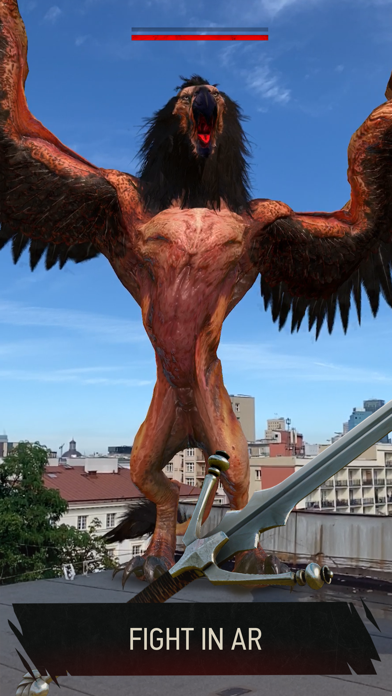
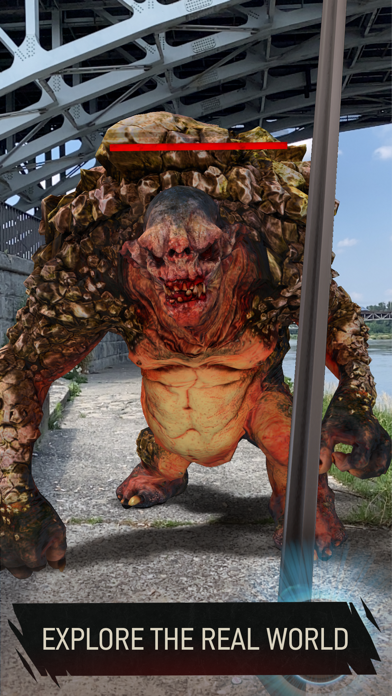
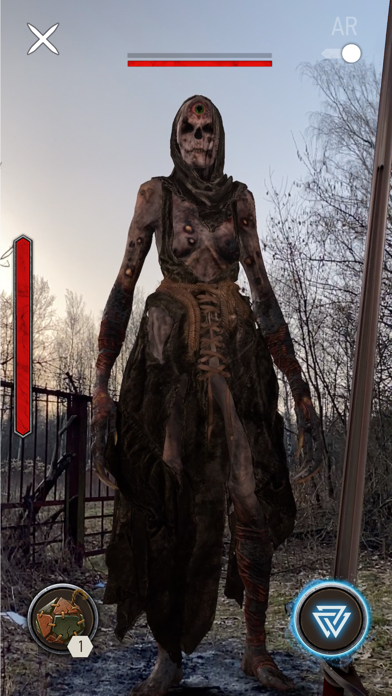
The Witcher: Monster Slayer is an augmented-reality exploration game that challenges you to become an elite monster hunter. As you explore the real world around you, each step will take you deeper into a dark fantasy adventure.
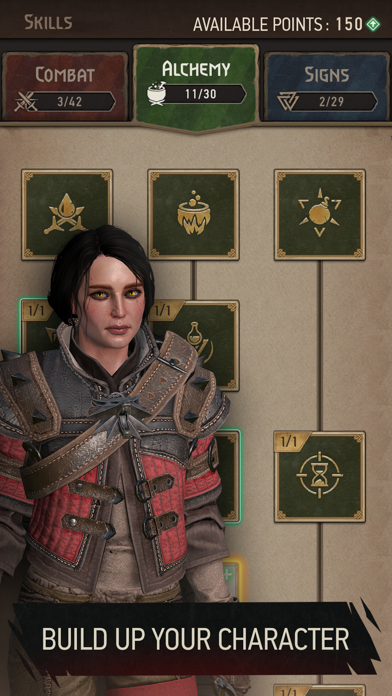
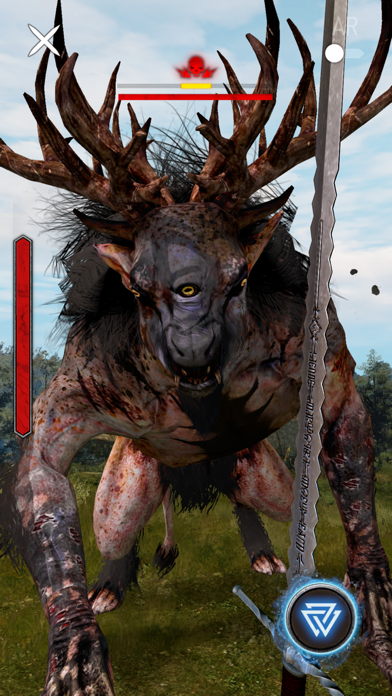
Track monsters, learn their habits and prepare for battle. Select the best weapons and armor and brew powerful witcher potions to gain the upper hand before you begin a battle. As you gain experience and take on more dangerous foes, you will need to improve your skills, gear, and tactics in order to become a monster slayer of true renown.
TRACK YOUR TARGETS – Use real-time weather conditions, the time of day, and all your witcher senses to hunt the monsters living around you.
EXPLORE ADVANCED AUGMENTED REALITY – Make the dark fantasy world of The Witcher your reality with AR features that will change your perception of places you thought you knew.
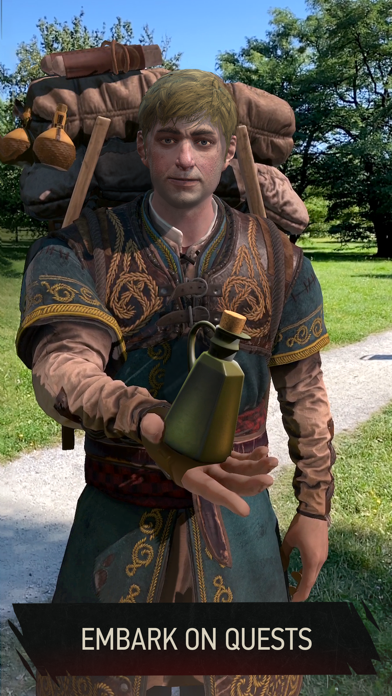
EMBARK ON ADVENTURES – Experience quests that propel you through deep, story-driven adventures inspired by The Witcher series.
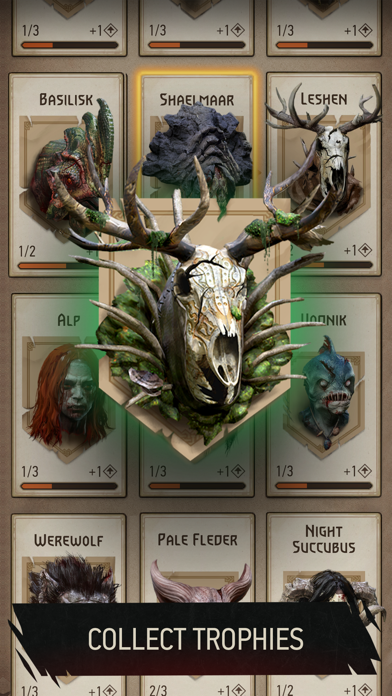
GATHER TROPHIES FROM FALLEN FOES – Defeat dozens of different beasts and grow a collection worthy of a true monster slayer.
- Non-Jailbroken/Jailed or Jailbroken iPhone or iPad.
- Sideloadly or alternatives.
- Computer running Windows/macOS/Linux with iTunes installed.
STEP 1: Download the pre-hacked .IPA file from the link above to your computer. To download from the iOSGods App, see our iOSGods App IPA Download Tutorial which includes a video example.
STEP 2: Download Sideloadly and install it on your Windows or Mac.
STEP 3: Open Sideloadly on your computer, connect your iOS device, and wait until your device name appears in Sideloadly.
STEP 4: Once your iDevice is recognized, drag the modded .IPA file you downloaded and drop it into the Sideloadly application.
STEP 5: Enter your Apple Account email, then press “Start.” You’ll then be asked to enter your password. Go ahead and provide the required information.
STEP 6: Wait for Sideloadly to finish sideloading/installing the hacked IPA. If there are issues during installation, please read the note below.
STEP 7: Once the installation is complete and you see the app on your Home Screen, you will need to go to Settings → General → Profiles / VPN & Device Management. Once there, tap on the email you entered from step 6, and then tap on “Trust [email protected]”.
STEP 8: Now go to your Home Screen and open the newly installed app and everything should work fine. You may need to follow further per app instructions inside the hack's popup in-game.
NOTE: iOS/iPadOS 16 and later, you must enable Developer Mode. For free Apple Developer accounts, you will need to repeat this process every 7 days. If you have any questions or problems, read our Sideloadly FAQ section of the topic.



![[Project Springfield] The Simpsons™: Tapped Out](https://is1-ssl.mzstatic.com/image/thumb/Purple211/v4/8e/9d/53/8e9d530e-9421-3ab6-c52e-90d7b786dd30/AppIcon-1x_U007emarketing-0-7-0-85-220-0.png/100x100bb.jpg)






![[ Kyoutou Kotoba RPG: Kotodaman ] コトダマン-共闘ことばRPG Hack](https://is1-ssl.mzstatic.com/image/thumb/Purple126/v4/1a/00/95/1a009543-5a2c-8f8e-8c58-3ac74d754a1e/AppIcon-1x_U007emarketing-0-7-0-85-220.png/100x100bb.jpg)

![[ SAOIF ] ソードアート・オンライン インテグラル・ファクター Hack](https://is1-ssl.mzstatic.com/image/thumb/Purple116/v4/90/1e/5c/901e5cc2-988d-8c41-bb74-494cbd07a495/AppIcon-1x_U007emarketing-0-7-0-85-220.png/100x100bb.jpg)
![[VIP] SwordArtOnline: IntegralFactor SAOIF Hack](https://is1-ssl.mzstatic.com/image/thumb/Purple116/v4/6d/2b/48/6d2b4890-100a-afff-6286-f7af91d94529/AppIcon-1x_U007emarketing-0-7-0-85-220.png/100x100bb.jpg)