تسجيل الدخول مطلوب
سجّل الدخول بحساب iOSGods للمتابعة.
سجّل الدخول بحساب iOSGods للمتابعة.
Hack Features
- VViP Active
- ADS NO / Rewards Free
- Speed 2X Active
- Unlimited Quick Patrol
- Currency / No Need
- Resources / No Need
- DMG MAX
- Never Die
- Enemy Speed
Note: Don't Abuse Hack Incase Banned
يأتي هذا التطبيق أيضًا مع iGameGod، مما يتيح لك الوصول إلى Auto Touch لأتمتة المهام المتكررة، وApp Speed Manager لضبط سرعة اللعب، وتعديل القيم عبر Memory Engine، والمزيد من أدوات ألعاب iOS القوية.
قم بتنزيل 배틀 쉽 고 : 몬스터 웨이브 Battle Ship Go: Monster Wave iOS Mod IPA من الروابط أعلاه. اضغط على زر التثبيت واتبع التعليمات لتثبيت هذا التعديل لـ iOS على iPhone أو iPad أو Apple Silicon.
هل تحتاج إلى مزيد من المساعدة؟ راجع الأسئلة الشائعة لتطبيق iOSGods للحصول على إجابات مفصلة ونصائح لاستكشاف الأخطاء.
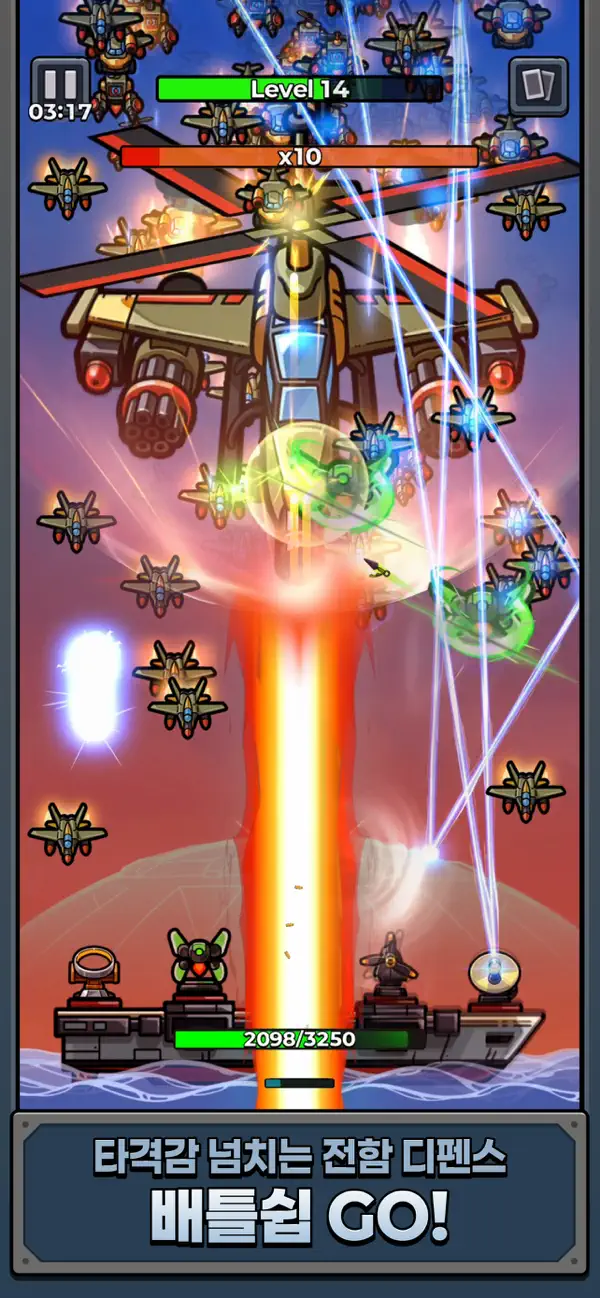
Protect your warship and your seas from endless waves of monsters!
WARNING! The ship is under attack!
Enemies are approaching your ship!
Waves of unidentified monsters are constantly coming!
One mistake could sink your warship.
The enemy does not retreat.
They continue to attack.
Your mission is simple.
Command your warship, choose your battles, and endure to the end.
Warship Go: Monster Wave — Start your naval defense now!
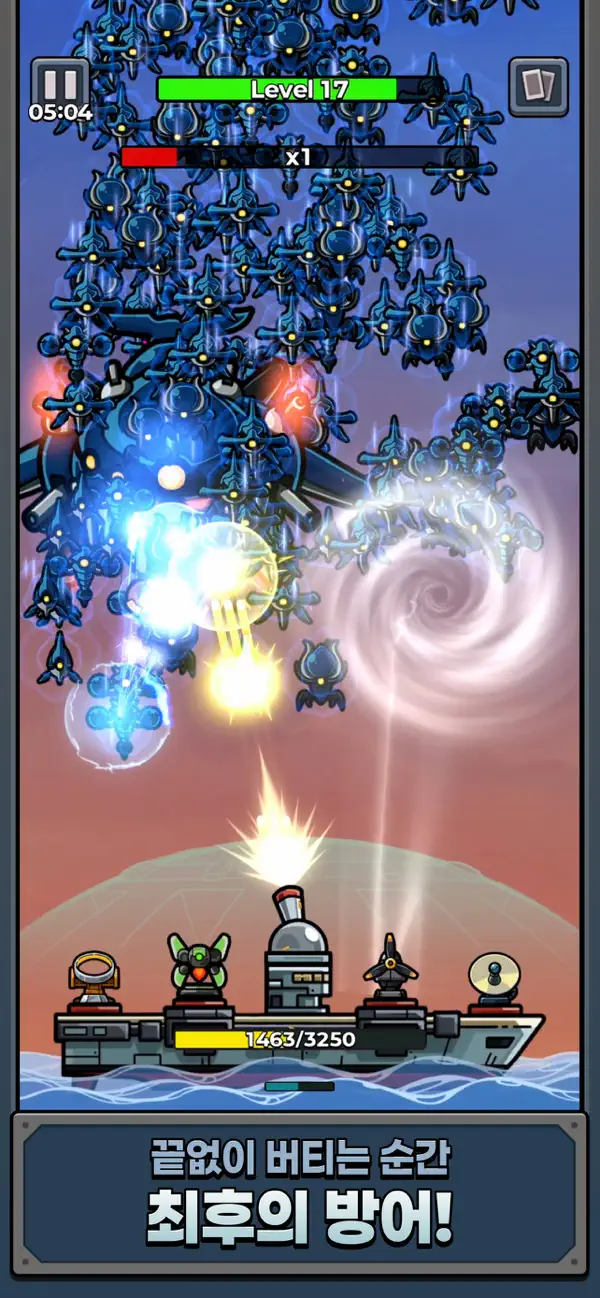
Stop the endless waves of monsters.
Monsters are coming in relentlessly.
The attacks continue, and the volume of enemies increases.
Blocking one wave doesn't mean you should feel relieved.
The next wave is stronger and more dangerous.
The moment the defense line collapses, the battle becomes unpredictable.
But one accurate judgment can turn the tide.
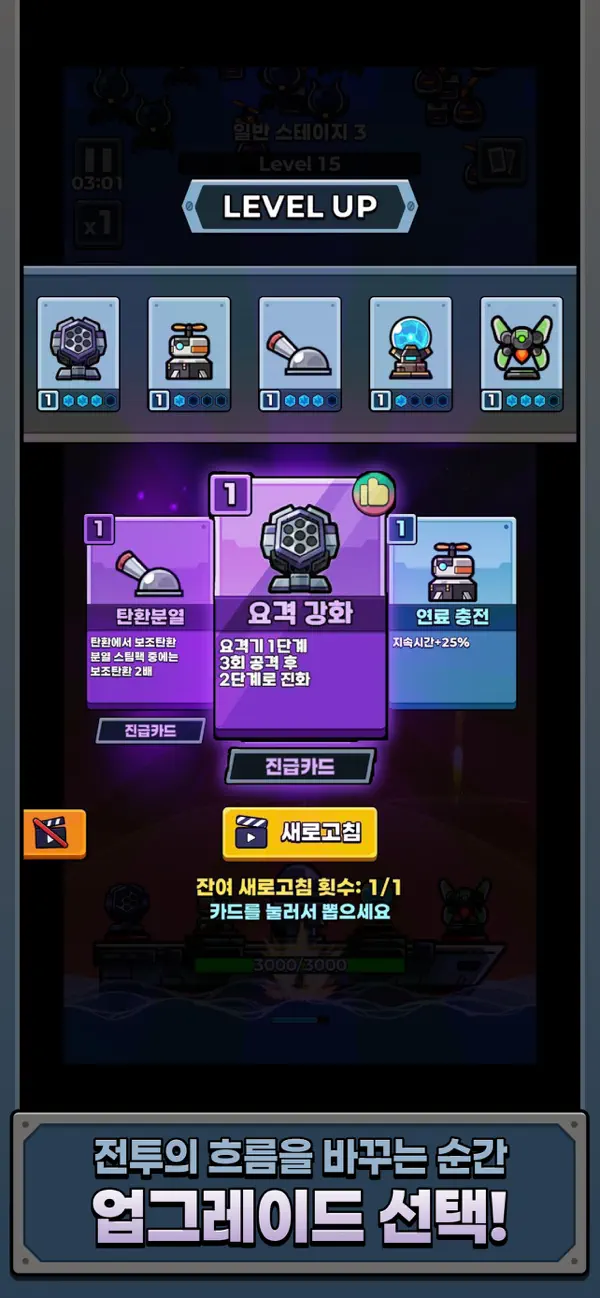
Real-time combat, the commander's choice is the tactic.
Directly operate the warship's batteries and select the appropriate weapons,
Respond to waves immediately.
Which weapon to choose, which direction to strengthen,
Every choice changes the flow of battle.
Luck is just a variable;
it's your judgment that determines your victory.
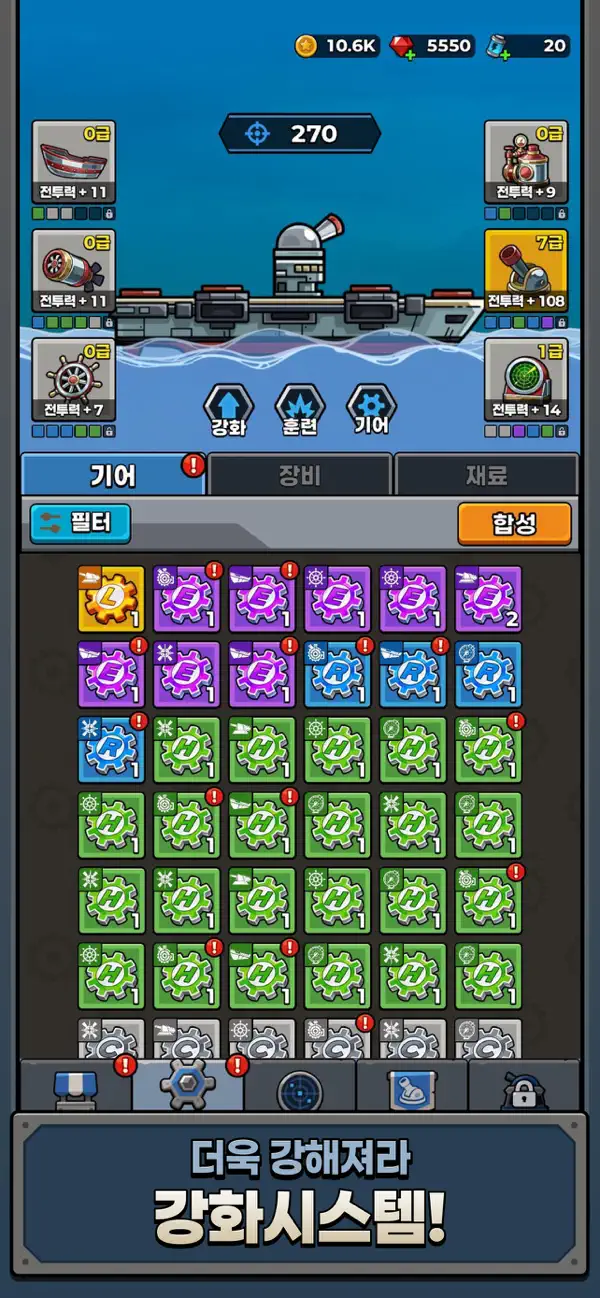
Build the ultimate warship.
Surviving is not the end.
Unlock new weapons and further enhance your equipment
Prepare for the next attack.
Waves of monsters will become stronger,
and giant bosses will test your strategy.
Now, come up to the bridge.
At the front lines of the sea,
you are the commander of the last line of defense.
Amidst the waves of incoming monsters,
Protect the warship and defend the sea!
Warship Go: Monster Wave — Start a real naval defense!

- iPhone أو iPad بجيلبريك أو بدون جيلبريك.
- Sideloadly أو بدائلها.
- كمبيوتر يعمل بنظام Windows/macOS/Linux مع تثبيت iTunes.
الخطوة 1: قم بتنزيل ملف .IPA المعدّل مسبقًا من الرابط أعلاه إلى الكمبيوتر الخاص بك. للتنزيل من تطبيق iOSGods App، اطلع على دليل تنزيل IPA من تطبيق iOSGods App الذي يتضمن مثالًا بالفيديو.
الخطوة 2: قم بتنزيل Sideloadly وتثبيته على جهاز Windows أو Mac.
الخطوة 3: افتح Sideloadly على الكمبيوتر، ووصّل جهاز iOS الخاص بك، وانتظر حتى يظهر اسم جهازك داخل Sideloadly.
الخطوة 4: بمجرد التعرّف على جهاز iDevice الخاص بك، اسحب ملف .IPA المعدّل الذي قمت بتنزيله وأفلِته داخل تطبيق Sideloadly.
الخطوة 5: أدخل البريد الإلكتروني لحساب Apple Account الخاص بك، ثم اضغط على «Start». سيُطلب منك بعد ذلك إدخال كلمة المرور. تابع وأدخل المعلومات المطلوبة.
الخطوة 6: انتظر حتى ينتهي Sideloadly من تحميل/تثبيت ملف IPA المعدّل. في حال واجهت أي مشاكل أثناء التثبيت، يرجى قراءة الملاحظة أدناه.
الخطوة 7: بعد اكتمال التثبيت ورؤية التطبيق على الشاشة الرئيسية، انتقل إلى Settings → General → Profiles / VPN & Device Management. ثم اضغط على البريد الإلكتروني الذي أدخلته في الخطوة 6، ثم اضغط على «الوثوق بـ [email protected]».
الخطوة 8: الآن انتقل إلى الشاشة الرئيسية وافتح التطبيق الذي تم تثبيته للتو وسيعمل كل شيء بشكل صحيح. قد تحتاج إلى اتباع تعليمات إضافية خاصة بكل تطبيق داخل النافذة المنبثقة للتعديل أثناء اللعب.
ملاحظة: بدءًا من iOS/iPadOS 16 وما بعده، يجب تفعيل وضع المطور (Developer Mode). بالنسبة لحسابات Apple Developer المجانية، ستحتاج إلى تكرار هذه العملية كل 7 أيام. إذا كانت لديك أي أسئلة أو مشاكل، يرجى قراءة قسم الأسئلة الشائعة حول Sideloadly في الموضوع.