Login Required
Sign in with your iOSGods account to continue.
Sign in with your iOSGods account to continue.
Track live weather patterns with precise radar and satellite imagery in this free Mod IPA of Windy.com, the weather app trusted by meteorologists and outdoor enthusiasts for its advanced visualization and real-time forecasting. Access premium weather models and detailed storm tracking without the subscription cost.
- Premium → full access to advanced weather tools and models
Download Windy.com iOS Mod IPA from the links above. Tap the install button and follow the on-screen instructions to install this iOS app hack on your iPhone, iPad, or Apple Silicon.
Need more help? Check out our iOSGods App Frequently Asked Questions for detailed answers and troubleshooting tips.
A UNIQUE WEATHER FORECAST VISUALISATION
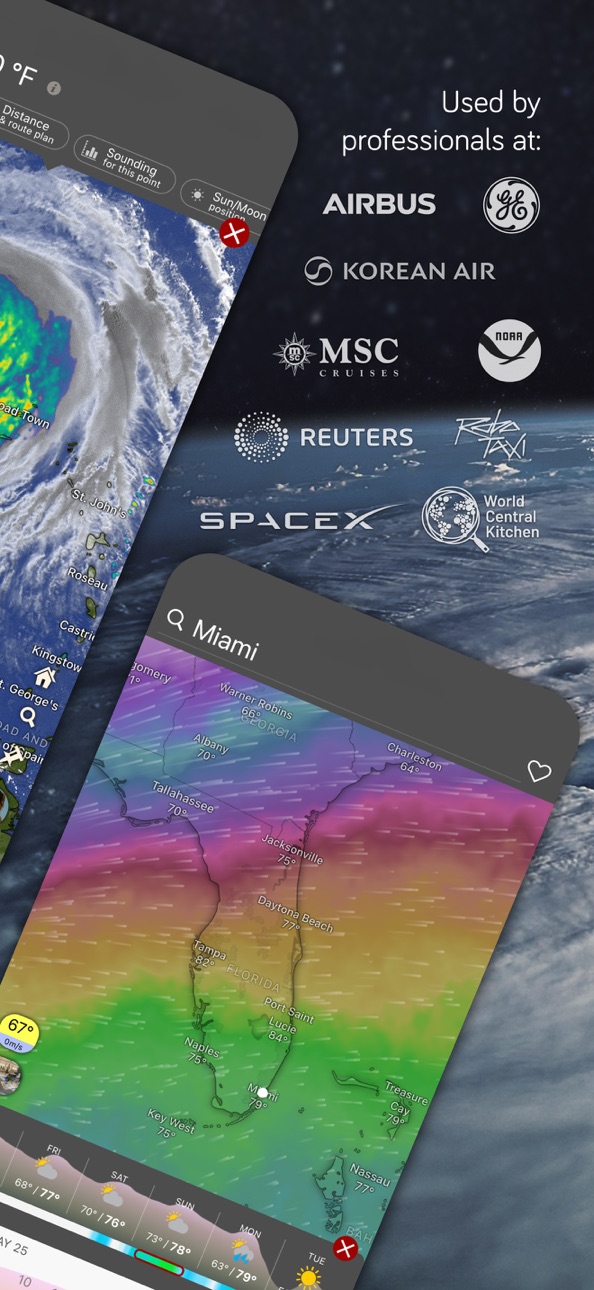
While most weather forecasting apps rely solely on free global models, Windy has gone a step further by investing heavily in the most accurate weather models available, always at the highest possible resolution, to deliver you the most accurate forecasts in the world.
LIVE WEATHER APP - WEATHER RADAR & SATELLITE
(Now with Precipitation Type & Lightning tracker)
Radar is a highly valued tool for weather forecasting. To provide you with the most accurate radar imagery, we constantly expand our resources so that rain, snow, and storms don't catch you by surprise.
Trusted radar sources include NOAA, Met Office, Météo France, DWD, JMA, IMD, BoM & more.
The global satellite composite is created from NOAA, EUMETSAT & Himawari data.
MORE THAN 50 WEATHER MAPS
- Rain radar, Satellite and a unique combined layer of Radar & Satellite images (blue, infrared, visible)
- Hurricane tracker, Weather warnings & Extreme forecast
- Wind forecast: Wind speed, Wind gusts & Accumulation, models comparison, data from live Weather stations
- Temperature: Humidity, Pressure, Dew point, live data from Weather stations
- Rain: Thunder & storms, Rain accumulation, Thunderstorms, Precipitation type, CAPE-index
- Aviation: Clouds, Cloud tops, Cloud base, Visibility (LIFR, IFR, MVFR, VFR), Fog, Icing, Clear air turbulence, Thermals, Freezing altitude
- Marine Forecast: Waves, Swell, Wave power, Tide forecast, Currents, Sea temperature
- Solar activity: Solar power, UV index, Wet-bulb temperature
- Snow: Snow depth, New snow, Snow density
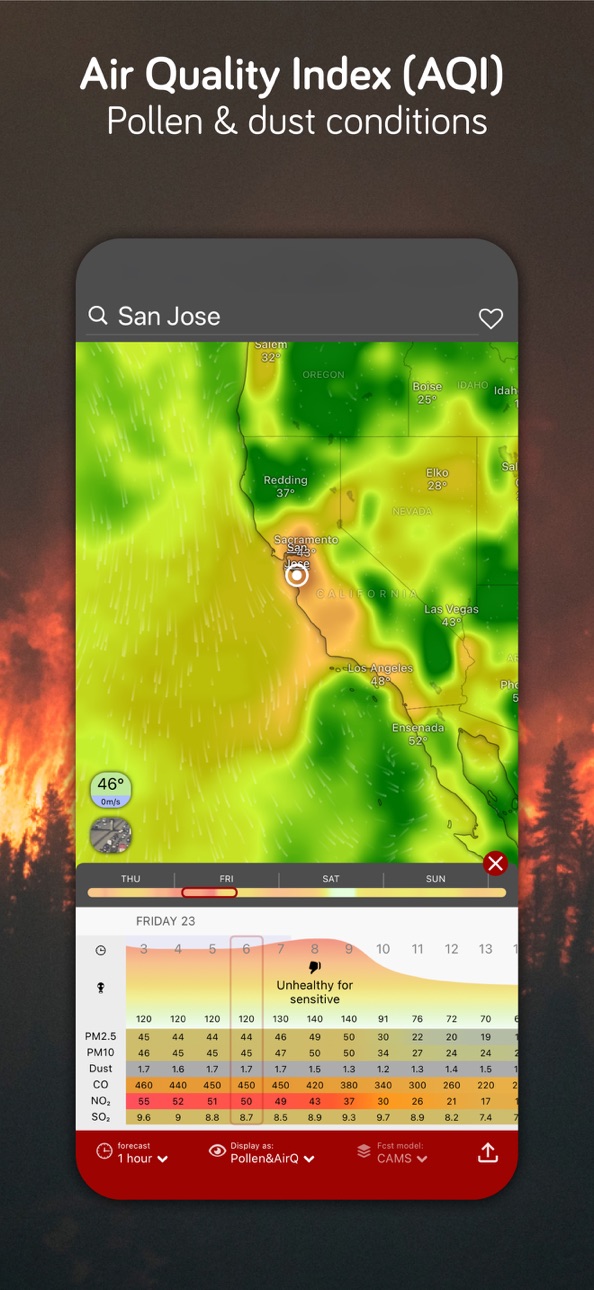
- Air Quality: Air Quality Index (AQI) with Pollen (CAMS), NO2, PM 2.5, Aerosol, SO2, Ozone layer, Surface ozone, CO concentration, Dust mass
- Soil moisture, Moisture anomaly, Drought intensity, Fire Danger, Fuel moisture
MORE THAN 15 WEATHER MODELS
Global weather models:
- meteoblue - AI forecast
- ECMWF
- GFS by NOAA
- ICON by DWD
Local weather models:
- HRRR by NOAA
- NAM by NOAA
- HRDPS by MSC
- ICON-EU by DWD
- ICON-D2 by DWD
- UKV by Met Office
- AROME-HD by Météo France
- ALADIN by CHMI
- NEMS by meteoblue
- MSM by JMA
- ACCESS-C by BoM
LIVE RAIN, STORM ALERTS & CUSTOM WEATHER ALERTS
Want to know before the storm hits near you while you hike, bike or spend time outdoors? You can now access live weather alerts or set up your custom weather alert for wind, sunshine, or new snow.
HURRICANE TRACKER FOR STORM TRACKING
With Windy's hurricane tracker, you can track the past and projected path of a hurricane or a storm. Windy doesn't rely on just one hurricane model, but will give you all the forecasts available for a storm or hurricane.
WINDY MADE FOR PILOTS
- 16 altitude levels from the surface to 13.5km/FL450
- 50k+ Airports searchable by ICAO and IATA, including runway info, decoded & raw METAR, TAF & NOTAMs
- Detailed Airgram and Meteogram: temperature and dew point, wind speed and wind gusts, pressure, precipitation, altitude cloud cover, freezing altitude
- Thermals forecast
- Route planner
WINDY MADE FOR OUTDOOR SPORTS, SURF & BOATING
- 67K+ global webcams
- Summer & winter outdoor topographic maps by Mapy.com
- 4.5K+ Surfing spots
- 12.1K+ Paragliding spots
- 4.3K+ Kiting spots
- Boating tide forecast
- Sun & Moon tracker
- Plugins with buoy data
WINDY AS A WEATHER WIDGET ON YOUR DEVICE
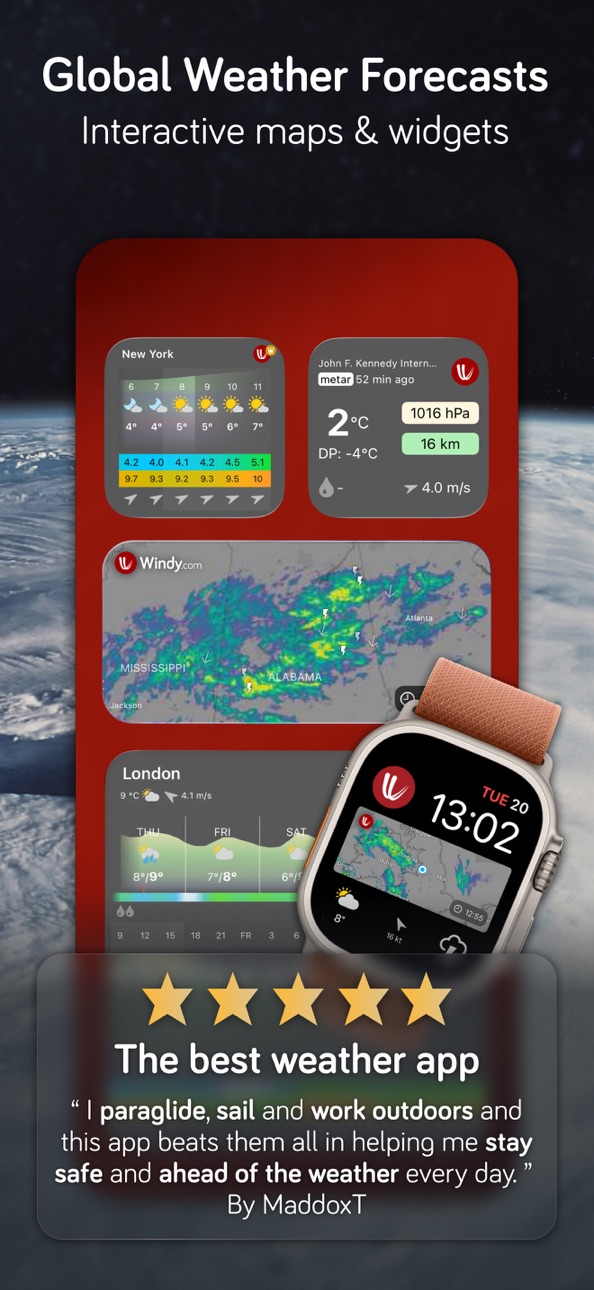
Get the weather now on your iPhone, MacOS, iPad, CarPlay & Apple Watch, from forecast, Radar, METAR, Weather stations & Wind, ready for your travels and outdoor sports.
WINDY PREMIUM — FORECAST LIKE A PRO
- 1-hour & 15-day outlook with 4–6× daily updates
- Radar/Satellite 24h loops & 1-year archives
- More maps (Tide Forecast)
- Model comparison to find the best model
GET IN TOUCH
Join us on social media or at community.windy.com to discuss weather-related topics, report bugs, or suggest a new feature. Contact us directly at [email protected].
Screenshots © their respective owners · App Store

iOSGods is not affiliated with, endorsed by, or sponsored by Apple Inc., Google LLC, or the developers of the apps listed here. Apple, iOS and App Store are trademarks of Apple Inc. Android and Google Play are trademarks of Google LLC. All other app names, icons, artwork and trademarks belong to their respective owners.

- Non-Jailbroken/Jailed or Jailbroken iPhone or iPad.
- Sideloadly or alternatives.
- Computer running Windows/macOS/Linux with iTunes installed.
STEP 1: Download the pre-hacked .IPA file from the link above to your computer. To download from the iOSGods App, see our iOSGods App IPA Download Tutorial which includes a video example.
STEP 2: Download Sideloadly and install it on your Windows or Mac.
STEP 3: Open Sideloadly on your computer, connect your iOS device, and wait until your device name appears in Sideloadly.
STEP 4: Once your iDevice is recognized, drag the modded .IPA file you downloaded and drop it into the Sideloadly application.
STEP 5: Enter your Apple Account email, then press “Start.” You’ll then be asked to enter your password. Go ahead and provide the required information.
STEP 6: Wait for Sideloadly to finish sideloading/installing the hacked IPA. If there are issues during installation, please read the note below.
STEP 7: Once the installation is complete and you see the app on your Home Screen, you will need to go to Settings → General → Profiles / VPN & Device Management. Once there, tap on the email you entered from step 6, and then tap on “Trust [email protected]”.
STEP 8: Now go to your Home Screen and open the newly installed app and everything should work fine. You may need to follow further per app instructions inside the hack's popup in-game.
NOTE: iOS/iPadOS 16 and later, you must enable Developer Mode. For free Apple Developer accounts, you will need to repeat this process every 7 days. If you have any questions or problems, read our Sideloadly FAQ section of the topic.
Game Name iOS Mod IPA is an action adventure game enhanced with powerful gameplay boosts and quality-of-life improvements. Win battles faster, earn rewards quicker, and enjoy uninterrupted play without ads.
- Unlimited Gold - spend freely to unlock premium content
- Damage Multiplier - deal significantly more damage in combat
- Defense Multiplier - take less damage and survive longer
- Reward Multiplier - earn more loot from every battle
- Max Level - instantly reach the highest player rank
- No Ads - play without interruptions or advertisements
This app also comes with iGameGod, giving you access to Auto Touch to automate repetitive tasks, App Speed Manager for adjustable gameplay speed, Memory Engine value editing, and more powerful iOS game tools.
Download Game Name Mod IPA from the links above. Tap the install button and follow the on-screen instructions to install this iOS app hack on your iPhone, iPad, or Apple Silicon.
Need more help Check out our iOSGods App Frequently Asked Questions for detailed answers and troubleshooting tips.
----------------------------------------------------------
--------------------------------------------------