Inloggen vereist
Log in met je iOSGods-account om door te gaan.
Log in met je iOSGods-account om door te gaan.

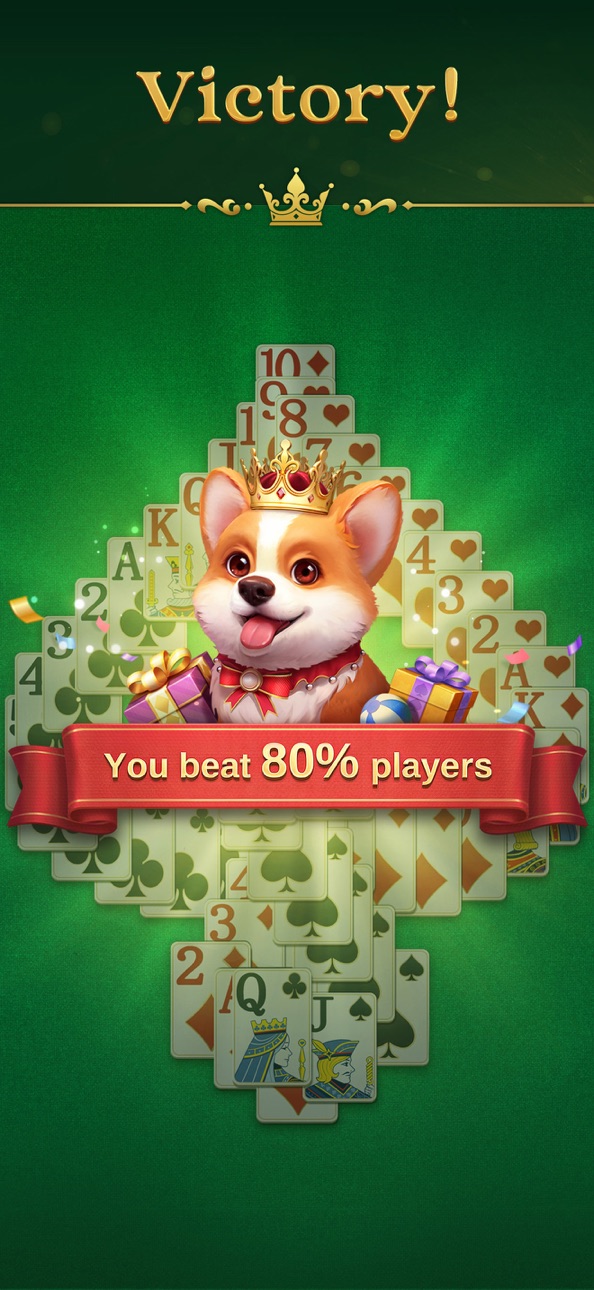
Speel Jenny Solitaire's ontspannende kaartuitdagingen met onbeperkte middelen in deze gratis Mod IPA hack. Bouw winnende sequenties in je eigen tempo, met een schattige corgi-metgezel die je door klassiek solitaire-gameplay leidt, ontworpen voor een doordachte, strategische ervaring.
Zodra de hack actief is, zul je nooit meer tekort komen aan edelstenen, hints, ongedaan maken of toverstokken, waardoor de grind wordt verwijderd en je je volledig kunt concentreren op het puzzeloplossen en hersentraining die solitaire zo bevredigend maken.
- Onbeperkte edelstenen → geef vrij uit zonder verbruik
- Onbeperkte hint → onthul zetten wanneer je begeleiding nodig hebt
- Onbeperkt ongedaan maken → zetten zonder limiet terugdraaien
- Onbeperkte toverstok → gebruik speciale kracht zo vaak als je wilt
Deze app bevat ook iGameGod, waarmee je toegang krijgt tot Auto Touch om repetitieve taken te automatiseren, App Speed Manager voor een aanpasbare spelsnelheid, het bewerken van waarden met Memory Engine en andere krachtige iOS-gametools.
Download Jenny Solitaire - Card Games iOS Mod IPA via de bovenstaande links. Tik op de installatieknop en volg de instructies om deze iOS-app-hack op je iPhone, iPad of Apple Silicon te installeren.
Meer hulp nodig? Bekijk onze Veelgestelde vragen over de iOSGods-app voor uitgebreide antwoorden en probleemoplossingstips.
Welcome to Jenny Solitaire, the ultimate classic card game experience! Dive into the world of free solitaire games, like Solitaire, Microsoft Solitaire Collection, and Basic Solitaire, with a focus on middle-aged and older women. Enjoy the elegance and fun of this Solitaire free for pad, while also giving your brain a workout. Embark on a journey of strategic thinking with our cute corgi pet in this unique game. Seek challenges, unwind, and enjoy an exciting adventure that awaits you!
Jenny Solitaire offers relaxing and brain-teasing free card game play. It presents classic game graphics and an elegant brand style, creating a comfortable and delightful atmosphere for all players. With classic gameplay catering to beginners and veterans, explore numerous levels in the realm of Jenny Solitaire. Meet Jenny, our adorable corgi companion, who follows you on your journey as you unwind with free solitaire card games.
In the world of Jenny Solitaire, you’ll discover various exciting and challenging modes such as Classic Solitaire alongside. Collect bonuses for Jenny while amassing diamonds to unlock beautifully designed decks of cards. Relax with free solitaire games, each moment brimming with joy in Jenny Solitaire.
Keep enjoying your beloved free solitaire games while reaping generous rewards that enhance your collection of dog food and diamonds. Join millions of players embracing the best free solitaire card game. Experience an elegant world filled with Solitaire, royal card games, and our special corgi companion, Jenny, in a soothing atmosphere.
Highlights:
• Elegant UI design emphasizing royal charm.
• Clear and large fonts/cards for effortless gaming.
• Classic solitaire gameplay that caters to both beginners and veterans.
Classic mode: Choose between Draw1 or Draw3 cards for classic card games and savor the original fun.
• Daily challenges with valuable rewards.
• Limited-time events to collect festive tokens.
• Helpful tools: Undo, Hint, and Magic Wand to aid problem-solving.
• Generous rewards: Unlock exciting achievements in-game and win diamonds and special treasures.
• Adorable corgi companion Jenny offers warmth and happiness.
• Play offline solitaire games without internet connection anytime, anywhere.
Jenny the corgi beckons you to join the fun of Jenny Solitaire - Classic Card Game. Showcase your skills and strategies in this classic card game universe, featuring free solitaire, Solitaire, and other games echoing the thrill of casino classics. Join this relaxing card game now!
Contact us at [email protected]
Terms: https://oakevergames.com/tos.html
Screenshots © respectieve eigenaren · App Store


iOSGods is niet verbonden aan, onderschreven door of gesponsord door Apple Inc., Google LLC of de ontwikkelaars van de hier vermelde apps. Apple, iOS en App Store zijn handelsmerken van Apple Inc. Android en Google Play zijn handelsmerken van Google LLC. Alle overige app-namen, iconen, afbeeldingen en handelsmerken behoren toe aan hun respectieve eigenaren.
- Niet-jailbroken/jailed of jailbroken iPhone of iPad.
- Sideloadly of alternatieven.
- Computer met Windows/macOS/Linux en iTunes geïnstalleerd.
STAP 1: Download het vooraf gehackte .IPA-bestand via de link hierboven naar uw computer. Om het te downloaden vanuit de iOSGods App, bekijk onze iOSGods App IPA-downloadhandleiding met een videovoorbeeld.
STAP 2: Download Sideloadly en installeer het op uw Windows of Mac.
STAP 3: Open Sideloadly op uw computer, sluit uw iOS-apparaat aan en wacht tot de naam van uw apparaat in Sideloadly verschijnt.
STAP 4: Zodra uw iDevice is herkend, sleept u het gedownloade gemodde .IPA-bestand naar de Sideloadly-applicatie.
STAP 5: Voer het e-mailadres van uw Apple Account in en druk op “Start”. U wordt vervolgens gevraagd om uw wachtwoord in te voeren. Geef de gevraagde informatie op.
STAP 6: Wacht tot Sideloadly het sideloaden/installeren van de gehackte IPA heeft voltooid. Als er problemen zijn tijdens de installatie, lees dan onderstaande opmerking.
STAP 7: Zodra de installatie is voltooid en u de app op uw beginscherm ziet, gaat u naar Instellingen → Algemeen → Profielen / VPN- en apparaatbeheer. Tik daar op het e-mailadres dat u in stap 6 hebt ingevoerd en tik vervolgens op “Vertrouw [email protected]”.
STAP 8: Ga nu naar uw beginscherm en open de zojuist geïnstalleerde app; alles zou correct moeten werken. Mogelijk moet u verdere app-specifieke instructies volgen in de hack-popup in het spel.
OPMERKING: Op iOS/iPadOS 16 en later moet u Ontwikkelaarsmodus inschakelen. Voor gratis Apple Developer-accounts moet u dit proces elke 7 dagen herhalen. Als u vragen of problemen hebt, lees dan onze Sideloadly FAQ-sectie van het onderwerp.
Game Name iOS Mod IPA is an action adventure game enhanced with powerful gameplay boosts and quality-of-life improvements. Win battles faster, earn rewards quicker, and enjoy uninterrupted play without ads.
- Unlimited Gold - spend freely to unlock premium content
- Damage Multiplier - deal significantly more damage in combat
- Defense Multiplier - take less damage and survive longer
- Reward Multiplier - earn more loot from every battle
- Max Level - instantly reach the highest player rank
- No Ads - play without interruptions or advertisements
This app also comes with iGameGod, giving you access to Auto Touch to automate repetitive tasks, App Speed Manager for adjustable gameplay speed, Memory Engine value editing, and more powerful iOS game tools.
Download Game Name Mod IPA via de bovenstaande links. Tik op de installatieknop en volg de instructies om deze iOS-app-hack op je iPhone, iPad of Apple Silicon te installeren.
Meer hulp nodig Bekijk onze Veelgestelde vragen over de iOSGods-app voor uitgebreide antwoorden en probleemoplossingstips.
----------------------------------------------------------
--------------------------------------------------