Login Required
Sign in with your iOSGods account to continue.
Sign in with your iOSGods account to continue.
Unlimited currency and frozen resources give you total control in this free Mod IPA for Idle Squad Tactics, letting you upgrade your combat squad without grinding. Command your elite soldiers through thousands of missions, merge weapons, and dominate the battlefield with every advantage at your fingertips.
- Currency Enough → infinite resources for upgrades
- Currency Freeze → lock your balance in place
This app also comes with iGameGod, giving you access to Auto Touch to automate repetitive tasks, App Speed Manager for adjustable gameplay speed, Memory Engine value editing, and more powerful iOS game tools.
Download Idle Squad Tactics iOS Mod IPA from the links above. Tap the install button and follow the on-screen instructions to install this iOS app hack on your iPhone, iPad, or Apple Silicon.
Need more help? Check out our iOSGods App Frequently Asked Questions for detailed answers and troubleshooting tips.
Lead. Upgrade. Survive.
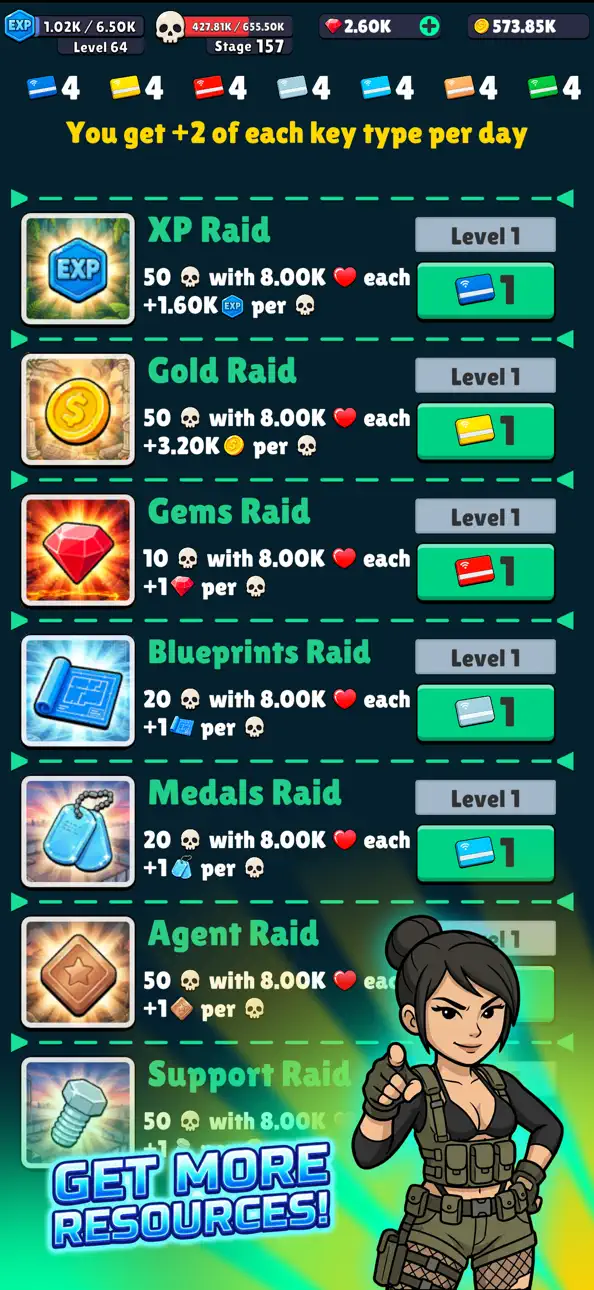
In Idle Squad Tactics: Merge RPG, you command an elite combat squad in a nonstop war zone filled with enemy forces, powerful bosses, and endless rewards. Merge weapons, strengthen your soldiers, and push through thousands of action-packed missions in this addictive idle RPG shooter.
Whether you enjoy idle progression, tactical squad building, or endless upgrade systems - there’s always another mission waiting.
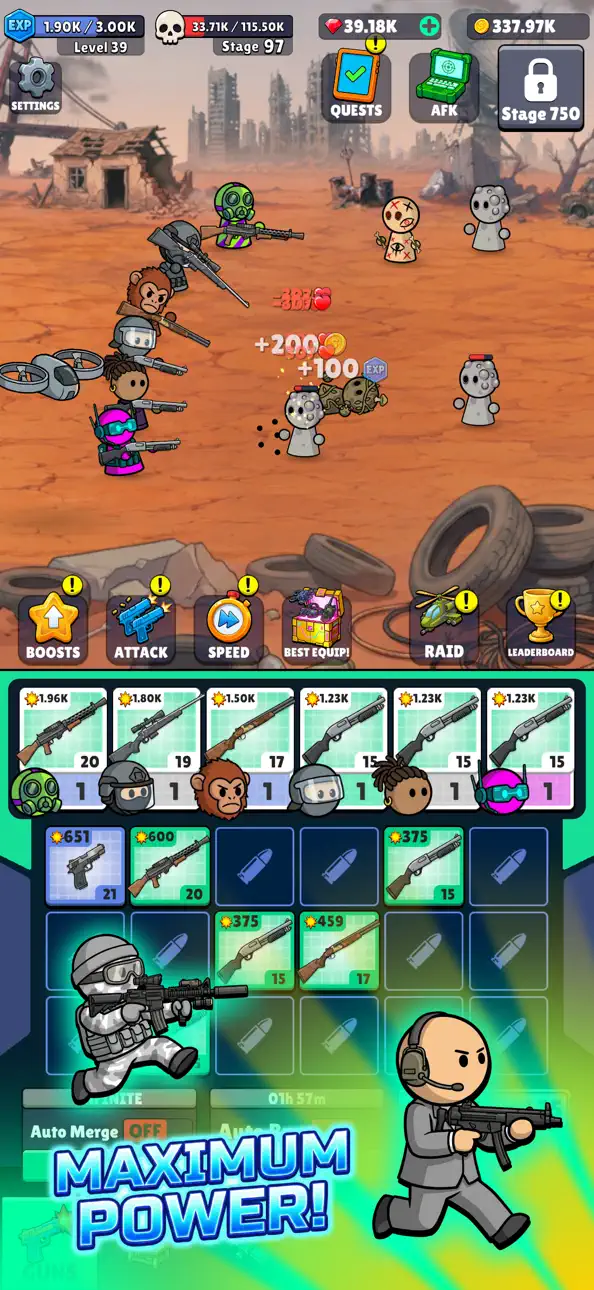
Assemble Your Combat Team
- Recruit unique soldiers with different combat roles
- Equip rifles, snipers, shotguns, and heavy weapons
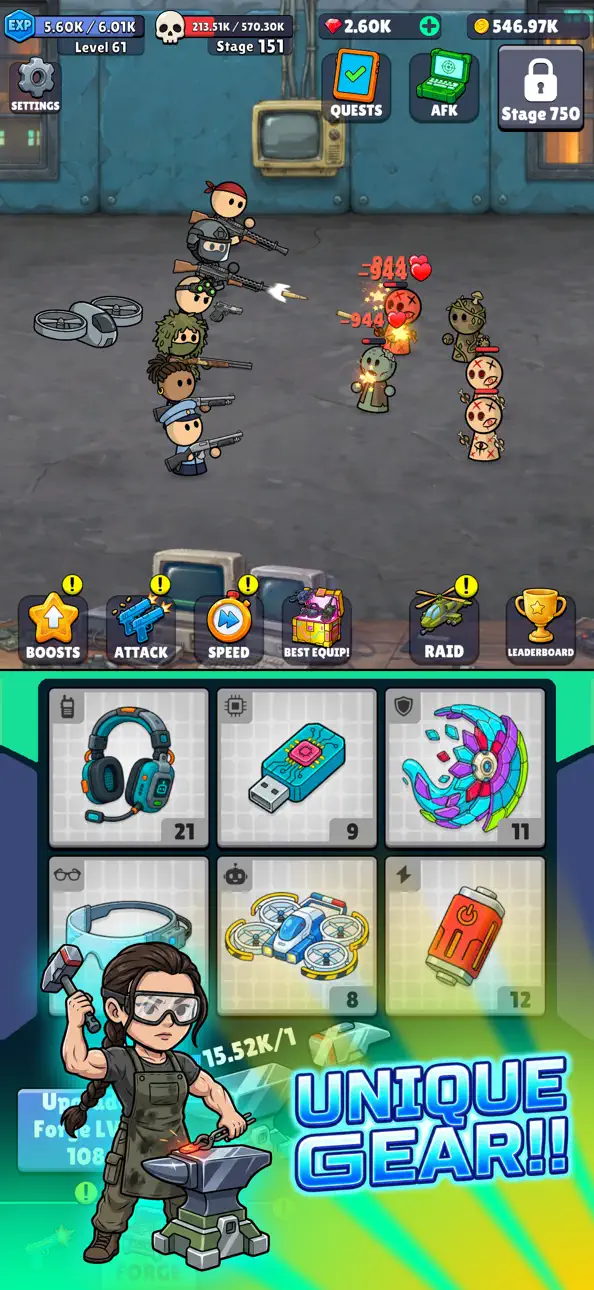
- Enhance your squad with powerful tactical gear
- Turn rookies into unstoppable battlefield veterans
- Every improvement increases your firepower and survivability.
Merge Weapons & Unlock Stronger Gear
- Combine duplicate equipment to create stronger versions
- Discover rare, epic, legendary, and mythic weapons
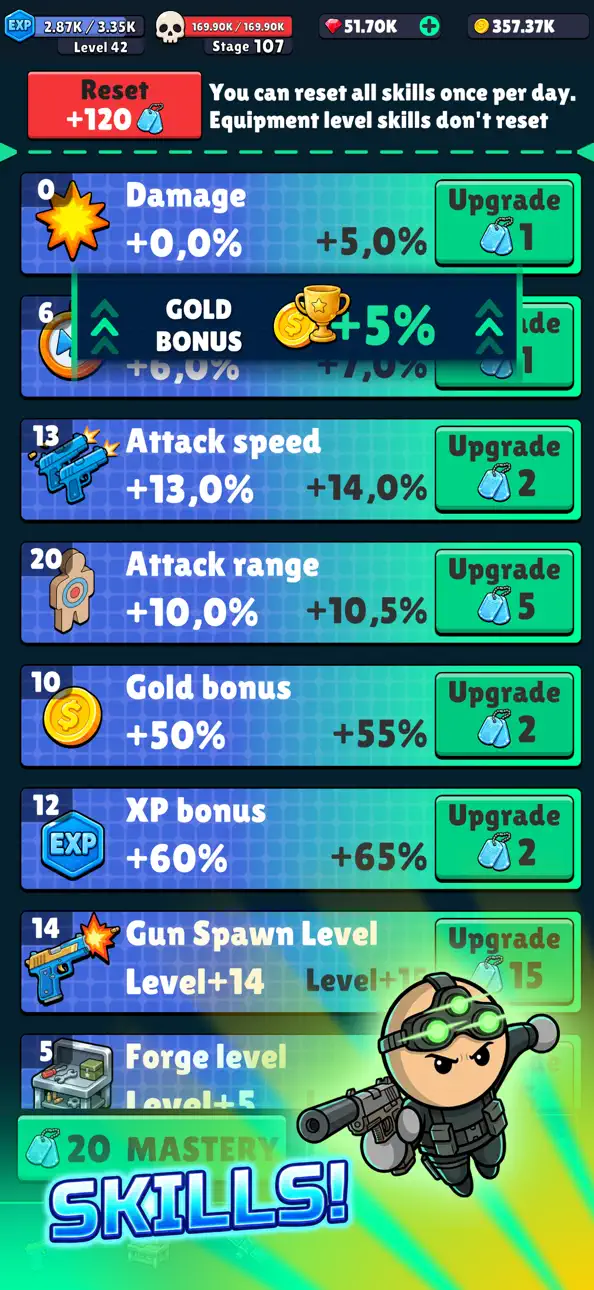
- Boost attack power, income, loot rates, and more
- Continuously evolve your squad’s arsenal
- The stronger your gear becomes, the further your squad can push.
Endless Missions & Boss Battles
- Fight across unlimited challenging stages
- Take down dangerous enemy units and massive bosses
- Earn bigger rewards as difficulty increases
- Progress through an endless military campaign
- Each mission brings tougher enemies — and better loot.
Progress Even While Offline
- Your squad keeps fighting while you’re away
- Collect idle rewards anytime you return
- Automate battles and resource farming
- Use prestige systems to grow even faster
- Perfect for both active players and idle grinders.
Why Players Love Idle Squad Tactics: Merge RPG
- Tactical squad-based gameplay
- Satisfying merge progression
- Huge variety of weapons and upgrades
- Endless idle advancement
- Offline rewards and automation
- Thousands of missions to complete
Your squad is ready for deployment!
Download Idle Squad Tactics: Merge RPG and build the ultimate combat team today!
Screenshots © their respective owners · App Store


iOSGods is not affiliated with, endorsed by, or sponsored by Apple Inc., Google LLC, or the developers of the apps listed here. Apple, iOS and App Store are trademarks of Apple Inc. Android and Google Play are trademarks of Google LLC. All other app names, icons, artwork and trademarks belong to their respective owners.

- Non-Jailbroken/Jailed or Jailbroken iPhone or iPad.
- Sideloadly or alternatives.
- Computer running Windows/macOS/Linux with iTunes installed.
STEP 1: Download the pre-hacked .IPA file from the link above to your computer. To download from the iOSGods App, see our iOSGods App IPA Download Tutorial which includes a video example.
STEP 2: Download Sideloadly and install it on your Windows or Mac.
STEP 3: Open Sideloadly on your computer, connect your iOS device, and wait until your device name appears in Sideloadly.
STEP 4: Once your iDevice is recognized, drag the modded .IPA file you downloaded and drop it into the Sideloadly application.
STEP 5: Enter your Apple Account email, then press “Start.” You’ll then be asked to enter your password. Go ahead and provide the required information.
STEP 6: Wait for Sideloadly to finish sideloading/installing the hacked IPA. If there are issues during installation, please read the note below.
STEP 7: Once the installation is complete and you see the app on your Home Screen, you will need to go to Settings → General → Profiles / VPN & Device Management. Once there, tap on the email you entered from step 6, and then tap on “Trust [email protected]”.
STEP 8: Now go to your Home Screen and open the newly installed app and everything should work fine. You may need to follow further per app instructions inside the hack's popup in-game.
NOTE: iOS/iPadOS 16 and later, you must enable Developer Mode. For free Apple Developer accounts, you will need to repeat this process every 7 days. If you have any questions or problems, read our Sideloadly FAQ section of the topic.
Hack Features:
- Inf Coins (Spend)
App Installation Instructions:
---------------------------------------------------------
----------------------------------------------------------
If you require more information or help, please read our Frequently Asked Questions topic on iOSGods.com.
----------------------------------------------------------
--------------------------------------------------