Login necessário
Entre com sua conta iOSGods para continuar.
Entre com sua conta iOSGods para continuar.
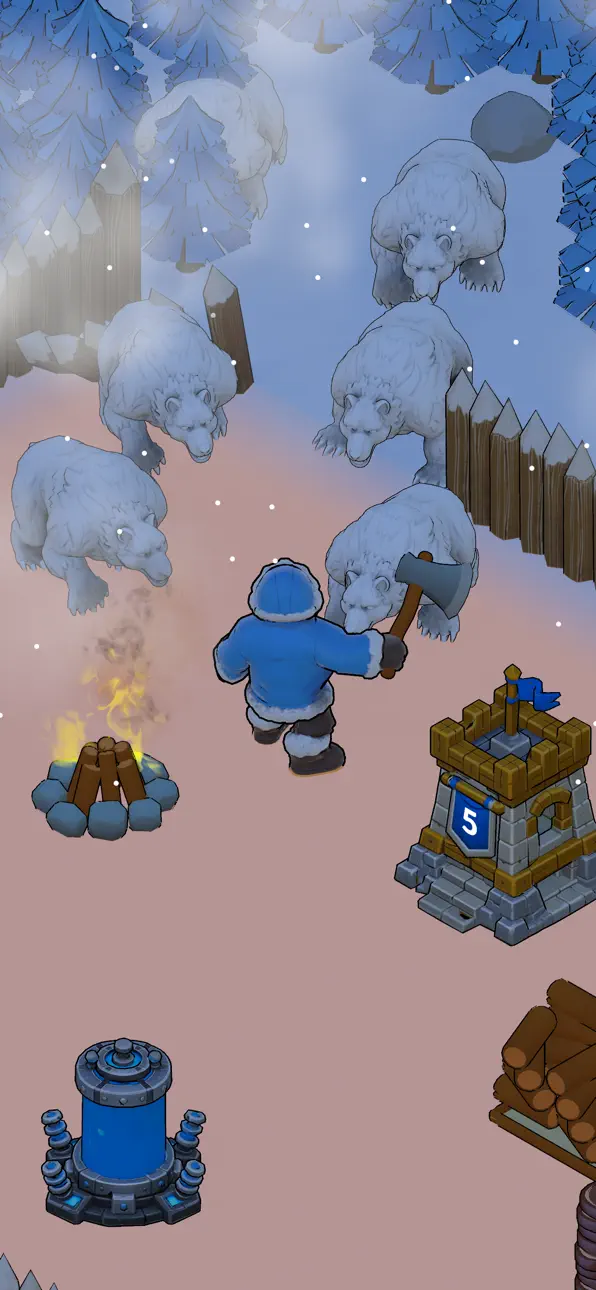
Este Mod IPA de sobrevivência gratuito para Real Survival: Not Fake coloca você no comando de uma aldeia congelada onde você corta, constrói e se defende contra inimigos gerados por portais sem a usual moagem de recursos. Gerencie seu povo através de nevascos e fome enquanto desbloqueia novos edifícios e tecnologias, tudo com moeda e materiais ilimitados ao seu alcance.
Com este hack, você pula os tediosos loops de cultivo e se concentra em estratégia, exploração e combate, perfeito para jogadores que querem experimentar a jogabilidade completa de construção de aldeia e sobrevivência sem esperar pelos recursos se acumularem ou assistir anúncios.
- Sem Anúncios Automáticos → remove interrupções de anúncios
- Gemas Ilimitadas → moeda premium sem limites
- Moedas Ilimitadas → gaste livremente em melhorias
- Madeira Ilimitada → construa e expanda sem atrasos de coleta
- Carne Ilimitada → mantenha sua aldeia alimentada
Este app também vem com iGameGod, oferecendo acesso ao Auto Touch para automatizar tarefas repetitivas, App Speed Manager para ajustar a velocidade do jogo, edição de valores com Memory Engine e outras ferramentas avançadas para jogos iOS.
Baixe Real Survival: Not Fake iOS Mod IPA dos links acima. Toque no botão de instalação e siga as instruções para instalar este hack iOS no seu iPhone, iPad ou Apple Silicon.
Precisa de mais ajuda? Confira nossas Perguntas frequentes sobre o app iOSGods para respostas detalhadas e dicas de solução de problemas.
Chop, Build, Survive, Defend, Explore, Fight and Lead your village through the frozen wilderness!
You were looking for the game, so I MADE IT.
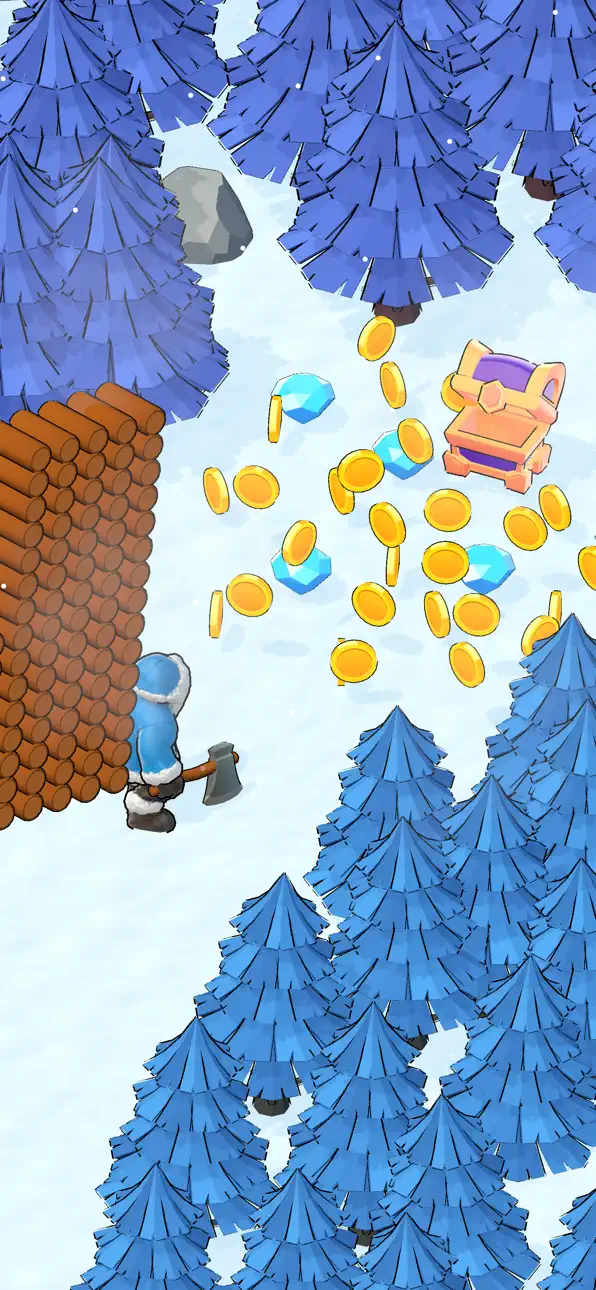
• Chop trees and gather resources with your axe
• Build and upgrade your own snowy village
• Hunt wildlife and survive the freezing cold
• Collect food and keep your people alive
• Defend against enemies emerging from evil portals
• Destroy the portals but be careful… THEY won’t like it.
• Survive blizzards, hunger and deadly winters
• Unlock new buildings, tools and technologies
• Explore the mysterious frozen forest
• Cool vibration effects!
• Juicy gameplay with tons of VFX.
With REAL SURVIVAL, be sure that this time you're getting exactly the game you were hoping to play.
Feel free to give me ideas for the next updates!
Brought to you by DEVDOP, an indie French studio.
Also known as @TheGreatestDeveloper on YouTube
Capturas © respectivos proprietários · App Store


A iOSGods não é afiliada, endossada nem patrocinada pela Apple Inc., pela Google LLC ou pelos desenvolvedores dos apps listados aqui. Apple, iOS e App Store são marcas da Apple Inc. Android e Google Play são marcas da Google LLC. Todos os demais nomes de apps, ícones, imagens e marcas pertencem aos seus respectivos proprietários.

- iPhone ou iPad sem jailbreak/jailed ou com jailbreak.
- Sideloadly ou alternativas.
- Computador com Windows/macOS/Linux e iTunes instalado.
PASSO 1: Baixe o arquivo .IPA pré-hackeado do link acima para o seu computador. Para baixar pelo iOSGods App, veja nosso Tutorial de download de IPA do iOSGods App, que inclui um exemplo em vídeo.
PASSO 2: Baixe o Sideloadly e instale-o no seu Windows ou Mac.
PASSO 3: Abra o Sideloadly no seu computador, conecte seu dispositivo iOS e aguarde até que o nome do dispositivo apareça no Sideloadly.
PASSO 4: Assim que seu iDevice for reconhecido, arraste o arquivo .IPA modificado que você baixou e solte-o no aplicativo Sideloadly.
PASSO 5: Digite o e-mail da sua Apple Account e pressione “Start”. Em seguida, será solicitada a sua senha. Prossiga e forneça as informações solicitadas.
PASSO 6: Aguarde o Sideloadly finalizar o sideload/instalação do IPA hackeado. Se houver problemas durante a instalação, leia a observação abaixo.
PASSO 7: Quando a instalação estiver concluída e você vir o app na Tela de Início, será necessário acessar Ajustes → Geral → Perfis / Gerenciamento de VPN e Dispositivo. Lá, toque no e-mail que você inseriu no passo 6 e, em seguida, toque em “Confiar em [email protected]”.
PASSO 8: Agora vá para a Tela de Início e abra o app recém-instalado; tudo deve funcionar normalmente. Você pode precisar seguir instruções adicionais específicas no popup do hack dentro do jogo.
OBSERVAÇÃO: No iOS/iPadOS 16 e versões posteriores, você deve ativar o Modo de Desenvolvedor. Para contas Apple Developer gratuitas, será necessário repetir este processo a cada 7 dias. Se tiver dúvidas ou problemas, leia nossa seção de FAQ do Sideloadly no tópico.
Game Name iOS Mod IPA is an action adventure game enhanced with powerful gameplay boosts and quality-of-life improvements. Win battles faster, earn rewards quicker, and enjoy uninterrupted play without ads.
- Unlimited Gold - spend freely to unlock premium content
- Damage Multiplier - deal significantly more damage in combat
- Defense Multiplier - take less damage and survive longer
- Reward Multiplier - earn more loot from every battle
- Max Level - instantly reach the highest player rank
- No Ads - play without interruptions or advertisements
This app also comes with iGameGod, giving you access to Auto Touch to automate repetitive tasks, App Speed Manager for adjustable gameplay speed, Memory Engine value editing, and more powerful iOS game tools.
Baixe Game Name Mod IPA dos links acima. Toque no botão de instalação e siga as instruções para instalar este hack iOS no seu iPhone, iPad ou Apple Silicon.
Precisa de mais ajuda Confira nossas Perguntas frequentes sobre o app iOSGods para respostas detalhadas e dicas de solução de problemas.
----------------------------------------------------------
--------------------------------------------------