ログインが必要
iOSGodsアカウントでサインインして続けてください。
iOSGodsアカウントでサインインして続けてください。
King Table - Idle RPG でコインを無限に裏返し、王族の財宝を急速に増やしましょう。このフリーの Mod IPA は、居心地の良いコイン裏返しの体験を純粋な富の蓄積へと変えます。タップするたびに満足感のある連鎖反応が起こり、銅貨、銀貨、金貨がテーブルの上で跳ね回り、無一文の貴族から伝説のコイン王へと財宝を築き上げます。
このハックを使えば、グラインドが消え去り、自動裏返しが繰り返しのタップを処理し、確実な勝利があなたの勝利を積み重ね、増加したコイン価値がアップグレードと従者雇用を通じた上昇を加速させます。リラックスできるアイドルゲームを探しているか、待ち時間をスキップしたいかにかかわらず、このモッド版なら King Table の完全な進行を自分のペースで体験できます。
- 自動裏返し → 手動タップなしでコインが自動的に裏返される
- 常に勝利 → すべての裏返しが勝利を保証
- コイン価値倍率 → 獲得した各コインの価値を劇的に増加
- 無制限エネルギー → エネルギー制限やクールダウンなしでプレイ
- インタースティシャル広告なし → 中断のないゲームプレイを楽しむ
このアプリにはiGameGodも搭載されており、繰り返し作業を自動化するAuto Touch、ゲーム速度を調整できるApp Speed Manager、Memory Engineによる値の編集など、強力なiOSゲーム用ツールをご利用いただけます。
King Table - Idle RPG iOS Mod IPAを上のリンクからダウンロードします。インストールボタンをタップし、画面の指示に従ってiPhone、iPad、Apple SiliconにこのiOSアプリハックをインストールします。
さらにヘルプが必要ですか? 詳しい回答とトラブルシューティングはiOSGodsアプリ よくある質問をご覧ください。
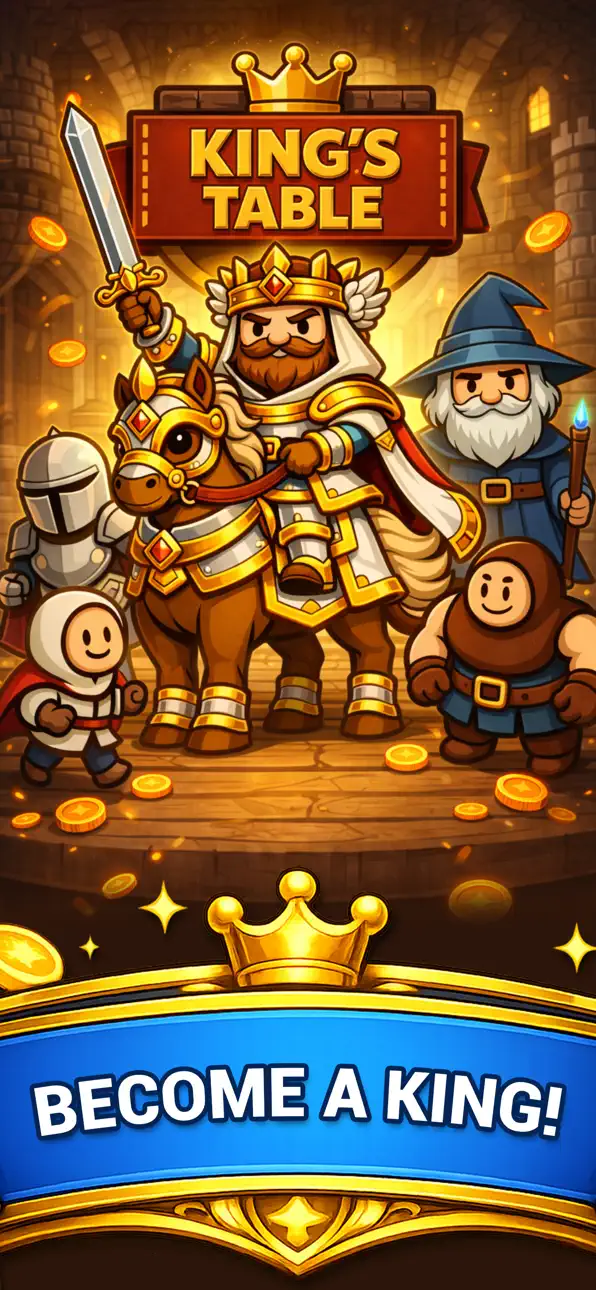
King’s Table is a cozy idle coin game where every flip grows your royal fortune.
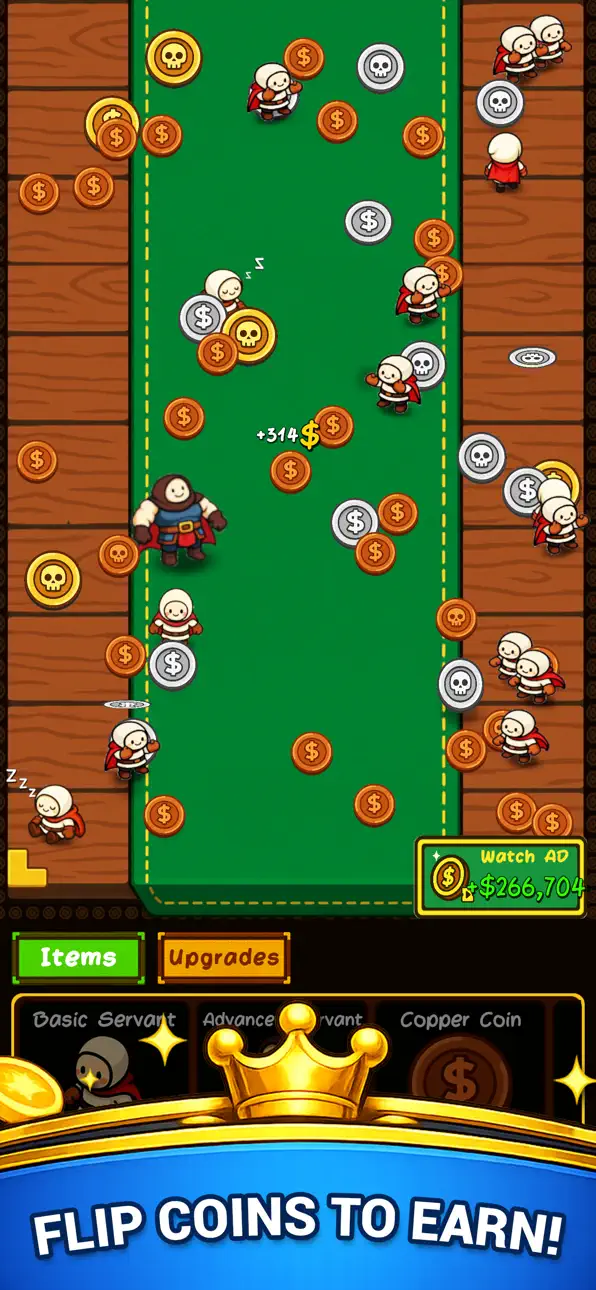
Sit at the king’s table, flip copper, silver, and gold coins, and watch them bounce, roll, and collide in fun gameplay that’s all about satisfying chain reactions.
Tap to toss coins, trigger powerful shockwaves, and crush piles of cash as you climb from broke noble to legendary coin king.
Use your coins wisely: invest in permanent upgrades that boost income, increase flip power, add more coins on the table, and unlock new bonus effects.
Hire loyal servants and helpers who flip coins for you automatically, so your idle progress continues.
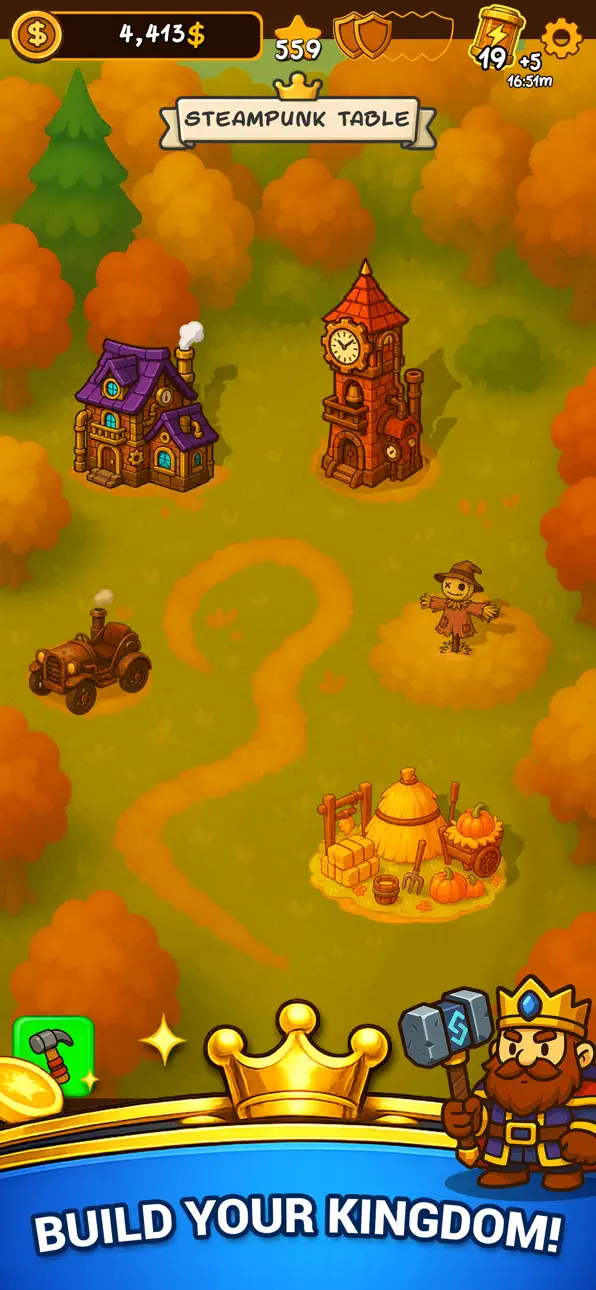
Travel through different themed tables, each with its own mood and strategy.
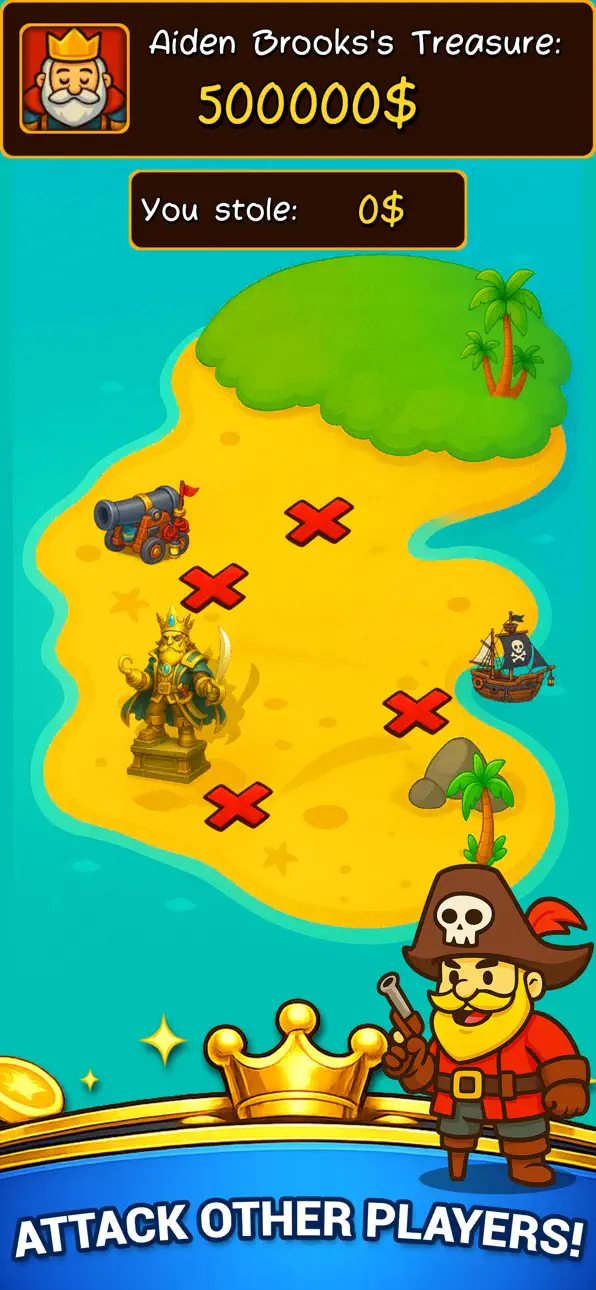
Start on a simple knowledge table, then move into steampunk machines, pirate coves, dwarf halls, icy kingdoms, and more.
Every new table brings stronger upgrades, bigger rewards, and fresh ways to crush your previous records.
Build your own royal economy step by step, upgrade by upgrade.
King’s Table is designed for players who love idle games, coin games, and relaxing but addictive fun gameplay.
No complex rules, no stress—just flip, earn, upgrade, and watch the numbers go up.
Perfect for short sessions or long grinding marathons.
Features:
• Cozy idle coin-flipping gameplay – flip, bounce, and crash coins on the king’s table.
• Become a king of coins – build a growing royal treasury with every toss.
• Smart upgrades – boost coin value, flip speed, combo power, and more.
• Satisfying chain reactions – trigger shockwaves and crush huge piles of coins.
• Multiple themed tables – wooden, steampunk, pirate, dwarf, ice and other fantasy worlds.
• Loyal servants & helpers – automate flips for true idle progress.
• Relaxing, colorful art and smooth animations for a cozy royal atmosphere.
If you enjoy idle clickers, coin games, upgrade systems, and watching numbers explode, King’s Table will feel like home.
Sit down, flip your first coin, and build the richest kingdom the world has ever seen—one satisfying flip at a time.
スクリーンショット © 各権利者 · App Store


iOSGods は Apple Inc.、Google LLC、および掲載アプリの開発者と提携しておらず、承認や協賛も受けていません。Apple、iOS、App Store は Apple Inc. の商標です。Android および Google Play は Google LLC の商標です。その他のアプリ名、アイコン、画像、商標はすべて各権利者に帰属します。

- 脱獄/Jailed済みまたは脱獄済みのiPhoneまたはiPad。
- Sideloadlyまたは代替手段。
- iTunesがインストールされているWindows/macOS/Linuxを実行しているコンピュータ。
ステップ1: 上のリンクから事前にハックされた.IPAファイルをコンピュータにダウンロードします。iOSGodsアプリからダウンロードする方法は、ビデオ例付きのiOSGodsアプリIPAダウンロードチュートリアルをご覧ください。
ステップ2: SideloadlyをダウンロードしてWindowsまたはMacにインストールします。
ステップ3: コンピュータでSideloadlyを開き、iOSデバイスを接続して、デバイス名がSideloadlyに表示されるまで待ちます。
ステップ4: iDeviceが認識されたら、ダウンロードしたModされた.IPAファイルをSideloadlyアプリにドラッグ&ドロップします。
ステップ5: Apple Accountのメールアドレスを入力し、「Start」を押します。次にパスワードの入力を求められます。必要な情報を入力してください。
ステップ6: Sideloadlyがハックされたipaのサイドロード/インストールを完了するのを待ちます。インストール中に問題が発生した場合は、以下の注意事項をお読みください。
ステップ7: インストールが完了し、ホーム画面にアプリが表示されたら、設定 → 一般 → プロファイル / VPNとデバイス管理に移動する必要があります。そこで、ステップ6で入力したメールをタップし、「Trust [email protected]」をタップします。
ステップ8: ホーム画面に戻り、新しくインストールされたアプリを開けば、すべて正常に動作するはずです。ゲーム内のハックのポップアップで、アプリごとの追加指示に従う必要がある場合があります。
注意: iOS/iPadOS 16以降では、デベロッパモードを有効にするが必要です。無料のApple Developerアカウントの場合、このプロセスを7日ごとに繰り返す必要があります。質問や問題がある場合は、トピックのSideloadly FAQセクションをお読みください。
Game Name iOS Mod IPA is an action adventure game enhanced with powerful gameplay boosts and quality-of-life improvements. Win battles faster, earn rewards quicker, and enjoy uninterrupted play without ads.
- Unlimited Gold - spend freely to unlock premium content
- Damage Multiplier - deal significantly more damage in combat
- Defense Multiplier - take less damage and survive longer
- Reward Multiplier - earn more loot from every battle
- Max Level - instantly reach the highest player rank
- No Ads - play without interruptions or advertisements
This app also comes with iGameGod, giving you access to Auto Touch to automate repetitive tasks, App Speed Manager for adjustable gameplay speed, Memory Engine value editing, and more powerful iOS game tools.
Game Name Mod IPAを上のリンクからダウンロードします。インストールボタンをタップし、画面の指示に従ってiPhone、iPad、Apple SiliconにこのiOSアプリハックをインストールします。
さらにヘルプが必要ですか 詳しい回答とトラブルシューティングはiOSGodsアプリ よくある質問をご覧ください。
----------------------------------------------------------
--------------------------------------------------


![Bullet Force Hack [Aimbot - ESP]](https://is1-ssl.mzstatic.com/image/thumb/Purple211/v4/b1/d3/fb/b1d3fbca-1e96-ad61-1d20-cb4475d74e5d/AppIcon-0-0-1x_U007emarketing-0-8-0-85-220.png/100x100bb.jpg)


