Login Required
Sign in with your iOSGods account to continue.
Sign in with your iOSGods account to continue.

Damage Multiplier, Defence Multiplier, and God Mode in this free Mod IPA transform Fortunes of Battle into an unstoppable dungeon crawler where every dice roll lands in your favor. Descend into forgotten depths with amplified power, unbreakable defense, and the full game unlocked from the start.
Whether you're chasing the perfect run or exploring every floor without grinding, this hack strips away the grind and lets you focus on the strategy, discovery, and risk-reward decisions that make each descent unique. Push deeper, claim legendary relics, and unlock hero skills at your own pace.
- Damage Multiplier → amplify your attack output
- Defence Multiplier → reduce incoming damage
- God Mode → become invulnerable
- Unlimited Coins -> Earn some.
- Full Game Unlocked → access all content
This app also comes with iGameGod, giving you access to Auto Touch to automate repetitive tasks, App Speed Manager for adjustable gameplay speed, Memory Engine value editing, and more powerful iOS game tools.
Download Fortunes of Battle iOS Mod IPA from the links above. Tap the install button and follow the on-screen instructions to install this iOS app hack on your iPhone, iPad, or Apple Silicon.
Need more help? Check out our iOSGods App Frequently Asked Questions for detailed answers and troubleshooting tips.
The dungeon calls once more.
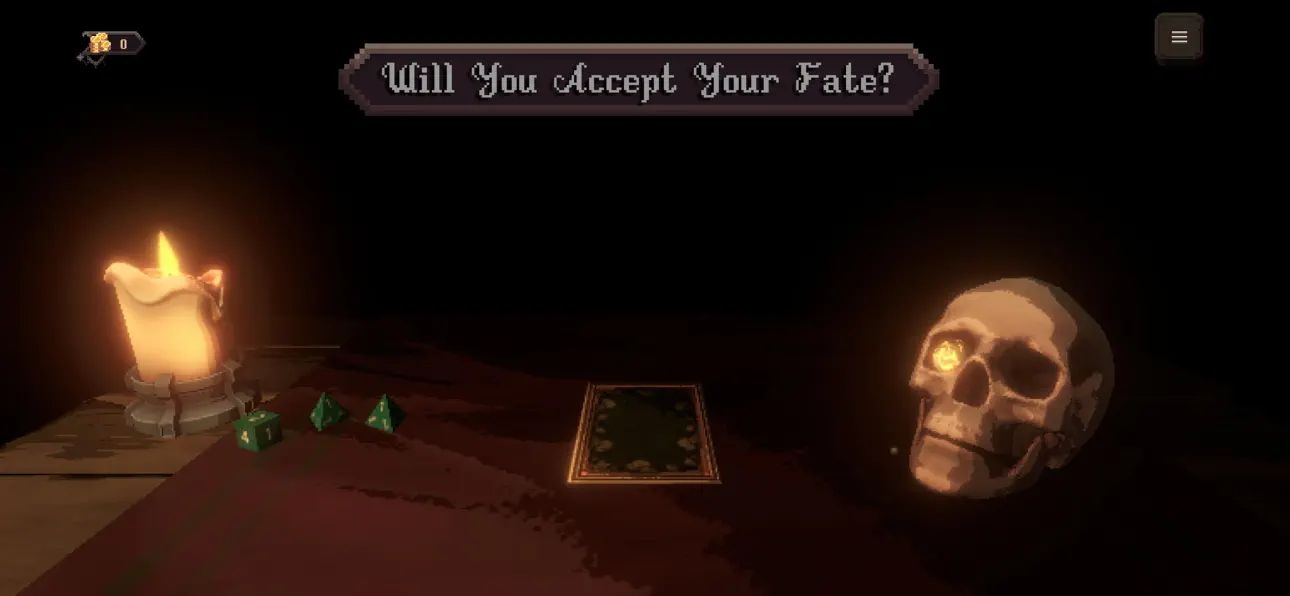
Armed with little more than a weapon, a handful of dice, and your own courage, you descend into a world of forgotten treasure, dangerous creatures, and impossible choices. Every run is a new adventure filled with perilous encounters, powerful rewards, and the constant temptation to push just a little deeper.
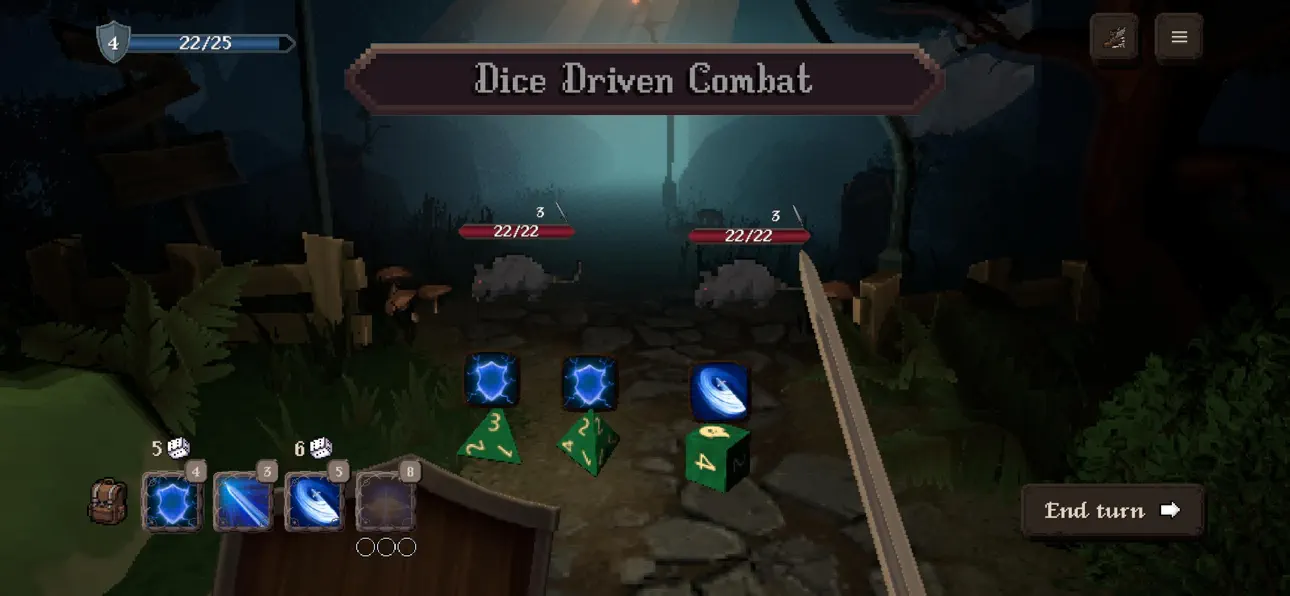
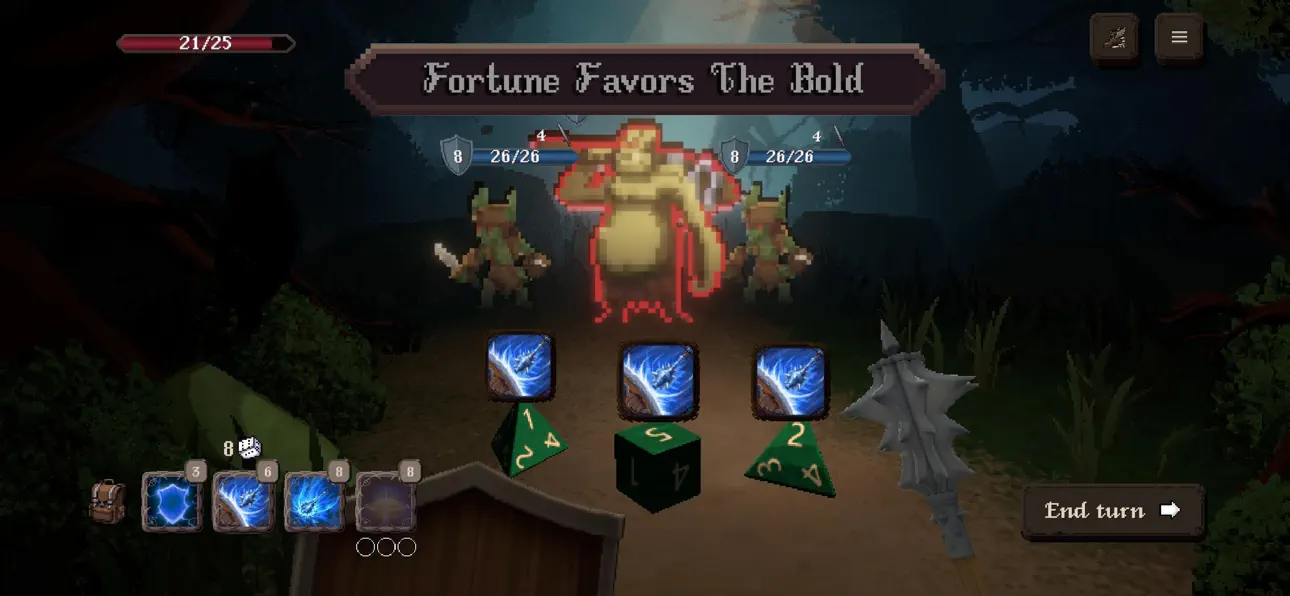
Battle through tense dice driven encounters, discover powerful weapons and mysterious relics, and grow stronger by unlocking unique skills for each hero. Every floor brings new opportunities, unexpected dangers, and tough decisions as you delve ever deeper into the dungeon.
No two journeys are ever the same.
Choose your hero, prepare your starting gear, and forge your own path into the darkness...
- Non-Jailbroken/Jailed or Jailbroken iPhone or iPad.
- Sideloadly or alternatives.
- Computer running Windows/macOS/Linux with iTunes installed.
STEP 1: Download the pre-hacked .IPA file from the link above to your computer. To download from the iOSGods App, see our iOSGods App IPA Download Tutorial which includes a video example.
STEP 2: Download Sideloadly and install it on your Windows or Mac.
STEP 3: Open Sideloadly on your computer, connect your iOS device, and wait until your device name appears in Sideloadly.
STEP 4: Once your iDevice is recognized, drag the modded .IPA file you downloaded and drop it into the Sideloadly application.
STEP 5: Enter your Apple Account email, then press “Start.” You’ll then be asked to enter your password. Go ahead and provide the required information.
STEP 6: Wait for Sideloadly to finish sideloading/installing the hacked IPA. If there are issues during installation, please read the note below.
STEP 7: Once the installation is complete and you see the app on your Home Screen, you will need to go to Settings → General → Profiles / VPN & Device Management. Once there, tap on the email you entered from step 6, and then tap on “Trust [email protected]”.
STEP 8: Now go to your Home Screen and open the newly installed app and everything should work fine. You may need to follow further per app instructions inside the hack's popup in-game.
NOTE: iOS/iPadOS 16 and later, you must enable Developer Mode. For free Apple Developer accounts, you will need to repeat this process every 7 days. If you have any questions or problems, read our Sideloadly FAQ section of the topic.
Hack Features:
- Inf Coins (Spend)
App Installation Instructions:
---------------------------------------------------------
----------------------------------------------------------
If you require more information or help, please read our Frequently Asked Questions topic on iOSGods.com.
----------------------------------------------------------
--------------------------------------------------


![Arrow Rush: Archer Roguelike [ Debug Menu ]](https://is1-ssl.mzstatic.com/image/thumb/Purple211/v4/7e/9d/4e/7e9d4e2f-161c-f674-32de-2fb5c503b1cb/AppIcon-0-0-1x_U007emarketing-0-8-0-85-220.png/100x100bb.jpg)


